
Quick Answer
Your leads are going cold while you are up a ladder and that is costing you thousands. Connect a website enquiry form to Make.com, run the details through ChatGPT (o3-mini), and send a personalised WhatsApp reply in under 10 seconds. At Digital Toolbag we have been using AI receptionists with our partners and the results are brilliant. Cost: roughly £0.0001 per response. Setup time: about 45 minutes.
Table of Contents
- The £24,000 lead response problem UK tradespeople face
- How the ChatGPT + Make.com + WhatsApp automation works
- What you need for the AI lead response setup
- Build the scenario in Make.com (step by step)
- The Make.com scenario (free download)
- WhatsApp Business API rules in 2026
- Manual vs AI-automated lead response comparison
- AI lead response running costs (Make.com + ChatGPT)
- My verdict on AI-powered lead response
- What the trades automation community thinks
- Make.com + WhatsApp automation video tutorials
- ChatGPT + Make.com lead response FAQ
The £24,000 lead response problem UK tradespeople face
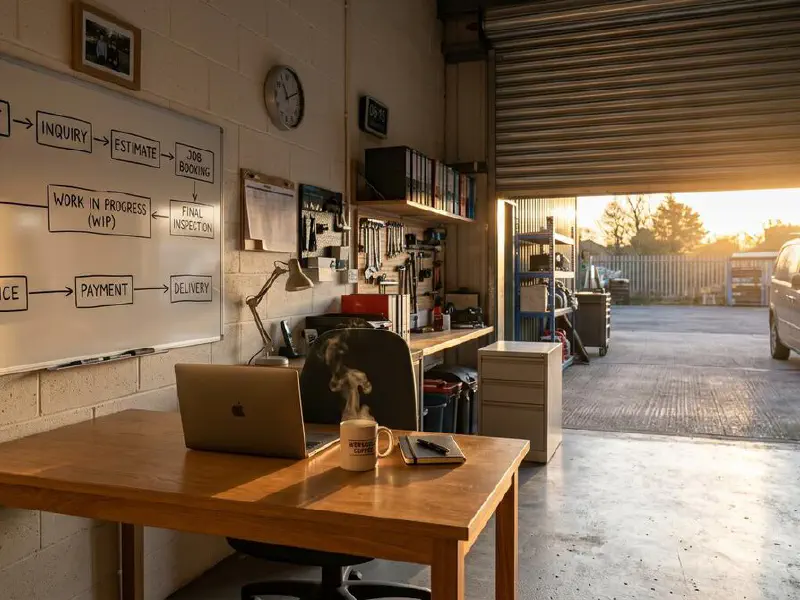
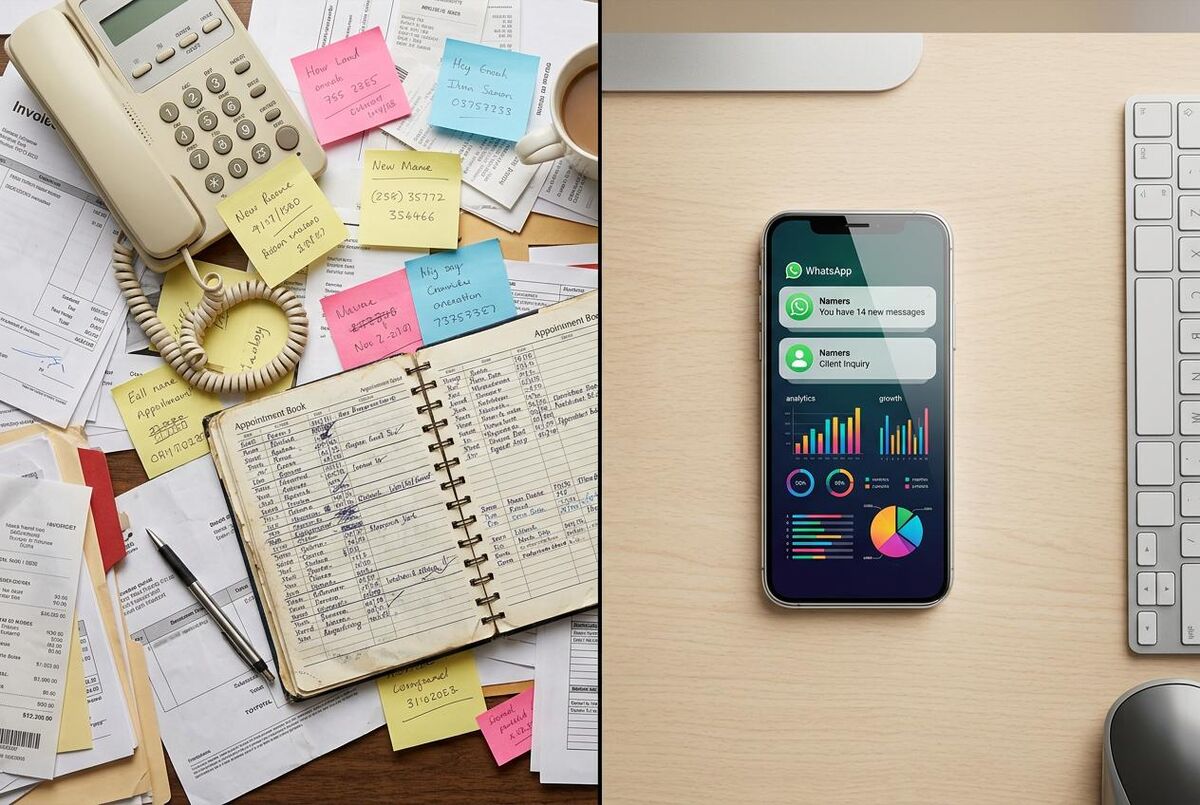
I have seen this happen over and over with the trades businesses I work with at Digital Toolbag. You are on a roof in Coventry when three enquiries come in. By the time you get back to the van at half four, two of them have already booked someone else. The third is still there. You call. Voicemail. You have just lost two jobs you never had a chance to quote.
Do you know what I mean? This is not bad luck. It is a numbers game. UK tradespeople miss an average of 62% of incoming calls when working on-site, according to telecoms research from Moneypenny (a UK answering service that publishes annual small business call data). Studies on service business response rates show that 78% of jobs go to whoever responds first. The average time between an enquiry and the first response from a trades business? 47 hours. The average time a customer waits before calling someone else? 5 minutes.
Add it up over a year and the numbers get uncomfortable. If you are spending money on Google Ads to generate those leads in the first place, slow responses make that spend even more wasteful. And if your website is actually generating leads but nobody is picking them up, that is money you are actively throwing away. Research by lead management consultants puts the average annual revenue lost to slow or missed lead response at around £24,000 for a sole trader or small team. That's a month's labour. That's a new van deposit. Gone.
The answer is not to be glued to your phone. It is to make sure something responds for you, immediately, every time, with a message that sounds like you wrote it. That is exactly what this Make.com scenario does.
How the ChatGPT + Make.com + WhatsApp automation works

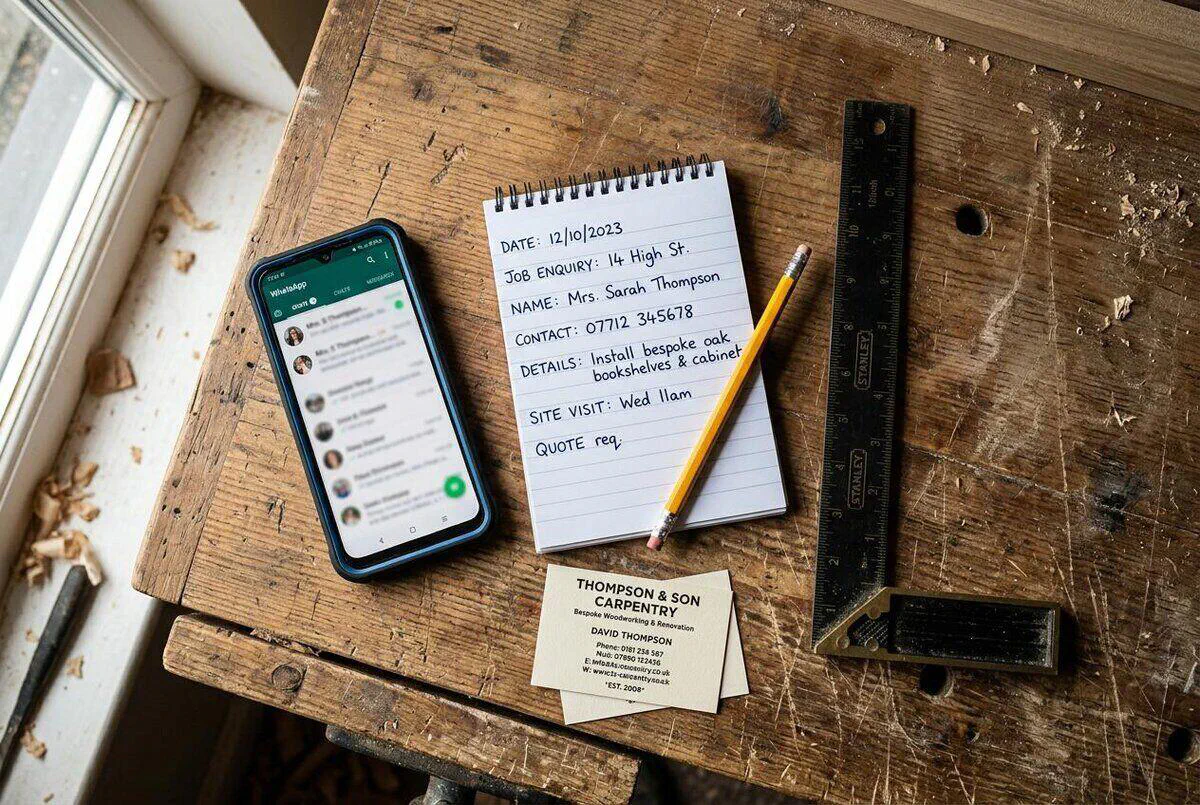
This scenario has five steps and runs completely without you once it is live. When a customer fills in your website enquiry form, or sends a message to your WhatsApp Business number, Make.com catches the data. It passes the customer's name, phone number, and job description to ChatGPT. ChatGPT drafts a personalised response that acknowledges their specific request. That message goes straight to the customer via WhatsApp Business, usually within 10 seconds of them hitting send.
At the same time, the scenario adds a row to your lead tracking spreadsheet in Google Sheets and creates a calendar reminder so you see it when you're back at your desk. Nothing falls through the cracks. Nothing needs chasing. I think of it as the first piece of what I call a "sales platform" for trades businesses, where marketing, lead capture, and follow-up all connect instead of living in separate silos.
 ChatGPT (OpenAI)
 Make.com
 WhatsApp Business
The system does not pretend to be you. For a broader look at how AI agents can handle customer interactions beyond initial responses, read our guide on using AI agents for trades customer communication. It does not carry on long conversations. It sends one well-worded message that says "I've received your enquiry about [their job], I'll be in touch today between [time window]" and logs everything so you can follow up properly. That single message is enough to stop the customer shopping around. You've responded. You're real. They'll wait.
What you need for the AI lead response setup
You do not need to be technical. If you can set up a Gmail account, you can build this. Here is what you need before you start:
- Make.com account: The free plan covers 1,000 credits per month, which is roughly 200 lead responses. Most sole traders will stay under that. Sign up at make.com.
- OpenAI API key: Create one at platform.openai.com. You'll add credit to your account (£5 covers about 5,000 responses using o3-mini). The cost per response is around £0.0001.
- WhatsApp Business API access: You need a WhatsApp Business account with the Cloud API enabled. Apply through Meta's developer portal (business.facebook.com). Approval usually takes 24-48 hours. You'll need a dedicated phone number, not your personal WhatsApp number.
- Google account: For Sheets (lead log) and Calendar (follow-up reminders). Both are free.
- A webhook endpoint: Most website builders (Squarespace, Wix, WordPress) can send form submissions to a URL. Make.com gives you this URL when you add the webhook trigger module.
No website contact form? No problem.
You can trigger this scenario manually from a Google Form, from a Typeform, or even by sending a formatted message to a WhatsApp Business number that acts as the intake point. Make.com connects to all of them. The webhook is just the most common starting point for a website with a "Get a Quote" button.
Build the scenario in Make.com (step by step)
Log in to Make.com and click "Create a new scenario". You'll build five modules connected left to right. Follow this exactly:
- Webhooks: Custom webhook (trigger): Add this as your first module. Make.com generates a unique URL. Copy it. Go to your website contact form settings and paste this URL as the form's webhook endpoint. This is how Make.com receives the enquiry data. Set the fields you expect (name, phone, message).
- OpenAI: Create a completion: Add this as the second module. Connect your OpenAI API key. Select model:
o3-mini. In the system prompt field, enter your business context: "You are a friendly assistant for [Your Business Name], a [trade] based in [location]. Draft a brief, warm WhatsApp response to a new customer enquiry." In the user message, map the customer's name and enquiry text from the webhook data using Make.com's variable picker. - WhatsApp Business Cloud: Send a message: Add as the third module. Connect your Meta WhatsApp Business account. In the "to" field, map the customer's phone number from the webhook. In the message body, map the AI-generated response from the OpenAI module. The customer receives this on WhatsApp within seconds of submitting the form.
- Google Sheets: Add a row: Add as the fourth module. Connect your Google account. Point to a spreadsheet you've created for leads. Map columns: Date/Time (use Make.com's built-in timestamp), Customer Name, Phone, Enquiry Text, AI Response Sent. This creates your automatic lead log.
- Google Calendar: Create an event: Add as the fifth module. Set the event title to "Follow up: [Customer Name]", set the time to 2 hours from the current timestamp, add the customer details and original enquiry in the event description. You'll see this when you check your calendar after the job.
Click the toggle in the bottom left to turn the scenario "On". From this point forward, it runs automatically whenever a form is submitted. I will be honest, the first time I turned one of these on for a partner's site I sat there refreshing the Google Sheet for about 20 minutes waiting for a test enquiry to come through. Old habits.
Tip: Write a Good System Prompt Once
Spend 10 minutes getting your OpenAI system prompt right. Our guide on using ChatGPT to write quotes that win jobs covers prompt-writing techniques you can adapt here. Include your business name, trade specialism, area covered, and your usual response style. The more context you give, the better the draft sounds. Something like: "You are a helpful assistant for Harris Electrical, a domestic electrician covering Bristol and Bath. Respond warmly, mention that we'll be in contact within the hour during business hours or first thing the next morning for after-hours enquiries. Keep it under 60 words." Update this whenever your business or hours change.
The Make.com scenario (free download)
Below is the complete 5-module Make.com scenario you can import directly into your account. The SVG diagram shows exactly how the modules connect. Download the JSON blueprint using the button below, then follow the import steps at the bottom of this section.
AI Lead Response Bot: ChatGPT and WhatsApp
5 modulesModules in This Scenario
- Webhooks - Custom Webhook Receives the website enquiry form submission with customer name, phone, and job description
- OpenAI (GPT) - Create a Completion Sends the enquiry details to ChatGPT (o3-mini) and gets back a personalised reply draft
- WhatsApp Business Cloud - Send a Message Sends the AI-drafted response to the customer's WhatsApp number immediately
- Google Sheets - Add a Row Logs the lead with timestamp, customer details, enquiry text, and the response sent
- Google Calendar - Create an Event Creates a follow-up reminder 2 hours later so you never forget to close the lead properly
How to Import This Scenario into Make
Click "Download Scenario JSON" above to save the blueprint file. Then log in to Make.com, go to Scenarios, and click "Create a new scenario". Click the three-dot menu in the top right corner and select "Import Blueprint". Upload the JSON file you downloaded. Make.com will show you the five modules. Then configure your connections (Webhooks (no auth needed), OpenAI (paste your API key), WhatsApp Business Cloud (connect your Meta app), Google Sheets (connect your Google account), Google Calendar (same Google account)). Test the scenario with a dummy enquiry and switch it to "On" when you're happy with it.
WhatsApp Business API rules in 2026
There's a rule change you need to know about before you set this up. In January 2026, Meta updated its WhatsApp Business Platform policies to restrict certain types of automated messaging. The key change: general-purpose AI chatbots that hold open-ended conversations are no longer permitted.
WhatsApp API Policy Update: January 2026
Meta has banned general-purpose AI chatbots on the WhatsApp Business API from January 2026. This means you cannot build a bot that chats freely on any topic. However, task-oriented automation is still fully permitted. This includes: sending a one-off acknowledgement of a quote request, confirming a booking time, sending a job completion summary, or providing a status update. The scenario in this article does exactly that, it sends a single, specific response to a specific enquiry type. Fully compliant with the 2026 rules.
The practical difference is simple. A general chatbot says "Hi! How can I help you today?" and keeps the conversation going indefinitely. A task-oriented response says "Thanks for your enquiry about the bathroom refit, Sarah. I'll get back to you this afternoon with more details." One is open-ended. One is a single, purposeful message tied to a specific trigger. Only the second is allowed.
For most tradespeople, this is a non-issue. You are not trying to replace human conversation. You are trying to acknowledge enquiries fast enough that customers don't go elsewhere. That is exactly what the 2026 rules permit. For a broader overview of what AI can do across your business, our AI tools for tradespeople guide covers everything from quoting to scheduling. And if you want to expand beyond lead response into full business automation, our n8n automation stack guide covers seven workflows that replace a full-time admin.
Manual vs AI-automated lead response comparison
Here's what the two approaches look like side by side for a busy sole trader getting around 30 enquiries a month:
| Factor | Manual (Current) | Automated (This System) |
|---|---|---|
| Response time | 2-47 hours (if you remember) | Under 10 seconds |
| Coverage | 9am-5pm (roughly) | 24 hours, 7 days a week |
| Cost per response | ~£2-5 in staff time | ~£0.0001 in API costs |
| Lead logging | Manual (often forgotten) | Automatic to Google Sheets |
| Follow-up reminder | Post-it note or nothing | Automatic calendar event |
| Response quality | Varies (tired at 6pm) | Consistent, professional |
| Missed leads | Common (especially evenings, weekends) | Near zero |
AI lead response running costs (Make.com + ChatGPT)
The running costs are practically nothing. The biggest variable is whether you stay inside Make.com's free tier (1,000 credits per month). Each enquiry uses 5 credits, one per module, so the free plan covers 200 enquiries per month. Most sole traders won't hit that. If you do, Make.com's Core plan is $9/month (around £7) and covers 10,000 credits (2,000 enquiries).
Compare that to the alternatives, or to simpler automation tools like Zapier which offers 10 essential zaps for trades businesses. A virtual answering service runs £200-£400 per month. A part-time admin to handle messages is £800+ per month. Even a basic 24/7 call answering service will run £150+ per month and still won't log leads or send WhatsApp messages.
Free Tier Maths
On Make.com's free plan, each lead response costs exactly zero. You pay for OpenAI API usage: o3-mini costs $1.10 per million input tokens and $4.40 per million output tokens. A typical 50-word enquiry plus a 60-word response uses roughly 200 tokens total. That is £0.00017 per lead response. If you get 100 enquiries a month, your OpenAI bill is approximately £1.70 per month. Even on the paid Make.com plan, the full cost is under £9/month.
My verdict on AI-powered lead response
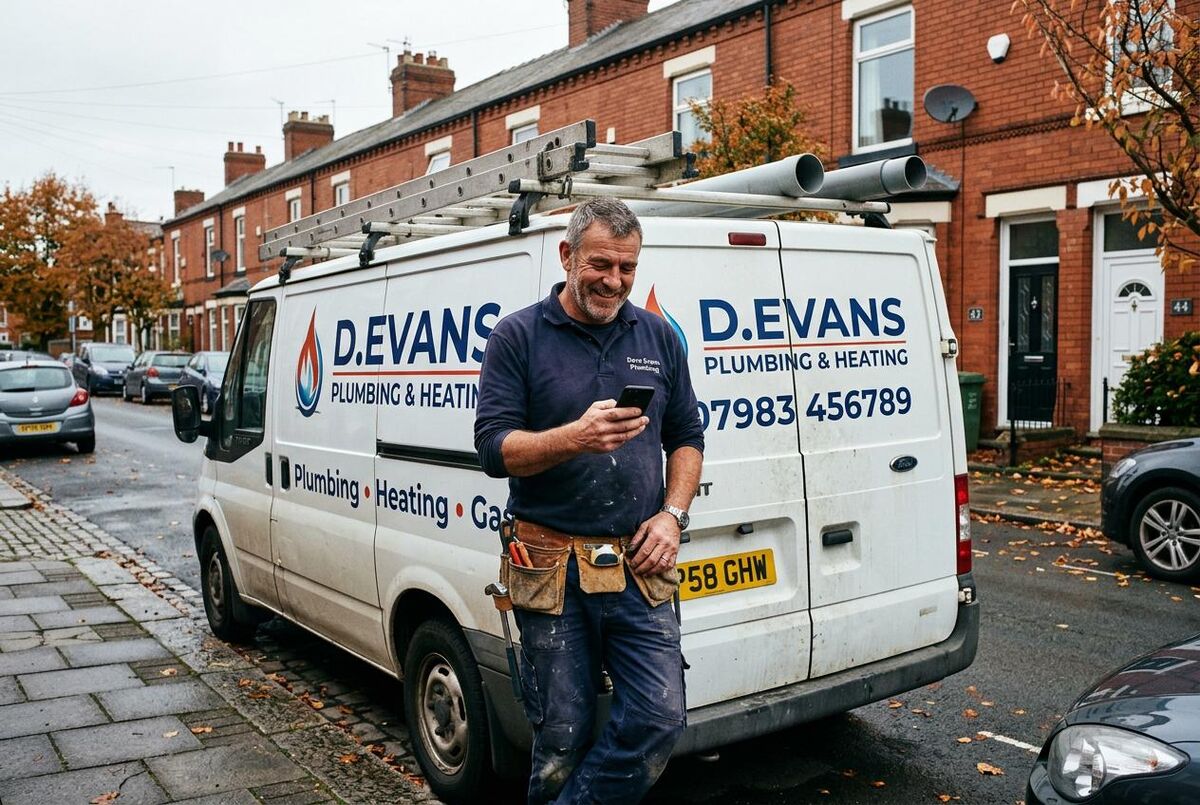
I have set up AI receptionists with several of my Digital Toolbag partners now and the pattern is always the same: they cannot believe how many enquiries they were losing before. One heating engineer in the Midlands told me he picked up three boiler installs in the first fortnight just because he was replying within 10 seconds instead of 10 hours. That is not a marketing trick. That is being present when the customer is ready to buy.
Set this up on a Saturday morning. Test it with a few mates. Tweak the prompt once. Then forget about it. The scenario runs in the background, costs almost nothing, and every lead gets acknowledged before they have time to Google your competitor.
Best for: Sole traders and small teams getting more than 10 enquiries per week, especially those active on evenings and weekends
Time saved: 2-4 hours per week on manual follow-up and lead logging
Money saved: £2,000-£8,000+ per year in leads that would otherwise be lost to slower competitors
Setup time: 45-90 minutes including WhatsApp Business API application
What the trades automation community thinks
Note: most online communities discussing AI lead response automation are US-based, so many quotes reference dollar amounts and the American market. The principles and tools apply identically to UK trades businesses.
Make.com + WhatsApp automation video tutorials

WhatsApp Automations with Make (Official Tutorial)
Make (official)
130,688 views

Build a WhatsApp Chatbot in 2 Minutes With No Coding
Jason West
1,211,045 views

AI Customer Support On WhatsApp (Easy Setup)
Jason West
2,127,276 views

WhatsApp AI Bot Tutorial: Automate Your Business Using Make.com
NoCode Automation
28,518 views

How To Build An AI Receptionist For A Trades Business
Brendan Jowett
31,574 views
I Built an AI Voice Agent That Never Misses a Call (No Code)
Ed Hill - AI Automation
259,263 views

Top 27 ChatGPT Make.com Automations [Automate With AI]
AI Andy
141,977 views
How to Automate Lead Qualification with AI in Make.com
Ben AI
8,789 views
Build your trades business automation stack
This lead response bot is just one piece of the puzzle. For a complete automation system, read our n8n automation stack guide covering 7 workflows that replace a full-time admin. If you use Tradify, our Tradify + Xero + Stripe + WhatsApp guide connects everything from job completion to payment. Or see the Explore TrainAR Academy
ChatGPT + Make.com lead response FAQ
Not unless you tell them. The message comes from your WhatsApp Business number, signed with your business name. It reads like a quick personal reply. Most customers just think you are fast.
Yes. Make.com has modules for ServiceM8, Tradify, Commusoft and most UK job management platforms. Swap out the Google Sheets module for a "Create Job" or "Create Lead" module in your FSM software. The rest of the scenario stays the same. Our ServiceM8 + Make.com guide covers that connection in detail.
Rare, but it happens. Set a character limit in your OpenAI prompt (60 words max) and keep the scope tight: acknowledge the enquiry, confirm you received it, give a callback window. The narrower the instructions, the fewer surprises. Review the first 10-20 responses in your Google Sheet before you stop checking.
Not directly. This scenario triggers on web form submissions or WhatsApp messages. For missed calls, you need a telephony layer like OpenPhone or a VoIP provider that can forward missed calls to a webhook. Doable, but a separate build. Read our AI agents for trades communication guide for that use case.
For this specific workflow, yes. Make.com's free tier gives you 1,000 credits per month. Zapier's free tier only allows 100 tasks, and multi-step zaps need a paid plan. If you are already paying for Zapier and prefer it, the same logic works there. Our Zapier for trades guide covers 10 automations including lead response.