
Quick Answer
A before-and-after portfolio is the single highest-converting piece of marketing a trades business owns. Same angle, same focal length, same time of day, with proper consent and clean editing. Most tradespeople take the after shot from a different position than the before and wonder why nobody engages. Fix the workflow, fix the bookings.
Table of Contents
- Why before-and-after photos win you work
- The kit that actually matters
- Shooting the "before" properly
- Shooting the "after" that matches
- Consent, GDPR and customer permissions
- Editing on mobile in under five minutes
- AI tools doing the heavy lifting in 2026
- Where your photos actually convert
- What tradespeople are saying
- Recommended videos
- Frequently asked questions
- My verdict
Why before-and-after photos win you work
A customer in Sutton scrolling Facebook at half past nine on a Tuesday is not reading your About page. They are not phoning around for quotes. They are looking at pictures and deciding whether you do work that resembles what they want in their own home. That is the whole sales funnel for most of our trade.
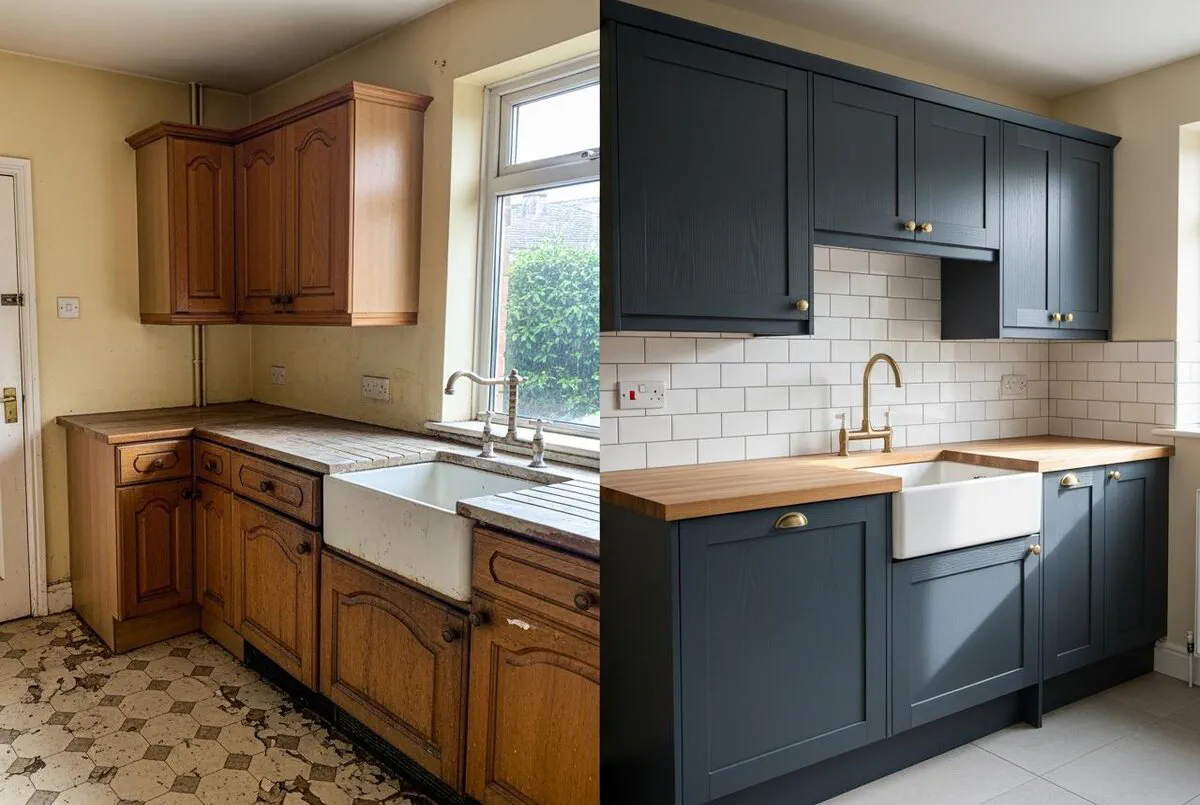
Before-and-after photography puts the proof at the top of that funnel. It collapses the gap between curiosity and a phone call because nothing else carries the same emotional weight. A bullet list of services tells someone you can do the job. A side-by-side photo shows them the result they are going to get.
The numbers back it up. Meta's own creative benchmarks put transformation reels at two to three times the engagement of static service posts, and saves and shares now carry triple the algorithmic weight of likes. A good before-and-after gets saved. Saved posts get resurfaced when someone is finally ready to book.
And the work compounds. One decent transformation post still pulls leads twelve months later if you tag the location properly. Five years of disciplined photography becomes a portfolio that lets you charge a premium because customers stop comparing you on price and start comparing you on outcomes.
The kit that actually matters
You do not need a DSLR. You do not need a drone. You do not need a £400 ring light for the back of the van. Anyone telling you otherwise is selling photography courses, not heating systems.
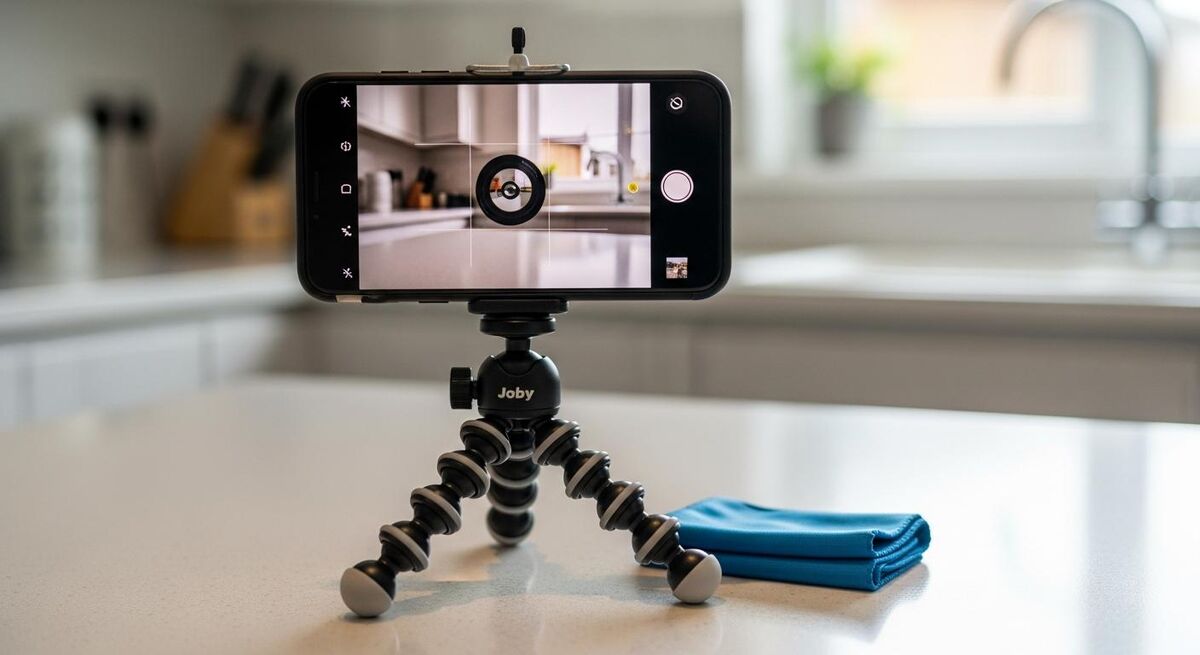
What you actually need is four items, none of which costs more than a midweek pub round. A modern smartphone, a small flexible tripod, a microfibre lens cloth, and a cheap clip-on wide-angle lens for tight rooms. That is the whole kit. The rest is technique.
The phone is the lever. Any iPhone from the 13 Pro forwards, any Samsung S22 or newer, or a Google Pixel 7 onwards will produce images that look professional once you frame them properly. The Pro models matter because they have an ultra-wide lens. Tight bathrooms and cupboard-under-the-stairs jobs are impossible without it.
The tripod is the secret weapon. A £15 Manfrotto Pixi or a Joby GorillaPod sits on a worktop, a windowsill, the top of a stepladder. It lets you mark the exact spot you shot the "before" from so the "after" lines up perfectly. Without it, every after shot is taken from a slightly wrong angle and the transformation effect collapses.
Shooting the "before" properly
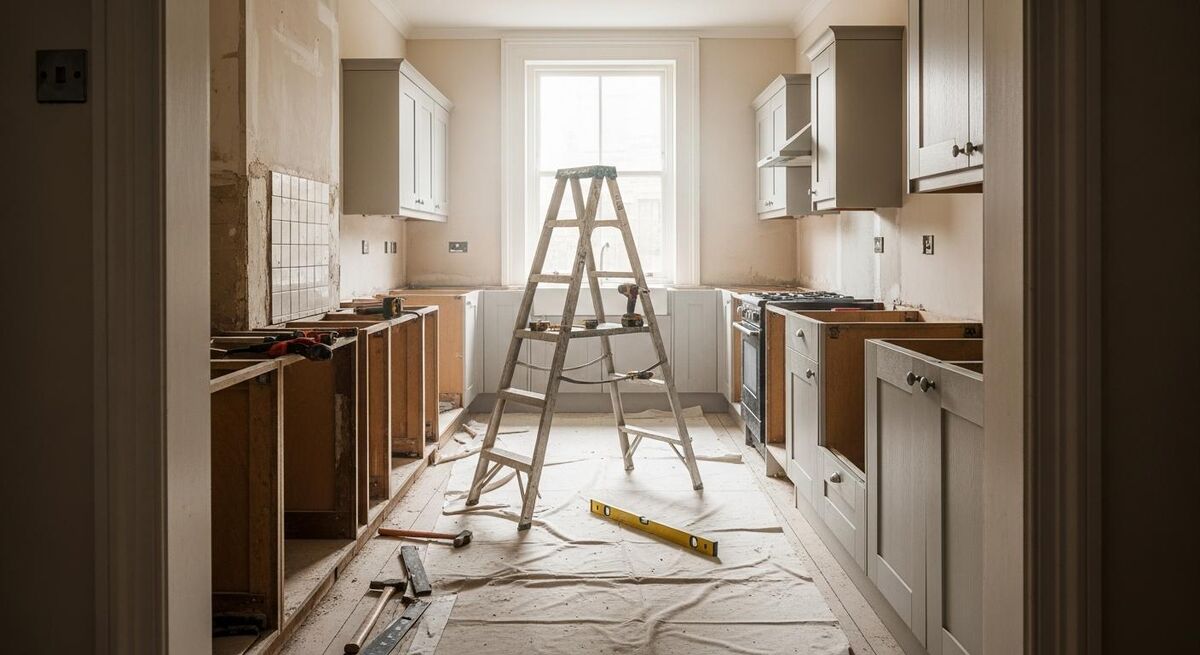
This is where ninety percent of trades businesses fall down. They remember to take an after shot because they are proud of the work, but the before shot is an afterthought, usually a blurry phone snap taken while the customer is talking. By the time they realise they need a matching pair, the room is already half stripped.
The discipline is simple. Before you carry a single tool into the property, take the photos. Three to five frames per area. Wide shot from the doorway, mid-distance, then any specific problem detail. Always in landscape unless the room demands portrait, because landscape composes better across Instagram, Facebook, your website and printed brochures.
The five-point before checklist
- Tidy the obvious clutter. Bin liners full of cans, washing in the sink, somebody's shoes. The before shot does not need to look spotless, it needs to look honest. A bathroom littered with the customer's personal toiletries reads as invasive rather than evocative.
- Open every curtain and blind. Natural light beats overhead strip lighting every single time. If the room is north-facing and gloomy, switch on every lamp and add a portable LED panel if you have one.
- Wipe the lens. A finger-smudged phone camera adds a soft blur that the eye reads as "amateur". The microfibre cloth lives in your van glovebox for this reason.
- Mount the tripod and note the position. A piece of masking tape on the floor or a quick mark on the door frame is enough. You will need it again in two days, two weeks or two months.
- Shoot at chest height, lens level. Eye-level shots distort the room. Phone-pointed-down-from-shoulder distorts even more. Bring the phone to your sternum, hold it level, tap the screen to lock focus.
Shooting the "after" that matches
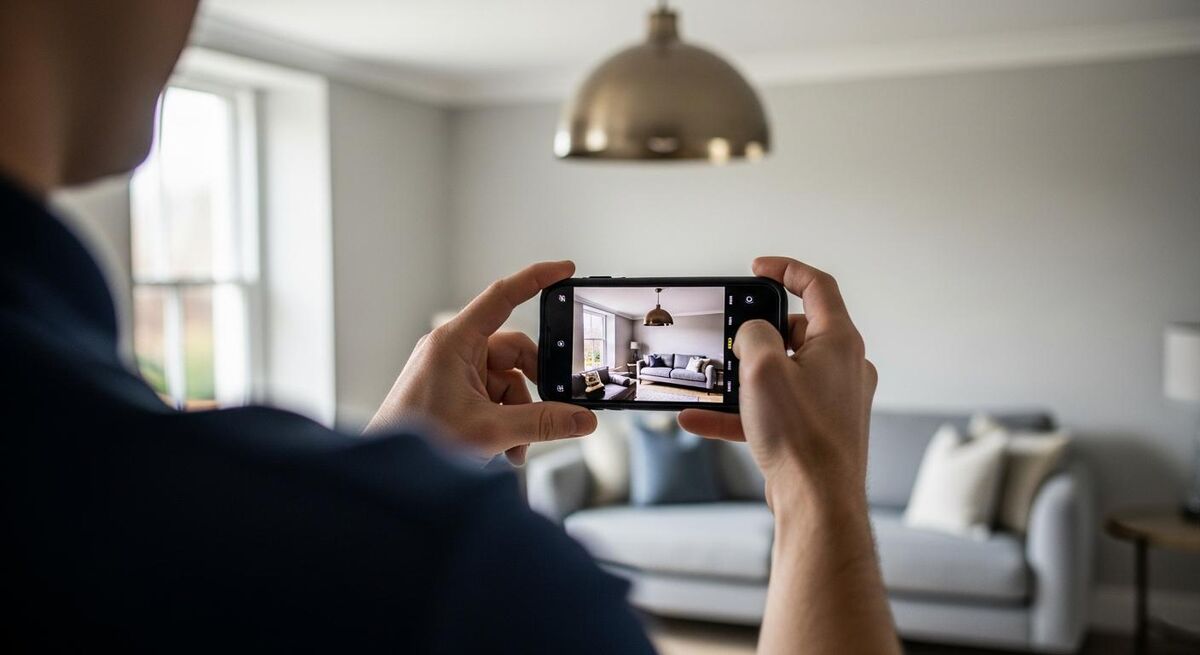
The after shot is where pride takes over and pride gets in the way. Most trades photograph the finished job from whatever angle they think looks most impressive. That breaks the comparison and the customer brain stops registering it as a transformation.
Match the before. Same height, same lens, same focal length, same time of day if you can manage it. If you shot the before in late morning light and the after under a single ceiling pendant at eight in the evening, the colour temperatures will be wildly different and the comparison will read as suspicious rather than convincing.
Your tripod marks earn their keep here. Mount the phone in the same spot. Stand where you stood. Check the corners of the frame against the original. If you only have one shot at the after because you are handing keys back in twenty minutes, this is the moment to be ruthless about getting it right.
Style the room before you shoot. Open the blinds, fluff the cushions if there are any, turn on every lamp, put the kettle on the new worktop with two clean mugs. People imagine themselves living in the space. Help them.
The three frames you always need
- Hero shot. Wide, from the doorway, matched to the before. This is the social-media frame.
- Detail shot. The thing you are proudest of. The herringbone tile work, the boxed-in pipework, the new tap. This is the website-portfolio frame.
- Context shot. A wider room view that shows how the work sits in the property. This is the "we do whole projects, not patchwork" frame.
Consent, GDPR and customer permissions
People forget that photographing a customer's house and then publishing it is a data-protection question under UK GDPR. The Information Commissioner's Office position is clear. If a property or a person is identifiable, you need a lawful basis to process and publish the image. For trades work, consent is the cleanest route.
The good news is the consent form is a one-pager you write once and reuse forever. Get it signed at the quote stage, not after the job. A customer who has just paid the final invoice and is wondering when the skip is being collected is far less inclined to sign a marketing release than one who has just agreed to spend twenty grand on a new bathroom.
What the form needs to cover:
- Names of the parties, the property address (it can stay private in publication), and the date of the work.
- An explicit list of where the photos will be used. Website, Instagram, Facebook, Google Business Profile, printed brochures, paid social ads. Tick every box that might apply.
- A clear withdrawal mechanism. The customer can ask you to remove the images at any time and you must comply within thirty days.
- Confirmation that no faces, identifying documents, family photos on walls or children's belongings will appear in published frames.
For commercial premises the calculation is slightly different. A pub refurb, a restaurant fit-out, a retail unit. The owner can consent on behalf of the business but you still want a written agreement, and you want it before you post anything that names the venue.
Editing on mobile in under five minutes
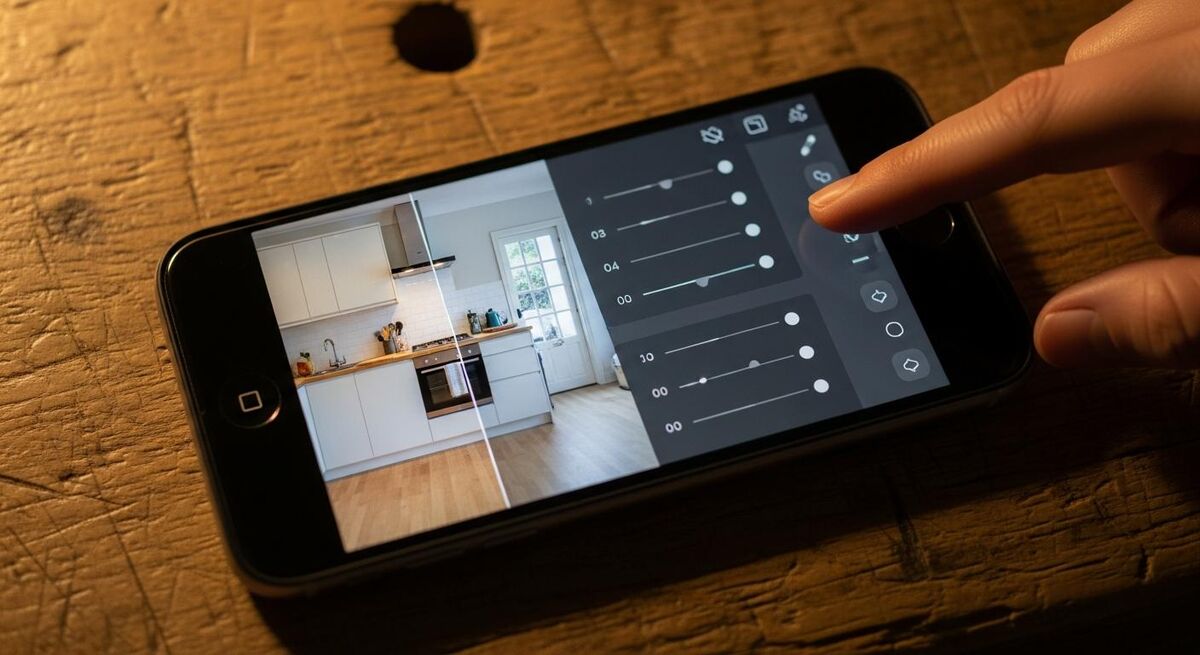
Raw photos straight off a phone are rarely ready to post. They are slightly too dark, slightly too cool, the verticals lean inward because you tilted the phone half a degree. Five minutes of editing per pair will make the difference between a post that scrolls past and a post that stops the thumb.
Two free apps cover the job. Snapseed for quick tonal adjustments and Lightroom Mobile if you want to save presets and apply them in batch. Pay for nothing else until you have published a hundred posts. The free tiers are more capable than most people realise.
The five-step edit
- Straighten. Snapseed's perspective tool fixes leaning verticals in two taps. Use it on every interior shot.
- Lift the shadows. Push the shadows slider to roughly +25. This is where detail lives in dark corners and behind furniture.
- Pull the highlights down. Bright windows blow out in interior shots. Pull highlights to -20 to bring the sky back through the glass.
- Warm up slightly. Most interior shots come out a touch blue. Push white balance +5 to +10 toward warmer. Skin tones and wood grain look more natural.
- Boost contrast a fraction. +10 on the contrast slider, no more. Anything heavier looks aggressive and the photo reads as "filtered" rather than professional.
Save your edit as a preset in Lightroom and apply it to every shot from that job. Consistency across a series is what makes a portfolio look intentional rather than thrown together. The before and after of a pair must use the same edit.
AI tools doing the heavy lifting in 2026
The 2026 layer that most trades have not caught up with yet is AI assistance for the marketing surrounding the photos. The photo itself stays honest. The bits that get faster are caption writing, alt-text generation, audience targeting and ad copy.
ChatGPT (GPT-5.x) and Claude (Sonnet 4.6) will both write a passable Instagram caption from a one-line job description in about three seconds. You tell it the trade, the job type, the rough location and the result. It gives you the caption with hashtags. You edit out the bits that sound like a robot and post. Most tradespeople use GPT-5 because the free tier is usable and the iPhone app is solid.
The bigger lever is ad copy and audience targeting. Meta Advantage+ now runs the targeting machine learning for you, so a before-and-after carousel pushed as a £5-a-day local awareness ad will find the right postcodes inside a week without you setting a single demographic filter. Pair it with a Claude-written ad headline and you have a workflow that runs in under twenty minutes from job-site photo to live ad.
Where AI does not earn its keep yet is in image generation. Generative tools will happily produce a fake "before" or a doctored "after" and that is a fast track to a complaint that ends your trading standards rating. The photos must be real. The marketing around them is where the AI saves you time. Read our full breakdown of AI-generated marketing content for trades if you want to set up the full workflow.
Where your photos actually convert
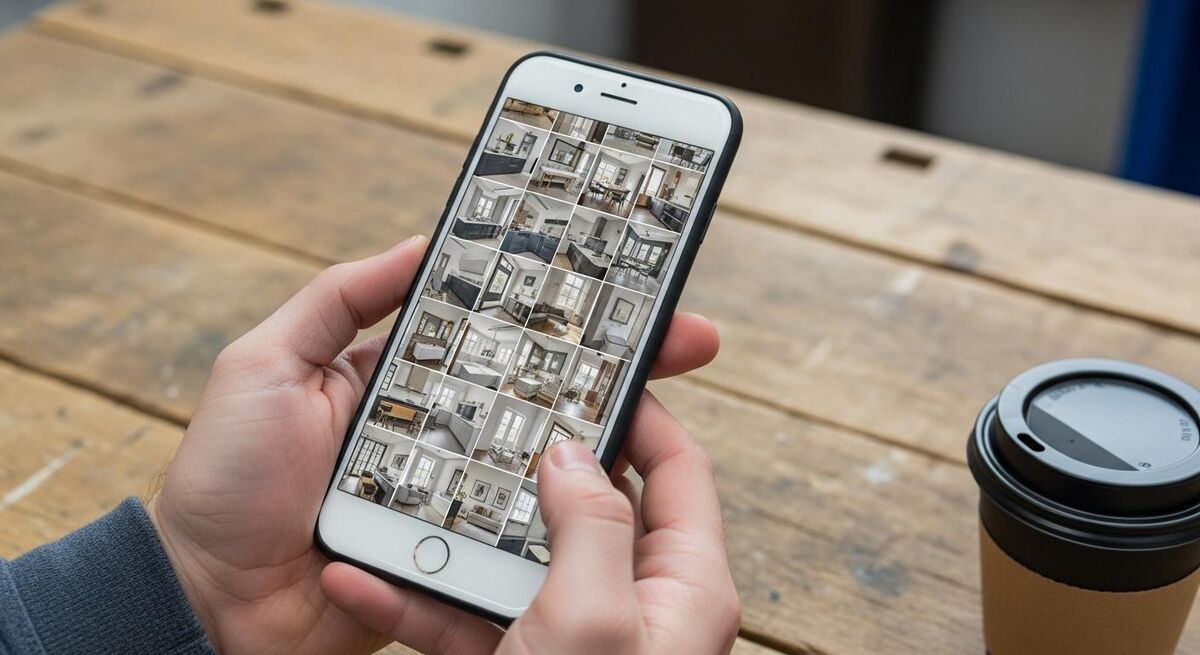
One photo set, four destinations. Each platform pulls a different kind of customer and the same images need to work harder in each setting.
Google Business Profile. The highest-converting destination most trades ignore. Photos uploaded to your GBP show up directly in Google Maps results for local searches and influence the local 3-pack. Aim for two new sets a week. The algorithm rewards freshness more than volume. If you are running paid acquisition alongside, the deep dive on whether Google Local Services Ads pay back the commission is worth a read.
Instagram. Carousels for the before-and-after pairs, reels for the time-lapse versions, story highlights to archive your best work by category. Use a 4:5 portrait crop for carousels because it takes up more screen on a phone. Hashtags matter less than they did in 2023, location tags matter more.
Facebook. Where the over-forties still book trades. Cross-post the carousels but rewrite the caption for a slightly different audience. Facebook users want context, names, brand stories. Instagram users want the picture and the punchline.
Your own website. A portfolio page broken into categories, full-size hero shots, no Instagram-cropped 4:5 mush. This is where prospects who have already heard your name go to validate the decision they are about to make. The bigger and cleaner this page, the more it closes.
What tradespeople are saying
Recommended videos

Construction Photography: 6 Essential Elements
Steven Brooke Photography

I Discovered the BEST Mobile App for Construction Site Photos
Flying Surveyor

Instagram Marketing For Builders and Tradies
NextMinute
Construction Photo App: Take, Annotate & Manage Site Photos
HCSS Software

Tips to Construction Photography and Videography
Film Grains
A Camera EVERY Contractor Needs, Should YOU Be Using One?
MattBangsWood
Frequently asked questions
About five minutes once it is habit. Three minutes for the before set when you arrive, ninety seconds for an in-progress shot mid-job, sixty seconds for the after when you finish. The first week feels slow, by week three you stop noticing.
You do the job and you do not publish the photos. Some customers are private, some are nervous about insurance, some just do not want their bathroom on the internet. Respect it and move on. Roughly one in six refuses in my experience. The other five make up for it.
No. A folder in the camera roll labelled by job number is enough. CompanyCam costs roughly £15 per user per month if you want automatic project tagging, GPS stamps and shared albums across a team. For a single operator the camera roll plus a Google Drive folder works fine.
Almost never. People in the frame distract from the work. If the customer is over the moon and wants a photo with you, take it as a separate testimonial post and crop it differently. Keep the transformation pair clean.
Use the wide-angle in both the before and the after. Consistency removes the deception question. If the customer is going to come and stand in the room, you cannot oversell on the photo without a complaint later. Honest framing wins.
Indefinitely, with consent. A nine-year-old kitchen install is still a marketing asset if the work has held up. Just review the file every couple of years and refresh consent if you start using a photo in a new context, such as paid ads where you did not originally tick the box.
My verdict
The trades businesses that win the next five years are not the ones with the slickest websites or the biggest ad budgets. They are the ones with three years of disciplined before-and-after photography stacking up on Google Business Profile, Instagram and their own portfolio page. Forty pounds of kit, five minutes per job, a one-page consent form. That is the entire investment. The compound interest on it is enormous, and it works just as hard for a one-van plumber as it does for a fifty-person contractor.