
Quick Answer
You can build a working AI customer service bot for your trades business in under two hours, for free, using Make.com's free tier and ChatGPT. The bot auto-replies to WhatsApp messages while you are on site, answers common questions about your services, and captures job details so you can quote when you finish for the day. No coding. No monthly fees until you outgrow 1,000 operations.
Table of Contents
- The three tools you need
- The missed-calls problem
- How the bot works
- Step 1: Set up WhatsApp Business
- Step 2: Create your Make.com scenario
- Step 3: Connect ChatGPT
- Step 4: Write your system prompt
- Step 5: Test and go live
- What it actually costs
- What tradespeople are saying
- Recommended videos
- Limitations and when to upgrade
- Frequently asked questions
- My verdict
The three tools you need
 ChatGPT
 Make.com
 WhatsApp Business
This guide uses three free tools that connect together without any code. ChatGPT provides the AI brain that understands customer messages and writes natural replies. Make.com is the automation platform that listens for incoming WhatsApp messages and routes them through ChatGPT. WhatsApp Business is the channel your customers already use to contact you.
All three have free tiers generous enough for a sole trader or small team. You will not need to enter a credit card to follow this guide.
What you will need before you start
A smartphone with WhatsApp Business installed (separate from your personal WhatsApp). A Make.com account (free signup at make.com). An OpenAI API key (free credits included at platform.openai.com). About two hours of uninterrupted time, ideally on a laptop or desktop.
The missed-calls problem
You know the problem. You are halfway through a first fix, your phone buzzes, and by the time you can check it the customer has already called someone else. A Fix Radio survey of over 220 tradespeople found that 34% believe they have lost work simply because they could not answer the phone. Sixty percent said they struggled to pick up while on a job.

The numbers stack up fast. Research from DigitalX Marketing estimates UK tradespeople lose an average of £24,000 per year from unanswered calls. And 85% of potential customers will not leave a voicemail; they just scroll to the next listing on Google. That is real money walking out the door while you are under someone's sink.
The fix is not to hire a receptionist at £1,500 a month. It is to let an AI bot handle the initial reply, capture the job details, and send you a summary when you finish for the day. If you have already read our ChatGPT + Make.com + WhatsApp lead response guide, this takes that concept further by building a full customer service bot, not just a one-shot auto-reply.
How the bot works
The flow is simple. A customer sends a WhatsApp message to your business number. Make.com detects the incoming message and sends the text to ChatGPT along with your system prompt, which contains your business details, services, pricing guidance, and availability. ChatGPT writes a natural reply. Make.com sends that reply back to the customer via WhatsApp. The whole round trip takes under ten seconds.
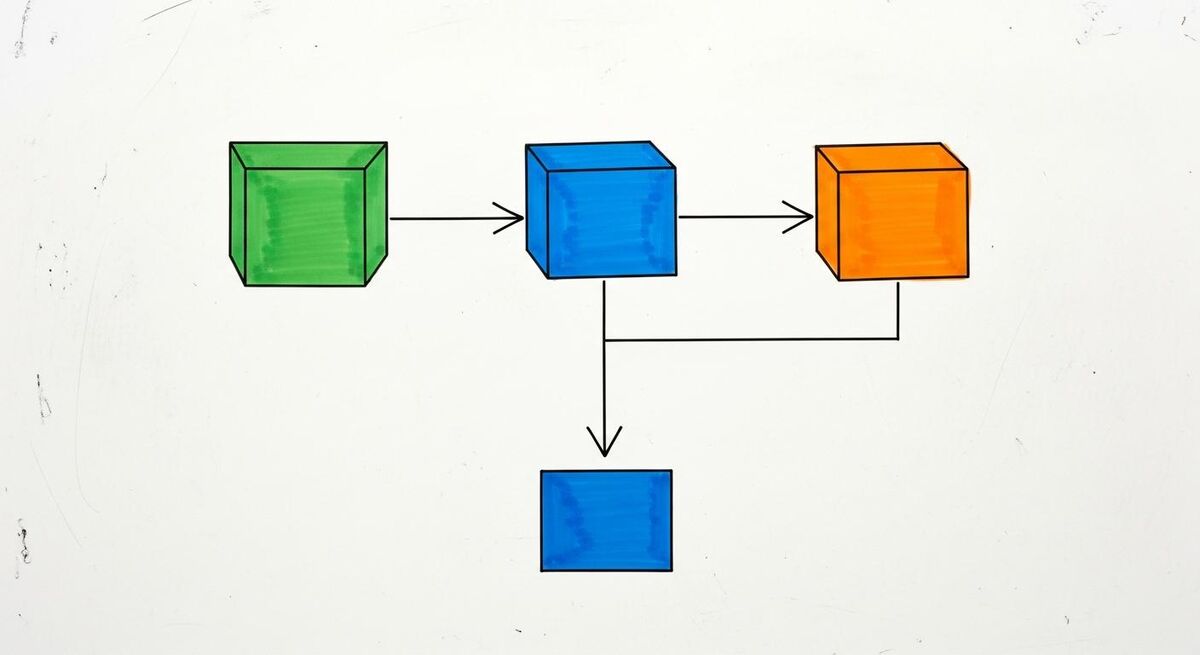
The bot can answer questions about your services, give rough price ranges, explain your booking process, and collect the customer's name, address, and job description. It knows when to hand off to you, saying something like "I have passed your details to the team and someone will call you back within two hours." It does not pretend to be human. It introduces itself as your automated assistant.
The best part: all of this runs on Make.com's free plan (1,000 operations per month) and the ChatGPT API's cheapest model. For a sole trader getting 5 to 10 enquiries a day, the cost is literally pennies.
Why WhatsApp and not a website chatbot?
Your customers are already on WhatsApp. They message you there because it is faster than filling out a contact form. A WhatsApp bot meets them where they are, which means higher engagement and fewer lost leads. Plus, you get their phone number automatically.
Step 1: Set up WhatsApp Business
If you already have WhatsApp Business on your phone, skip ahead. If not, here is what to do.
- Download WhatsApp Business from the App Store or Google Play. It is free and separate from regular WhatsApp. You can run both on the same phone.
- Register with your business number. Use a dedicated business mobile if you have one. If not, your personal number works, but you will need to migrate from regular WhatsApp.
- Fill in your business profile. Add your business name, address, opening hours, and a short description. This is what customers see when they open your chat.
- Set up a Meta Business Account. Go to business.facebook.com and create a free account. This is required for the WhatsApp Cloud API that Make.com connects to.
- Enable the WhatsApp Cloud API. In Meta Business Suite, add WhatsApp as a product. Follow the prompts to verify your business and register your phone number. This takes 24 to 48 hours for approval.
Do not skip business verification
Meta requires business verification before you can send messages via the Cloud API. Have your business name, website (even a basic one-page site or Facebook page works), and a document confirming your business address ready. Most sole traders get verified within 48 hours.
Once verified, you will have a WhatsApp Cloud API access token and a phone number ID. Keep both; you will need them in Step 2. The good news: customer-initiated service messages on WhatsApp are completely free. When a customer messages you first, you have a 24-hour window to reply at no cost.
Step 2: Create your Make.com scenario
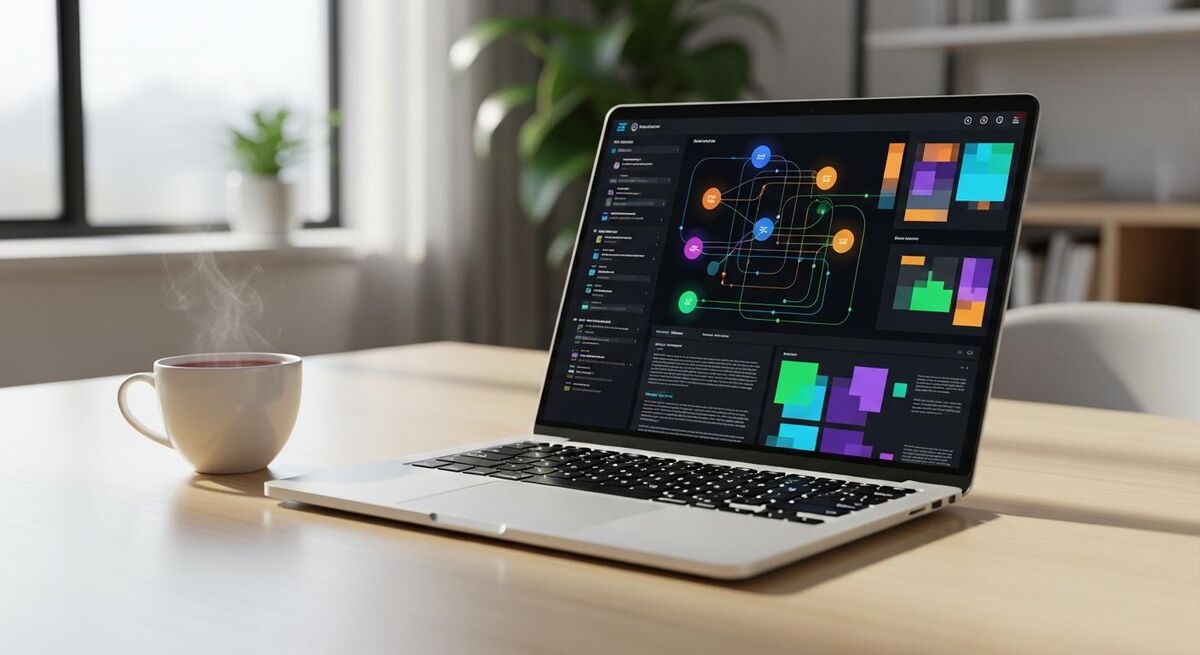
Sign up at make.com if you have not already. The free plan gives you 1,000 operations per month, two active scenarios, and a 15-minute minimum interval. That is plenty to get started.
- Create a new scenario. Click "Create a new scenario" from your dashboard.
- Add the WhatsApp Business Cloud trigger. Search for "WhatsApp Business Cloud" in the module list. Select "Watch Messages". This module fires every time someone sends you a WhatsApp message.
- Connect your WhatsApp account. Paste your Cloud API access token and phone number ID from Step 1. Make.com will verify the connection.
- Add an OpenAI module. After the WhatsApp trigger, click the "+" button and search for "OpenAI". Select "Create a Chat Completion". This is where ChatGPT processes the message.
- Add a WhatsApp reply module. After the OpenAI module, add another "WhatsApp Business Cloud" module. Select "Send a Message". Map the recipient to the sender's phone number from step 1, and the message body to ChatGPT's response.
Your scenario now has three modules in a straight line: receive, process, reply. Make.com handles the plumbing between them. If you want a deeper look at how Make.com connects to other trades tools, our complete AI tools guide covers the platform in detail.
Step 3: Connect ChatGPT
Click on the OpenAI module in your scenario to configure it.
- Create an OpenAI connection. You need an API key from platform.openai.com. Sign up, go to API Keys, and generate one. New accounts get free credits to start with.
- Select the model. Use
gpt-5-minifor the best balance of quality and cost. It costs roughly £0.00012 per 1,000 input tokens and £0.00048 per 1,000 output tokens. At typical chatbot message lengths, that works out to a fraction of a penny per conversation. - Set the system prompt. This is the most important part. See Step 4 below for a complete template.
- Map the user message. In the "Messages" field, map the incoming WhatsApp message text from the trigger module. Set the role to "user".
- Set max tokens to 300. This keeps replies concise and costs down. Most customer service replies should be 2 to 4 sentences.
Real cost breakdown
If your bot handles 10 conversations per day, each averaging 3 back-and-forth messages, that is roughly 30 API calls. At gpt-5-mini pricing, your daily cost is approximately 2p. Monthly: about 60p. Even on the paid Make.com Core plan at £8 per month, your total running cost stays under a tenner.
Step 4: Write your system prompt
The system prompt is what gives your bot its personality and knowledge. It tells ChatGPT who it is, what your business does, and how to handle different types of enquiries. Here is a template you can copy and customise.
System prompt template
You are a friendly customer service assistant for [YOUR BUSINESS NAME], a [YOUR TRADE] business based in [YOUR AREA]. You help customers with enquiries about our services.
Our services include: [LIST YOUR MAIN SERVICES]
Our typical price ranges: [E.G. "Boiler service: £80 to £120, Power flush: £300 to £500"]
Our working hours: [E.G. "Monday to Friday, 8am to 5pm"]
Our coverage area: [E.G. "Within 20 miles of Manchester"]
Rules:
1. Always be helpful, professional, and friendly.
2. Never pretend to be a human. If asked, say you are an automated assistant.
3. For specific quotes, collect the customer's name, address, and job description, then say someone will call back within [YOUR TIMEFRAME].
4. For emergencies (gas leaks, flooding, no heating in winter), provide the emergency contact number: [YOUR NUMBER].
5. Never commit to exact prices. Give ranges and say a site visit may be needed for an accurate quote.
6. Keep replies under 4 sentences unless the customer asks a detailed question.
7. If you do not know the answer, say you will pass the question to the team.

Spend 20 minutes getting the system prompt right. The more specific you are about your services, pricing bands, and common questions, the better the bot performs. Think about the 10 questions customers ask you most often, then make sure the prompt covers them.
A well-written system prompt is the difference between a bot that impresses customers and one that frustrates them. If you want to see how ChatGPT prompts work in a trades context, our ChatGPT quoting guide walks through prompt engineering step by step.
Step 5: Test and go live
- Run the scenario once. In Make.com, click "Run once" to activate the scenario. Then send a test message from a different phone to your WhatsApp Business number.
- Check the response. You should see the message flow through the three modules. The reply should appear on the test phone within 10 seconds.
- Test edge cases. Send messages like "How much for a boiler service?", "Can you come today?", "What areas do you cover?", and "I have a gas leak" to make sure the bot handles each correctly.
- Adjust the system prompt. If any replies feel off, tweak the prompt. It usually takes 3 to 5 rounds of testing to get it right.
- Turn on scheduling. Once happy, switch the scenario from "Run once" to "On". Set the interval to 1 minute on the Core plan, or 15 minutes on the free plan. The bot is now live.
The 15-minute delay on the free plan
Make.com's free plan checks for new messages every 15 minutes, not instantly. That means a customer could wait up to 15 minutes for a reply. If fast response matters to your business, the Core plan at £8 per month drops that to 1 minute. For many trades, the 15-minute delay is still far better than no reply at all.
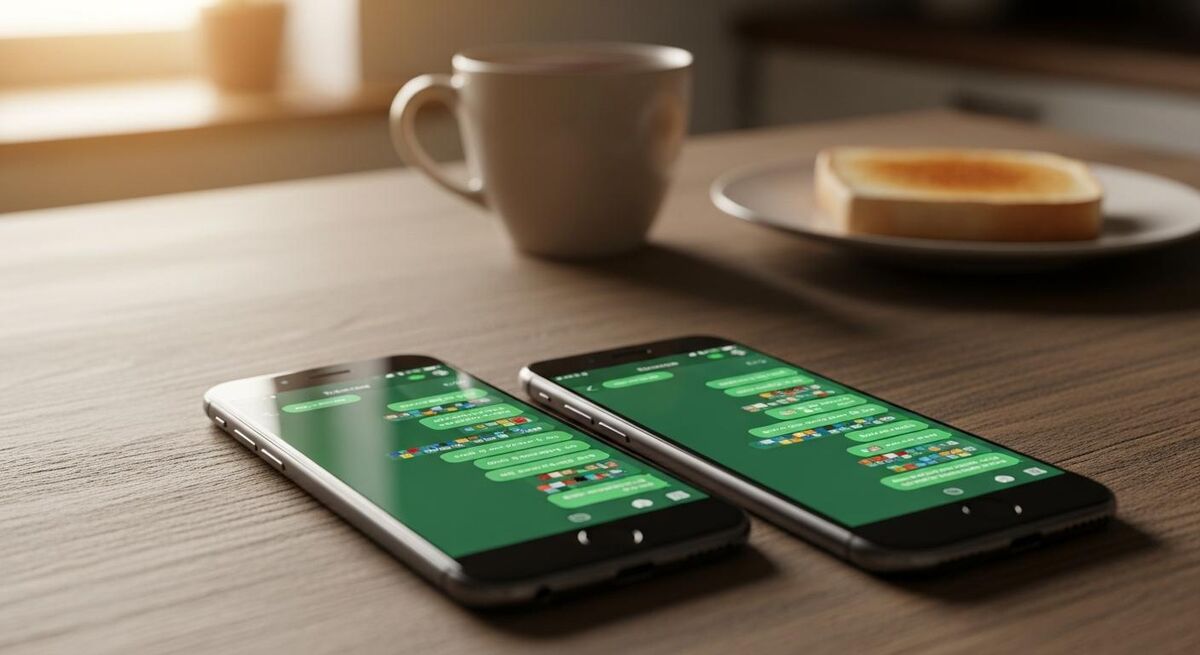
Once your bot is live, monitor the first week closely. Check Make.com's scenario history to see every conversation. Look for patterns: questions the bot cannot answer, replies that sound wrong, or customers who seem confused. Feed those improvements back into your system prompt.
The trades industry is changing fast. As we discussed in our n8n automation stack guide, the businesses that adopt these tools early are the ones saving 10 or more hours of admin every week.
What it actually costs
| Component | Free tier | Paid upgrade |
|---|---|---|
| Make.com | £0/month (1,000 ops) | Core: £8/month (10,000 ops) |
| ChatGPT API | Free credits on signup | ~60p/month at 10 chats/day |
| WhatsApp Business | Free (customer-initiated) | £0.038 per marketing message |
| Total monthly cost | £0 | Under £10 |
The free tier covers most sole traders comfortably. Make.com's 1,000 monthly operations support roughly 330 customer conversations (3 modules fire per conversation). At 10 conversations a day, you hit that limit after about 33 days, so you are cutting it close on a busy month. The Core plan at £8 per month gives you 10,000 operations, which is more than enough for a team of up to 5.
Compare this to the alternatives. A virtual receptionist service costs £150 to £300 per month. A dedicated AI chatbot platform like Tidio or Intercom starts at £25 per month and goes up quickly. The Make.com plus ChatGPT approach gives you similar functionality for a fraction of the price, and you own the setup.
What tradespeople are saying
Recommended videos

WhatsApp AI Bot Tutorial: Automate Your Business Using Make.com
Beginner-friendly walkthrough
Automate ANYTHING with Make.com and ChatGPT (Full Guide)
Comprehensive Make.com + ChatGPT guide

AI Customer Support On WhatsApp (Easy Setup)
Quick WhatsApp AI setup

This AI Bot Made My Plumbing Business 10X More Profitable
Trades-specific AI case study

WhatsApp Automations with Make (Official Tutorial)
Make.com official WhatsApp guide
Automate Your Small Business with AI Agents: A Beginner's Guide
AI agent automation for small business
Limitations and when to upgrade
This setup is a brilliant starting point, but it is not perfect. Here is what it cannot do and when you should consider upgrading.

No conversation memory on the free plan. Each message is treated independently. The bot does not remember what the customer said three messages ago. You can add memory by storing conversation history in a Google Sheet or Airtable, but that adds complexity and uses more Make.com operations.
15-minute delay on the free plan. Make.com's free tier only checks for new messages every 15 minutes. For most trades enquiries this is acceptable. For emergency call-outs, it is not. The Core plan at £8 per month drops this to 1 minute.
No booking integration. The bot collects job details but does not book directly into your calendar. You can add a Google Calendar module to Make.com if you want automated booking, but that requires more setup and testing.
GDPR considerations. You are processing customer data through three platforms. Under UK GDPR, you need to inform customers their messages are processed by AI. Add a note to your WhatsApp Business profile: "We use an AI assistant to respond to initial enquiries. Your messages are processed securely." Keep your privacy policy updated.
Never use the bot for safety-critical advice
The bot must never diagnose gas leaks, electrical faults, or structural issues. Your system prompt should include a hard rule: for any safety question, provide your emergency number and tell the customer to call a Gas Safe or NICEIC registered engineer directly. AI gets things wrong, and getting safety advice wrong can kill people.
When to upgrade. If you are handling more than 15 conversations a day consistently, move to the Make.com Core plan. If you need conversation memory, booking integration, and multi-channel support (Facebook Messenger, Instagram DMs), consider a dedicated platform like Tidio (from £25 per month) or build a more advanced Make.com scenario with database storage.
Frequently asked questions
No. Make.com is entirely visual. You drag modules, connect them, and fill in fields. If you can fill out a form online, you can build this bot.
Yes, and they should. Your system prompt tells the bot to introduce itself as an automated assistant. Transparency builds trust. Most customers do not mind as long as they get a fast, helpful reply.
Keep price ranges conservative and always say a site visit is needed for an accurate quote. The bot should collect details and pass them to you, not make commitments. Review conversations weekly and adjust the system prompt when you spot mistakes.
You can, but it means converting your personal WhatsApp to WhatsApp Business. Most tradespeople use a separate business number. A pay-as-you-go SIM costs £5 and keeps things clean. Your personal chats stay on your personal number.
You need to tell customers their data is processed by AI and stored on third-party platforms. Add a line to your WhatsApp Business profile and update your privacy policy. For most sole traders, this is straightforward. If you handle sensitive data (medical, financial), get proper legal advice.
My verdict
The trades gave me the discipline and the problem-solving mindset. Tech just gave me a new way to apply it. This is exactly that principle in action. You do not need a computer science degree to build an AI bot that handles customer enquiries while you are on site. You need two hours, three free accounts, and a willingness to try something new. The businesses that adopt these tools early are the ones that stop losing £24,000 a year to missed calls. Start with the free tier. Test it for a month. If it saves you even one job, it has paid for itself forever.