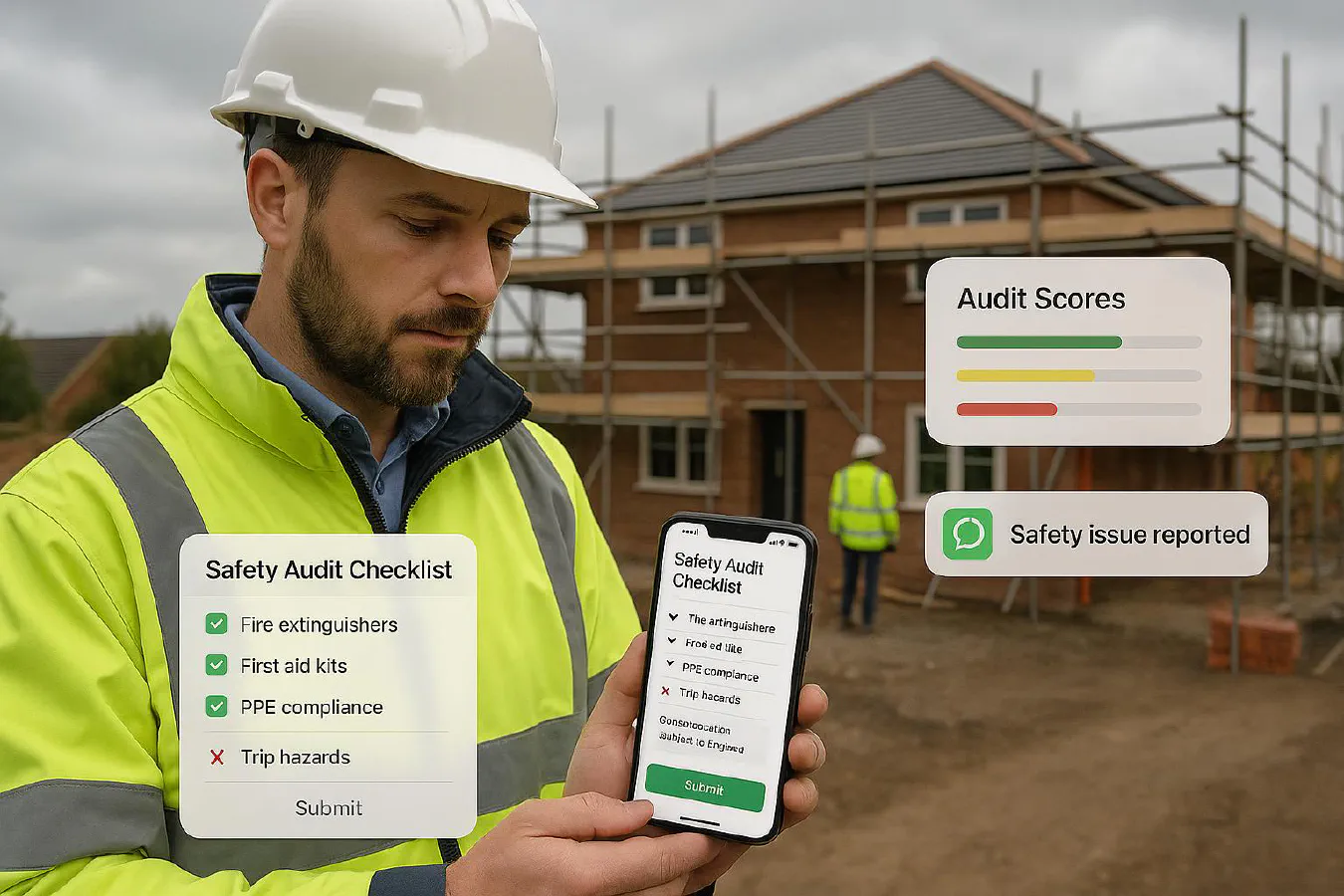
Construction site safety audit checklist: digitise it, assign actions and prove compliance
Jump To...
Site manager using a digital safety audit checklist on a UK building site with WhatsApp action alerts
Quick answer
Use a weekly digital site audit checklist on your phone. Capture photos and notes, assign fixes to named people with due dates, and send them a WhatsApp reminder. Keep everything in one place so you can pull a clean report for clients or an HSE inspector in minutes. SafetyCulture iAuditor is the fastest to start. A free Google Forms plus Google Sheets option also works for small teams.
Useful background reads from the Academy:
- AI risk assessments for construction: fast, compliant RAMS workflow you can trust
- Auto-generate RAMS PDFs from a simple Google Form: a 60-minute setup for small contractors
- Site induction template for small contractors: what to include, printable checklist and digital options
- Silica dust control plan for small sites: 15-minute workflow, RPE and proof
- Right to work checks on construction sites: what site managers must do in 2025
Who this is for
- Small contractors and site managers who need a repeatable weekly audit that takes 20 minutes
- Trades teams who want actions to actually get done, not sit on a clipboard
- Firms that need clean evidence for principal contractors, clients or insurance renewals
What UK law expects in plain English
- You must identify hazards, assess risks and control them. Audits help you spot issues early but don’t replace risk assessments or RAMS.
- Keep records and show you’re managing risks under CDM 2015 and general duties enforced by HSE.
- HSE’s small builder toolkit is a good sense check of common hazards and control measures.
Helpful resource: HSE’s toolkit overview and checklist style guidance is here HSE toolkit for small construction sites.
Set up your digital audit workflow
You’ve two solid routes. Pick the one that fits your team and budget.
Option A: SafetyCulture iAuditor (fastest)
- Build or import a construction site audit template.
- Walk the site with your phone, add photos, failures and actions.
- Assign actions to a named person with a due date and push notifications.
- Export a branded PDF or share a web link with your client or principal contractor.

Recommended video walkthrough:
When to choose this: you want the simplest setup, mobile-first, and built-in analytics.
Option B: Google Forms plus Google Sheets (free and flexible)
- Create a Google Form with your audit sections and required photos.
- Responses land in Google Sheets. Use filters to build a simple action list.
- Share the Sheet with your team and add a Status column so issues are closed out.
- Optional: auto-generate a PDF report from the Sheet using Google Docs, similar to our RAMS guide above.
Option C: WhatsApp quick checks between full audits
- Use a WhatsApp group named Site Audit with pinned message listing key checks.
- Engineers post photos with short captions daily. Keep this simple and focused on high risk items like access, electrics, housekeeping and dust.
- Use this for quick wins between your weekly formal audit.
Build a checklist that actually finds problems
Keep it short and focused. Ten to fifteen sections is enough for small sites.
Suggested sections for a weekly audit:
- Site access and segregation
- Inductions, right to work and sign-in
- Housekeeping and waste
- Working at height
- Lifting operations and plant
- Electrical safety and temporary supplies
- COSHH and silica dust controls
- Fire points and means of escape
- Welfare and first aid
- Tools, leads and PUWER
- RAMS on site and briefed
- Photos of good practice and issues
Tip: tie your checklist to your RAMS and inductions so it’s one joined-up system. If you need a refresher on RAMS or inductions, see the Academy articles linked above.
Automate corrective actions and reminders
Goal: every failed item becomes a named action with a deadline and proof of fix.
Simple automation pattern:
Audit submitted
 → If any item = Fail
 → Create action with owner and due date
 → Send WhatsApp message to owner with the action and link to photos
 → Remind owner 24 hours before due date if still open
 → Escalate to manager if overdue by 1 day
How to do it:
- SafetyCulture iAuditor has built-in actions and reminders you can assign.
- On Google, use a Google Sheets Actions tab with owner, due date and status. Send WhatsApp messages via a shared script or a service like Twilio or Make. Keep it light and respectful to stay within UK messaging rules.
Example WhatsApp reminder copy you can adapt:
“Safety audit action for Willow Road site. Replace damaged guardrail at scaffold access. Due Friday 4pm. Reply with photo when fixed.”
Prove compliance with reports and evidence
You should be able to produce a clean PDF or web link showing:
- Date, site, auditor and weather
- Scores and failures by section
- Photos with captions and timestamps
- Action list with owners and statuses
This is what clients and HSE expect at a minimum. For specialist risks, keep supporting records like face-fit for RPE, LOLER for lifting, and electrical certificates together with your audits.
Rollout plan and training
Week 1
- Pick Option A or B and set up one template
- Pilot on one live site
- Capture twenty photos across the walk to test the flow
Week 2
- Train supervisors with a 15-minute toolbox talk and a short video screen recording of your checklist flow
- Agree who owns actions and when to escalate
Week 3 onward
- Roll to all active sites
- Review common failures every Friday and update the template
- Add a monthly deep-dive audit for higher risk work like roofing or M and E shutdowns
KPIs to track
- Audit completion rate per site per week
- Average time from action raised to closed with proof
- Repeat failures by section
- Open actions older than seven days
A simple dashboard of these four signals is enough to drive improvement.
FAQs
What is a safety audit in construction?
A formal inspection against a checklist to confirm your site controls are in place and working. It highlights hazards, records evidence and creates actions to fix issues. Audits support, not replace, your RAMS and daily briefings.
How often should we audit a small site?
Weekly is a good baseline for small projects, with daily quick checks in WhatsApp between audits. Add a monthly deep-dive if the risk is higher.
Do we need a specific template?
No single template fits all. Start with HSE’s small site toolkit topics and tailor them to your work. Make every question clear and answerable in under thirty seconds.
Is SafetyCulture iAuditor worth it for a small firm?
If you want the quickest route to consistent audits, actions and reports, yes. If budget is tight, the Google Forms and Sheets option is a strong start.
Can WhatsApp be used for safety actions?
Yes, as an operational nudge. Keep the record of the action and proof in your audit system. Use WhatsApp for timely reminders and photo updates.
Ready to Transform Your Business?
Turn every engineer into your best engineer and solve recruitment bottlenecks
Join the TrainAR Waitlist