
Quick answer
Fixflo is where the tenant report lands. n8n is the wiring that reads the report, classifies the issue with AI, picks the right contractor and fires a structured WhatsApp message back to the tenant with a name, a trade and an ETA. You keep Fixflo as the single source of truth, you keep WhatsApp as the channel tenants actually open, and you stop being the person who copies job details between two screens at half-eight in the evening.
Table of contents
- Why this stack and not a basic Fixflo setup
- What you will connect
- Prerequisites and what it costs
- The workflow, end to end
- Step 1: Get the report out of Fixflo
- Step 2: Classify the issue with AI
- Step 3: Route to the right contractor
- Step 4: Send the WhatsApp update
- Step 5: Close the loop back into Fixflo
- Testing and troubleshooting
- Cost analysis
- Recommended videos
- What contractors are saying
- Frequently asked questions
- My verdict
Why this stack and not a basic Fixflo setup

Fixflo is the de-facto repair triage platform in UK lettings. Trusted by more than 1,000 agencies and used across hundreds of thousands of units, it already does the picture-based reporting, the multilingual prompts and the audit trail. That part is solid. The bit nobody documents well is what happens between the moment a tenant hits submit and the moment a contractor actually rings the bell.
The standard answer is: a property manager reads the ticket, decides what trade it needs, opens Fixflo's contractor list, sends a job, then opens WhatsApp and types a message to the tenant. Three apps, four context switches, and an average response time that drifts past the SLA on a busy morning.
Auto-triage cuts response time by around 40% when it is wired up properly. That is the number Fixflo and similar platforms keep quoting, and it tracks with what I have seen on Help me Fix where AI-driven self-help and routing knocked roughly half of the avoidable callouts off the queue. The trick is wiring Fixflo to something that can read, decide and message, all in seconds. That is what n8n is for.
Who this guide is for
UK property maintenance contractors and small property maintenance firms working through Fixflo on behalf of letting agents, build-to-rent operators or social housing providers. You need at least one engineer with admin access to Fixflo and someone in the office who can babysit an n8n instance for half a day to set it up.
What you will connect
 Fixflo
 n8n
n8n WhatsApp Business
Three tools, three jobs. Fixflo holds the property, the unit, the tenant and the works order. n8n watches Fixflo, does the thinking and writes back. WhatsApp Business Cloud is the channel the tenant will actually open inside three minutes.
Fixflo (source of truth): tenants submit picture-based reports, the works order is created, contractor invoicing closes the loop. Fixflo's RESTful API supports GET, POST and DELETE on properties, units, occupiers, contractors and works orders. You will need to request API access from your account manager, sign a short API agreement and they will provision the credentials.
n8n (the wiring): the open-source automation platform that holds the workflow. Self-host on a £6 VPS or run on n8n Cloud from around $24 (about £19) a month on the Starter plan. The Self-Host Community edition is free if you have somewhere to put it.
WhatsApp Business Cloud (the channel): Meta's official API for sending business-initiated messages. n8n has a first-party WhatsApp Business Cloud node, so no third-party gateway is needed. Per-conversation pricing, with utility messages costing fractions of a penny in the UK market.
Prerequisites and what it costs
Before you start, get these in writing
Fixflo API access requires a signed agreement and an account-level provision. Allow a week. WhatsApp Business Cloud requires a verified Meta Business account, a display name approval and a verified phone number you do not use for anything else. Allow another working day for that.
You need: an active Fixflo subscription with API access enabled, a Meta for Developers app with WhatsApp Business Cloud added, a phone number Meta has approved, an n8n instance (self-hosted or cloud), and a way to store credentials securely. You also want a single shared inbox or a project Slack channel so failures get seen, not silently swallowed.
The workflow, end to end
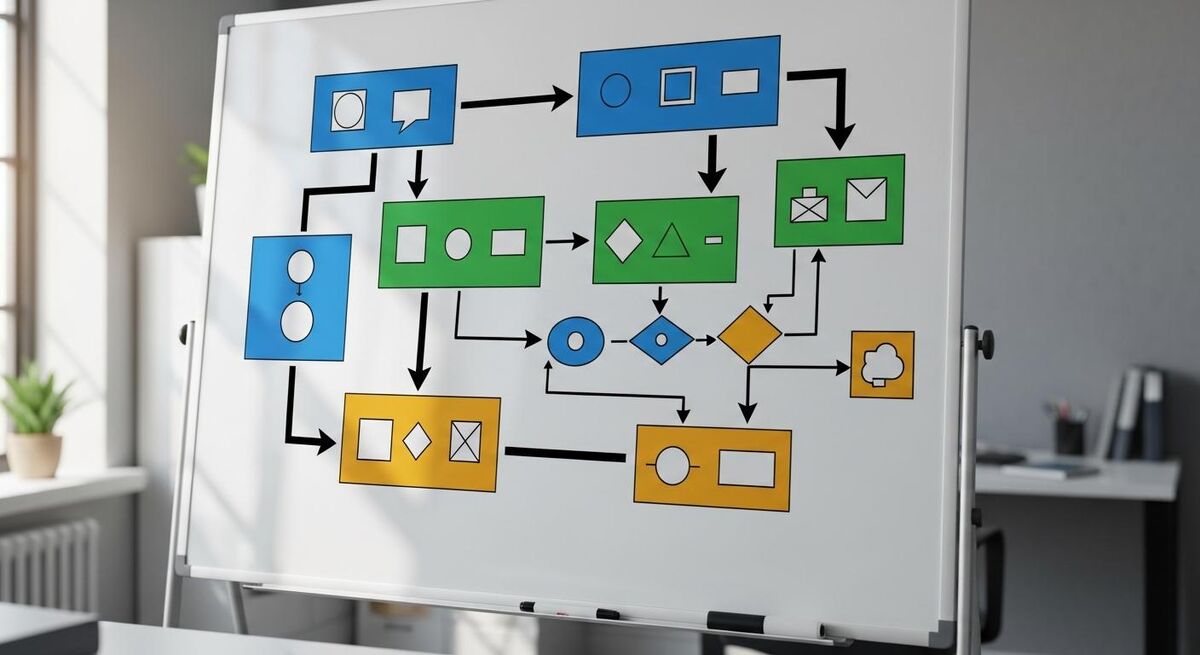
The whole thing is five n8n nodes plus a couple of helpers. Tenant submits a report in Fixflo. n8n polls Fixflo's works orders API every five minutes and pulls anything new. The report text and any photos go to a classifier. The classifier returns a trade category, a priority and a one-line summary. n8n looks up the right contractor from a Google Sheet or your Fixflo contractor list, then sends two WhatsApp messages: one to the contractor with the job, one to the tenant with a name and an ETA window.
When the contractor replies with a thumbs-up, n8n writes the acceptance back to Fixflo as a note on the works order and updates the status. When the job is closed in Fixflo, n8n sends the tenant a satisfaction prompt. You end up with one set of timestamps, one audit trail, and a tenant who is never wondering where their plumber is.
- Trigger: n8n polls Fixflo /api/v1/works-orders every five minutes for new orders
- Enrich: fetch the property address, tenant phone and report text via a second Fixflo call
- Classify: send the report and photo URL to Claude or GPT-5 for trade, priority and summary
- Route: map the trade to a contractor from your dispatch list with a working hours and on-call check
- Notify: WhatsApp template message to contractor with the job, second template to tenant with name and ETA
- Close the loop: contractor reply triggers a Fixflo note and a status update on the works order
Step 1: Get the report out of Fixflo

Fixflo does not expose a public webhook on works order creation. That is the first reality check. The cleanest route is a scheduled HTTP request that polls the works-orders endpoint every few minutes and filters on creation date.
In n8n, add a Schedule Trigger set to every five minutes. Wire it to an HTTP Request node pointing at https://your-instance.fixflo.com/api/v1/works-orders?status=open&createdAfter={{ $now.minus({minutes: 6}).toISO() }}. Authentication uses a bearer token your Fixflo account manager will issue.
Set the response to JSON and add a Split In Batches node so each works order is processed individually. Use the IF node to skip anything that already has the trade-assigned flag set, because you only want fresh reports.
Five minute polling, not one
Fixflo will rate-limit aggressive polling. Five minutes is the sweet spot. If you need faster turnaround on out-of-hours emergencies, layer a second workflow that polls every two minutes but only between 22:00 and 06:00 and only on works orders flagged as P1.
Step 2: Classify the issue with AI
This is the part Fixflo does not give you cleanly. Their own auto-triage is keyword-based and works most of the time, but it does not handle photos, accent-heavy English, or the dozens of ways tenants describe a leaking shower seal. A model call solves it in one node.
Add an OpenAI or Anthropic node after the IF. Point it at GPT-5 or Claude 4.7 Sonnet. The system prompt does three things: classify the trade (plumbing, electrical, heating, locks, structural, white goods, pest, decorating, other), set a priority (P1 emergency, P2 same-day, P3 within 72 hours, P4 planned), and write a one-line summary in plain English you can put in a WhatsApp template.
Pass the tenant's report text in the user message. If Fixflo returned an image URL, add it as an image content part, and both Claude and GPT-5 can read photos directly. A water-stain ceiling picture is worth fifteen minutes of back-and-forth with a tenant.
Use a JSON schema, not free text
Use structured outputs and pin the model to a schema with trade, priority, summary and a confidence score. When the confidence drops below 0.8 on a P1, route the works order to a human review queue instead of dispatching automatically. The handful of edge cases that get a human pair of eyes are exactly the ones that would have caused a complaint.
Step 3: Route to the right contractor
You have a trade. Now you need a person. Keep this list outside Fixflo, in a Google Sheet or an Airtable base, with columns for: contractor name, trade, WhatsApp number, working hours, on-call rotation, current job count and a quality score. You will update it weekly.
Add a Google Sheets node and filter the sheet by trade matching the classifier output. Then layer a small Code node to pick the right person: lowest current job count first, on-call status second, quality score third. For P1 emergencies, ignore working hours and pick whoever is on call. For P3 and P4, only pick contractors whose working hours cover the next four working hours.
The output of this node is one contractor object with a name, a WhatsApp number and the job summary attached. That is what gets passed to the WhatsApp node next.
| Routing approach | This stack | Fixflo standard auto-assign |
|---|---|---|
| Considers current workload | Yes, via Sheet job count | No |
| On-call rotation aware | Yes, weekly column | Manual override only |
| Quality-score weighted | Yes | No |
| Photo-aware classification | Yes, GPT-5 or Claude | Keyword-only |
| Out-of-hours behaviour | Custom logic per priority | Defers to office hours |
Step 4: Send the WhatsApp update
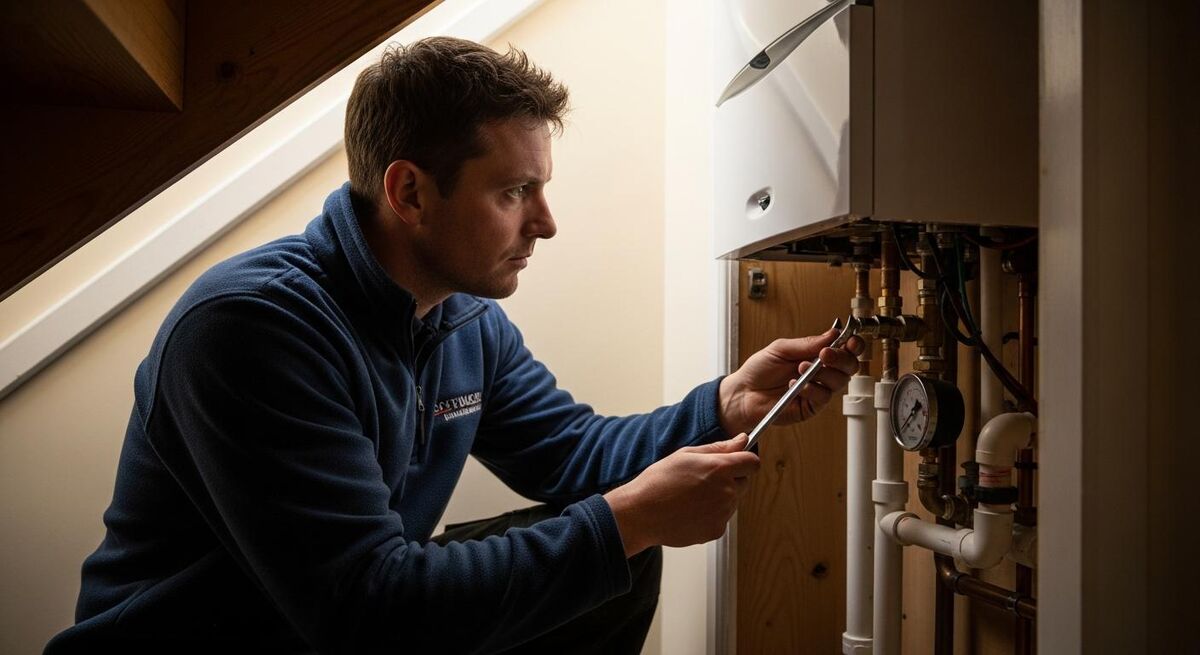
Two messages go out at the same time. One to the contractor with the works order ID, the address, the tenant's name, the priority, the AI summary and a thumbs-up button to accept. One to the tenant with the contractor's first name, the trade and an ETA window based on the priority and the contractor's current job count.
In n8n, add the WhatsApp Business Cloud node. Authenticate with your Meta access token and WhatsApp Business Account ID from the Meta for Developers dashboard. Set the resource to Message and the operation to Send. Use template messages, not free-text. Meta requires pre-approved templates for any business-initiated message, and approval takes a working day.
Create two templates in WhatsApp Manager: contractor_dispatch with five variables (job ID, address, priority, summary, accept link) and tenant_eta with three variables (contractor first name, trade, ETA window). Submit them for approval before you wire the workflow.
Per-conversation pricing, not per-message
WhatsApp pricing is per 24-hour conversation, not per message, and utility messages in the UK cost fractions of a penny. Marketing templates cost more. Keep your tenant updates classified as utility category. Conversations initiated by the tenant within 24 hours of a business-initiated thread are free. Budget around £5 to £10 a month for a single contractor running 50 jobs.
Step 5: Close the loop back into Fixflo
The contractor taps the accept link in WhatsApp. That hits a webhook on your n8n instance. The webhook node receives the works order ID and the contractor ID, then makes a POST to Fixflo's works order endpoint to add a note (the AI summary) and update the status to assigned with the contractor name attached.
When the engineer closes the job in Fixflo, a second polling workflow picks up the status change and fires a tenant_feedback template asking for a thumbs up or down. Negative responses get routed to a human review queue with the works order ID and the tenant message attached. Positive responses get logged to the same Google Sheet, feeding back into the contractor's quality score for next time.
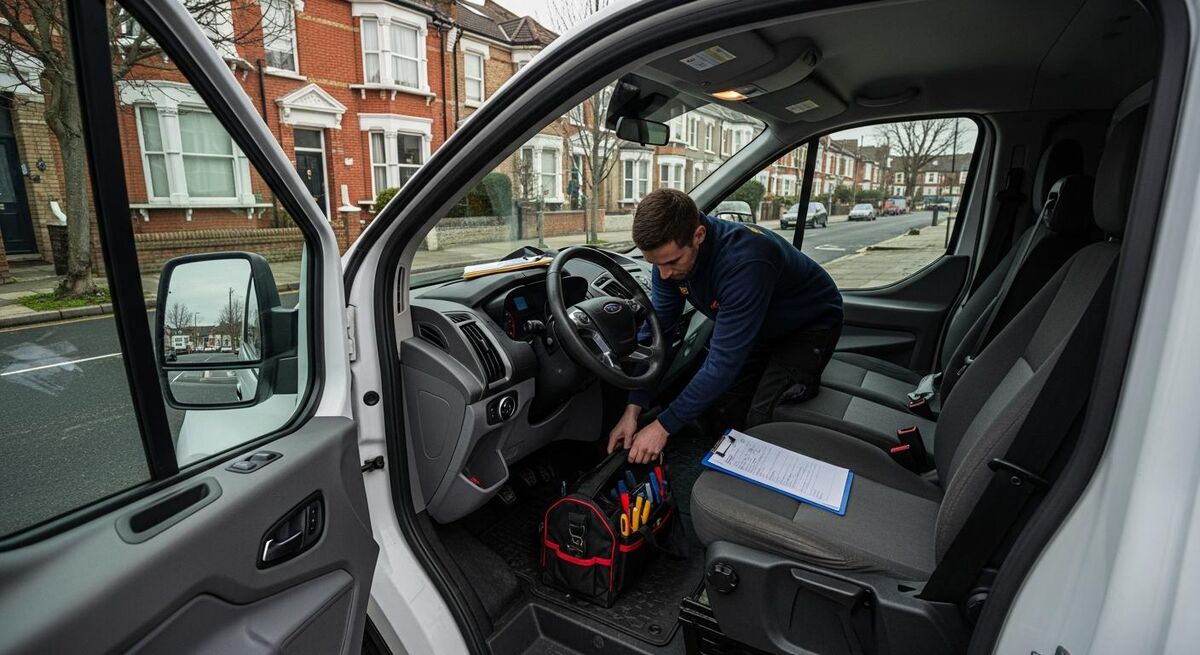
The result is a loop. Every step is logged in Fixflo, every comms event is in WhatsApp, and the spreadsheet holds the data n8n needs to make the next routing decision. No-one has to copy a phone number or a job description by hand.
One operational note worth saying clearly: the loop only works if the contractor list is current. Block out twenty minutes every Monday to update working hours, on-call rotation and any quality flags. The automation is only as good as the data feeding it.
Testing and troubleshooting
Test with a fake works order in your Fixflo sandbox first, never on a live property. Trigger the workflow manually from n8n with the Execute Workflow button. Watch the execution log node by node. The most common breakages I see are: an expired Meta access token (rotates every 60 days unless you set up a long-lived one), a template that has not been approved yet, or a contractor's WhatsApp number entered in the wrong format. WhatsApp wants E.164 with no plus sign: 447700900123 not +44 7700 900123.
| Symptom | Likely cause | Fix |
|---|---|---|
| n8n shows 401 on the Fixflo HTTP node | Bearer token expired or wrong scope | Regenerate via your Fixflo account manager, store in n8n credentials |
| Classifier returns the wrong trade | System prompt missing the trade list or model temperature too high | Lower temperature to 0.2, paste a canonical trade list with examples in the prompt |
| WhatsApp returns 132001 error | Template not approved or wrong language code | Check WhatsApp Manager template status, default to en_GB |
| Tenant gets the wrong contractor name | Routing logic falling back to a stale Sheet row | Add a check for last-updated date, error out if older than 14 days |
| Duplicate WhatsApp messages sent | Polling node grabbing the same works order twice | Mark each works order as processed in Fixflo via a custom field |
Cost analysis
For a single firm running 50 to 200 works orders a month, the maths is straightforward. Fixflo you are already paying for, so that does not count against the automation. The new costs are n8n hosting, the AI classifier and WhatsApp Business.
Set against the time it gives you back, the maths is not close. A property manager taking ten minutes per ticket times 200 tickets is 33 hours. Even at £20 an hour fully loaded, that is £660 of admin time replaced by £17 of cloud spend. The other half of the value is the response-time reduction, which protects your contract renewal with the letting agent more than any cost-out spreadsheet will.
The hidden saving
The number nobody puts on the invoice is the avoidable callout. A plumber dispatched to "a leak" who turns up to find a tenant has unscrewed a tap is a wasted hour. Fixflo's tenant self-help prompts catch some of those. AI classification catches more, because it can read "the dishwasher is making a noise" and tell you that is a planned-maintenance ticket not a 999. Even one fewer wasted callout a month covers the entire monthly cost.
Recommended videos

Fixflo Tutorial Short: Fixflo for Contractors
Fixflo
Fixflo Contractor App
Fixflo

What is Fixflo Contractor Marketplace?
Fixflo
What is Fixflo Planned Preventative Maintenance?
Fixflo

How To Connect WhatsApp to n8n: Step-by-Step Tutorial
Leon van Zyl

How to Build a WhatsApp Agent with n8n (credential tutorial)
Nate Herk | AI Automation
What contractors are saying
Frequently asked questions
API access is gated on the higher tiers and requires a signed agreement. Talk to your Fixflo account manager. Lower tiers can still do most of this with Zapier or a paid Fixflo connector, but you give up the cleanest field mapping.
Yes. The logic is identical. Make is friendlier if you have never built a workflow before, n8n is cheaper at volume and self-hostable. For a property maintenance firm doing more than 100 jobs a month, n8n usually works out cheaper inside three months.
That is what the confidence score is for. Set the threshold at 0.8. Anything below routes to a human queue for a thirty-second sanity check before dispatch. You will see one or two a day at most, and they are exactly the ambiguous ones a person should be reading anyway.
WhatsApp messages get opened inside three minutes on average. Email gets opened in hours, if at all. The bigger risk is the opposite, tenants replying with a follow-up question expecting a human, so set expectations in the first template: "for new issues, please report via the Fixflo app".
Both OpenAI and Anthropic have UK and EU data residency options on their enterprise plans, with zero-data-retention API endpoints. Use those, document the processing in your DPA, and you are compliant. Do not paste tenant names or full addresses into the classifier prompt, pass a works order ID instead and let n8n reattach the personal data after the model has done its job.
About two weeks. The workflow is instant from day one, but the routing list needs a fortnight of real data before the quality score starts producing better assignments. Stick with it past the first messy week.
My verdict
Worth the three hours, not negotiable for anyone running more than 50 jobs a month
This stack does not replace Fixflo, it makes Fixflo do the job Fixflo is sold for. Tenant reports the issue, the right contractor is on the doorstep faster, no-one in the office is acting as a courier. For UK property maintenance firms running on Fixflo, the n8n plus WhatsApp layer is the cheapest, fastest improvement you can make to your operation this quarter. The only reason to skip it is if you genuinely have someone whose full-time job is sitting in Fixflo all day, and even then they should be moved to something more valuable.
One more thing. Whatever you build, document it. Write the workflow down, share the credentials with a second person, and put the Sheet update on a calendar. Automations that one person built and one person knows are technical debt the moment that person leaves.
For related reading, the n8n + Weather + WhatsApp rescheduling workflow uses the same WhatsApp Business node patterns. The heat pump monitoring and FSM integration shows the same fault-detection-to-dispatch pattern applied to renewable plant. If you are running a smaller operation without Fixflo, the Tradify, Xero, Stripe, WhatsApp combination covers the same ground at sole-trader scale. For an even cheaper budget enterprise build, the Zoho FSM, QuickBooks, WhatsApp stack hits the same workflow at under £45 per user.