
Quick Answer
The ServiceM8 Form Store CP12 template uses Australian gas standards, not UK Gas Safe requirements. You need a UK-specific CP12 form that captures appliance location, flue type, combustion readings, tightness test results, and engineer Gas Safe Card ID. The Hazel Whicher Landlord Gas Safety Certificate form (£119 ex. VAT) is the most complete UK option. It auto-populates customer details from your ServiceM8 job, works offline, and generates branded PDFs you can email from site. You need the Growing plan or higher to use custom forms.
Table of Contents
- What is a CP12 and why does it matter?
- The problem with ServiceM8 Form Store CP12 templates
- Required fields on a UK Gas Safe CP12
- The ServiceM8 CP12 template that actually works
- How to set up your CP12 form in ServiceM8
- Building a CP12 workflow in ServiceM8
- Alternatives: dedicated gas certificate apps
- What gas engineers are saying
- Videos: CP12 and ServiceM8 forms
- Frequently asked questions
- My verdict
 ServiceM8
What is a CP12 and why does it matter?
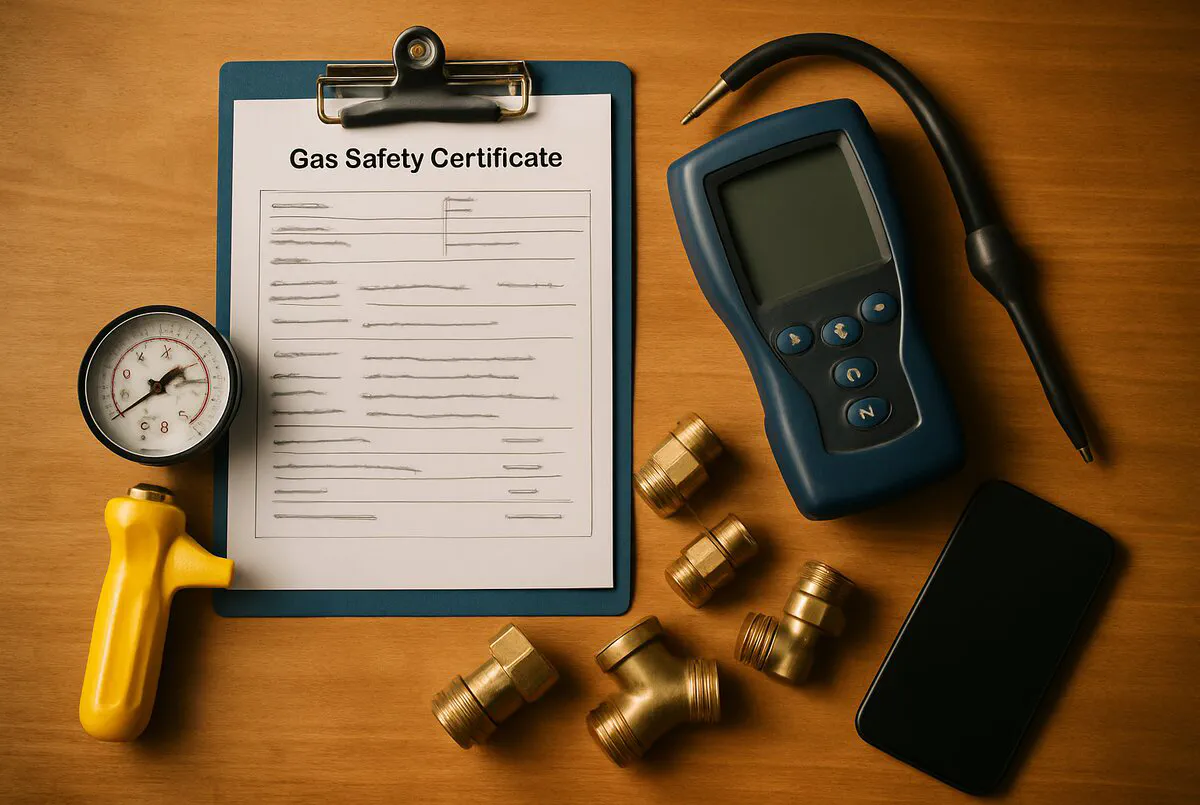
A CP12, formally called a Landlord Gas Safety Record (LGSR), is the certificate a Gas Safe registered engineer issues after completing an annual gas safety check on a rental property. It confirms every gas appliance, flue, and associated pipework has been inspected and is safe to use.
Under the Gas Safety (Installation and Use) Regulations 1998, landlords must arrange an annual gas safety check on every gas appliance in their rental properties. The engineer who performs the check issues the CP12. Without it, the landlord is breaking the law.
The penalties are not minor. Landlords who fail to comply face unlimited fines, potential imprisonment, and their landlord insurance can be invalidated entirely. For gas engineers, issuing incomplete or non-compliant certificates can trigger investigation by the Gas Safe Register and put your registration at risk.
Legal requirement
CP12 certificates are legally required for every rental property with gas appliances. Missing or incomplete records can result in unlimited fines and imprisonment for the landlord, and registration issues for the engineer.
Records must be kept for at least two years. Existing tenants must receive a copy within 28 days of the inspection, and new tenants must get one before moving in. Both paper and digital formats are legally valid, but many letting agents and local authorities now expect digital records as standard.
The problem with ServiceM8 Form Store CP12 templates
ServiceM8 is an Australian company. The CP12 form in their Form Store was built for Australian gas standards, not UK Gas Safe Register requirements. If you are a UK gas engineer and you download that form expecting it to meet your compliance needs, you will be disappointed.
The Australian form does not include fields for Gas Safe registration number, Gas Safe Card ID, flue type classification, combustion analyser readings, or the specific safety checks required under UK regulation 26(9). It is built around a different regulatory framework entirely.
This is the gap that caught out a lot of engineers when they first moved to ServiceM8. The app itself is excellent for job management, scheduling, and invoicing. But the default gas forms are not fit for UK compliance work. You need a UK-specific CP12 form built by someone who understands Gas Safe requirements.
Australian vs UK gas standards
The default ServiceM8 CP12 in the Form Store follows Australian gas regulations. UK gas engineers need a form that captures Gas Safe Card ID, flue types, combustion readings, and regulation 26(9) compliance checks.
Required fields on a UK Gas Safe CP12
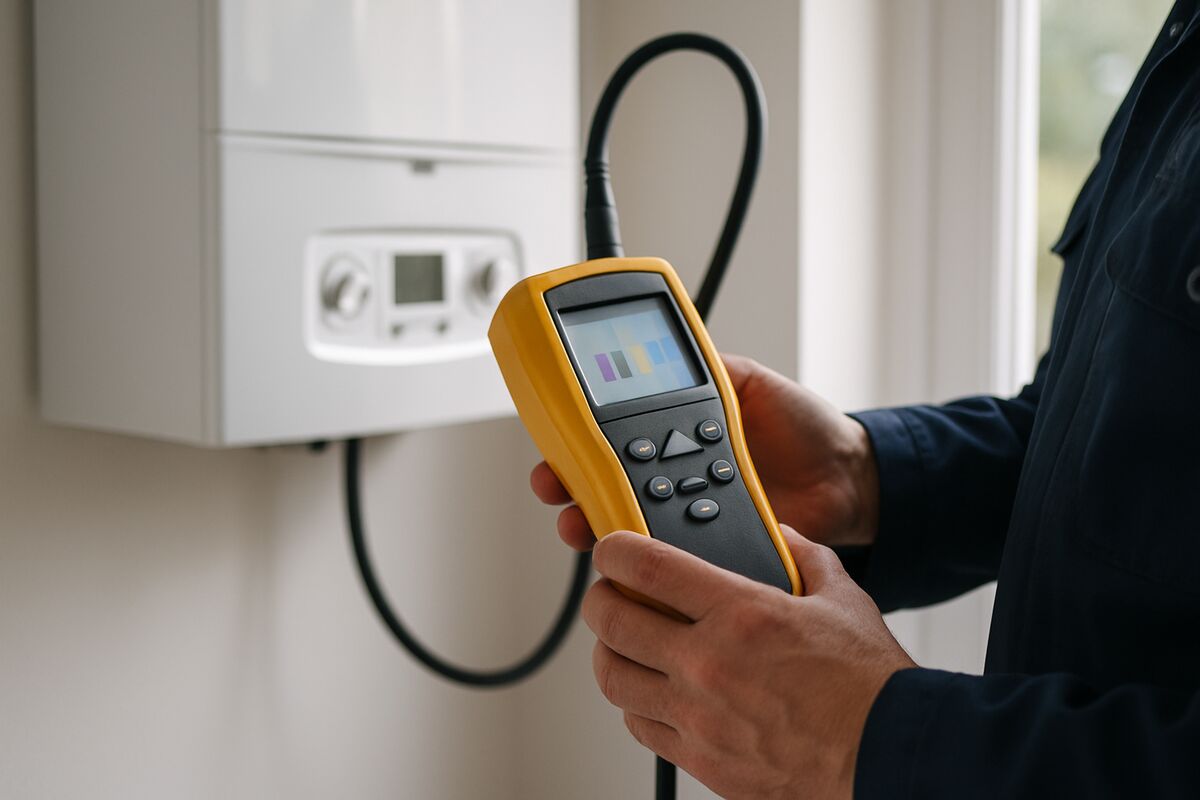
According to the HSE and Gas Safe Register, a gas safety check record must include these fields as a minimum. Any ServiceM8 form you use needs to capture all of them.
Property and landlord details
- Property address where appliances are installed
- Landlord name and address (or their managing agent)
Engineer details
- Engineer name and signature
- Gas Safe registration number
- Gas Safe Card ID number
Per-appliance fields (up to 4 appliances)
- Description and location of each appliance
- Manufacturer and model
- Flue type (open flue, room sealed, flueless)
- Burner pressure and heat input readings
- Combustion analyser data (CO, CO2, ratio)
- Ventilation check result
- Visual inspection of flue and terminal
- Pipework condition
- Tightness test result
- CO alarm test result (if fitted)
Defect recording
- Any safety-related defects identified
- Classification of each defect
- Remedial action taken or recommended
Confirmation
- Confirmation the check covered all matters referred to in regulation 26(9)
- Date of inspection
- Date of next scheduled check (12 months from inspection)
Gas Safe Register does not produce its own form
The Gas Safe Register does not issue an official form template. Engineers can use any format, paper or digital, provided it captures all the required fields. This is why third-party forms like the one below exist.
The ServiceM8 CP12 template that actually works
The Hazel Whicher Landlord Gas Safety Certificate form is the most established UK-specific CP12 template for ServiceM8. Hazel is a ServiceM8 Gold Partner who ran a plumbing and heating business for 10 years before becoming a full-time ServiceM8 consultant. She has built forms for over 200 trades businesses since 2014.
What the form includes
The form captures up to four appliances with full details: location, type, manufacturer, model, flue type, burner pressure, heat input, combustion analyser data, CO alarm test, tightness test results, ventilation check, and visual inspections of flue, terminal, and pipework. It also records up to four defects with classification and required actions.
It auto-populates your company logo, company details, and customer name and address from the ServiceM8 job. The job number becomes the certificate reference number, which makes tracking straightforward.
Pricing and requirements
| Detail | Information |
|---|---|
| Price | £119.00 (ex. VAT) |
| Gas Safe logo add-on | £9.99 (requires proof of registration) |
| ServiceM8 plan required | Growing plan or higher (£79/month) |
| Customisation | Fully unlocked, edit any field |
| Offline use | Yes, complete on site without signal |
| Output format | Branded PDF, email or print |
| Support | hazel@hazelwhicher.co.uk / 0333 355 0005 |
The form is supplied completely unlocked. You can edit wording, layout, and fields without restriction. If you want help customising it, Hazel offers that as a service too.
Bundle option
Hazel also sells a Gas and Heating Engineer Form Bundle that includes the CP12, gas service record, warning notice, and other common gas forms. If you need more than just the CP12, the bundle is better value.
How to set up your CP12 form in ServiceM8

Once you have purchased the form, here is how to get it running in your ServiceM8 account.
- Accept the partner invite: Hazel sends a ServiceM8 partner support invite. Accept it so she can upload the form directly to your account.
- Check the form appears: Open ServiceM8, go to Settings, then Forms. The Landlord Gas Safety Certificate should be listed.
- Add your Gas Safe details: Edit the form to add your Gas Safe registration number and Gas Safe Card ID. These will auto-populate on every certificate.
- Add the Gas Safe logo (optional): If you paid for the logo add-on, Hazel adds the Gas Safe logo and your registration number to the form header.
- Test with a dummy job: Create a test job, attach the form, fill in sample appliance data, and generate the PDF. Check everything looks correct before using it on a real job.
- Set up a job template: Create a "Landlord Gas Safety Check" job template in ServiceM8 that automatically attaches the CP12 form. This saves time on every booking. If you need help with job templates and forms in ServiceM8, we have a separate guide for that.
Building a CP12 workflow in ServiceM8

A CP12 form is only one part of the process. To get the most from ServiceM8, build a complete landlord gas safety workflow.
1. Recurring job reminders
CP12 certificates are valid for 12 months. Use ServiceM8's recurring jobs feature to automatically create a new job 10-11 months after the last check. The system sends a reminder to the landlord or managing agent, and you get repeat business without having to chase anyone.
2. Job statuses
Set up custom job statuses for your gas safety workflow: Booked, En Route, On Site, Certificate Issued, Invoiced. Each status can trigger an automated SMS or email to the customer.
3. Automated certificate delivery
When you complete the CP12 form on site, ServiceM8 generates the PDF. Set up an automation to email the certificate to the landlord and the managing agent immediately. This handles the 28-day delivery requirement automatically.
4. Invoice integration
If you use ServiceM8 with Xero or QuickBooks, the invoice can be created and synced the moment you mark the job complete. No double entry, no chasing paperwork at the weekend. Our ServiceM8 invoice template guide covers the invoicing side in detail.
Recurring revenue
Landlord gas safety checks are annual repeat work. A well-set-up ServiceM8 workflow with recurring jobs means you never lose track of renewals. One engineer managing 200 landlord properties at £60-£120 per check generates £12,000-£24,000 in predictable annual revenue.
Alternatives: dedicated gas certificate apps
ServiceM8 is a general job management platform. If you only need gas certificates and do not need full job management, there are dedicated gas certificate apps worth considering.
| App | Starting price | Key features | Best for |
|---|---|---|---|
| Gas Certificate App | Free (limited) / from £9.99/month | CP12, service records, invoicing, offline | Solo engineers wanting simplicity |
| Gas Engineer Software | From £15/month | Built-in gas forms, rate calculator, UK support | Gas-only businesses not needing full FSM |
| GasCert (iCertifi) | From £7.50/month | AI diagnostics, 11 certificate types, offline | Engineers wanting AI-assisted compliance |
| ServiceM8 + Hazel form | £79/month + £119 one-off | Full job management, scheduling, invoicing, forms | Growing businesses with mixed trades |
The dedicated apps are cheaper if gas certificates are all you need. But they do not handle job scheduling, customer management, quoting, or invoicing. If you already use ServiceM8 for everything else, adding the CP12 form keeps all your data in one place. If you are comparing quoting workflows, ServiceM8's all-in-one approach is hard to beat.
What gas engineers are saying
Real quotes from gas engineers and heating professionals using ServiceM8 and digital forms.
Videos: CP12 certificates and ServiceM8 forms
Walkthroughs covering CP12 completion, Gas Safe requirements, and ServiceM8 form setup.
How to Fill Out a Landlord Gas Safety Check CP12
Step-by-step guide to completing the GGIUR 26.9 record correctly

How to Create and Complete Digital Forms with ServiceM8
ServiceM8 official walkthrough of the forms feature
How to Carry Out a Landlord Gas Safety Check
Rules and regulations for CP12 inspections explained
ServiceM8 Forms: Gas Service and Maintenance Record
Demo of gas forms on the ServiceM8 app
Frequently asked questions
Yes. The Gas Safety (Installation and Use) Regulations 1998 do not require certificates to be on paper. Digital records are perfectly valid as long as they contain all the required fields and can be reproduced in hard copy if requested. Many letting agents now prefer digital certificates.
For custom forms like the Hazel Whicher CP12 template, yes, you need the Growing plan (£79/month) or higher. The Lite and Starter plans do not support custom forms. You can use forms from the Form Store on any plan, but the UK-specific CP12 is not in the Form Store.
At least two years. ServiceM8 stores completed forms in the job diary indefinitely, so this is handled automatically. The 2018 amendment regulations also require records to be kept until two additional safety checks have been completed if the early renewal option was used.
No. Only a Gas Safe registered engineer can carry out a gas safety check and issue a CP12. It is illegal for anyone who is not Gas Safe registered to work on gas appliances in the UK.
An incomplete certificate does not satisfy the legal requirement. If the Gas Safe Register audits your records and finds missing fields, you could face investigation. Using a proper template with all the required fields prevents this problem entirely.
My verdict
Get the UK-specific form, skip the Form Store default
The ServiceM8 Form Store CP12 is built for Australian standards. If you are a UK gas engineer using ServiceM8, the Hazel Whicher Landlord Gas Safety Certificate (£119 ex. VAT) is the form you need. It covers every field the Gas Safe Register requires, auto-populates from your job data, works offline, and generates branded PDFs you can email from site. Pair it with recurring jobs and you have a system that handles compliance, reminders, and invoicing in one place. For solo engineers who only need certificates, a dedicated app like Gas Certificate App or GasCert is cheaper. But if ServiceM8 already runs your business, adding the CP12 form keeps everything under one roof.