
Quick Answer
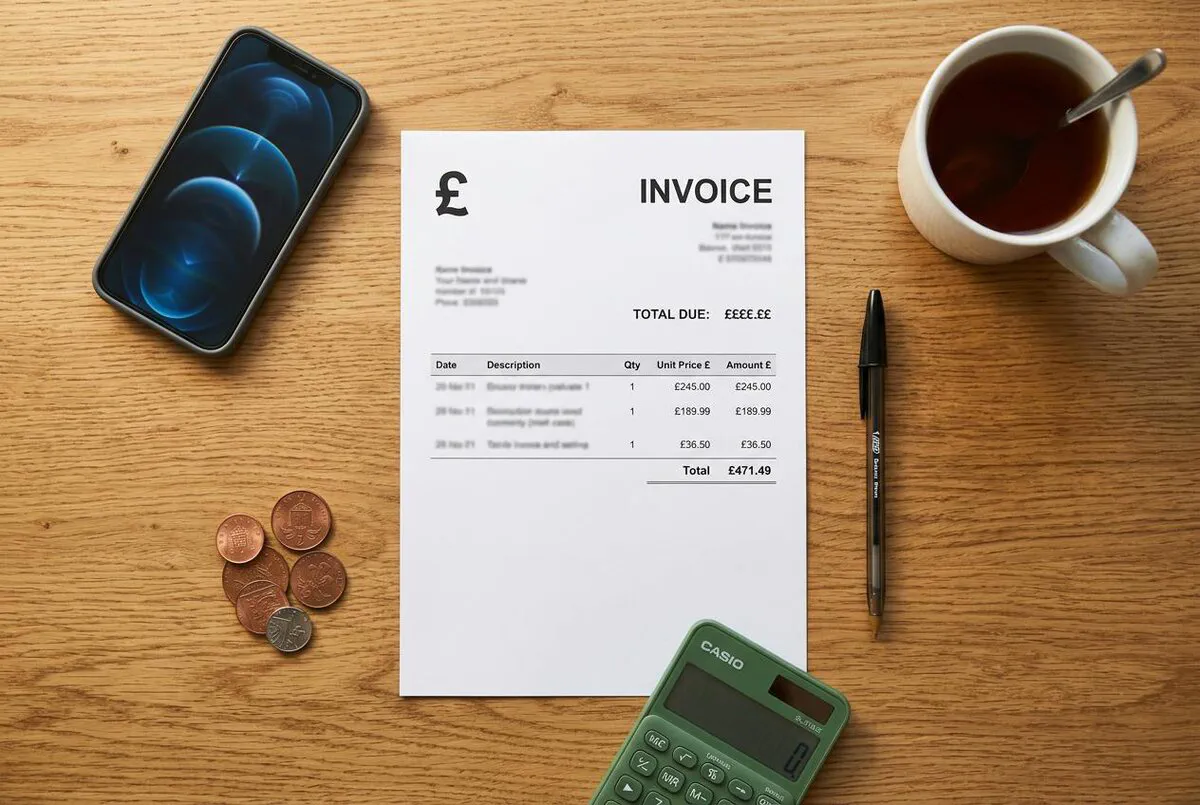
Here is a hard truth: most tradespeople send invoices that would not survive an HMRC VAT inspection. When I was running Elite Heating and Plumbing, I saw invoices from other trades that were missing half of what HMRC requires. This free ServiceM8 invoice template is designed specifically for UK VAT-registered tradespeople and includes all 15 fields HMRC requires on a valid tax invoice, pre-loaded ServiceM8 merge tags for automatic data population, and clear payment terms. Download the Word (.docx) file below, upload it to ServiceM8 under Settings > Templates, and start sending professional, compliant invoices from site in under five minutes.
Table of Contents
- What HMRC Requires on a UK VAT Invoice
- What Is in Our Free ServiceM8 Invoice Template
- ServiceM8 Merge Fields: The Complete Reference
- How to Upload and Customise Your Template
- ServiceM8 Invoicing vs Manual Methods
- Which ServiceM8 Plan Do You Need?
- My Verdict
- What UK Tradespeople Say
- Videos: ServiceM8 Invoice Templates in Action
- ServiceM8 Invoice Template FAQ
 ServiceM8
What HMRC Requires on a UK VAT Invoice
I cannot stress this enough: if you are VAT-registered, every invoice you send must meet HMRC's legal requirements. I have seen trades businesses get caught out by missing a single field. Get it wrong and your customer cannot reclaim the VAT, which means they will push back on paying. Get it right and you look professional, stay compliant, and get paid faster. If you also need a proper estimate document before the job starts, grab our free job estimate spreadsheet with auto-calculated labour, materials, and profit margin.
Here is the full list of what HMRC demands on a valid VAT invoice:
Your Business Details
Your company or trading name, full postal address, and VAT registration number. All three must appear on every invoice, no exceptions.
Customer Details
The customer’s name (or company name) and their address. For domestic reverse charge (DRC) jobs, you also need their VAT number.
Invoice Identification
A unique, sequential invoice number and the date of issue. ServiceM8 generates both automatically via the job.generated_job_id and job.invoice_date merge fields.
Supply Description
An itemised list of goods or services supplied, including quantities, unit prices, and a clear description of each line item.
VAT Breakdown
The net amount (before VAT), the VAT rate applied to each item, the total VAT charged, and the gross total. For mixed-rate jobs, show each rate separately.
Payment Terms
While not strictly required by HMRC, clear payment terms (due date, accepted methods, late payment fees) are considered best practice and reduce disputes.
DRC Warning: Construction Subcontractors
If you work in construction and your customer is VAT-registered, the domestic reverse charge (DRC) may apply. Under DRC, you do not charge VAT; instead, your invoice must state "customer to account to HMRC for the reverse charge" and show the VAT amount that would have been charged. Our template includes a DRC note field for exactly this scenario. If you are subcontracting, make sure the payment terms in your subcontractor agreement match what appears on your invoices.
What Is in Our Free ServiceM8 Invoice Template
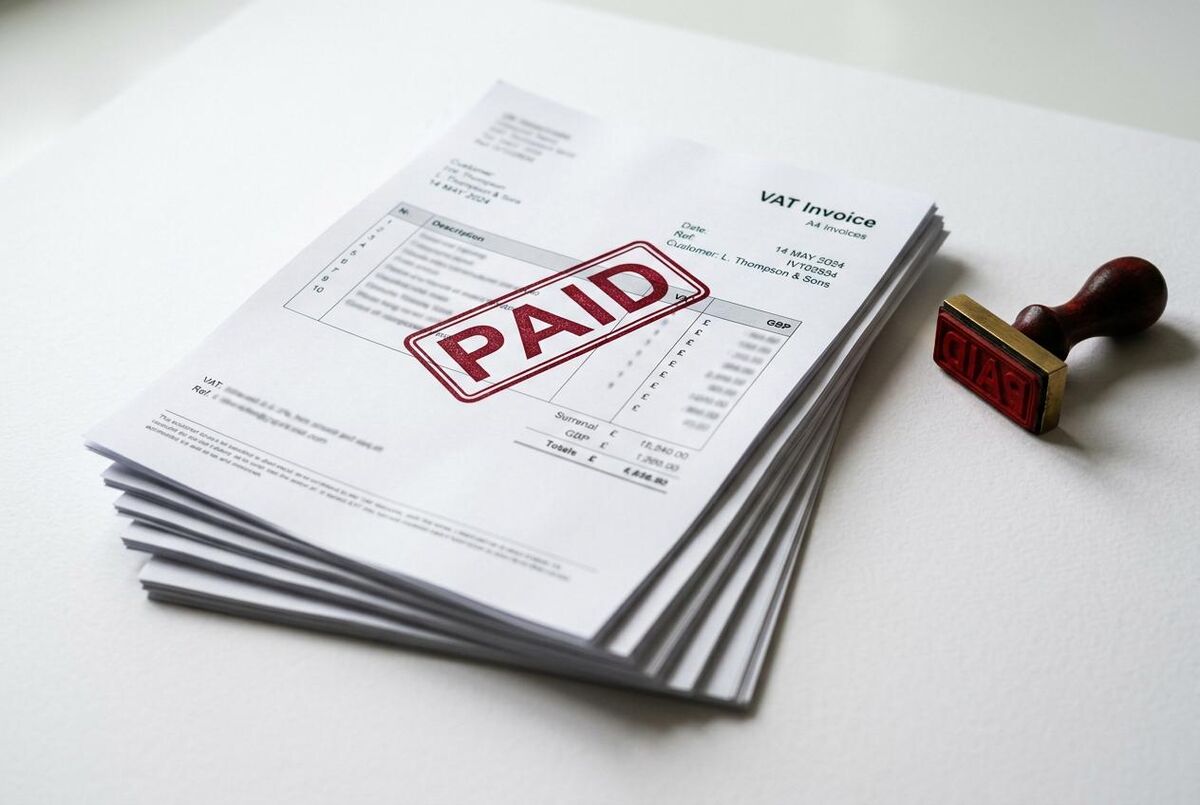
Our template is a Word (.docx) file built around ServiceM8’s Handlebars merge syntax. When you upload it as a custom document template, ServiceM8 automatically fills in the job data, customer details, and line items every time you generate an invoice. No copy-pasting, no missed fields.
- Unlimited jobs during trial
- Custom invoice templates
- AI Auto-Invoice included
- No credit card required
- Vendor, customer, and job fields
- Line items loop syntax
- VAT and total calculations
- Copy-paste ready format
Template Layout
The template is structured into five clear sections (and if you also need a branded job completion report, we have a matching ServiceM8 job report form template you can pair with it):
- Header block – your company name, address, logo, phone number, email, and VAT registration number. The VAT number is hard-coded because ServiceM8 does not have a dedicated merge field for it.
- Customer block – pulls in the client’s name and billing address using
{{location.name}}and{{location.billing_address}}merge fields. - Invoice details strip – shows the invoice number (
{{job.generated_job_id}}), invoice date ({{job.invoice_date}}), and your payment terms. - Line items table – uses the
{{#each materials}}loop to list every service and material with description, quantity, unit price, and line total. Subtotal, VAT, and grand total are calculated automatically. - Footer – payment instructions (bank details, ServiceM8 Pay link), a thank-you note, and optional DRC reverse charge wording.
VAT Number: Why It Must Be Hard-Coded
ServiceM8 does not offer a merge field for your VAT registration number. You need to type it directly into the template file before uploading. If your VAT number changes (rare, but it happens), you will need to update the template manually.
ServiceM8 Merge Fields: The Complete Reference
These are the Handlebars merge tags used in our template. When ServiceM8 generates a PDF invoice, it replaces each tag with real data from the job card. If you want to customise the template further, here is every field you are likely to need.
| Merge Field | What It Pulls In | Example Output |
|---|---|---|
{{vendor.name}} | Your business/trading name | Smith Electrical Ltd |
{{vendor.address}} | Your business address | 14 Willow Road, Bristol BS3 4QT |
{{vendor.phone}} | Your phone number | 07912 345 678 |
{{vendor.email}} | Your email address | info@smithelectrical.co.uk |
{{location.name}} | Customer name | J. Thompson |
{{location.billing_address}} | Customer billing address | 22 Oak Lane, Bath BA1 2NP |
{{job.generated_job_id}} | Sequential invoice number | INV-00247 |
{{job.invoice_date}} | Date invoice was generated | 12/03/2026 |
{{job.description}} | Job description text | Full rewire, 3-bed semi |
{{#each materials}} | Starts the line items loop | (repeats for each item) |
{{jobMaterial.name}} | Item or service name | Consumer unit replacement |
{{jobMaterial.quantity}} | Quantity | 1 |
{{jobMaterial.totalPriceExTax}} | Line total excluding VAT | £340.00 |
{{jobMaterial.totalTax}} | VAT amount for the line | £68.00 |
{{job.subtotal_price}} | Invoice subtotal (ex VAT) | £1,420.00 |
{{job.total_tax_price}} | Total VAT charged | £284.00 |
{{job.total_price}} | Grand total (inc VAT) | £1,704.00 |
Custom Fields for Extra Data
Need to pull in data that is not listed above? ServiceM8 lets you create custom fields and reference them in templates. For example, you could add a "PO Number" custom field and insert {{job.custom_field_uuid}} to show it on every invoice. The Autom8ers YouTube channel has an excellent walkthrough of this process. You can also use ChatGPT to write quotes that win jobs before you even get to the invoicing stage.

How to Upload and Customise Your Template
In my eyes, this is the easy part. Getting the template into ServiceM8 takes about five minutes. Here is the step-by-step process.
- Download the template – grab the .docx file from the link above and save it to your computer.
- Open in Word – open the file in Microsoft Word, Google Docs, or any editor that handles .docx files. Replace the placeholder company details (name, address, phone, email) with your own.
- Add your VAT number – find the "VAT Reg: [YOUR VAT NUMBER]" text in the header and replace it with your actual VAT registration number.
- Add your logo – replace the placeholder logo image with your company logo. Keep it under 200px wide for clean formatting.
- Set your payment terms – update the payment terms section with your preferred terms (7 days, 14 days, 30 days) and your bank details or payment link.
- Save as .docx – save the file. ServiceM8 requires Word format; do not convert to PDF.
- Upload to ServiceM8 – log in to the ServiceM8 Online Dashboard, go to Settings > Document Templates > Invoice, and upload your customised .docx file.
- Test it – open any completed job, tap Invoice, and check that all merge fields populate correctly. Send yourself a test invoice to review the final PDF.
Do Not Edit Merge Tags
The curly-brace merge tags (like {{vendor.name}}) must remain exactly as written. If you accidentally delete a brace or change the field name, that section will appear blank on your invoices. If in doubt, download a fresh copy and start again.
ServiceM8 Invoicing vs Manual Methods
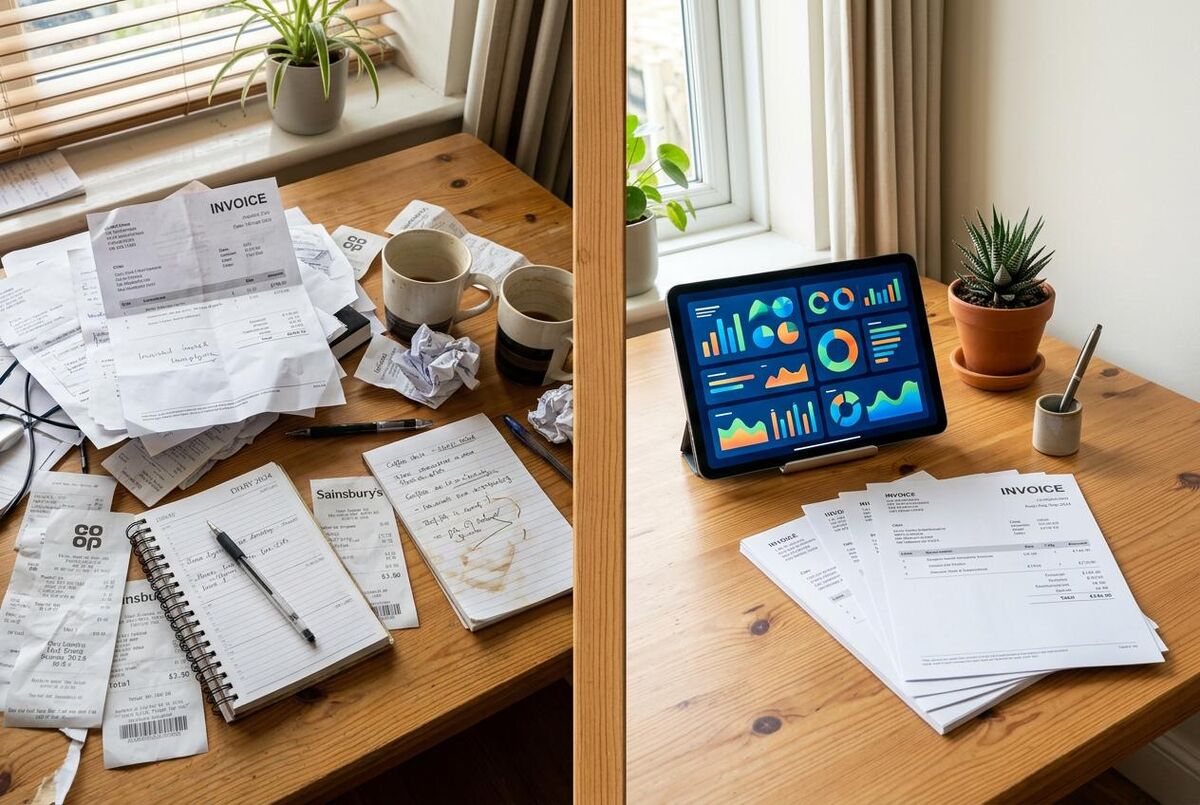
Sound familiar? Still writing invoices by hand or using a basic Word template without merge fields? When I was running a heating business with six engineers, we were losing hours every week to manual invoicing, and it was costing us in late payments too. If you are also unsure which accounting package to pair with ServiceM8, our Xero vs QuickBooks vs Sage comparison breaks down the MTD-ready options. Here is what you gain by moving to ServiceM8's template system.
| Feature | Manual / Basic Word | ServiceM8 Template |
|---|---|---|
| Customer details | Type manually every time | Auto-filled from job card |
| Line items | Copy from notes or memory | Pulled from items/services database |
| VAT calculation | Manual with calculator | Automatic subtotal, VAT, and total |
| Invoice numbering | Track in a spreadsheet | Sequential, auto-generated |
| Send from site | Must wait until back in the office | Email or SMS directly from the app |
| Payment tracking | Manual follow-up | Automatic reminders, live statements |
| Accounting sync | Re-enter into Xero/QuickBooks | Syncs invoices and payments automatically |
| Time per invoice | 10-15 minutes | Under 2 minutes |
Which ServiceM8 Plan Do You Need?
Custom document templates, including invoice templates, require the Growing plan or higher. Here is a quick breakdown of the plans relevant to invoicing.
| Feature | Free / Starter | Growing (~£59/mo) | Premium (~£119/mo) |
|---|---|---|---|
| Basic invoicing | Yes | Yes | Yes |
| Custom invoice templates | No | Yes | Yes |
| AI Auto-Invoice | Limited (10/day on Free) | Unlimited | Unlimited |
| Form builder | No | Yes | Yes |
| Monthly jobs | 30 (Free) / 50 (Starter) | 150 | 500 |
| Branded SMS | No | No | Yes |
Is the Upgrade Worth It?
If you send 20+ invoices a month and each one takes 10 minutes to write manually, that is over 3 hours of admin time. At £40/hour, you are spending £120/month on invoicing alone. The Growing plan at ~£59/month pays for itself in the first fortnight, and you get forms, asset management, and bundles thrown in. If you are also trying to work out whether to charge day rates or project prices, our pricing model comparison can help you set the right figures before they hit your invoices.
My Verdict
If you are a UK tradesperson using ServiceM8 and you are VAT-registered, this template removes every excuse for sending non-compliant invoices. It takes five minutes to set up and it pays back immediately: faster payments, fewer HMRC queries, and a professional image that sets you apart from competitors still scribbling invoices on notepaper. The one limitation is that you need the Growing plan (~£59/month) to use custom templates, but the time savings alone cover that cost if you send more than a dozen invoices a month. Pair it with our free ServiceM8 quote template and you have a consistent, branded document set from first enquiry to final payment.
Best for: VAT-registered sole traders and small teams on ServiceM8 Growing or Premium plans
Limitation: VAT number must be hard-coded; no merge field exists for it in ServiceM8
Time saved: Roughly 8-10 minutes per invoice compared to manual Word or handwritten methods
Pairs with: ServiceM8 job report form, quote template, and Xero/QuickBooks accounting sync
What UK Tradespeople Say
Real reviews and forum posts from tradespeople who use ServiceM8 for invoicing every day.
Videos: ServiceM8 Invoice Templates in Action
These walkthroughs cover everything from initial template setup to advanced customisation with custom fields.
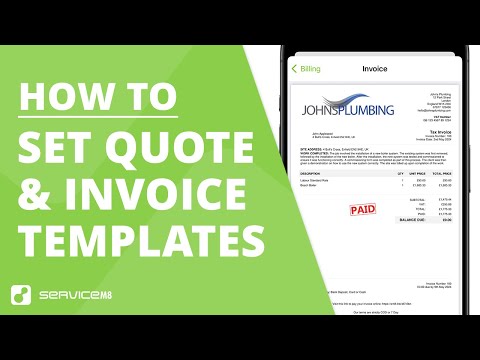
How to Set Up Quote & Invoice Templates in ServiceM8
ServiceM8 (Official)
How Do the Quote and Invoice Templates Work?
ServiceM8 (Official)
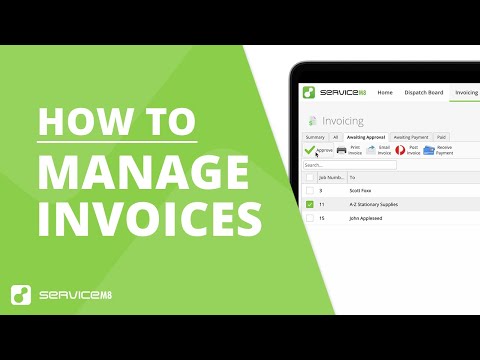
How to Invoice On Site & in the Office
ServiceM8 (Official)
How to Add Terms to Invoice Template on ServiceM8
Simple Answers
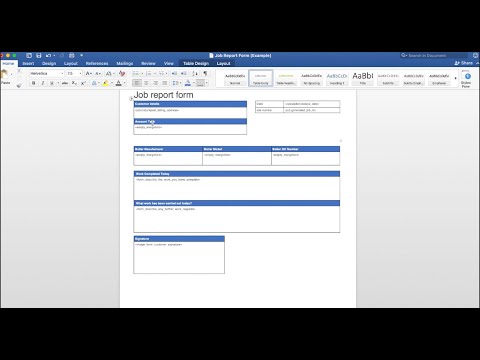
Custom Fields to Autofill Document Templates
Autom8ers
Making Changes to Your Invoice Template
Hazel Whicher
More Free Templates for UK Trades
This invoice template is part of our growing library of free, trade-specific resources. Browse the full collection, including quote templates, subcontractor agreements, and job estimate spreadsheets, at TrainAR Academy.
Explore TrainAR AcademyServiceM8 Invoice Template FAQ
No. Custom document templates require the Growing plan (~£59/month) or higher. On Free and Starter, you can still send invoices, but they use ServiceM8’s default template which you cannot customise.
The template includes standard VAT fields, but CIS deductions require additional calculations (labour vs materials split, CIS deduction rate). You would need to add a CIS section manually or use a dedicated CIS invoicing tool alongside ServiceM8. For more on CIS compliance, see our guide to common CIS return errors.
Open the .docx file in Word, click on the placeholder logo image, and replace it with your own. Keep the image under 200px wide and use PNG format for the cleanest result. Save and re-upload to ServiceM8.
Yes. ServiceM8 supports multiple document templates. You could have one template for standard VAT invoices, another for DRC reverse charge jobs, and a third for maintenance contracts. Upload each as a separate template under Settings > Document Templates.
The template controls how the PDF invoice looks. The data behind it (amounts, customer details, line items) syncs to Xero or QuickBooks automatically through ServiceM8’s accounting integrations. The template does not affect the sync; it only affects the customer-facing document. For a full walkthrough of automating the ServiceM8-to-Xero flow, see our guide to the Link copied to clipboard Turn every engineer into your best engineer and solve recruitment bottlenecks Get weekly insights delivered to your inbox. Free 2026 ServiceM8 job report form template for UK trades. Download the Word template, map merge fields and generate branded PDF reports on site. 2026 free job estimate spreadsheet for UK tradespeople. Auto-calculates labour, materials, VAT and profit margin. Works in Google Sheets and Excel. Free UK subcontractor agreement template for 2026. Covers CIS tax, Construction Act payment rights, insurance and dispute resolution.
Share this article
Ready to Transform Your Business?
Stay Updated
Recommended Articles
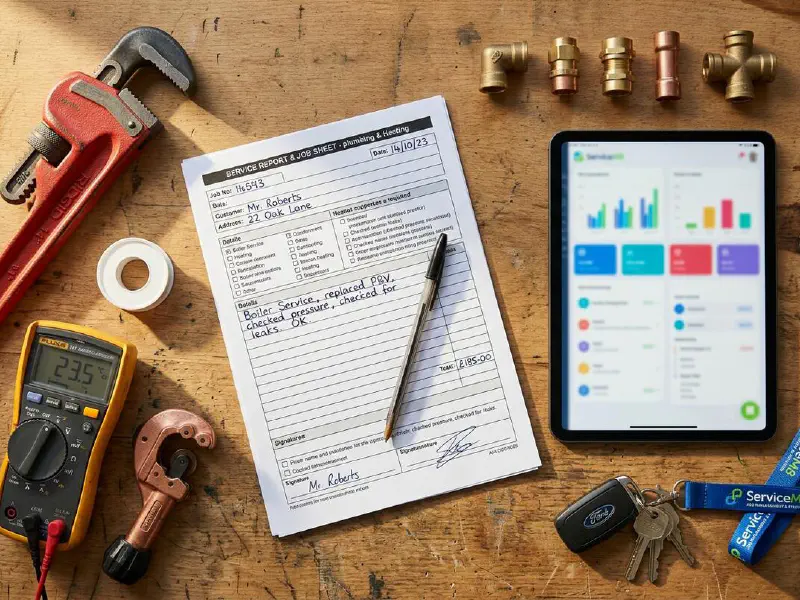
Free ServiceM8 Job Report Form Template (Download)
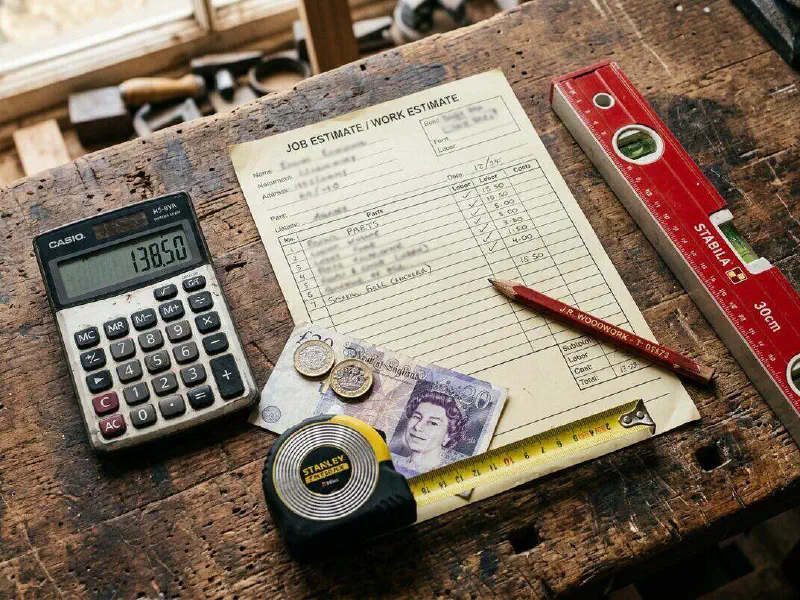
Free Job Estimate Spreadsheet Template UK Trades (2026)
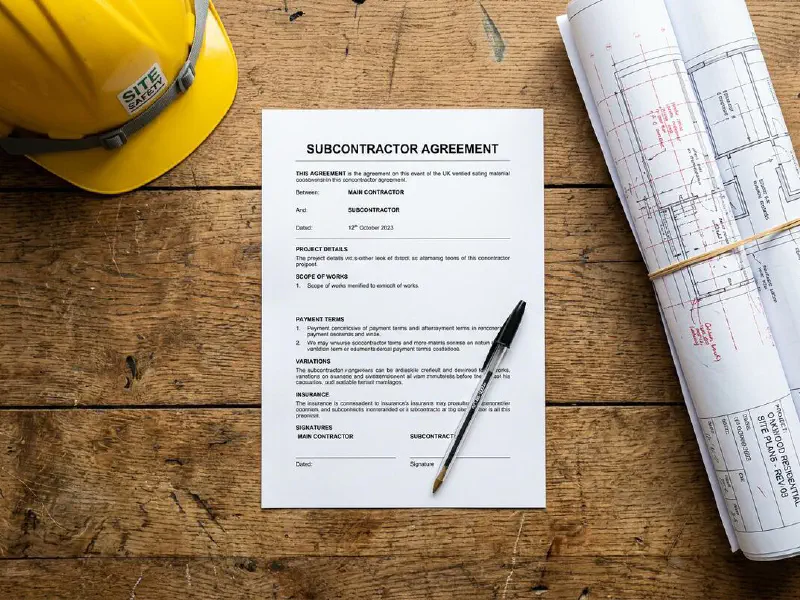
Free Template: Subcontractor Agreement (UK, 2026)