
Quick Answer
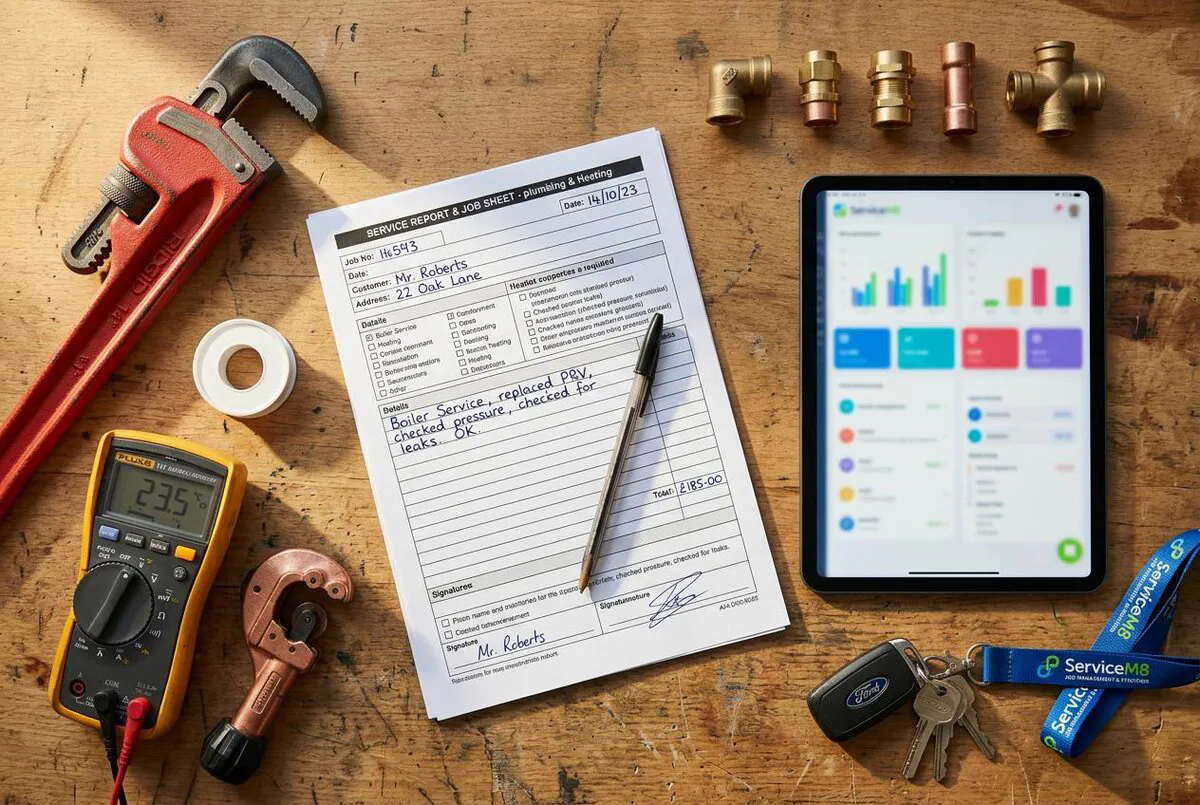
Your job reports are probably scribbled on paper and stuffed in the van door, and that is costing you credibility with customers. Download this free ServiceM8 job report form template (Word .docx format), upload it to your ServiceM8 account, map the merge fields, and your field staff can generate professional PDF job completion reports on site in under two minutes. Works on the Growing plan (£59/month) and above. No coding required.
Table of Contents
- What is a ServiceM8 job report form?
- Paper job sheets vs ServiceM8 digital forms
- What is included in the template
- Download the free ServiceM8 form template
- ServiceM8 form template setup guide (step-by-step)
- How to customise your ServiceM8 job report
- ServiceM8 forms: tips from the field
- What the ServiceM8 community thinks
- ServiceM8 form setup video tutorials
- ServiceM8 job report form FAQ
What is a ServiceM8 job report form?
 ServiceM8
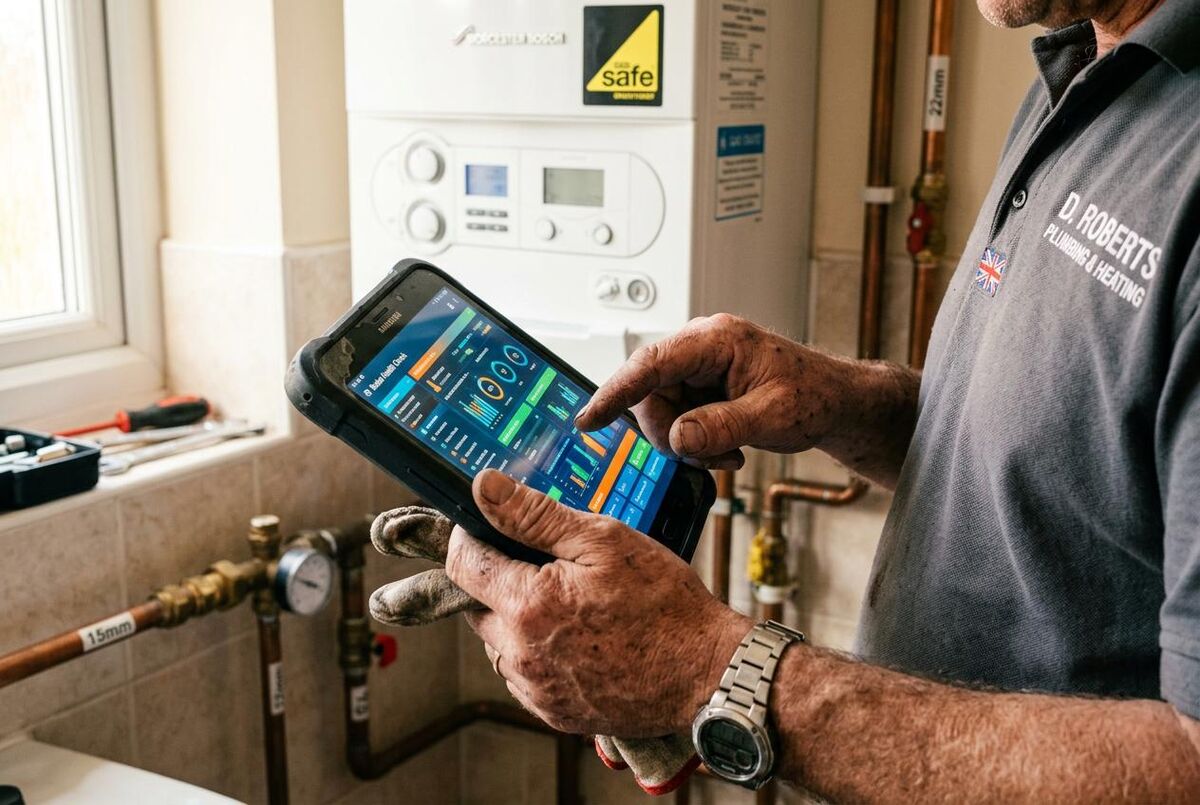
When I was running Elite Heating and Plumbing, a proper job report was one of those things that made an immediate difference to how we operated. It is a digital document your field staff complete on their phone or tablet when they finish a job. It captures everything that happened on site: what work was done, what materials were used, before and after photos, any issues found, and a customer signature.
ServiceM8 uses a Word template system. You design the layout in Microsoft Word, add merge fields that link to form questions, and upload it. When your team fills in the form on their device, ServiceM8 auto-populates the template and generates a branded PDF. That PDF gets saved to the job diary and can be emailed straight to the customer. If you also need a branded invoice to send alongside the report, grab our free ServiceM8 invoice template with UK VAT fields already mapped.
The Form Store has over 250 pre-made forms, but here is the thing with ServiceM8 being an Australian product: the generic templates lack UK-specific details like VAT registration numbers, Gas Safe references, and BS 7671 compliance fields. Most users end up needing a ServiceM8 partner to build proper gas certificates and forms. Our template fills that gap so you do not need to pay someone else to do it.
Which ServiceM8 plan do you need?
The Form Store is available on all plans (including Free), so you can purchase and use pre-made forms. But to upload custom templates like this one, you need the Growing plan (£59/month) or higher. This gives you the Forms add-on with the full form builder.

Paper job sheets vs ServiceM8 digital forms
Your paper job sheets are probably broken. Do you know what I mean? If you are still scribbling job notes on paper, you already know the problems. Sheets get lost in the van, handwriting is illegible, and there is no easy way to search old records when a customer calls back six months later. Switching from WhatsApp and spreadsheets to proper job management software is one of the single biggest efficiency gains a trades business can make.
Digital forms fix all of that. Every completed report is saved against the job record in ServiceM8, searchable by customer name, address, or date. Photos are embedded in the PDF. Signatures are timestamped. And the whole thing is backed up in the cloud.
| Feature | Paper job sheets | ServiceM8 digital forms |
|---|---|---|
| Search old records | Filing cabinet dig | Instant keyword search |
| Photo evidence | Separate phone photos, easily lost | Embedded in the report PDF |
| Customer signature | Pen on paper, often skipped | Digital signature, timestamped |
| Legibility | Depends on handwriting | Always professional and clear |
| Backup | None. Lost is lost. | Cloud-backed, always available |
| Speed to invoice | Hours or days later | Invoice from site in minutes |
| Compliance audit | Scramble through boxes | Filter and export in seconds |
What is included in the template
This template is designed for general-purpose job completion reports. It covers the fields most UK plumbers, electricians, and HVAC engineers need after finishing a job. You can customise it further (we cover that below), but out of the box it includes everything you need for a professional report. For a broader look at where digital forms fit within a full business overhaul, see our digital transformation roadmap for UK trades businesses.
Company details header
Your business name, address, phone number, email, and VAT registration number. These auto-populate from your ServiceM8 account settings, so you set them once and never think about them again.
Job information
Job number, date, site address, and customer name. Pulled directly from the ServiceM8 job card, so there is zero re-typing for your team.
Description of work carried out
Free-text field where your engineer describes what they did. This is the most important section for customer communication and future reference.
Materials used
List of parts and materials with quantities. Useful for stock tracking, for justifying the invoice to the customer, and for cross-referencing against your job estimate spreadsheet.
Before and after photos
Six photo slots: three for before the work started, three for after completion. Photos are captured on the device camera and embedded directly into the PDF.
Issues and recommendations
Space to note any problems found during the job, plus recommended follow-up work. Great for upselling and for covering yourself if something comes up later.
Time log
Arrival time, departure time, and total hours on site. Feeds into job costing if you use the Premium Plus plan.
Customer signature and sign-off
Digital signature capture with a confirmation statement. The customer signs on the screen, and the signature is embedded in the final PDF with a timestamp.
Download the free ServiceM8 form template
The template comes as a Microsoft Word document (.docx) with ServiceM8 merge fields already configured. Download it, review the layout, customise the branding if you like, then upload it to your ServiceM8 account.
Before you download
You need a ServiceM8 account on the Growing plan (£59/month) or higher to upload custom form templates. If you are on the Free or Starter plan, you can still download and review the template, but you will need to upgrade before you can use it.
Free download, no sign-up required
This template is completely free. No email gate, no newsletter signup, no hidden catches. Just click the button below and the file downloads immediately.
Note: The Word template is designed to be uploaded into ServiceM8's Forms add-on. The merge fields in the document correspond to ServiceM8's template field codes. See the setup guide below for step-by-step instructions.
ServiceM8 form template setup guide (step-by-step)
Getting the template into ServiceM8 takes about 10 minutes. Here is exactly how to do it.
- Download the template: Click the download button above and save the .docx file to your computer.
- Log into ServiceM8: Open ServiceM8 in your web browser (not the mobile app) and go to Settings.
- Navigate to Forms: Click on "Forms" in the Settings menu. If you do not see it, you may need to enable the Forms add-on first.
- Create a new form: Click "Create Form" and give it a name like "Job Completion Report".
- Add your questions: For each section of the template, create a matching question. Use Text type for descriptions, Photo type for images, Signature type for sign-off, and Date type for dates.
- Note the template field codes: Each question gets a unique Template Field Code (shown in the form editor). These codes match the merge fields in the Word template.
- Upload the Word template: In the form editor, click "Upload Template" and select the .docx file you downloaded. The merge fields in the document will link to your form questions.
- Test it: Create a test job, add the form, fill it in on the mobile app, and generate the PDF. Check that all fields populate correctly and the layout looks right.
- Set up auto-attachment: Use Form Badges or Job Templates to automatically attach this form to new jobs, so your team never forgets to complete it.
Pro tip: use the auto-generated template first
ServiceM8 can auto-generate a basic Word template from your form questions. Click "Download Sample Template" in the form editor to get a starting point. Then customise it with your branding and layout preferences before re-uploading. This saves time and ensures all merge fields are correctly mapped.
How to customise your ServiceM8 job report
The template works out of the box, but you will get more value if you tailor it to your trade. Here are the most common customisations.
Add your company logo
Open the Word template, click on the placeholder logo area, and replace it with your own logo. Keep it under 200px wide so it does not dominate the header.
Add trade-specific fields
An electrician might add a "Circuit tested" checkbox or a "BS 7671 compliance" dropdown. A gas engineer might add a "Gas Safe registration number" field and a "Boiler make/model" text field. Add the question in ServiceM8's form editor first, note the template field code, then add a matching merge field in the Word document.
Change the colour scheme
The template uses a neutral blue and white colour scheme. If your brand uses different colours, update the heading backgrounds and border colours in the Word template to match.
Add conditional logic
ServiceM8 forms support conditional logic, so you can show or hide questions based on previous answers. For example, if the engineer selects "Issues found: Yes", a follow-up text field appears asking for details. This keeps the form short for straightforward jobs.
Take your time with this
I always tell the partners I work with: invest the time upfront to get the form right. We moved our own internal CRM from Pipedrive to HubSpot and lost about two months of productivity during the switch. But we are in a far stronger position now because we did it properly rather than rushing. Same principle applies here. Spend an afternoon getting your form template perfect and you will save hundreds of hours over the next year.
ServiceM8 forms: tips from the field
Use form badges for automatic attachment
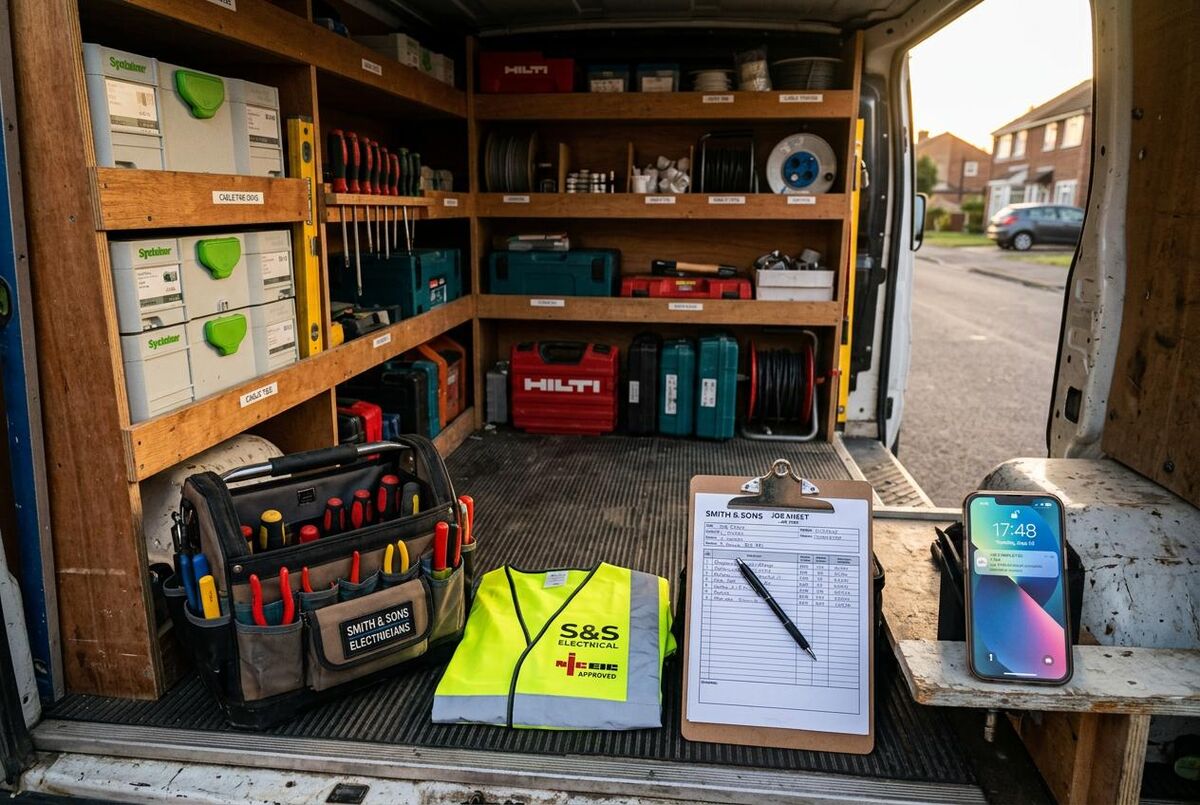
Form Badges let you auto-attach forms to jobs based on the client or job type. Tag your residential clients with a "Job Report" badge, and the form appears automatically whenever you create a job for them. Your team never has to remember to add it manually.
Link forms to job templates
If you use job templates for common job types (boiler service, rewire, bathroom fit), include the job report form in the template. When you create a new job from the template, the form is already there.
Always capture photos
Before and after photos are the single most valuable part of a job report. They protect you in disputes, impress customers, and make great social media content. At Elite Heating and Plumbing, we made this a non-negotiable rule: no job is complete without photos.
Use the job diary for context
Every completed form is saved to the job diary in ServiceM8. This means you have a complete history of every job, including all forms, photos, notes, emails, and invoices, all in one place. When a customer calls back about a job from six months ago, you can pull up everything in seconds.
Combine with invoicing
Once the job report is signed off, you can generate the invoice immediately from ServiceM8. If you have linked it to Xero or QuickBooks, the invoice syncs automatically using something like the n8n automation stack guide covers seven workflows that connect ServiceM8 to everything else. No more waiting until you are back at the office to do your billing.
What the ServiceM8 community thinks
Note: ServiceM8 is an Australian product with a global user base. Some community quotes reference North American pricing and currency.
ServiceM8 form setup video tutorials

How to build your first Form
ServiceM8
11K views

Create and complete digital forms
ServiceM8
2.6K views
Detailed job completion report
Hazel Whicher
356 views
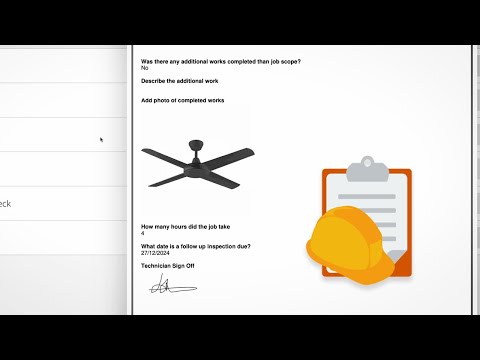
DIY forms and reports with ServiceM8
ServiceM8
902 views
Can ServiceM8 forms be customised?
ServiceM8
1.5K views
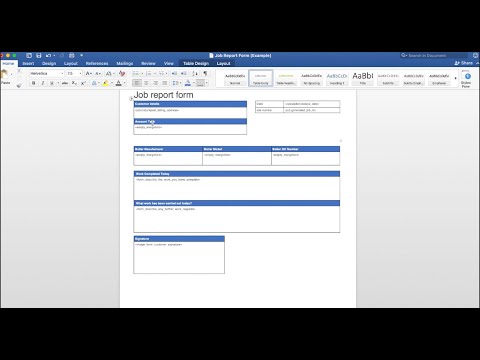
Custom fields to autofill templates
Autom8ers
1.3K views
Get your trades business systems sorted
This template is just the start. If you are building out your business systems, check our free ServiceM8 invoice template, our subcontractor agreement template, or read the full digital transformation roadmap for UK trades.
Explore TrainAR AcademyServiceM8 job report form FAQ
Yes. No email gate, no catches. Download and use it.
The Growing plan at £59/month or higher. The Free and Starter plans let you use forms from the Form Store, but not upload your own Word templates.
Yes, change anything you want. Add your logo, swap colours, add trade-specific fields. Just make sure any new merge fields match the questions in your ServiceM8 form editor. I would actually recommend using ServiceM8's "Download Sample Template" feature first, then customising from there.
No. iOS only. If your team runs Android devices, look at Tradify or Jobber instead.
The merge fields are ServiceM8-specific, but the layout works as a starting point for any platform that supports Word-based form templates. Swap the merge codes and you are good to go.
About 10 minutes from download to first test PDF. The hardest part is mapping the merge fields, and even that is just matching codes between the form editor and the Word document. See the setup guide above.