
Quick Answer
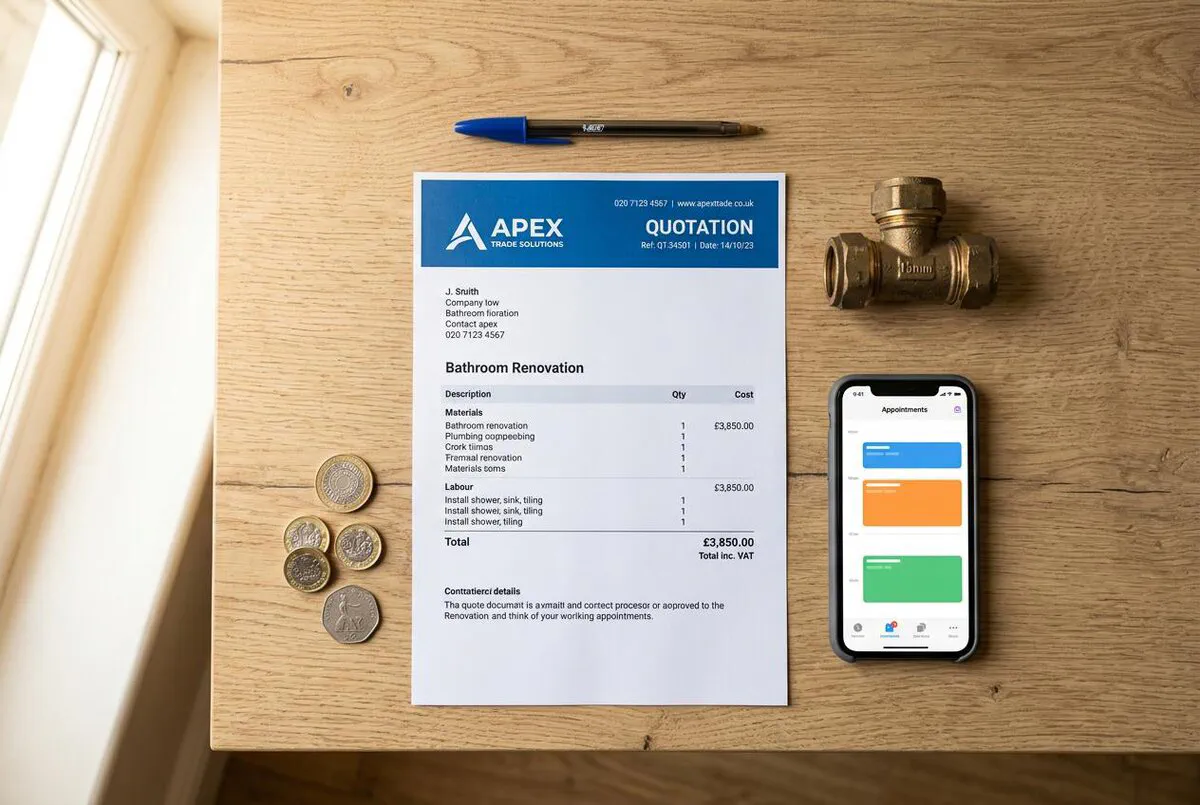
Let me cut to the chase: a professional quote is the difference between winning and losing jobs. When I was quoting jobs at Elite Heating and Plumbing, I learned fast that the tradespeople sending scruffy estimates on the back of a fag packet were losing work to anyone who looked half organised. This free ServiceM8 template puts those hard-won lessons into practice. The full template structure is laid out below, section by section. It includes itemised labour and materials, automatic VAT calculations, professional terms and conditions, and a clear acceptance section. Here is a hard truth: if your quote looks amateur, the customer assumes your work will be too.
Table of Contents
 ServiceM8
Why Professional Quotes Win More Jobs
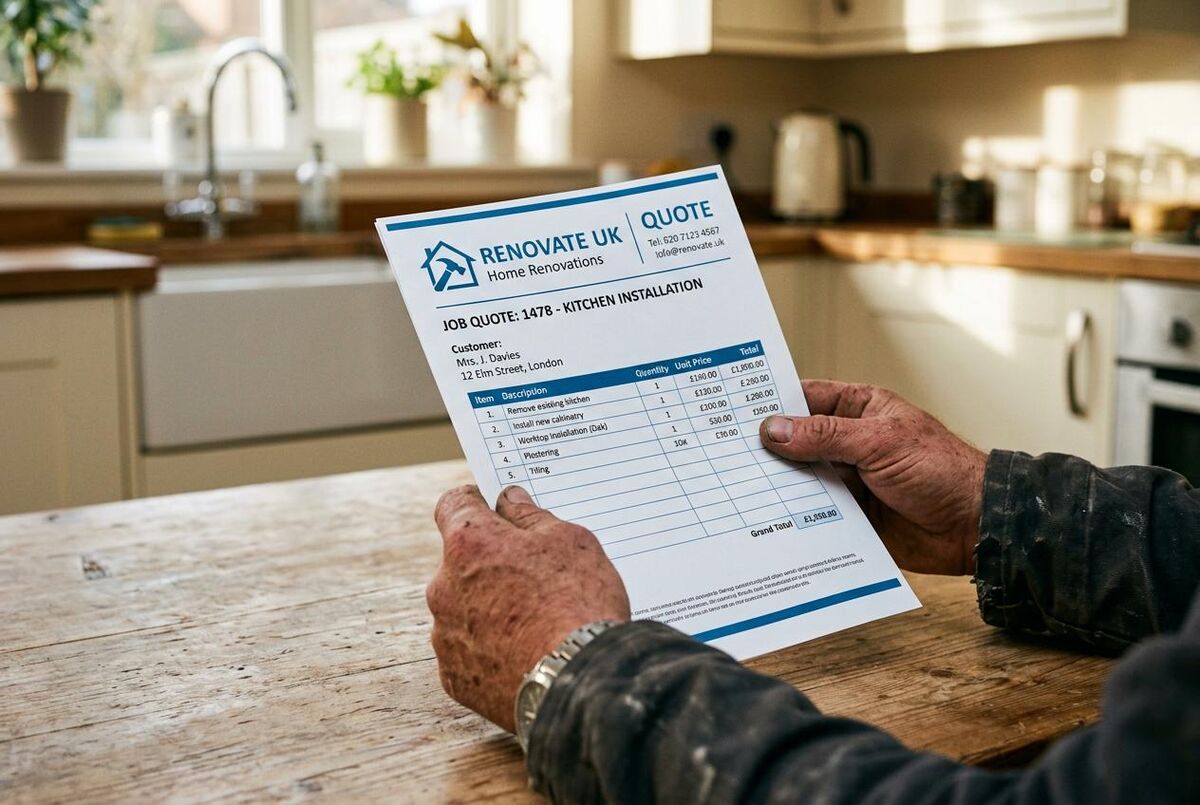
Most tradespeople lose jobs before they even start the work. The quote goes out late, looks rushed, or misses key details. The customer goes with someone else, not because they were cheaper, but because they looked more professional.
I have reviewed hundreds of trade quotes over the years, both from my own business and from other trades I have worked alongside, and the pattern is always the same. A clean, well-structured quote tells customers three things: you take your work seriously, you have nothing to hide on pricing, and you are organised enough to deliver on time. According to ServiceM8's own data, tradespeople using their quoting tools convert roughly one in three quotes into paying work. The ones sending scribbled estimates on the back of a receipt? Nowhere close.
The biggest mistakes on trade quotes are simple ones. Missing VAT breakdowns. No clear scope of work. Vague payment terms that lead to arguments later. Our template fixes all of these with a structured layout that covers every section a professional UK trade quote needs. If you are mapping out your wider digital shift, our digital transformation roadmap shows where quoting sits in the bigger picture.
The Real Cost of Bad Quotes
If your win rate is 25% instead of 33%, that is one lost job for every twelve quotes you send. At an average job value of £800, that is £800 per month walking out the door because your quote did not look the part.
The Free Quote Template
The full template structure, every merge field, and the recommended layout are documented in this article. You will find the complete breakdown of each section in What Is Included in the Template below, along with step-by-step customisation instructions in How to Customise Your Quote Template. Use those sections as your reference when building your quote in Word, Google Docs, or directly inside ServiceM8.
Build It Yourself in Minutes
Open a blank document in Word or Google Docs, follow the section-by-section guide below, and you will have a professional quote template tailored to your trade in under ten minutes. Every field, every clause, and every layout detail is spelled out so you can recreate it exactly.
Already Using ServiceM8?
You can skip the template entirely and build quotes directly inside the app. ServiceM8's built-in quoting syncs to jobs, lets customers accept online, and tracks quote status automatically. We cover this in detail in the Quoting Inside ServiceM8 section below.
What Is Included in the Template
Every section in this template exists for a reason. Here is what you get and why each part matters for winning work.
Company Header
Your business name, logo, address, phone number, email, and company registration or sole trader details. This establishes credibility and makes it easy for customers to contact you.
Customer Details
Customer name, property address, phone number, and email. Getting the site address right avoids confusion on multi-property jobs and ensures your quote reaches the right decision-maker.
Quote Reference and Date
A unique quote number (e.g. QT-2026-001) and the date issued. This helps you track quotes, follow up on time, and avoid duplicate or conflicting versions.
Scope of Work
A clear, plain-English description of exactly what work is included. This is where most disputes start, so be specific: "Supply and install 1x Vaillant ecoTEC Plus 832 combi boiler" is far better than "Install new boiler".
Itemised Pricing
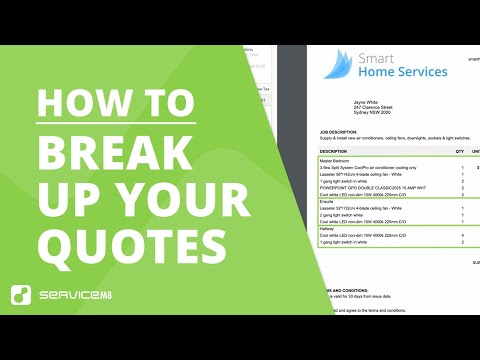
Line-by-line breakdown of labour, materials, and any other costs. Columns for description, quantity, unit price, and line total. Customers trust itemised quotes because they can see where their money goes.
VAT Calculation
Subtotal, VAT amount (at 20% standard rate, or 0% for qualifying energy-saving materials such as heat pumps, solar panels, and insulation, which have been zero-rated since April 2022), and grand total. If you are VAT-registered, this is a legal requirement. If you are not, the template clearly states "Not VAT registered".
Payment Terms
When payment is due, accepted methods (bank transfer, card, cash), and any deposit requirements. Clear payment terms prevent awkward conversations and late payments.
Terms and Conditions
Quote validity period (typically 30 days), warranty details, cancellation policy, and liability limitations. These protect both you and your customer. If you use subcontractors, our free subcontractor agreement template covers the legal side of those working arrangements.
Customer Acceptance
Signature line, printed name, and date. Once signed, this turns your quote into a binding agreement, giving you legal protection if the customer disputes the work later.
How to Customise Your Quote Template
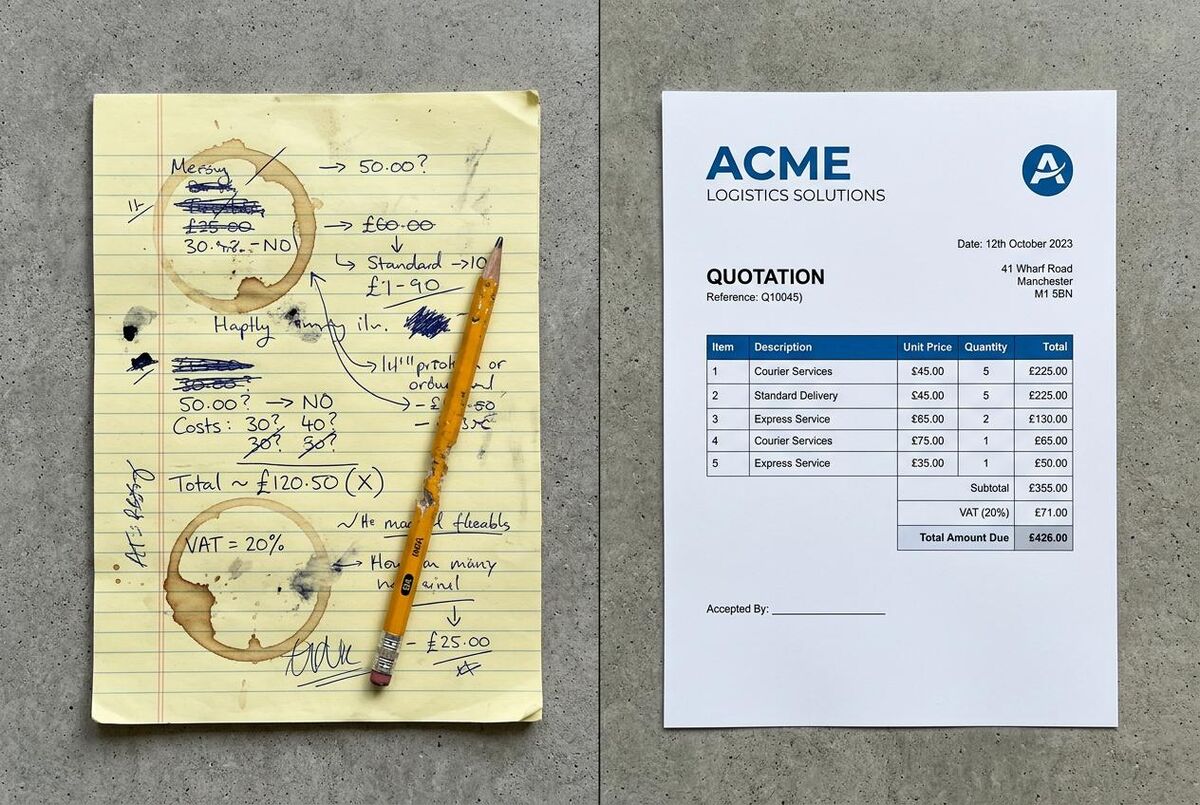
In my eyes, the customisation step is where most people fall down. They grab a template and send it as-is without their branding. The structure below is designed to be tailored. Here is how to make it your own in under ten minutes.
- Add your logo: Replace the placeholder image in the header with your company logo. In Word, right-click the image, select "Change Picture", and choose your logo file. Resize to roughly 150px wide.
- Fill in company details: Replace the placeholder text with your business name, address, phone number, email, and any registration numbers (Companies House, Gas Safe, NICEIC, etc.).
- Set your payment terms: Update the payment section with your standard terms. Common options: 50% deposit on acceptance, balance on completion. Or 100% on completion within 14 days.
- Adjust the T&Cs: Review the terms and conditions section. Update the quote validity period (we default to 30 days), warranty period, and any trade-specific clauses your work requires.
- Customise line items: Add or remove rows in the pricing table to match your typical job types. Plumbers might add a "Materials" section; electricians might separate "First fix" and "Second fix" labour.
- Save as a template: Once customised, save the file as a Word Template (.dotx) so you can create new quotes from it without overwriting your master copy.
Pro Tip: Save Multiple Versions
Create separate templates for different job types. A boiler install quote needs different line items than a bathroom refit. Having pre-built templates for your common jobs cuts quoting time from 30 minutes to under 5. For help writing professional scope-of-work descriptions, our guide on using ChatGPT to write quotes that win jobs has copy-paste prompts you can use straight away.
Quoting Directly Inside ServiceM8
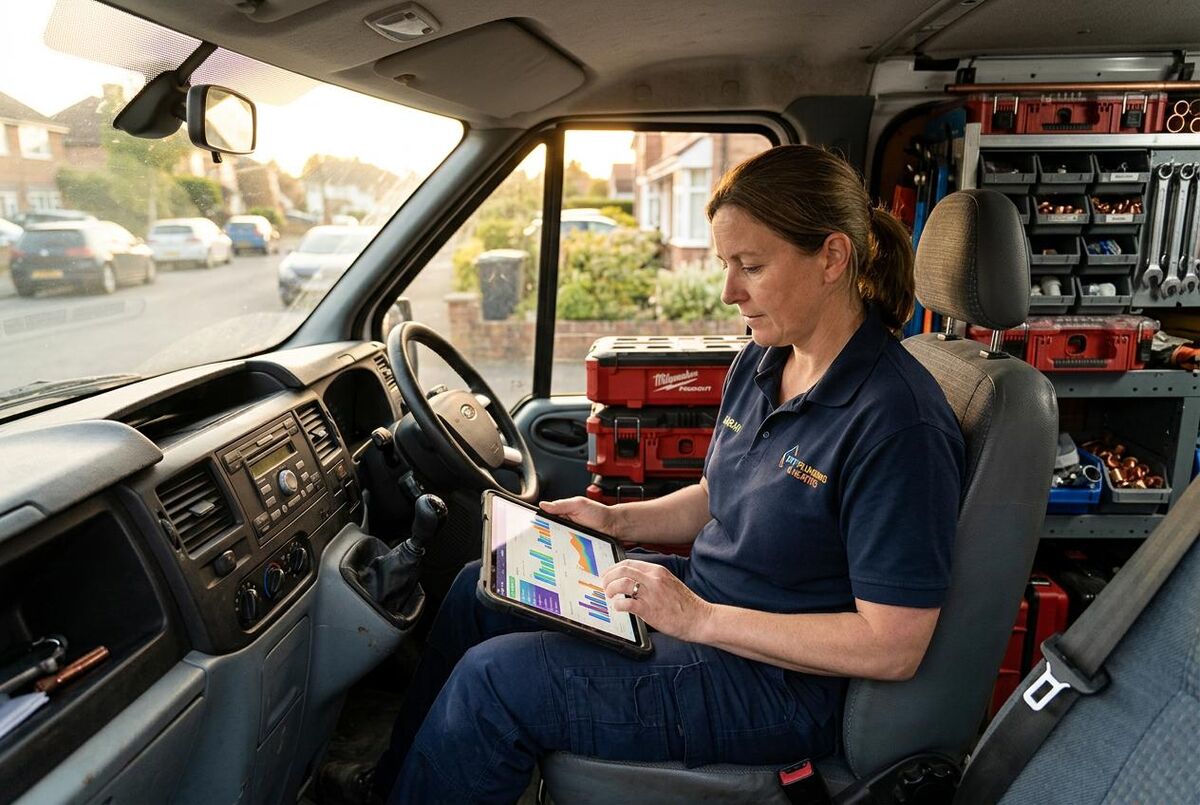
If you already use ServiceM8, you do not need a Word template at all. The app has built-in quoting that links directly to your jobs, customers, and invoicing. Here is what it offers and which plan you need.
Standard Quoting (All Paid Plans)
Every paid ServiceM8 plan (from Starter at £25/month) includes basic quoting. You can create quotes from a job, add line items for labour and materials, set quantities and prices, and email the quote as a branded PDF. When the customer approves, you convert it to an invoice with one tap. ServiceM8 tracks quote status (draft, sent, accepted, declined) so you always know where each job stands.
Proposals Add-on (Growing Plan and Above)
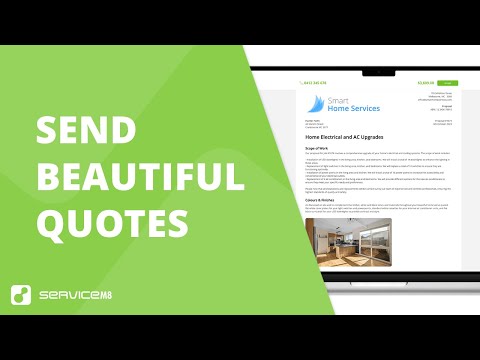
From the Growing plan (£59/month), you unlock Proposals. This is a WYSIWYG builder that lets you create rich, multi-page documents with photos, multiple-choice options, and optional extras customers can select themselves. It includes a smart writing helper powered by AI that suggests professional descriptions for your services. Proposals are ideal for larger jobs where you need to present options, such as "Standard boiler" vs "Premium boiler with extended warranty".
Auto-Quote (100+ Completed Jobs)
Once you have completed at least 100 jobs in ServiceM8, the Auto-Quote feature unlocks. It analyses your pricing history and automatically suggests line items and prices for new quotes based on similar past work. ServiceM8 reports this saves tradespeople an average of 3.5 hours per week on quoting. It is not a replacement for reviewing each quote, but it gives you a strong starting point instead of building from scratch every time. For even more automation, our guide on Free: £0 (limited jobs) | Lite: £8/mo | Starter: £25/mo | Growing: £59/mo | Premium: £119/mo | Premium Plus: £269/mo. All prices exclude VAT. Quoting is included on all paid plans. Proposals require Growing or above. If you are just starting out, the Starter plan at £25/month covers quoting, invoicing, and scheduling for most sole traders.ServiceM8 UK Pricing (March 2026)