
Quick Answer
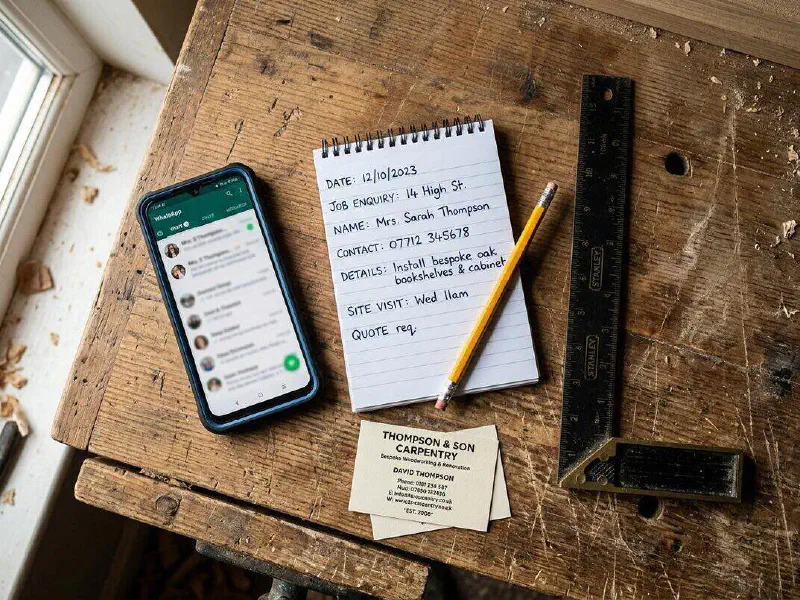
Below you will find ready-to-use communication scripts for every stage of a trade job, from the first quote follow-up to the post-job review request. Each template works across SMS, email and WhatsApp. Copy them straight into your phone, your CRM or an automation tool like Make.com or n8n. Consistent, proactive messaging reduces "where is my engineer?" calls by roughly 60% and can triple your five-star review count. Pick the templates you need, personalise them with your business name and send.
Table of Contents
 WhatsApp
 Make.com
 n8n
n8nWhy communication scripts matter

Most complaints about tradespeople have nothing to do with the quality of work. They are about silence. The customer books a job, hears nothing for days, then wonders whether it is still happening. They ring. You are up a ladder or under a boiler. You miss the call. They ring someone else.
Proactive communication solves this. A short message at the right moment tells the customer you are professional, organised and on top of things. It costs nothing and takes 30 seconds if you have the wording ready.
The data backs this up. SMS messages have a 98% open rate compared to roughly 20% for email. Businesses that send proactive job updates see a measurable drop in inbound calls asking for status. And trades businesses that send automated review requests after job completion report far more five-star reviews, because you are asking at the exact moment the customer is happiest, straight after a job well done.
These scripts give you the words. You copy them, change the business name and send. No need to write anything from scratch at 7am on a Monday.
Stage 1: Quote follow-up scripts
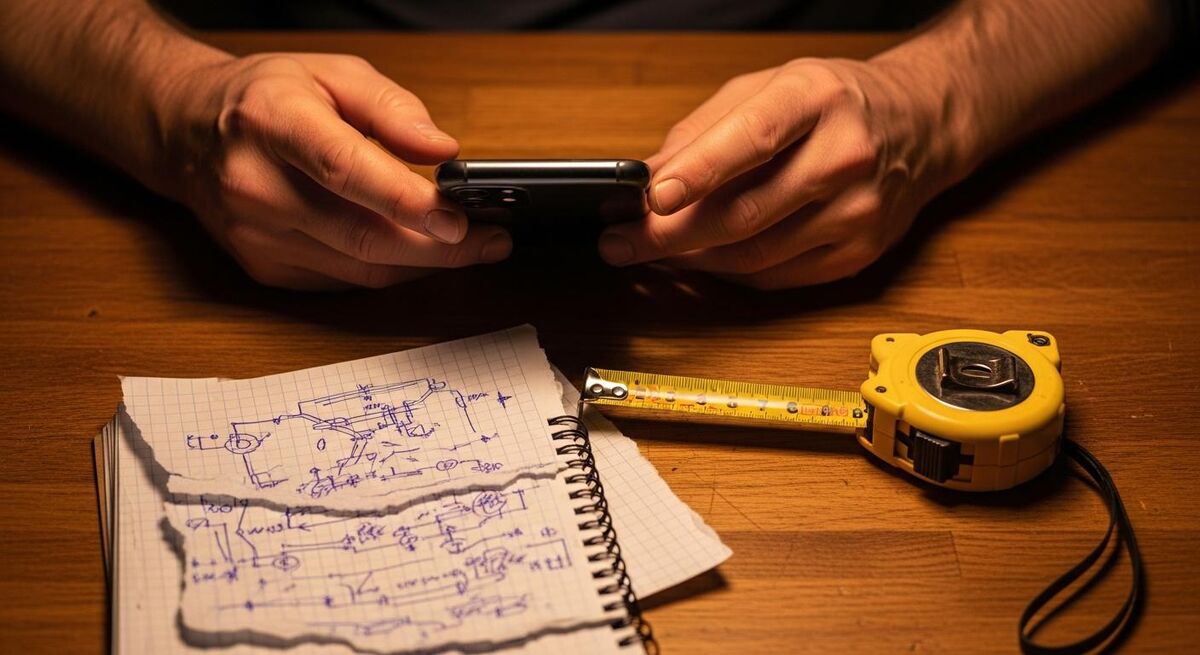
Most tradespeople send a quote and wait. The customer gets three quotes, picks the one from the business that followed up, and the other two never hear back. A simple follow-up message 24 to 48 hours after quoting puts you top of mind.
You are not chasing. You are being helpful. Customers appreciate it.
SMS (under 160 characters):
Hi [FIRST NAME], just checking you received the quote I sent for [JOB TYPE]. Happy to answer any questions. Thanks, [YOUR NAME] at [BUSINESS NAME]
WhatsApp / Email (longer version):
Hi [FIRST NAME],
Just a quick note to check you received the quote I sent through for the [JOB TYPE] at [ADDRESS]. If you have any questions about the work or pricing, I am happy to talk them through.
No pressure at all. If you would like to go ahead, just reply to this message and I will get you booked in.
Cheers,
[YOUR NAME]
[BUSINESS NAME]
[PHONE NUMBER]
Send this 24 hours after the quote. If no reply, send one more follow-up at the five-day mark. After that, leave it. Nobody likes being hounded.
Stage 2: Booking confirmation scripts
Once the customer says yes, confirm the details immediately. This reduces no-access visits (where the customer forgot and went out) and sets expectations about what will happen on the day.
SMS (immediate confirmation):
Hi [FIRST NAME], your [JOB TYPE] is booked for [DATE] between [TIME WINDOW]. I will send a reminder the day before. Thanks, [YOUR NAME]
SMS (day-before reminder):
Hi [FIRST NAME], just a reminder your [JOB TYPE] is tomorrow between [TIME WINDOW]. Please make sure [ACCESS INSTRUCTIONS]. See you then! [YOUR NAME]
WhatsApp / Email (detailed confirmation):
Hi [FIRST NAME],
Your booking is confirmed:
Job: [JOB DESCRIPTION]
Date: [DATE]
Time window: [START] to [END]
Address: [ADDRESS]
What to expect: [BRIEF DESCRIPTION OF WORK]
I will send you a message when I am on my way. If anything changes, just reply to this message or call [PHONE NUMBER].
Cheers,
[YOUR NAME]
Stage 3: On-the-way scripts
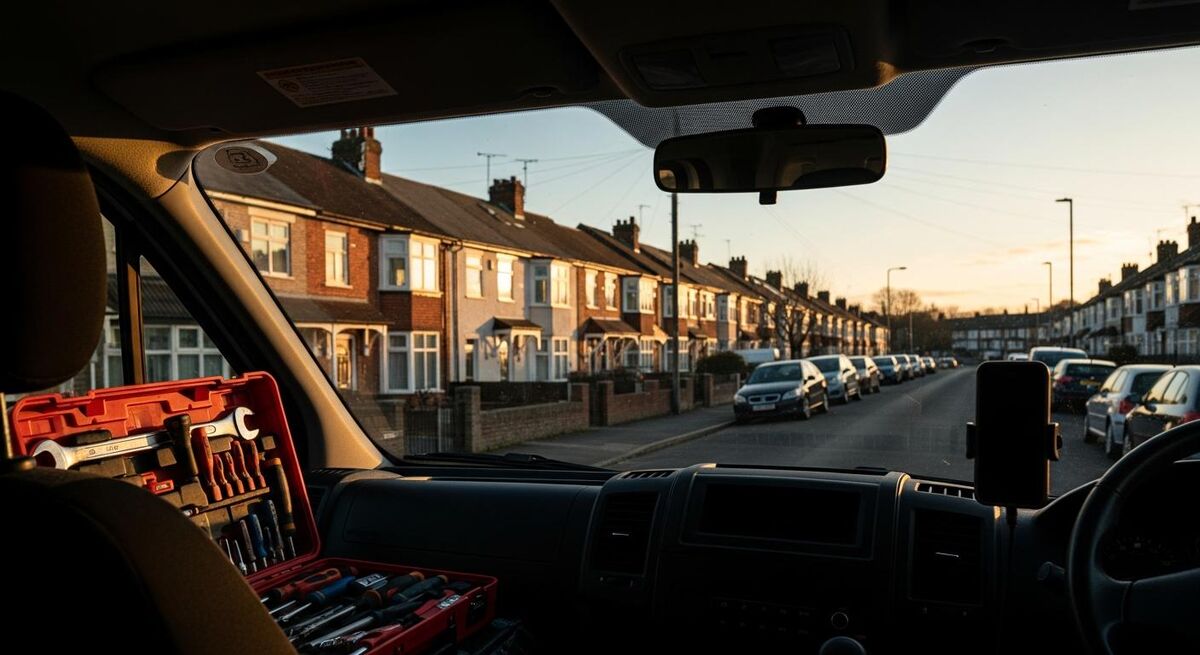
This is the message that cuts "where is my engineer?" calls more than anything else. Customers do not mind waiting if they know you are coming. It is the uncertainty they hate.
Send this as you leave the previous job or start driving. Many automation tools like Zapier can trigger this automatically when you update a job status in your management software.
SMS:
Hi [FIRST NAME], [YOUR NAME] from [BUSINESS NAME] here. I am on my way and should be with you in about [MINUTES] minutes.
WhatsApp (with photo option):
Hi [FIRST NAME], just letting you know I am heading your way now. Should be about [MINUTES] minutes.
I will be in a [VAN COLOUR] [VAN TYPE]. See you shortly!
Some tradespeople include a link to live tracking via Google Maps or their job management app. That is a nice touch for a first visit when the customer does not know your van.
Stage 4: Job complete scripts
After finishing the work, send a completion summary. This serves three purposes: it confirms the job is done, it gives the customer a written record, and it opens the door for a review request later.
SMS:
Hi [FIRST NAME], your [JOB TYPE] is now complete. If you spot anything, just reply to this number. Thanks for choosing [BUSINESS NAME]!
WhatsApp / Email (detailed summary):
Hi [FIRST NAME],
Your [JOB TYPE] is all done. Here is a quick summary:
Work completed: [DESCRIPTION]
Parts used: [IF APPLICABLE]
Warranty: [WARRANTY DETAILS]
Next steps: [ANY FOLLOW-UP NEEDED]
Your invoice will follow shortly via [EMAIL / POST / APP]. If you notice anything at all, just reply to this message and I will sort it.
Thanks for having us,
[YOUR NAME]
[BUSINESS NAME]
Stage 5: Review request scripts
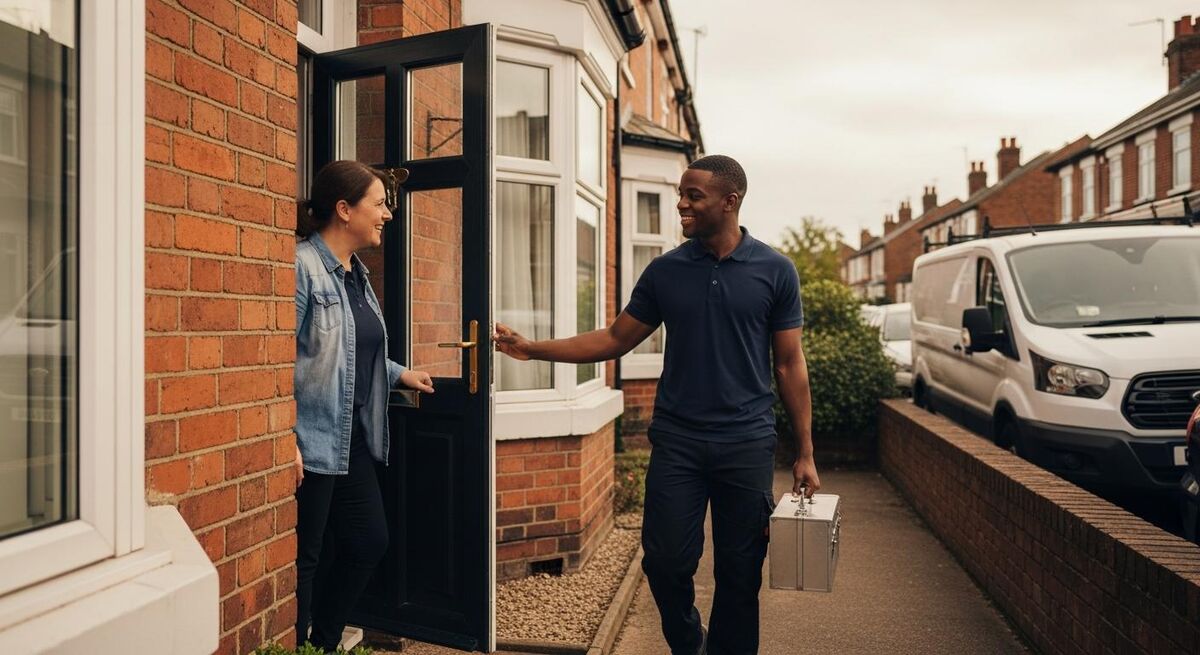
This is where the real value sits. A steady flow of five-star Google reviews is the single best marketing asset a trades business can have. Over half of consumers will only hire a business with four or more stars.
The trick is timing. Ask too early (same day) and the customer has not had time to appreciate the work. Ask too late (a week later) and they have moved on. The sweet spot is 24 hours after completion.
You need a direct link to your Google review page. Get this from your Google Business Profile by clicking "Ask for reviews" and copying the short link.
SMS:
Hi [FIRST NAME], glad we could help with your [JOB TYPE]. If you have a moment, a Google review would really help us: [REVIEW LINK]. Thanks! [YOUR NAME]
WhatsApp / Email:
Hi [FIRST NAME],
Thanks again for choosing [BUSINESS NAME] for your [JOB TYPE]. I hope everything is working well.
If you were happy with the work, I would really appreciate a quick Google review. It only takes a minute and it helps other homeowners find reliable tradespeople in the area.
[REVIEW LINK]
Thanks,
[YOUR NAME]
If you use Make.com with WhatsApp, you can set this to send automatically 24 hours after a job is marked complete in your CRM. No manual effort needed.
How to automate these scripts
You can send every template above manually from your phone. That works when you are doing two or three jobs a day. Once you scale past that, automation saves hours.
There are three main ways to automate client communication for a trades business:
Option 1: Built-in CRM messaging
Most field service management apps (ServiceM8, Tradify, Commusoft, Fergus) have SMS and email automation built in. You set up templates, assign triggers (job booked, en route, complete) and the system sends messages automatically. This is the easiest option if you already use one of these tools.
Option 2: Make.com or Zapier
If your CRM does not have built-in messaging, or you want WhatsApp automation, Make.com connects your tools and triggers messages based on events. For example: when a job status changes to "complete" in Tradify, Make.com sends a WhatsApp message via Twilio with your completion summary template.
Make.com starts at roughly £8.50 per month for 10,000 operations. SMS costs via Twilio are about £0.04 per message in the UK. For a business sending 200 messages a month, the total cost is under £20.
Option 3: n8n (self-hosted, free)
n8n is an open-source automation tool you can run on your own server for free. It does everything Make.com does but with no per-operation charges. The trade-off is you need some technical comfort to set it up. Cloud-hosted n8n starts at about £20 per month if you prefer not to self-host. We covered n8n automations in our financial dashboard template guide.
What tradespeople are saying
Recommended videos

How To Get Google Reviews for Plumbing Contractors
Joe Burnich

How To Get Google Reviews For Electricians
Joe Burnich

Rank Number 1 Locally: The Simple Google Reviews System
ToolBox Talk For Electricians
The Best Method for Automated Client SMS Messages
itGenius
Frequently asked questions
Use SMS for short, time-sensitive messages like on-the-way alerts and reminders. Use WhatsApp for anything that benefits from photos or longer detail. Use email for formal confirmations and invoices. Most customers prefer WhatsApp for day-to-day communication because it is free and they already use it.
Transactional messages (booking confirmations, on-the-way alerts, completion notices) do not need separate consent under PECR regulations as they relate to an existing service. Review requests fall in a grey area but are generally accepted as part of the service relationship. Marketing offers to past customers need a soft opt-in. When in doubt, include an opt-out option in your messages.
For a typical job: one booking confirmation, one day-before reminder, one on-the-way, one completion, one review request. That is five messages across the whole job lifecycle. Customers will not find that excessive. What they hate is silence followed by a barrage of marketing texts three months later.
Apologise, remove them from automated messages immediately, and make a note on their file. Some people prefer phone calls. Respect that. The templates are a default, not a mandate.
Yes. Tools like Make.com can pass job details through an AI model to adjust the tone or add specific details before sending. But honestly, for most trades businesses, the copy-paste templates above work fine. Do not over-complicate it.
My verdict
Customer communication is the easiest win in any trades business. The bar is so low that simply replying to messages puts you ahead of half your competition. Sending proactive updates at each stage of a job puts you in the top 10%. Copy these templates, save them in your phone or CRM, and start using them today. You will notice the difference within a week: fewer chasing calls, fewer no-access visits, and more five-star reviews landing without you having to think about it.