
Quick Answer
A hazard identification form is your written record under step one of the HSE's five-step risk assessment process. It captures the hazard, who could be harmed, how likely the harm is, how severe it could be, the control measures already in place, and what still needs to happen. If you employ five or more people you have to write it down. This template gives you the blank form, the 5x5 risk matrix, and a worked example you can hand to a new supervisor on day one.
Table of Contents
Why this form matters in 2026
Hazard identification is the first of the HSE's five steps to risk assessment. Get it wrong and the other four steps fall over. Get it right and the rest of the paperwork tends to write itself.
The numbers are not abstract. In 2024/25 there were 35 worker deaths in construction and roughly 50,000 non-fatal injuries. The fatal injury rate sits at 1.92 per 100,000 workers, about 4.8 times the all-industry average. Falls from height alone accounted for 53% of construction fatalities. The average HSE prosecution fine in 2024 was £145,000 and the conviction rate stayed at 94%.
Most of those incidents trace back to hazards that were either not identified at all or noted on paper but never controlled. A written hazard identification form is the difference between "we didn't see it coming" and "here is exactly what we did about it."
What the HSE actually requires
The HSE's free template (the .odt download from their Simple Health and Safety pages) sets out the minimum columns. The form must capture five fields for every hazard you list:
- The hazard. What it is, not where it is. "Working at height on scaffold" beats "scaffold."
- Who could be harmed and how. Employees, subcontractors, the public, lone workers, young people, expectant mothers. The "how" matters because controls follow the mechanism of harm.
- What you are already doing. Existing controls. PPE, isolation procedures, training, signage, supervision.
- What further action is needed. Anything missing. This is the column the HSE inspects first.
- Who and by when. Named person, dated deadline. Nothing gets done without an owner.
The HSE explicitly warns against lifting a template wholesale: "Do not just copy an example and put your company name to it as that would not satisfy the law and would not protect your employees." Use a template as a structure, then make it site-specific. That is what this form is built for.
What is in the template
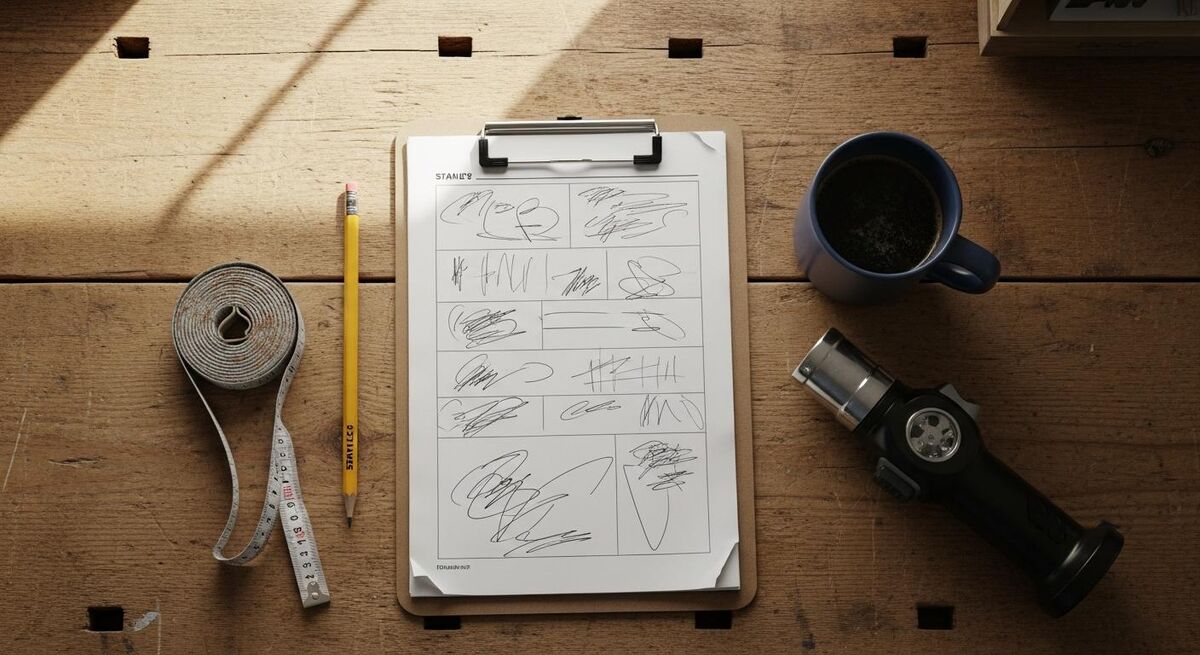
The TrainAR template gives you a single-page form (laminate-friendly, A4 landscape) plus a Word version for editing. It mirrors the HSE columns and adds three things small firms always miss:
- Header block. Assessor name, competence (e.g. SSSTS, SMSTS, IOSH Managing Safely), site address, job reference, date of assessment, planned review date. Without this block the form is anonymous and almost useless if challenged.
- Hazard rows. One row per hazard. Columns for hazard, persons at risk, likelihood (1-5), severity (1-5), risk score (auto-multiplied), existing controls, further action, owner, due date, and a sign-off tick.
- Review log. A short table at the foot for re-assessment dates, the trigger (incident, change of method, new equipment, change in personnel) and the reviewer's signature. This is what proves the form is alive rather than a one-off photocopy.
If you are running a small firm without a dedicated H&S lead, the template also doubles as a training tool. Hand it to an apprentice with a worked example and they can produce a credible first draft within a morning. We use the same structure across our training programmes at RAFT (residential apprenticeship framework training).
The 5x5 risk scoring matrix
The HSE does not mandate a particular scoring scheme. They mandate that you evaluate risk based on likelihood and severity. The 5x5 matrix is the version most UK construction sites use because it is simple and consistent.
| Score | Likelihood | Severity |
|---|---|---|
| 1 | Rare. Has never happened on a comparable job. | Negligible. Minor cut, no first aid. |
| 2 | Unlikely. Could happen but rare in practice. | Minor. First aid on site, no time off. |
| 3 | Possible. Happens occasionally on similar work. | Moderate. RIDDOR over-7-day injury. |
| 4 | Likely. Has happened more than once. | Major. Specified injury under RIDDOR. |
| 5 | Almost certain. Will happen if uncontrolled. | Catastrophic. Single or multiple fatality. |
Multiply the two numbers to get the risk score. The template uses three bands:
- 1-6 (Low). Existing controls usually sufficient. Document and review.
- 8-12 (Medium). Reduce so far as is reasonably practicable. Add controls. Allocate an owner.
- 15-25 (High). Stop work until controls are in place. Escalate to a competent person. This is where excavation collapses, live-circuit work and unguarded edges typically land.
A starter library of UK trade hazards
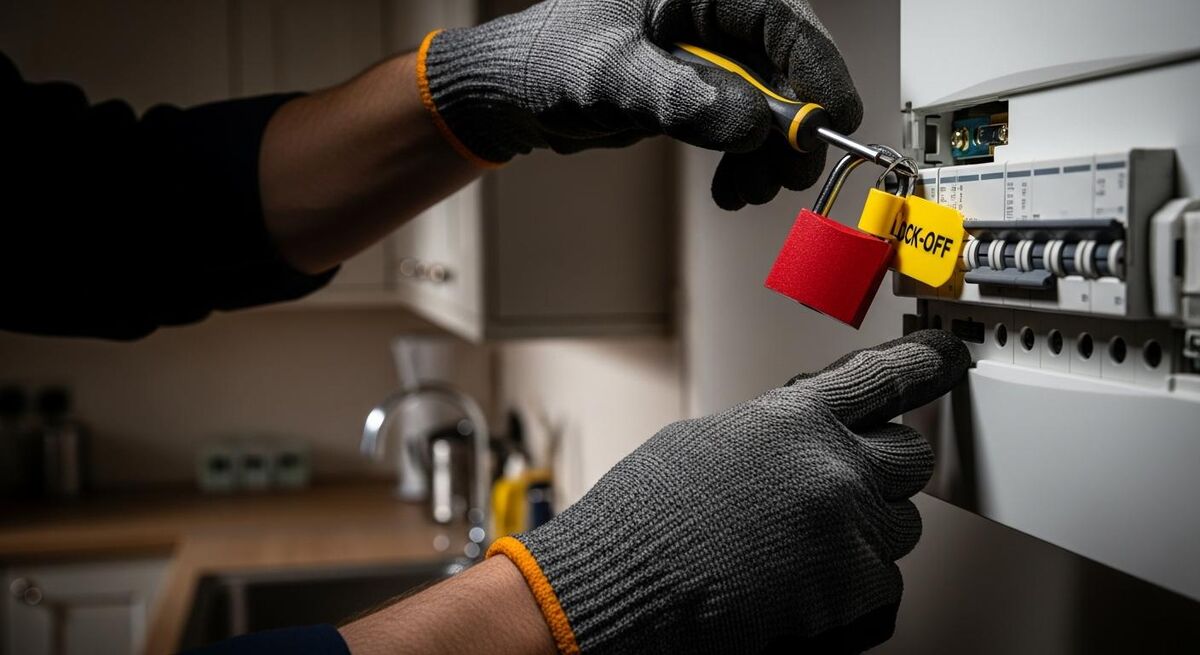
The biggest mistake small firms make on the first version of their hazard form is missing the obvious ones because they are so familiar they feel invisible. The template ships with a pre-populated library you can delete or keep, drawn from the HSE's construction hazard taxonomy and our own work across heating, electrical and refurbishment jobs:
- Working at height (scaffold, ladders, MEWPs, fragile roofs)
- Falls on the level (slip, trip, poor housekeeping)
- Electrical (live circuits, unsafe isolation, temporary supplies, underground cables, overhead lines)
- Asbestos (pre-2000 buildings, drilling, cutting, removal)
- Manual handling (boilers, radiators, cylinders, plasterboard, slabs)
- Hand-arm vibration (SDS drills, breakers, grinders)
- Confined spaces (loft tanks, plant rooms, ducts)
- Hot works (soldering, blow torches, grinders, welding)
- COSHH (solvents, adhesives, dust, gas leaks)
- Lone working (domestic call-outs, evening jobs, voids)
- Vehicle and plant movement on site
- Public interface (occupied homes, schools, hospitals, retail)
You will not have every one of these on every job. The point of the starter library is to force a conscious "yes, present" or "no, not applicable" decision rather than silence. For the deeper detail on individual hazards, see the academy guides on excavation safety, asbestos surveys and electrical work regulations.
How to use it on a real job
The form is built to be filled in twice: once at quote stage by whoever surveys the job, and once on day one by the supervisor walking the site. Both versions belong in the job file.
- Pre-start (assessor). Walk the site or photo survey, list every hazard, score each one, record existing controls. Forward to whoever is running the job.
- Day one (supervisor). Read the form aloud to the team at the morning brief. Cross-check against actual conditions. Add anything the assessor missed.
- Daily. If anything changes (weather, scope, personnel, new sub-contractor), the senior person on site notes it on the same form with a date and signature. This is what an HSE inspector wants to see.
- Review. At job completion, sign off the review log. If the job runs over 30 days, build a mid-point review into the diary.
For multi-day jobs, pair the form with a site induction checklist on day one and a documented supervisor sign-off (see the site supervision guide for the legal duty position).
Auto-populating the form with AI
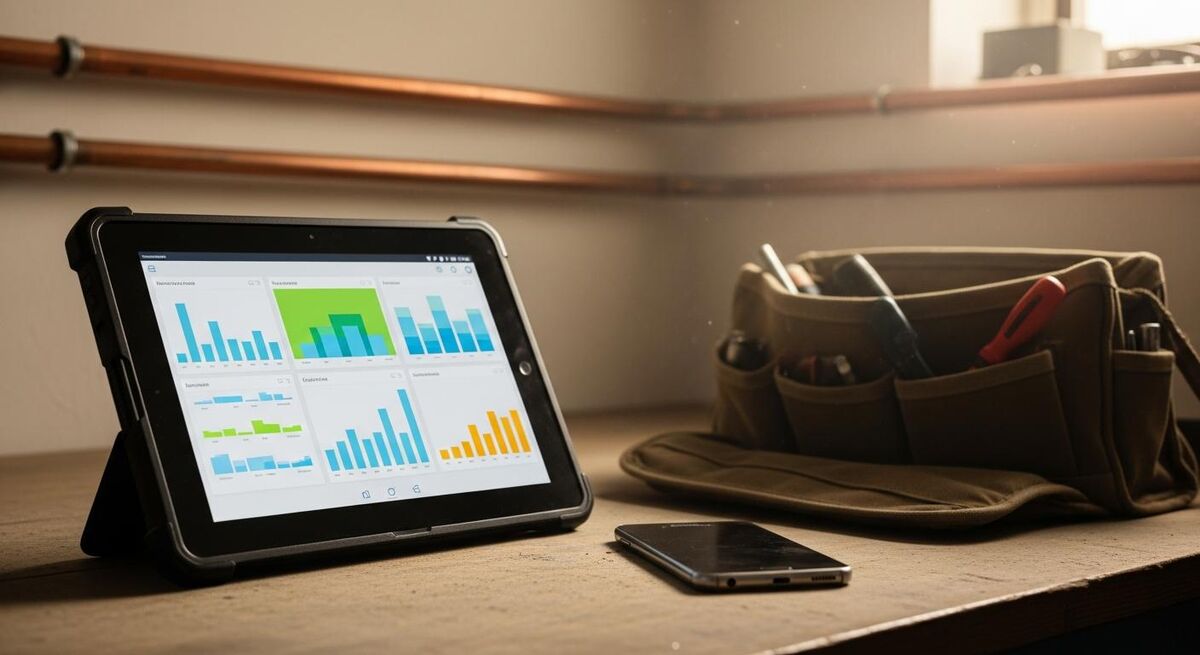
The columns that take the longest to fill in are the boilerplate ones: standard control measures for common hazards, RIDDOR severity wording, the names of relevant regulations. These are exactly the columns an AI can prefill from a job description.
The simple version is a ChatGPT or Claude prompt that takes the job type and site details and produces a first draft of the form. We use a structured prompt that asks the model to list the top eight hazards for the job, the typical existing controls, and the further-action gaps, all referenced to current UK regulations.
The more useful version is an n8n workflow. The trigger is a new job in your field service software (ServiceM8, Tradify, Commusoft, whatever you use). The workflow pulls the job description, runs it through Claude with a structured-output JSON schema matching the form columns, and writes the result back to the job as a PDF attachment or a row in a Google Sheet. The supervisor then opens the prefilled form on a tablet, edits the parts that are site-specific, and signs off.
The rule is simple: AI does the typing, the human does the judging. The form is still owned by the assessor and the supervisor. Their names go in the header block and the legal duty does not transfer to the model. Used this way, AI prefill cuts the time on a typical small-job assessment from 25 minutes to about 6 minutes without losing the site-specific detail that makes the form legally useful in the first place.
What other safety managers are saying
Recommended videos

Health and safety risk assessment and management
Health and Safety Executive

How to conduct a risk assessment (step-by-step guide)
The HSE Coach
Steps of hazard identification and risk assessment HIRA
HSE Insights

HSE risk assessment: how to identify and prevent workplace hazards
HSEstudy

Risk assessment, step by step: HSE education, hazard and control
Global HSE Chain
The crucial steps of risk assessment | IDERR | HSE
HSE Insights
Frequently asked questions
If you have five or more employees, yes. The legal duty is to record the significant findings, not to fill in a form for every nail. For a one-day job a single page with three or four lines and your signature is enough. The principle is the same whether the job is a boiler swap or a 12-week refurb.
No. The law requires a "suitable and sufficient" assessment. The HSE 5 steps are the easiest documented framework for small firms, which is why this template is built around them. Larger contractors sometimes use IDERR or HIRA, which are functionally similar with extra columns. If you are a CDM principal contractor, expect the same five fields plus an interface column for sub-contractor coordination.
You can use it as a starting structure, but you must make it site-specific. The HSE is explicit on this: copying an example and putting your company name on it does not satisfy the law. The TrainAR template adds the header, review log and starter hazard library that the HSE version leaves to you. Treat any template as a skeleton.
Whenever something changes. New equipment, new personnel, a near-miss, a change in method, a change in the building. A common rule of thumb for fixed sites is annually. For jobs that move every week, the review is at the start of each new job. The review log on the template makes the trigger and the reviewer auditable.
The hazard identification form lists what could go wrong and how you will stop it. The method statement describes the safe step-by-step process for doing the work. Together they form RAMS. For a small domestic job the form alone is often enough. For commercial sites, anything notifiable under CDM, or anything involving height, hot works or live circuits, you need both.
An apprentice can draft it. Sign-off must come from a competent person. Competence is defined by knowledge, skills, training and experience proportionate to the work. SSSTS or IOSH Managing Safely is the common evidence on small sites. SMSTS is the standard on bigger ones. The header block on the template captures the assessor's competence so it is visible at a glance.
My verdict
Most small firms fall into one of two camps. The first treats hazard ID as a tick-box and ends up with a generic photocopy that an HSE inspector spots in 30 seconds. The second treats every job like a nuclear plant and burns half a day on paperwork that no one reads. Neither is the goal.
A good hazard form does three things. It forces a conscious walk-around. It captures what you decided, why, and who is doing what. And it gives you something to hand the next supervisor, the next apprentice, or the inspector who shows up on the Tuesday after an incident. Build the habit once, write the form down, and use AI to do the boilerplate. That is the practitioner's version of getting this right.