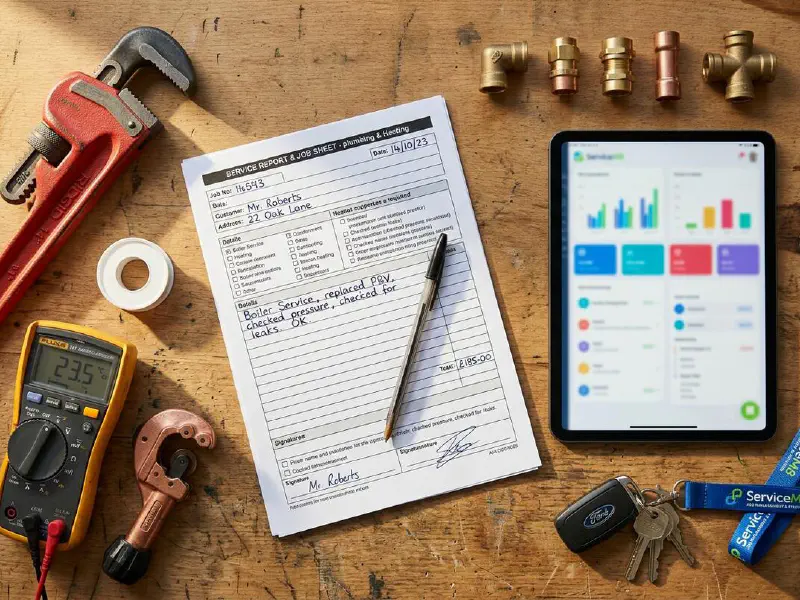

Quick answer
Most heat pump quotes a homeowner sees are too thin. A line for the unit, a line for labour, BUS grant deducted, total at the bottom. That is not a heat pump quote, it is a guess wrapped in a logo. A proper quote shows the room-by-room heat loss, the flow temperature, the exact heat pump model and SCOP, the cylinder and buffer specification, every emitter that needs replacing, electrical works, commissioning, MCS certification, and a clear BUS deduction with the customer co-pay. This free template captures all of it on two pages, so you can quote like an MCS-trained installer instead of a salesperson.
Table of contents
- What is in the template
- Section 1: Site survey and heat loss summary
- Section 2: System specification
- Section 3: BUS grant and pricing
- Section 4: Installation schedule and handover
- How to customise and send the template
- What heating engineers are saying
- Recommended videos
- Frequently asked questions
- My verdict
 ServiceM8
 Commusoft
 Joblogic
 Payaca
 Tradify
This template works as a standalone Word and PDF document. If you use a field service platform, the bundle includes a field map for the five major UK platforms above, showing exactly which job fields auto-populate into which section of the quote.
What is in the template
The template is two pages plus an optional third page for radiator schedule. It is structured around the four things every MCS-compliant heat pump quote must contain: a real heat loss summary, a full system specification, the BUS grant deduction with eligibility confirmation, and a clear installation schedule with handover dates.
I wrote this template after watching customers send me competitor quotes that were one paragraph long. One was four lines: "supply and fit air source heat pump, 11kW, £14,500, less BUS grant £7,500, customer to pay £7,000". No model. No flow temperature. No mention of the cylinder. Nothing about the existing radiators. The homeowner had no idea what they were signing.
The free download bundle includes:
- A Word document (.docx) you can edit with your company branding
- A PDF version ready to send as-is
- A field service software field map showing which fields auto-populate from job data in ServiceM8, Commusoft, Joblogic, Payaca, and Tradify
- A homeowner-facing one-page summary you can hand over at the end of the survey
Everything is referenced against MCS 007 v8.0 (the current heat pump product standard) and the Ofgem BUS scheme rules that apply from April 2026.
If you are not yet MCS certified, this template still works as a structure for your quotes. You just cannot deduct the BUS grant or claim the grant value on the customer's behalf. The structure of the quote is the same either way.
Section 1: Site survey and heat loss summary

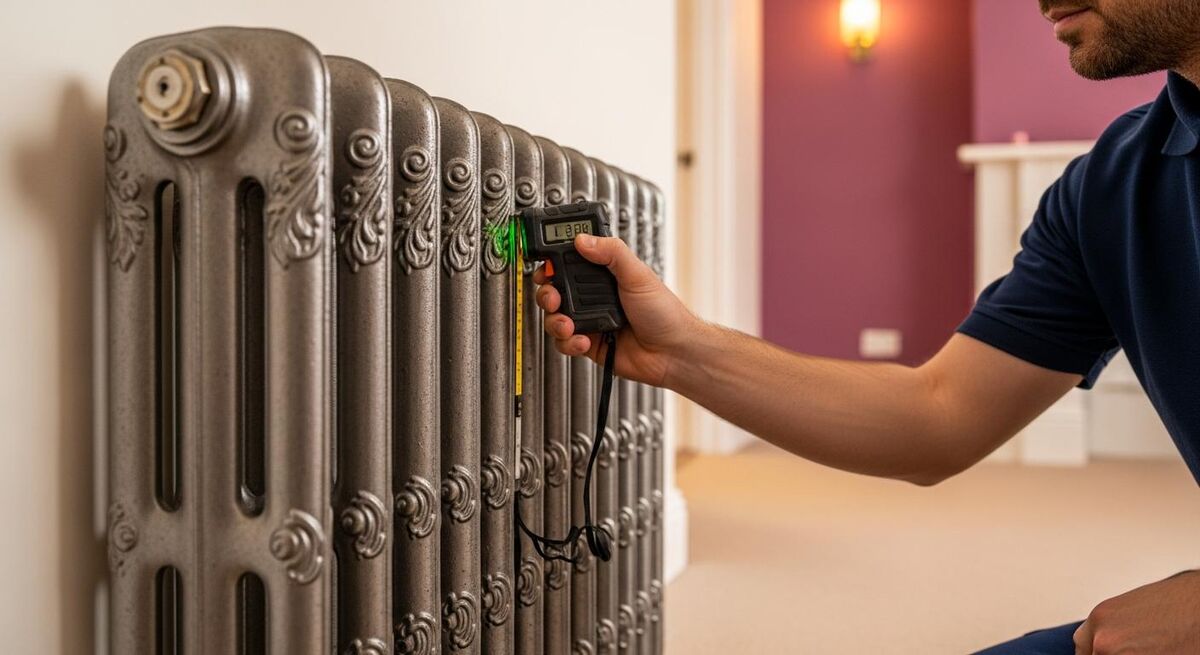
This is the section most quotes get wrong. The MCS Heat Pump Standard requires a room-by-room heat loss calculation before the system is specified. The quote needs to summarise that calculation so the homeowner can see what was measured and why the system was sized the way it was.
The template captures the inputs and the outputs in a single table. Property type, age, construction, EPC rating, floor area, ventilation type, design external temperature, and design internal temperature. Then for each room: floor area, target temperature, total heat loss in watts, and required emitter output at the design flow temperature.
I cap the room table at the eight or nine rooms that drive the total. A four-bed semi might have twelve rooms in total but only five or six need flagging in the quote. Anything else goes in an appendix. The point is to show the homeowner where the heat is being lost, not to overwhelm them with raw data.
The total heat loss figure at the bottom of this section determines the heat pump size. That number is the hinge of the entire job. Get it wrong and you either install something undersized (the customer is cold and emergency uses the immersion) or oversized (it cycles, runs inefficiently, and burns through compressors).
For an excellent explanation of how to walk the customer through this section, see our piece on our gas safety certificate template guide. The principles are the same whether you are using MCS spreadsheets, Heat Engineer software, or Hamworthy's calculation tool.
What goes on the EPC and photo register
Two practical items the template includes that most quotes miss. The first is a confirmed EPC rating with the certificate number and assessment date. Without a valid EPC, the homeowner is not eligible for the BUS grant. If their EPC has expired or shows outstanding recommendations like loft insulation, the grant application will be rejected.
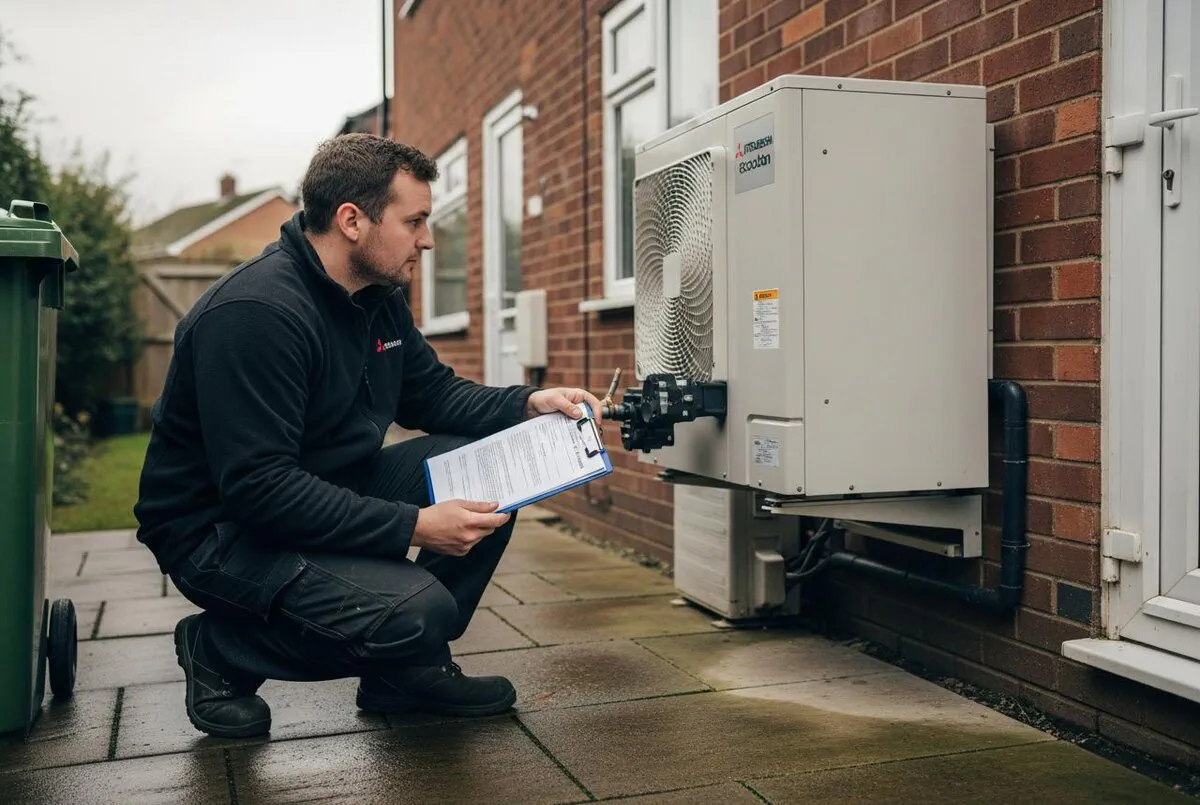
The second is a photo register. Five photos: the existing boiler and flue, the proposed external location for the unit, the consumer unit and incoming supply, the airing cupboard or proposed cylinder location, and any structural items that affect the install (joists, awkward pipework, party walls). These photos go in the quote PDF appendix. They protect you when the customer claims the install scope has changed.
Section 2: System specification
This is the technical heart of the quote. If the customer is comparing your quote with another installer's, this section is where they decide whether they trust you. Vague specs and missing model numbers cost you the job to the installer who showed their working.
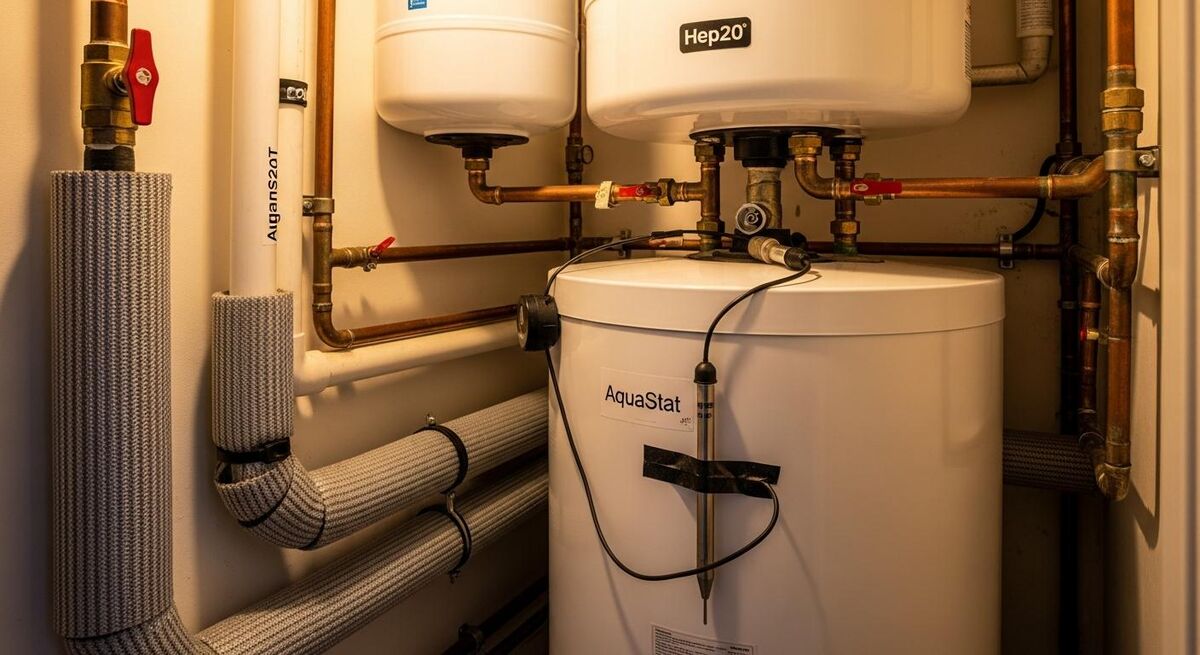
The template breaks system specification into seven sub-sections, each one a line item on the quote with a manufacturer name, model number, output, and reasoning. The seven items are: heat pump unit, hot water cylinder, buffer tank or low loss header, controls and weather compensation, emitter schedule, pipework upgrades, and electrical works.
For each item, the template prompts you to record the make and model, the rated output or capacity, the warranty length, and a one-sentence reason for selecting it. The reason matters. "Mitsubishi Ecodan PUZ-WM85VAA, 8.5kW at 7°C flow 50°C, 7-year warranty, selected because it hits the design flow temperature without backup heater at -3°C external" is a sentence that wins jobs. "Air source heat pump, 8kW" loses them.
The target flow temperature is listed prominently in this section. Heat Geek and most well-regarded UK installers agree that anything above 50°C at design conditions starts to compromise efficiency. A quote that does not state the design flow temperature is hiding something, usually a system that has been sized for old radiators rather than upgrading them.
If two quotes are within a few hundred pounds of each other, the one with the lower design flow temperature is almost always the better install. A 45°C flow temperature design might run at SCOP 4.2. A 60°C design will struggle to hit SCOP 3.0. Over ten years, that is thousands of pounds in electricity.
Emitter schedule and pipework upgrades
Most quotes skip the emitter schedule entirely. The template forces you to list every radiator in the property by room, with the existing output at 70°C and the required output at your design flow temperature. The ones that need upgrading are flagged with the new model and output.
FreeBear on MoneySavingExpert summarised the technical point cleanly: "With a gas boiler running with a flow temperature of 70°C, 15mm will deliver ~6kW, whilst 10mm is restricted to ~2.5kW". Same maths applies to your radiators. A panel that delivered 1.8kW on a gas system at 70°C might only deliver 0.9kW on a heat pump system at 45°C. That room is now cold.
The pipework upgrade section is where you flag any 10mm microbore that needs replacing, any 15mm primaries that are too narrow for the new flow rate, and any consumer unit work that needs a separate electrician.
Section 3: BUS grant and pricing

This is the section that has caused the most arguments between installers and customers since the BUS grant launched. The template structures it so there is no ambiguity. Equipment and labour on one line, MCS administration and commissioning on another, then the BUS deduction clearly shown as a separate line with the customer co-pay calculated underneath.
The Ofgem rules from April 2026 require the BUS voucher to be applied as a discount on the invoice. The full quote price is shown, the grant is deducted, and the remainder is what the customer pays. Showing this clearly in the quote stops the homeowner thinking the grant is somehow a price reduction you have negotiated. It is the customer's money. You are just claiming it on their behalf.
The current rates for 2026: £7,500 for any home replacing a gas, electric, or biomass system with an air source or ground source heat pump. From July 2026, £9,000 for homes currently heated by oil or LPG. The template has dropdowns for both, and a flag for biomass-to-heat-pump (which is also eligible but rarely used).
Aaron McLeish at Together We Count has written extensively about how heating engineers should price heat pump installations. He puts it bluntly: "The grant is for the customer's benefit, not an excuse to cut your margin". Build your price around the work, then deduct the grant. Do not work backwards from the grant amount.
Tiered pricing built into the template
The template has three pricing tiers built in: standard, complete, and premium. Customers like having options. Standard is the headline price that gets you the BUS-eligible system installed and commissioned. Complete adds smart controls and the first annual service. Premium adds extended warranty and a service contract.
You do not have to offer three tiers. You can delete the column and run a single price quote if that suits your business better. But the structure is there if you want it. Aaron's worked example breaks it down to roughly £9,500 for standard, £10,800 for complete, £12,500 for premium on a typical three-bed semi.
For more on quoting profitably, our piece on dynamic pricing for UK trades covers how to think about seasonal demand and capacity. Heat pump work follows the same logic. Winter capacity is gold dust.
Section 4: Installation schedule and handover
The final page sets out the timeline so the homeowner knows exactly what to expect. This section is the one that turns a quote from a piece of paper into a project plan. Three columns: date, activity, responsibility.
Typical sequence: quote accepted (day 0), BUS voucher applied for (day 1 to 3), DNO notification submitted for any unit over 5kW (day 3 to 10), voucher issued (day 14 to 21), materials ordered (day 21), install start date (day 35 to 49 typically), commissioning (day 2 to 3 of install week), handover and customer training (day 3 to 4), grant redemption (day 5 to 14).
The voucher is valid for 3 months from issue. The whole sequence has to fit inside that window. That is why scheduling is part of the quote, not an afterthought. If you commit to a customer in November but cannot install until April, the voucher will have expired and you have just lost the customer £7,500.
Any heat pump over 3.68kW per phase requires DNO notification, and many over 5kW require approval before install. Approval can take 6 to 10 weeks. If you have not notified the DNO before you have ordered materials, you are betting the install date on the DNO's timetable. Get the application in within 72 hours of the customer accepting.
Handover documentation that the template prompts you to produce
MCS 007 Appendix D lists the handover documents that have to be supplied. The template includes a handover checklist as the back page so you can tick them off in front of the customer. MCS certificate, manufacturer warranty registration, commissioning sheet, building control notification (where applicable), benchmark log, user manual, schematic, and the first-year service plan.
Customers like signing this checklist. It feels like a proper handover instead of a tradesperson disappearing in a van. Half the negative reviews of heat pump installers I read on Trustpilot come down to poor handover, not poor installation work. The system worked, the customer just did not know how to use it.
How to customise and send the template
The Word version is locked apart from the editable fields. You can change company logo, address, registration numbers, and the bank details for invoicing. Everything else is template content that follows MCS structure.
For the PDF version, the easiest workflow is to fill the Word document, export to PDF, and email. If you use ServiceM8, Joblogic, or Commusoft, the field map document shows you which fields to map to job custom fields so they auto-populate. Payaca and Tradify have similar custom field structures. Our guide to building winning quote templates in ServiceM8 covers the workflow for that platform specifically.
Two things to customise before you use it on a live customer. First, your MCS installer ID and consumer code membership number (HIES, RECC, or the relevant alternative). Both have to appear on every quote where you are claiming the BUS grant on the customer's behalf. Second, your professional indemnity and public liability insurance details. MCS requires both to be valid renewable-specific cover.
What heating engineers and homeowners are saying
What people actually say on UK forums when they post their heat pump quotes for review. Direct quotes, real threads, real frustrations. This is the standard your template is competing against.
Recommended videos
Six walkthroughs covering heat pump surveys, MCS process, and quote evaluation.

Heat Pump Surveys EXPOSED: Octopus vs E.On vs Heat Geek
Side-by-side comparison of three real UK installer surveys

Air Source Heat Pump Survey: Is it worth it? Entire walkthrough
Full Heat Geek certified survey from start to finish

How to survey a house for a heat pump
Gathering information for accurate heat pump sizing
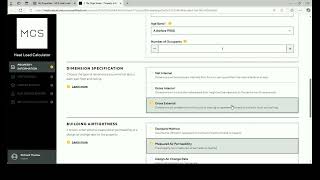
MCS Heat Load Calculator Guidance
Step-by-step guidance for using the MCS calculator tool

The Ultimate Guide to MCS (Microgeneration Certification Scheme)
Complete overview of MCS for installers and homeowners

What truly makes a great heat pump installer in the UK
Industry discussion on the standards customers should expect
Frequently asked questions
No, but if you want to claim the BUS grant on the customer's behalf you must be MCS certified and a member of a Consumer Code (HIES, RECC, or equivalent). The template structure works for any heat pump quote, MCS or not. You just cannot apply the grant deduction without certification.
Three to five hours of skilled work on site for a typical three or four bed home, plus another hour back at the desk to write up the calculation and produce the schematic. If a competitor is offering you a "30-minute heat loss survey", they are not doing it properly. The template forces you to record the time spent so you can defend the price if a customer queries it.
Yes. The grant amount is a single editable field on page 2 of the Word document. From July 2026 to March 2027, oil and LPG homes qualify for £9,000 instead of £7,500. Change the dropdown and the customer co-pay recalculates automatically.
The customer loses the £7,500 and you lose the job, in most cases. Vouchers are valid for 3 months from issue. The customer can reapply, but they have to start the process again. Build the install schedule in the template so the install date falls within the voucher window with at least 4 weeks of margin.
Personal preference. The template has two versions of section 3: one that shows separate equipment, labour, and MCS administration lines, one that shows a single supply-and-install figure with the grant deducted. Most installers I work with show the breakdown for higher-value quotes and a single figure for sub-£10k jobs. Choose the one that suits your customer.
The structure is identical. Section 2 needs additional fields for the ground collector (slinky vs borehole, length, depth, soil type) and the system specification page needs a second sub-section for the ground array. There is a GSHP version in the same bundle that includes those fields. The BUS grant amount is the same for ASHP and GSHP, currently £7,500.
My verdict
Quote like an engineer, not a salesperson
Heat pump installations are the most technical residential work most heating engineers will do this decade. The customer is spending serious money on a piece of equipment that needs to run for 15 to 20 years. They deserve a quote that shows the design, not a sales document that hides it. Two pages, room-by-room heat loss, exact model and flow temperature, BUS deduction clearly shown, install timeline that fits the voucher window, and a handover checklist that proves you finished the job properly. Download the template, brand it, send it out. The next customer who compares your quote against four others will pick yours because you showed your working. That is the whole game.