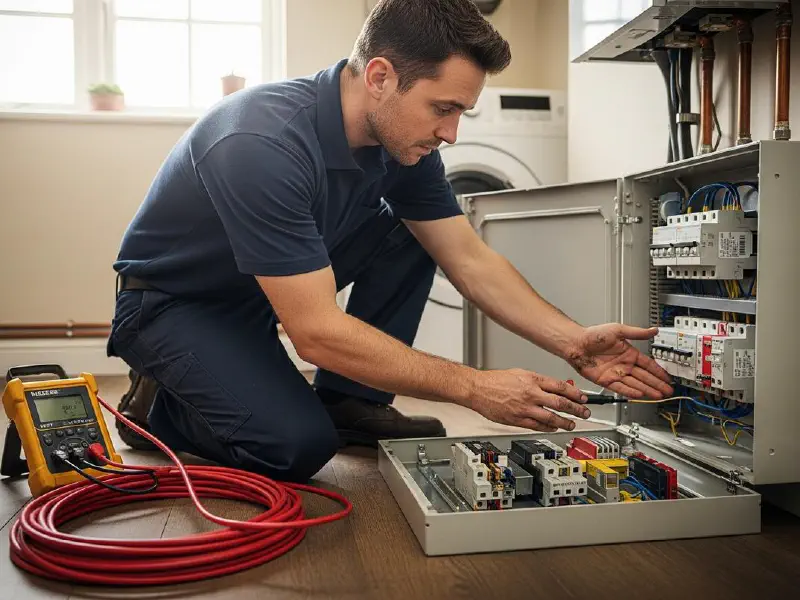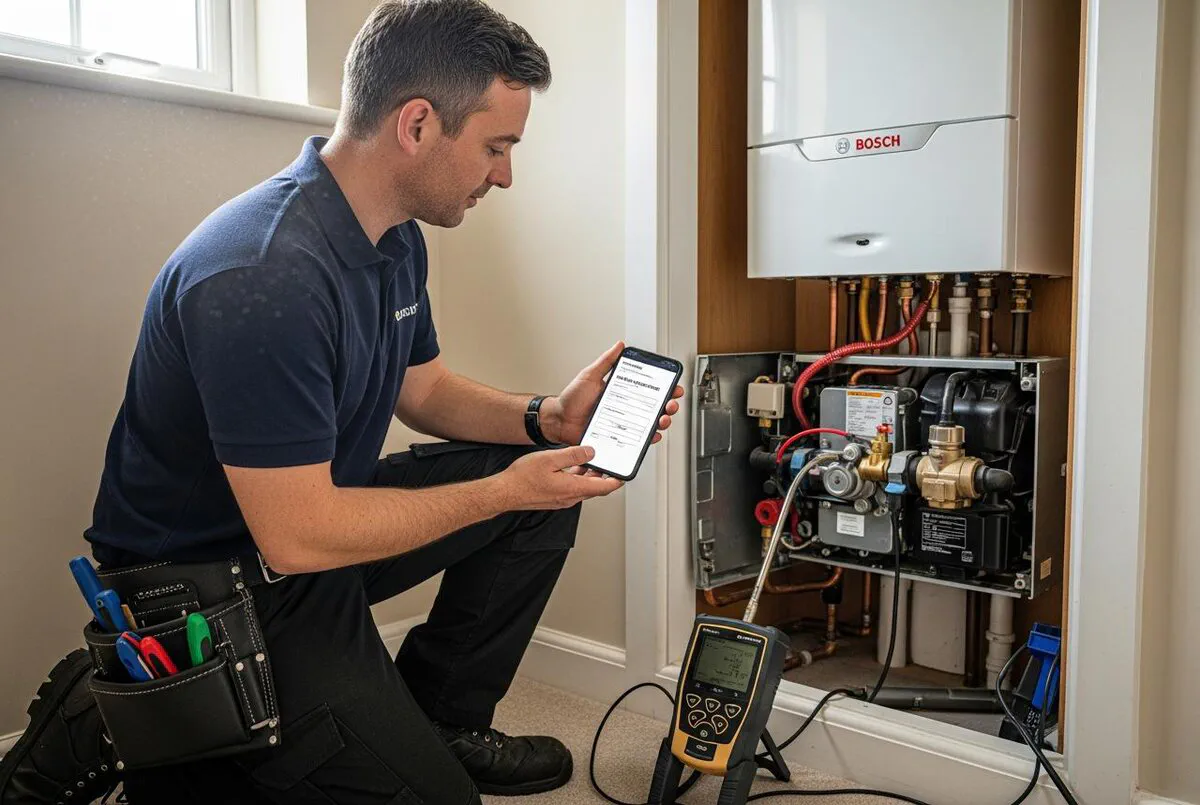

Quick Answer
Yes, Powered Now is fully Gas Safe compliant. The Professional plan at 32 pounds per month gives you CP12 Landlord Gas Safety Records, CP1 Commissioning Checklists, CP14 Commercial Catering, and around 60 other digital certificates. You sign on a phone, the customer signs on the phone, the PDF emails itself in under a minute, and a copy sits in the cloud audit trail for the legal two years and beyond. Setup takes about an hour. After that you stop carrying carbon copy pads.
Table of Contents
- Why digital Gas Safe certificates are taking over
- Is Powered Now actually Gas Safe compliant?
- Before you start: what you need ready
- Step 1: Sign up and pick the right plan
- Step 2: Add your engineer details and Gas Safe ID
- Step 3: Configure your default CP12 template
- Step 4: Issue your first digital certificate on a job
- Step 5: Customer signature, instant email, audit trail
- The AI piece: field suggestions and compliance checking
- What it actually costs (and what you save)
- Common setup mistakes that fail audits
- What gas engineers are saying
- Recommended videos
- Frequently asked questions
- My verdict
 Powered Now
 Xero (sync)
 QuickBooks (sync)
 Sage (sync)
Why digital Gas Safe certificates are taking over
I spent years as a gas engineer before I sold my last installation business. The thing that finally pushed me to drop the carbon copy pad was not the law. It was a customer ringing on a Sunday asking for a duplicate certificate because the original had gone in a house move.
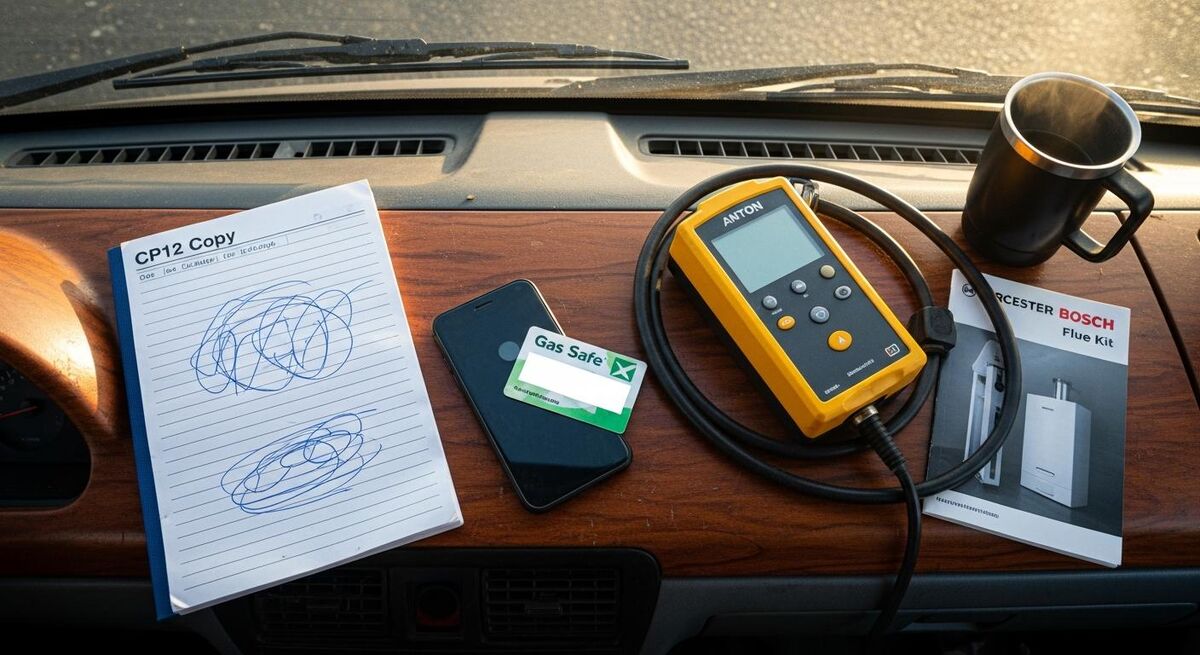
I had it in the van somewhere, in a wallet, in a folder, behind a delivery note for a Worcester Bosch flue kit. By the time I found it, scanned it on a flatbed, and emailed it across, I had lost an afternoon and the customer had lost patience. That was the day I went digital.
The industry has moved with me. In June 2025 the Benchmark Steering Group announced the paper Benchmark Checklist is being retired and going digital only. Billy Wilgar, Deputy Chair of the steering group, was clear about why: filling out the checklist digitally on the phone at the time of installation is faster, safer, and the data does not get lost. Most major manufacturers now accept the digital Benchmark in lieu of the paper booklet, which makes the warranty registration step automatic.
Gas Safe Register has been quieter about it, but the position is the same. Under Regulation 36(3)(c) of the Gas Safety (Installation and Use) Regulations 1998, the Landlord Gas Safety Record can be provided electronically or as a hard copy. An electronic signature from the engineer is acceptable. Tenants can receive their copy electronically if they are happy with it. The two-year retention requirement applies whether the record sits in a filing cabinet or on a server.
So the legal door is open. The only question is which app you use to walk through it. This guide covers Powered Now, which I rate for one specific reason: the certificate library is large, the Gas Safe formats are correct, and the setup does not punish you for being a one-van operator.
Is Powered Now actually Gas Safe compliant?
Powered Now is a UK trades platform built by Benjamin Dyer and his team in Devon. Dyer, the co-founder and CEO, was clear about what they were solving when he spoke to TechRound: tradespeople "tend to be very good with their hands, not so good around the administration of running their business." That is the brief in one sentence.
On the compliance question, the answer is yes with one important caveat. The Professional plan and above unlock the digital forms library, which contains around 60 certificates and checklists. The relevant ones for gas engineers are:
- CP12 Landlord Gas Safety Record, the only certificate required by law under Regulation 36
- CP1 Commissioning Checklist, for new boiler installations
- CP4 Service and Maintenance Record, for routine annual services
- CP14 Commercial Catering, for commercial kitchen gas work
- CP16 Industrial Boiler, for commercial heating plant
- Warning and Advice Notice, for when you isolate an At Risk or Immediately Dangerous appliance
- Gas Tightness Test record, for installations and service work
- Benchmark equivalent commissioning, accepted by most major manufacturers
The caveat: the Business plan at 28 pounds per month does not include the certificate library. If you sign up on Business expecting digital CP12s, you will be disappointed. You need Professional at 32 pounds per month or Premium at 40 pounds per month. The four-pound difference between Business and Professional is the single most important upgrade decision in the whole setup.
Before you start: what you need ready
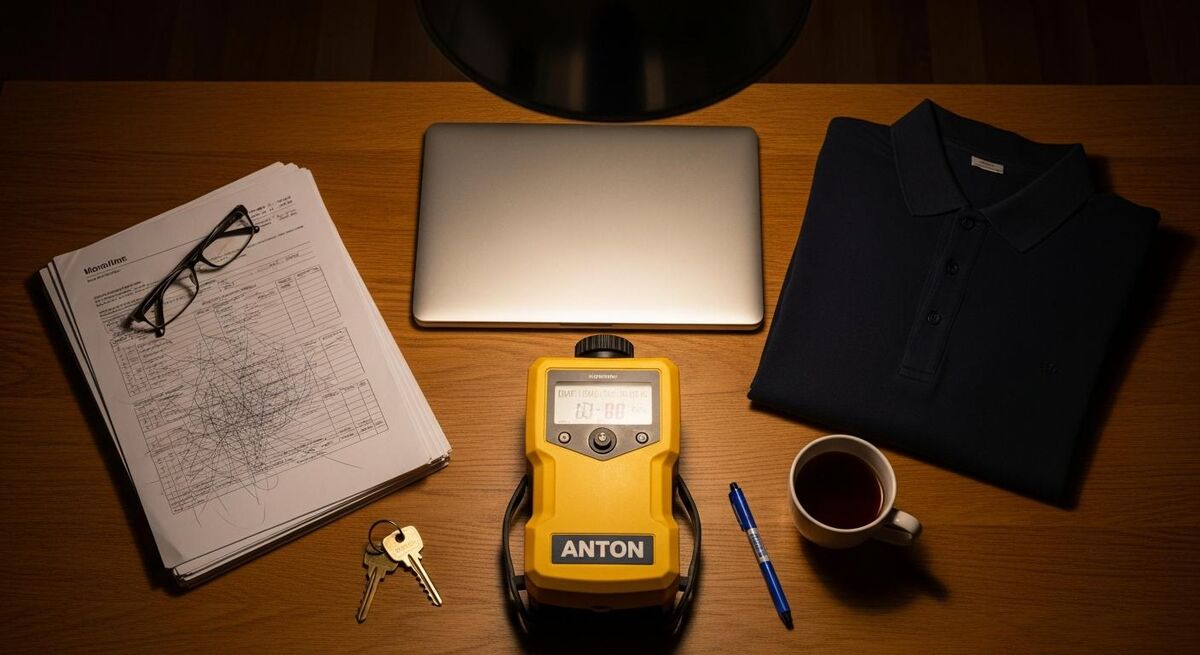
Setup itself takes around 60 minutes if you have everything to hand. Without the right details ready it stretches to half a day, with you breaking off mid-form to find your accreditation paperwork. Get the following on your desk before you open the app.
Your Gas Safe registration number. Seven digits. Engineer ID card too if you have it. Powered Now puts the registration number on every certificate automatically once it is in your engineer profile, so getting it right once saves you typing it 200 times in the next twelve months.
Your scanned wet-ink signature, ideally as a transparent PNG. Sign on a clean piece of A4 with a thick black pen, photograph it under decent light, run it through a free background remover such as remove.bg, save it at around 600 pixels wide. This goes in once and auto-applies to every certificate you ever issue. Same for the customer signature, which you will capture live on the device.
Your business details exactly as they appear on your Gas Safe registration: trading name, address, VAT number if registered, public liability insurance policy number and expiry. The insurance line is not strictly required on a CP12 but it sits well on the customer copy and saves an awkward email later.
Your accounts package login if you intend to sync invoices, which you should. Powered Now ties cleanly into Xero, QuickBooks, and Sage. Have the credentials ready and you can do the integration in the same sitting. If you are still on a spreadsheet, get a free Xero trial running first or start with the basic Powered Now invoicing and migrate accounts later.
A test customer record. Use your own details or a willing mate. The first certificate you generate should not be a live job. Practice once on a fake property so you can fix the template before a real Mrs Patel is waiting for her CP12.
Step 1: Sign up and pick the right plan
Go to powerednow.com, click Start Free Trial. You get 30 days on whichever tier you choose, no card required for the first week. Choose Professional. The four-pound monthly delta from Business gets you the full certificate library, Xero integration, unlimited customer messaging, and team management if you ever add a second engineer.
The signup itself is unremarkable. Email, password, mobile number, business name. The mobile number matters because Powered Now sends a verification code and uses the device as the primary engineer login on day one. Use the phone you actually carry on jobs, not the office landline.
One screen asks for your trade. Pick Gas Engineer or Heating Engineer. This is not cosmetic. It pre-loads the relevant certificate templates into your forms library and skips the ones you do not need, which keeps the dropdown menu manageable when you are stood in a cold garage looking for the right form on a small screen.
Step 2: Add your engineer details and Gas Safe ID
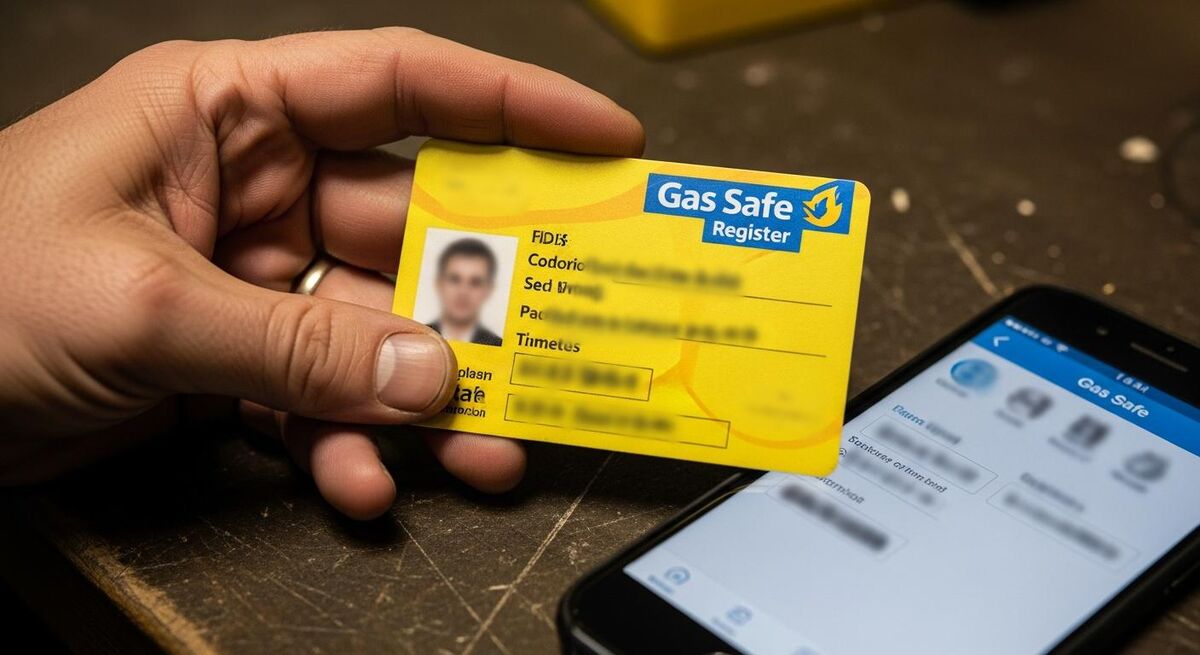
On the web dashboard, head to Settings, then Users, then your name. This is where you turn the generic Powered Now account into a Gas Safe engineer profile.
Add your Gas Safe registration number in the engineer ID field. Add the categories you are competent in: typically CCN1 for core, CENWAT for natural gas central heating, and HTR1 for ducted air heaters if you do those. Powered Now uses these as flags when you generate certificates so you do not accidentally sign off on commercial work without commercial categories.
Upload your signature PNG. Drag and drop. The preview shows you what it will look like on a printed certificate. If it looks like a child drew it, the photo was too low contrast. Redo with better light or punch the contrast up in a free image editor before reuploading.
Set the engineer photo. This is the one customers see on the booking confirmation and the certificate email. A clean headshot in a polo with the company name visible looks more professional than a cropped wedding photo. It also matters more than people think when a homeowner is comparing three quotes.
Save. Then check the certificate preview to make sure your name, Gas Safe number, and signature all appear in the correct boxes. If anything is wrong here, every certificate you issue will be wrong, so do not skip this.
Step 3: Configure your default CP12 template
The CP12 in Powered Now follows the structure Gas Safe Register requires: engineer details, property details, appliance details for up to four appliances, gas tightness test result, ECV location, and the visual check, operating pressure, gas rate, flue performance, ventilation, and combustion analyser readings per appliance.
Go to Settings, then Forms, then Landlord Gas Safety Record. Click Edit Template. The bits worth setting now, before you ever use it on a job:
- Default header logo. Upload your company logo. Bigger is fine, it will scale. PNG with transparent background looks best on the printed PDF.
- Default standard notes. Add a paragraph that goes on every certificate: warranty terms, next service recommended date, an emergency out-of-hours number. Saves typing.
- Default declaration text. Powered Now ships sensible Regulation 36 language. Read it. If your insurer has specific words they want included, paste them in now.
- Required fields. Tick the boxes for combustion ratio (CO/CO2), operating pressure, and gas rate as required. The app will refuse to generate the PDF until those are filled in, which is the exact behaviour you want when you are tired at 6pm and tempted to skip them.
- Customer email auto-fill. Tick the box that auto-attaches the PDF to the post-job email. This is the single setting that ends Sunday phone calls about missing certificates.
Step 4: Issue your first digital certificate on a job
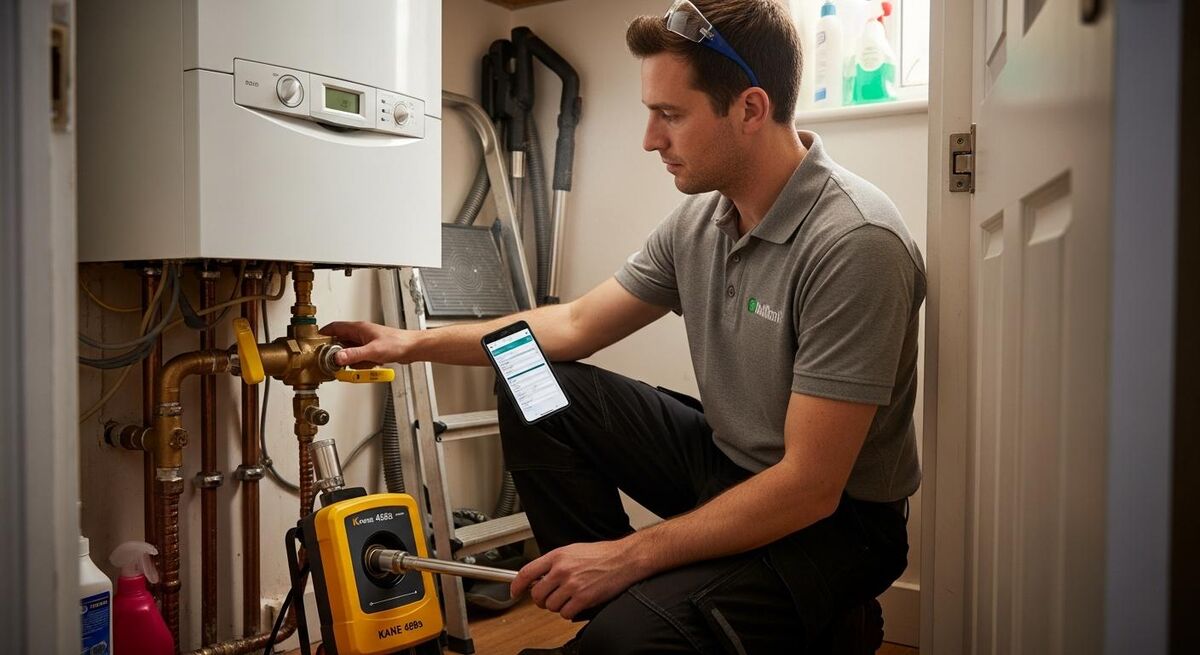
The job flow that works for me: arrive on site, open the customer on Powered Now, start the job timer, do the gas safety check, fill in the certificate, sign, get the customer to sign, send. Total time on the certificate itself is around three minutes once you are practiced.
Open the Powered Now app on your phone. Tap the job. Tap Add Form. Choose Landlord Gas Safety Record. The customer and property details auto-populate from the job. Appliance details are the bit you actually type, and most engineers I know maintain a Notes app shortlist of common boiler model strings so they can paste them rather than thumb type.
For each appliance, you fill in:
- Make, model, and serial
- Location (kitchen, airing cupboard, garage)
- Type (combi, system, open-vent, condensing)
- Flue type and condition
- Visual condition: gas pipework, flue, ventilation, location
- Operating pressure (mbar)
- Gas rate (cubic metres per hour or kilowatts)
- Combustion ratio (CO/CO2) from your analyser
- Safety device check (FFD, thermocouple, overheat)
- Pass or fail
- Remedial action if fail
The Tightness Test result goes in once for the property: pass or fail, ECV located, isolation valve fitted, meter type. The app does the maths on the let-by and stabilisation test if you type the start and end pressures. Combustion analyser readings can be entered manually or, on newer Anton, Kane, and Testo analysers, transferred via the analyser's own Bluetooth integration if you pair the devices first.
Once every required field is filled, the Generate PDF button activates. Tap it. The PDF renders on screen in around five seconds. You can scroll through to check it before you sign.
Step 5: Customer signature, instant email, audit trail
This is the bit that takes ten minutes on paper and 30 seconds digital, and it is also the bit auditors care about.
Tap Sign Engineer. Your saved signature drops in. Tap Sign Customer. Hand the phone to the homeowner or landlord's agent. They sign with a finger on the screen. The signature box is generous enough that it does not look like a child's scribble even on a smaller iPhone. Tap Save.
Tap Send. The PDF emails to the customer email already on file. A copy lands in the Powered Now job record under Documents. Another copy goes to the engineer log under your name. If you have configured the optional cc to office, a third copy sits in the office inbox. That is your audit trail.
What this gives you that paper does not: a timestamped record of when the certificate was generated, when the customer signed, when the PDF was emailed, and which email address it went to. If you ever have to defend yourself to Gas Safe Register or to a landlord's solicitor, the audit log is what saves you. You should never need it. When you do, you will not regret paying 32 pounds a month for it.
The AI piece: field suggestions and compliance checking
Powered Now added AI text features to its Premium tier at 40 pounds per month. The AI is not generating certificates from nothing. It is doing two practical things that save time on every job.
The first is field suggestion. When you start typing an appliance model, the AI cross-references your customer history. If you serviced a Vaillant ecoTEC plus 837 at the same property last year, the AI offers to auto-fill make, model, serial, and location. You still have to retest and re-enter the live readings (those must be the values from today's analyser, not last year's), but every static field that has not changed gets filled with one tap.
The second is compliance flagging. If you enter a combustion ratio that sits above the 0.004 At Risk threshold or below the 0.001 indicative of a CO leak, the app flags it before you generate the PDF. Same for pressures outside the manufacturer's range, gas rates outside tolerance, and missing flue ventilation entries on a room-sealed installation in a confined cupboard. The AI does not stop you signing a non-compliant certificate, but it warns you, and the warning sits in the audit log.
I would not pay the extra eight pounds a month for the AI alone if I were a single-van operator doing 15 boilers a week. At 40 boilers a week, the time saved on repeat customers makes Premium worth it. At 80 plus a second engineer, Premium pays for itself in a day. Your call.
What it actually costs (and what you save)
Honest maths. Professional at 32 pounds a month is 384 pounds a year on monthly billing, 320 pounds on annual. Premium is 40 pounds monthly, 400 pounds annual. Add VAT.
The carbon copy alternative looks cheaper on the surface but is not once you count properly:
- Carbon copy CP12 pads at around 25 pounds for 50 sheets, so roughly 50 pence per certificate. Most engineers go through 200 to 400 sheets a year, so 100 to 200 pounds.
- An accounts subscription you probably already pay anyway (Xero or QuickBooks, 14 to 30 pounds a month).
- Petrol back to the office to file, photocopy, and post copies, conservatively two hours a week, which is 100 hours a year. At 50 pounds an hour shop rate, that is 5,000 pounds in lost billable time.
- Lost certificates. One reissue per quarter at 20 minutes each, 80 minutes a year, plus the customer goodwill cost when they cannot find theirs the day a buyer's solicitor asks for it.
- Filing cabinet space, ink, paper, the lot.
Powered Now Professional at 320 pounds a year is in the noise. The Trustpilot review pattern across the 520-plus Powered Now reviews is consistent: users report somewhere between 90 minutes and two hours of admin saved per day. Even at a quarter of that, the system pays for itself in the first month.
| Cost | Carbon copy pad workflow | Powered Now Professional |
|---|---|---|
| Software subscription | 0 | 320 to 384 pounds/year |
| Certificate pads | 100 to 200 pounds/year | 0 |
| Admin time (filing, posting, reissuing) | 100 to 150 hours/year | 20 hours/year |
| Lost certificate reissue cost | 4 to 8 hours/year | 0 (cloud audit trail) |
| Accounts re-keying time | 3 hours/week | 0 (Xero sync) |
| Total annual cost (incl. opportunity) | 5,000 to 8,000 pounds | 700 to 1,200 pounds |
Common setup mistakes that fail audits
Three setup mistakes show up regularly in my conversations with engineers who switched to Powered Now and later had a Gas Safe Register inspection or a landlord dispute.
Mistake one: signing up on Business and never upgrading. The Business plan has no certificate library. People generate "certificates" by writing them up as job notes, which is not a Regulation 36 record and does not have an electronic signature in the formal sense. If a Gas Safe inspector asks for the last 12 months of CP12s, "I have notes" will not pass. Upgrade to Professional.
Mistake two: not setting the audit trail email retention to permanent. Powered Now retains records for as long as you have an active subscription. Cancel the subscription, you lose access to historic records. Set up an outbound email rule from day one that BCCs every customer-bound certificate email to a separate Gmail or Outlook archive address you own. That way you have a second copy outside Powered Now's system that survives a subscription gap, an account dispute, or a billing failure.
Mistake three: skipping the customer signature step on "easy" jobs. The app lets you generate and send a PDF without the customer signature on file if you tick a box. On a routine service for a known landlord this feels harmless. It is not. The customer signature is the bit that says the customer was on-site, saw the appliance, and acknowledges the work. Without it, you have a Gas Safety Record signed by you alone, which a hostile solicitor will pick at in a dispute. Always get the signature, even by email forward if the customer cannot be there in person.
What gas engineers are saying
Recommended videos

Powered Now Demo: Field Management Software Tutorial for Newbies
Powered Now · July 2025

Powered Now New Release: Full Demo
Powered Now · May 2023

How to Create a Quick Invoice with Powered Now
Powered Now · May 2022

How to Create, Sign and Send UK Gas Safety Certificates (on a digital app)
Tradify · July 2021

How to Create a Certificate on a Gas Engineer App
Gas Engineer Software · January 2025

Tech Talk Episode 1: Gas Safe Register
Gas Safe Register · August 2023
Frequently asked questions
Yes. The Gas Safety (Installation and Use) Regulations 1998, Regulation 36(3)(c), permits the Landlord Gas Safety Record in electronic form. An electronic signature from the engineer is acceptable. The record must contain the same information as a paper version, and you must retain it for at least two years. Tenants can receive it electronically if they are willing to, but they can demand a paper copy.
It will, provided every required field is completed correctly. The CP12 template in Powered Now mirrors the Gas Safe Register requirements. Inspectors look at the content of the record, not the brand of software that produced it. Bin every field that says "see comments" and fill in the actual reading.
Keep one pad in the van for the day your phone battery dies on a remote job, or you lose signal somewhere a property managed by a hard-to-reach agent. It happens twice a year for most engineers. The rest of the time the digital flow is faster and cleaner.
About 60 minutes if you have your Gas Safe number, signature scan, insurance details, and accounts login ready. Without those ready it can stretch to half a day with stop-starts. Do it on a Sunday evening with everything on the desk.
Yes. Powered Now imports CSV customer lists straight from Xero, QuickBooks, or any spreadsheet. The minimum useful columns are: customer name, address, email, phone, last service date. Service reminders rebuild themselves from the last service date so you do not lose continuity.
You lose live access to the cloud dashboard. The records sit in Powered Now's servers under your account but you cannot read or export them without a paid subscription. Set up the email BCC rule on day one so a copy of every certificate also lands in an external email archive you control. That is your insurance against this.
Newer Anton Sprint, Kane 458s, and Testo 320 analysers can Bluetooth readings into Powered Now. Older analysers need manual entry, which is the same as paper. The Bluetooth pairing is in the device settings of the analyser and the Forms section of Powered Now. Allow 20 minutes for the first pair, then it is automatic.
Print it. The PDF is print-ready A4. Most engineers carry a portable Bluetooth thermal printer in the van for landlords who want a physical copy on the spot. They are around 80 pounds and work with the Powered Now mobile app. Otherwise post a copy from the office that evening.
My verdict
If you do more than ten boilers a week and the carbon pad is still your filing system, this pays for itself in the first month. The certificate library is correct, the audit trail is solid, the Xero sync removes the worst of the accounts re-keying, and the AI on Premium is a sensible upgrade once you are over 40 boilers a week. Skip the Business tier. Set up the email BCC rule. Get a signature scan ready before you start. And do not run your first live job on the system, do a fake one first. Beyond that, this is the system I would use if I were back on the tools tomorrow.
For wider compliance reading on gas, electrical, and BSI standards that interact with the CP12, see our update on BSI standards changes and the broader piece on Building Control notifications. For renovation jobs where asbestos may come into play before any gas work, our asbestos surveys guide covers the legal pre-work. Gas engineers running a paperless office should also read the Powered Now and Xero two-way sync walkthrough to finish the integration.