
Quick Answer
Ai:den is Commusoft's built-in AI scheduling assistant. It reads engineer skills, shifts, qualifications, travel time and job priority, then proposes the next best slot in seconds. To run 50+ jobs a week through it cleanly, you need clean engineer profiles, accurate job-type durations, and travel zones that match how your team actually works. Skip that prep and the AI will still build a schedule, just not a sensible one.
Table of Contents
- What Ai:den actually does (and what it doesn't)
- The data Ai:den needs before you start
- Step 1: Set up engineer skills and qualifications
- Step 2: Configure shifts, work areas and travel zones
- Step 3: Define job types and accurate durations
- Step 4: Turn on intelligent scheduling and dispatch
- Step 5: Service reminders and the Ai:den+ voice agent
- Real numbers from UK businesses running 50+ jobs a week
- What tradespeople are saying
- Recommended videos
- Frequently asked questions
- My verdict
 Commusoft
What Ai:den actually does (and what it doesn't)
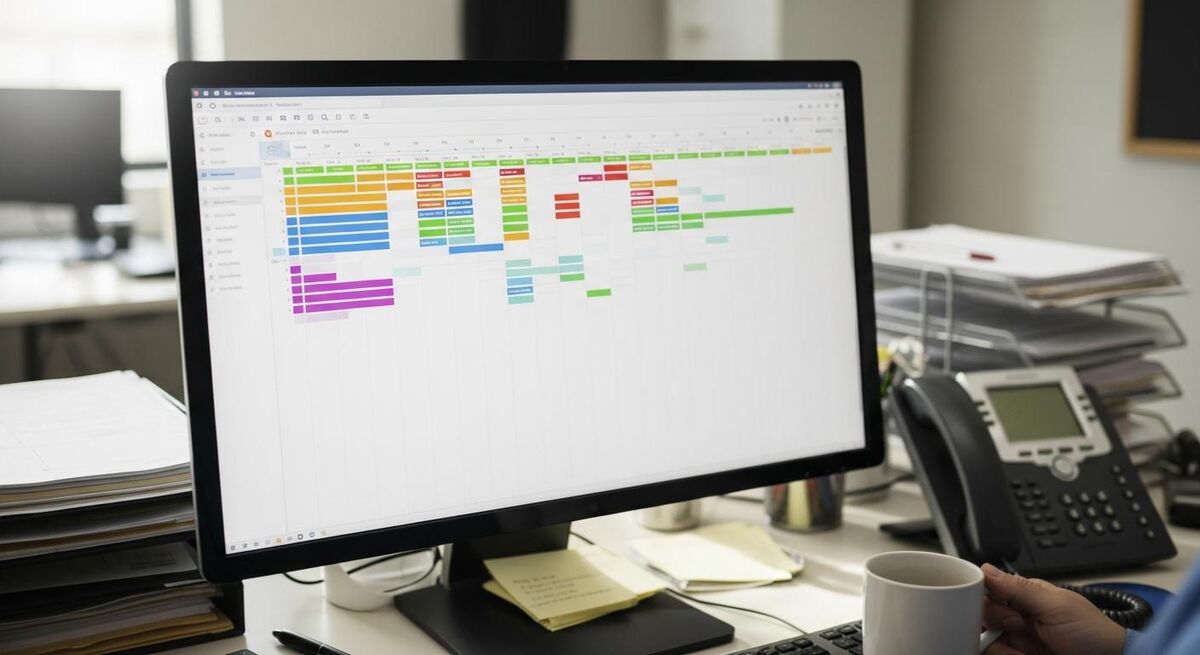
Ai:den is the AI layer inside Commusoft. It's not a separate product you bolt on. It sits inside the scheduler, the proposal tool, the job report writer and the asset-scanning side of the mobile app, and it does small useful things in each place.
For scheduling specifically, the job is straightforward. You ask the system to fit a new job into the diary. It looks at every engineer's shifts, their qualifications, their existing route for the day, the customer's address, the priority of the job and the expected duration. It then returns a ranked list of slots, best at the top. The dispatcher picks one and the engineer's mobile app updates automatically.
Ai:den+ is a separate add-on, marked as coming soon in early 2026. That one goes further. It places autonomous phone calls to customers who are due an annual service, has a conversation with them, books an appointment, and sends an SMS confirmation. Useful for businesses with thousands of recurring service reminders. Not what most readers of this article need on day one.
The bit Ai:den doesn't do is decide policy. It will not tell you that emergency call-outs need a different rate, or that Gas Safe engineers can't be sent to electrical-only jobs. You tell it those things up front through the engineer skill profiles and job type settings. Get that right and the AI does the rest. Get it wrong and you'll spend more time correcting the schedule than building it.
The data Ai:den needs before you start
The biggest mistake I see businesses make when they switch to AI scheduling is they assume the AI will figure it out. It won't. The AI is fast and pattern-matching, but it needs accurate inputs. Spend a day or two on the setup before you go live and you'll save weeks of frustration.
Here's the list. Print it out and tick it off before you turn anything on.
- Every engineer in the system with their actual shift pattern, not a default 9-5.
- Each engineer's qualifications (Gas Safe categories, NICEIC scope, F-Gas, OFTEC, water regs).
- Each engineer's home postcode or first-job start point.
- Job types with realistic durations based on your last three months of actual data, not what you wish they took.
- Priority levels defined and consistent. Emergency, same-day, routine, scheduled.
- Travel zones if you cover a wide geography. You don't want a Manchester engineer sent to Liverpool.
- Holidays and recurring training days blocked out in the diary.
None of this is glamorous. It is the difference between Ai:den giving you a clean route and Ai:den giving you a mess.
Step 1: Set up engineer skills and qualifications
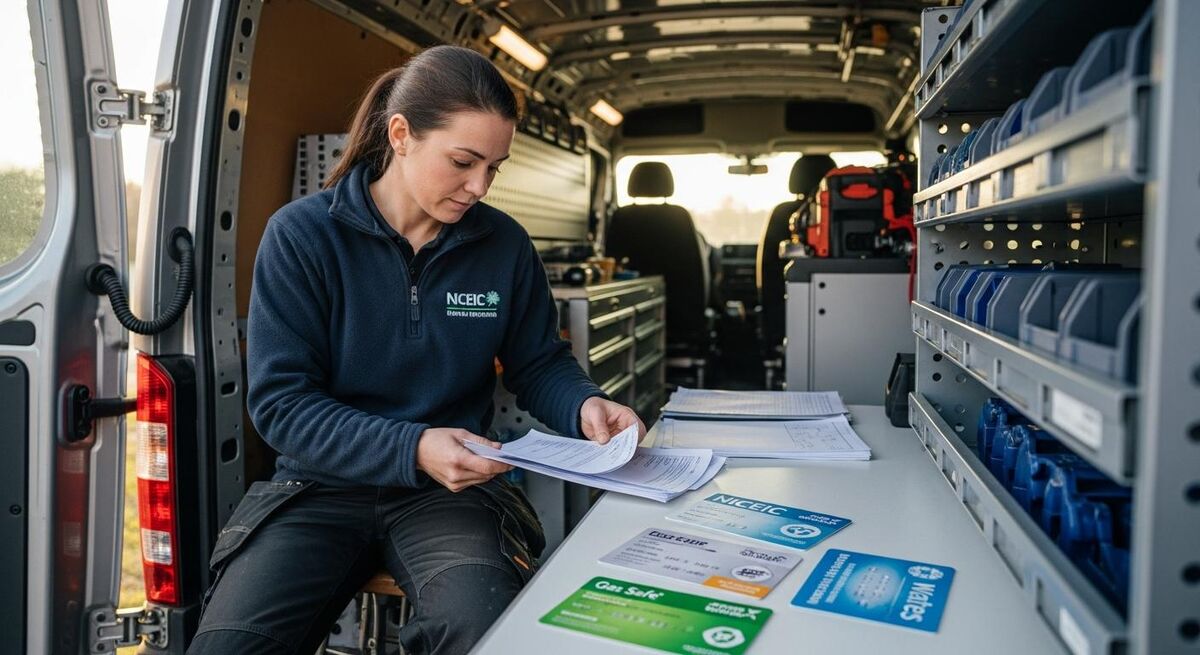
In Commusoft, go to Settings, then Users, then pick each engineer. The Skills tab is where you build the profile. Add every qualification they hold, with expiry dates where relevant. Gas Safe is the obvious one for heating engineers, but don't stop there.
A real engineer profile for a heating and plumbing firm might look like this:
- Gas Safe (boiler installations, gas hobs, gas fires)
- Water regulations
- Unvented hot water systems (G3)
- MCS heat pumps (if they have it)
- Working at height (PASMA or similar)
- First aid
For an electrical firm you'd add NICEIC or NAPIT scope, 18th edition, EICR competence, EV charge point installer if applicable. For HVAC add F-Gas categories, refrigerant handling, REFCOM if your business is registered.
The trick is to be specific. "Heating engineer" is too broad. "Gas Safe gas hob and cooker" is specific. Ai:den will use these tags to filter jobs. If a job comes in tagged as a gas hob install, only engineers with that exact qualification will be offered.
If your team is small, set this up properly once and it stays accurate for years. You add a new engineer or refresh a qualification, and the system stays current. Do it in a rush and you'll be overriding the AI all day because it keeps offering the wrong engineer.
Step 2: Configure shifts, work areas and travel zones
Shifts in Commusoft are flexible. Most trades businesses don't run a clean 8-to-5, and you shouldn't pretend you do. Set up the actual pattern for each engineer. Late starts for the engineer who covers Wednesday-Saturday. Early finishes for the team lead who picks up the kids. Half days, training afternoons, on-call rotations.
For work areas, two approaches. First, you can set a home postcode for each engineer and let Ai:den use that as the start and end point of the day. That works well if your engineers actually start from home. Second, you can define depot postcodes if your team picks up stock from a yard first.
Travel zones are where most businesses underuse the system. Commusoft lets you draw zones on a map and bind engineers to them. A London plumber might have a Central zone, a South zone, and an East zone. You don't want the South London engineer sent to Watford on a Tuesday because Ai:den thinks the travel time is fine on paper. Setting zones tells the AI which jobs belong to which engineer's territory.
For HVAC and commercial work, define site-based zones too. If you've got a maintenance contract with a property manager who has 14 sites, group those sites so a single engineer covers them as a route, not as separate one-off jobs.
Step 3: Define job types and accurate durations

This is the step most people get wrong. They set a job type like "Boiler service" and give it 45 minutes because that's what the manufacturer's service sheet says. But the manufacturer's sheet doesn't include the customer who wants a chat about their thermostat, the dog that needs to be put in a separate room, or the time spent finding parking.
Use your real numbers. Open your historic job records and look at the actual completion times for each job type over the last three months. Most firms find their real durations are 20-40% longer than the optimistic estimate.
Build your job type list to match how you actually quote and bill, not how the trade body's standard form lays it out. If you're still manually writing quotes on paper or PDF templates, check out our guide on automating quotes with AI - it pairs well with getting your job types right in Commusoft. Examples for a small heating firm:
- Boiler service (annual, owner-occupier): 60 minutes
- Boiler service (landlord, gas safety): 75 minutes
- Combi boiler swap (like-for-like): 6 hours plus 30 minutes commissioning
- System boiler with cylinder swap: full day plus 90 minutes commissioning
- Diagnostic call-out: 90 minutes (sets expectation; gives the engineer time to find the fault)
- Power flush: 5 hours, no other jobs same day
The last one is important. Some job types should block the engineer's day. Tell Ai:den that and it stops trying to squeeze a 30-minute repair in after a power flush that's running over.
Priority levels are the other input here. Emergency jobs should bump routine work. Set up your priority tiers in Settings, Job Types, Priority. Three or four is plenty. Avoid the trap of marking every job as urgent. If everything is urgent, nothing is.
Step 4: Turn on intelligent scheduling and dispatch
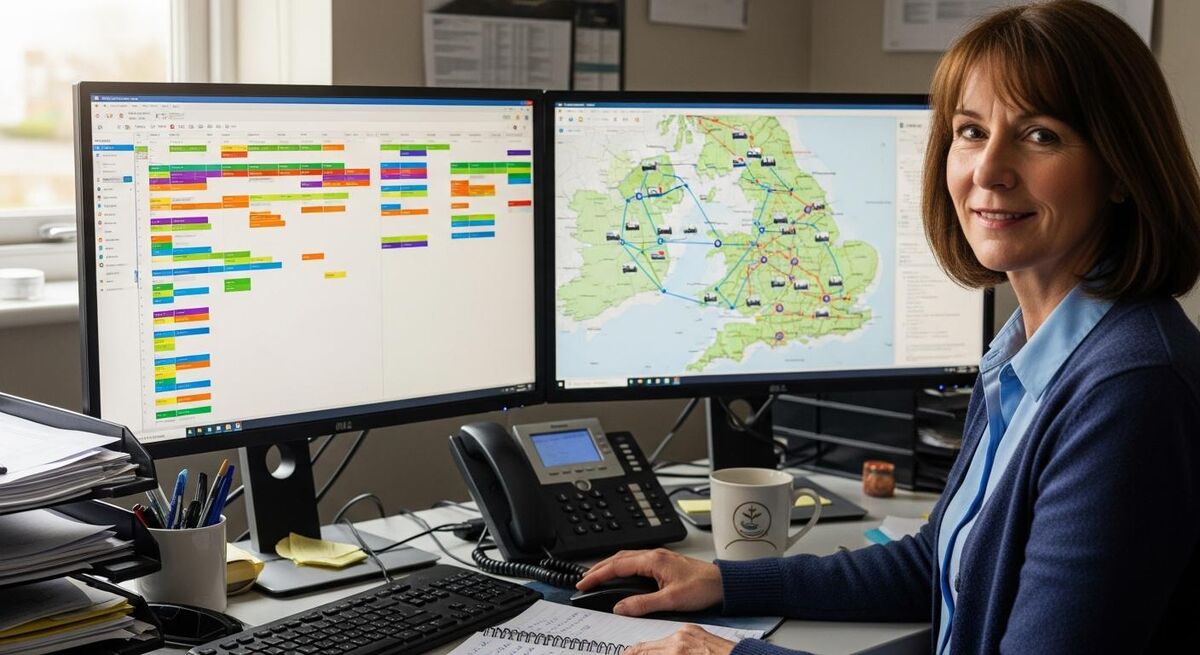
With the prep done, the actual switch is unremarkable. Settings, Scheduling, then enable Intelligent Scheduling. From that point Ai:den is active.
What you'll notice straight away is the workflow change. Booking a new job is now a four-step process instead of a manual diary hunt:
- Customer calls or books online. Create the job, pick the job type, pick the priority.
- Ai:den returns a ranked list of slots within seconds. Each shows the engineer, the date, the start time, and the expected travel time from the previous job.
- The dispatcher picks the slot that suits the customer. Usually the top one.
- Engineer's mobile app updates. Customer gets a confirmation email or SMS.
For most jobs you'll take the top recommendation. The cases where you override are interesting. A customer prefers a specific engineer they trust. An engineer asked for a lighter day after a long install. A job is too close to a complex one for comfort. The dispatcher still has the final say. The AI is a recommendation engine, not an autopilot.
The dispatch board itself gets the upgrade too. Live engineer locations show on a map, current job status is colour-coded, and you can drag jobs across engineers if something changes. When an engineer runs over, the rest of their day shifts automatically and the customer notification updates.
Once your team is comfortable with the workflow, look at the recurring job templates. Annual services, scheduled maintenance, planned preventative work. Ai:den can schedule the next year of services in a single batch, spreading them across the calendar to balance workload. For firms with hundreds of service contracts, this single feature is the reason to use it.
Step 5: Service reminders and the Ai:den+ voice agent
If your business runs annual gas safety checks, boiler services, fire alarm tests, or any recurring inspection work, the service reminder layer is where Ai:den earns its keep. Even before the Ai:den+ voice agent arrives.
Set up reminder rules in Settings, Reminders. For each customer with an asset on file (boiler, heat pump, alarm panel, AC unit), the system tracks when service is due. As the date approaches, it can send an email and SMS asking the customer to book. The customer clicks a link, picks a slot from a calendar that's already filtered by their location and engineer skills, and the booking confirms. No staff time involved.
For commercial PPM contracts, the system is more powerful. You set a maintenance schedule per site, and Ai:den proposes a route for each visit that batches multiple sites by location and engineer skill. The same engineer who serviced 14 commercial boilers last quarter is offered the route again, with a 12-month-spread that matches your contract obligations.
Ai:den+ is the voice agent layer. When it launches, the workflow goes one step further. Instead of sending an email and waiting, Ai:den+ places an actual phone call to the customer, has a short conversation about availability, and books the appointment in real time. For trades businesses with 1,000+ annual services on the books, the saving in admin time is significant. For a 5-engineer firm with 200 services, you can probably handle the booking calls yourself.
Real numbers from UK businesses running 50+ jobs a week

The published case studies from Commusoft customers give us a sense of what good looks like. They are biased, obviously, but the numbers are specific enough to be useful as benchmarks.
Premier Heating Solutions in Berkshire grew from 100 jobs a month in 2017 to 400 a month in 2025. Their Managing Director, Phil Mulvenna, told Commusoft the system reduced their between-jobs travel time to 10-15 minutes. On a 50-job week that's a meaningful chunk of engineer time back. The firm also reports six-figure parts cost savings, which is a separate story but worth flagging.
Furness Heating Engineers near Barrow have been on Commusoft for 10 years. The owner, Daniel Brough, makes a point that's easy to miss: they deliberately keep engineers in the same area for full days, "to make sure he's not coming back and wasting an hour driving back to another area." The AI scheduling makes this discipline easier to enforce than it would be on a whiteboard.
Mycroft Heating in the West Midlands describes the diary as "feature rich and intuitive to use, it's very flexible, easy to move jobs around." Tim Mycroft, the owner, also notes the platform brought information together that used to live across "two or three possibly even four platforms." That consolidation is where the time savings come from, not just the AI itself.
CS Heating in Ramsgate, who've been on the platform since 2011, are blunter. Director Calvin Smith told Commusoft, "Without Commusoft, I wouldn't have been able to grow as big as we are." That's not a scheduling stat, but it's the underlying point. If you're trying to scale past about 8 engineers without a proper system, you eventually run out of dispatcher attention. The AI is what lets the dispatcher keep up with the volume.
The realistic benchmark to aim for: a single dispatcher comfortably running 50-70 jobs a week across 5-8 engineers. Without intelligent scheduling, the same dispatcher is usually capped at 35-45 jobs before quality drops.
If you're scaling fast, the underlying playbook for digital transformation in this space is covered in our companion piece on moving a 15-person HVAC firm from paper diaries to AI scheduling. The Ai:den setup is one piece of that bigger journey.
What tradespeople are saying
Public reviews and customer testimonials about Commusoft's scheduling and platform. Mixed sentiment included on purpose, balanced and unedited.
Recommended videos

Commusoft Tutorial for Beginners
How To Tech

Commusoft Demo: FSM and Sales CRM Tutorial
Software Tutorials Hub

5 Small But Impactful Job Management Features
Commusoft

Right Questions to Ask When Choosing FSM Software
Commusoft

Custom Heat Customer Journey Testimonial
Commusoft

Why Sales Process Matters for Field Service
Commusoft
Frequently asked questions
Two to three days of focused work for a small firm. Engineer profiles take a few hours. Job type durations are the biggest job because you need to pull the historic data first. Travel zones and shifts are quick. Plan a week before you flip the switch and give yourself a fortnight of parallel running.
No. Intelligent scheduling is part of the core Commusoft product. Ai:den+ is the autonomous voice agent that books appointments by phone. Two different things. Get the core scheduling working first. Add the voice agent later if your volume justifies it.
Three engineers and a dispatcher is roughly where AI scheduling starts to pay back. Below that, a good whiteboard and someone who knows their team can usually do it faster. Above eight engineers, you almost certainly need a system like this.
It uses Google Maps as the base layer, so it's as good as Google's traffic data. For predictable areas it's accurate within a few minutes. For central London or any city centre at peak, build in a buffer because the AI will be optimistic. Track the variance for a month and tune the buffers in the settings.
Yes, through the mobile app. They can see the full day, mark jobs as on-route, on-site, or complete, and request schedule changes that flag back to the dispatcher. They cannot move jobs themselves by default, which is the right setting for most teams. You can change the permission if you want a more autonomous setup.
The dispatch board updates automatically. Subsequent jobs slip and Ai:den proposes either to push them later in the day or move them to another engineer. The customer can be notified by SMS automatically. The dispatcher gets a flag and approves the change. This is the bit that saves the most stress on a busy Tuesday.
Yes, though it's strongest on recurring service. For one-off installs, the AI handles the scheduling fine but the route optimisation matters less because you're often on site for a full day. For multi-day projects, set up the job to block the engineer's diary for the right number of days and Ai:den schedules around it.
A great dispatcher with five years on the same team will often beat the AI on the first few jobs of the day because they know the engineers' quirks. The AI catches up on volume. By the time you're booking the 30th job of the week, the AI is faster and more consistent. The dispatcher's role shifts from building the schedule to managing exceptions, which is the right place for human judgement.
My verdict
Ai:den is useful when you've put the work in on engineer skills, job durations and travel zones. It is not useful as a quick fix for a chaotic operation. The AI does the Tetris but you have to give it the right shapes. For a UK plumbing, heating or electrical firm running 30+ jobs a week, the setup is worth the effort. Below that you can probably manage with a clean whiteboard. Above 50 jobs a week you almost certainly need a system like this to scale without burning out your dispatcher.
One last thing. The technology doesn't replace your team's judgement. It frees them up to spend time on the calls and decisions that matter. That's true of every piece of AI we cover in the complete AI tools guide for tradespeople, and it's true here. Tools extend people. They don't replace them.