

Quick answer
Making Tax Digital for Income Tax (MTD for IT) starts on 6 April 2026 for UK sole trader trades earning over £50,000 gross from self-employment and property combined. It drops to £30,000 in April 2027 and £20,000 in April 2028. You will need HMRC-recognised software, quarterly digital updates and a Final Declaration replacing your annual Self Assessment. Pick your software now, get your bank feed connected this quarter, and run a clean test submission before HMRC switches it on for real.
Table of contents
- What actually changes in April 2026
- Who is in scope and when
- What counts as a digital record
- Step 1: Choose your MTD-recognised software
- Step 2: Open an account and connect HMRC
- Step 3: Connect your business bank feed
- Step 4: Build a trades chart of accounts
- Step 5: Switch on receipt capture and CIS handling
- Step 6: Run a dry-run quarterly update
- Common mistakes to avoid
- What tradespeople are saying
- Recommended videos
- Frequently asked questions
- The verdict
What actually changes in April 2026
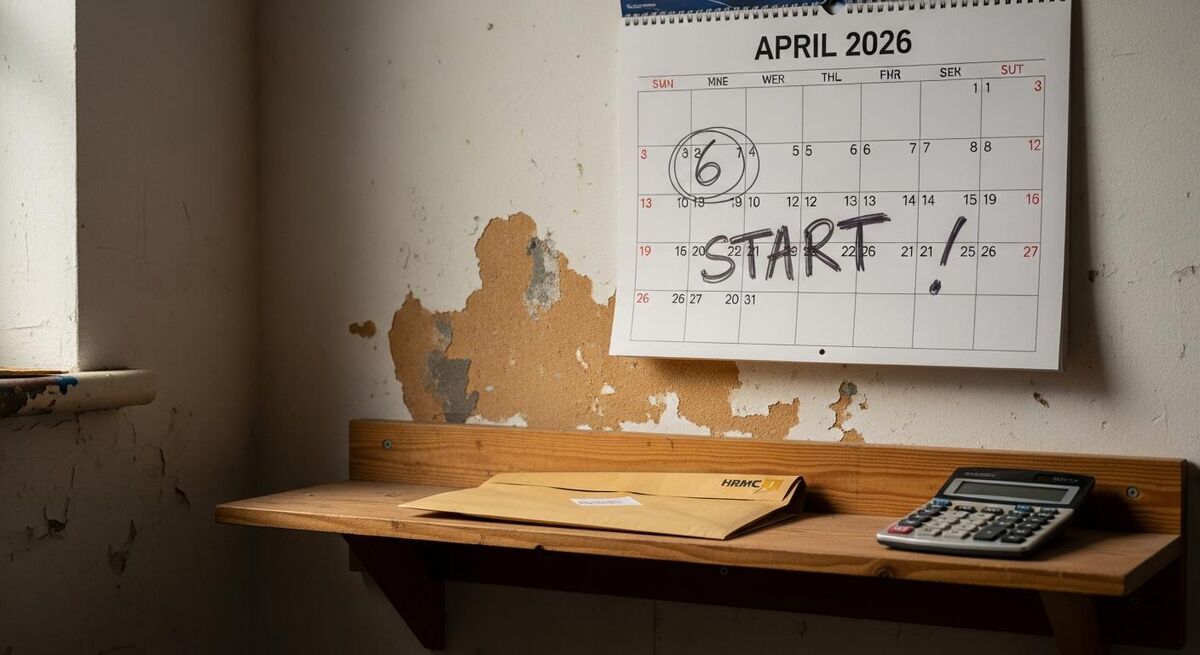
Annual Self Assessment isn't going away for everyone. But if you're a sole trader earning over £50,000 gross from your trade plus any rental property, your tax life changes on 6 April 2026.
You keep digital records of every income and expense item. You send a short summary to HMRC every three months through approved software. And at the end of the year, you submit a Final Declaration that replaces the old SA100.
The change isn't really about paying more tax. It's about HMRC seeing your numbers four times a year instead of once. The job is to set up a system that records the data once, in the right format, and lets the software push it through on time.
The brief had the threshold wrong
You will sometimes see the £20,000 figure quoted next to April 2026. That isn't right. The first wave at £50,000 starts in April 2026. The £30,000 threshold follows in April 2027. The £20,000 threshold is currently scheduled for April 2028 and is still subject to legislation. Plan around the threshold that catches you, not the lowest one.
Who is in scope and when
Qualifying income is the gross figure across every sole trade you run, plus gross UK property income, before expenses and before the £1,000 trading or property allowances. Employment income, dividends, pension and savings interest don't count towards the threshold.
For most working trades, the £50,000 trigger is closer than people think. A self-employed gas engineer turning over £62,000 a year is in scope from April 2026. An electrician on £55,000 is in scope. A roofer with £40,000 of trade income plus £15,000 from a rented flat is in scope because the two combine. Profit doesn't matter for the threshold test, only gross income.
Threshold timeline
| From tax year | Threshold (combined gross) | Estimated UK sole traders affected |
|---|---|---|
| 2026/27 (start 6 April 2026) | £50,000 | 864,000 |
| 2027/28 (start 6 April 2027) | £30,000 | around 1.6 million |
| 2028/29 (start 6 April 2028) | £20,000 | around 3 million |
If you're under the next threshold but close to it, treat MTD as inevitable and set up now. The work doesn't change because you started early, but it does get a lot harder if you wait until the quarter before HMRC switches it on.
What counts as a digital record

HMRC's definition is specific. A digital record holds each business income and expense as a separate, dated entry, in software that can talk to HMRC's API. A spreadsheet is allowed only if it's bridged to a recognised tool that submits to HMRC for you. A folder of receipt photos is not enough on its own.
For each transaction you need: the date, the amount, the VAT (if you're VAT registered), and the category. That's it. Software does the heavy lifting; you do the categorising.
The trick is to capture the data on the day, not at the end of the quarter. Once you've spent a Saturday morning matching three months of crumpled receipts to bank lines, you'll move to a system that does it automatically. Better to set that up before HMRC's clock starts.
You still need expense receipts
Going digital doesn't remove the requirement to keep evidence. HMRC can ask for source documents for six years. The software just makes storing them easier. If you can automate receipt capture and categorisation, do it from day one.
Step 1: Choose your MTD-recognised software
HMRC publishes a list of software that's been tested against its MTD for Income Tax API. The list is on GOV.UK and grows every month. "Recognised" doesn't mean HMRC endorses the product. It means it meets the technical standard. The choice between recognised tools is yours.
For working trades, four packages cover most of the field: Xero, QuickBooks, Sage and FreeAgent. There are cheaper bridging tools, free-with-account products, and trade-specific options. Start by asking three questions: do you have a NatWest, RBS, Ulster Bank or Mettle business account, do you do work under CIS, and are you VAT-registered?
 HMRC
HMRC Xero
Xero QuickBooks
 Sage
SageXero Simple (£7 plus VAT a month)
Xero's £7 Simple plan was built for sole traders and landlords. It handles MTD for IT quarterly filing, bank feeds and Hubdoc receipt capture. There's no payroll, multi-currency or full chart of accounts. For most small trades it does the job at the bottom of Xero's price ladder. The introductory offer at the time of writing is six months at £0.35 a month, then £7 plus VAT.
QuickBooks Sole Trader (£10 a month)
QuickBooks Sole Trader replaced QuickBooks Self-Employed, which Intuit retired in 2026. The Sole Trader plan covers MTD for IT, one bank feed, mileage tracking and receipt capture for £10 a month. The 90% off introductory offer brings it to roughly £1 plus VAT for six months. If you were on QuickBooks Self-Employed, Intuit has migrated everyone across.
FreeAgent (free with NatWest, RBS, Ulster Bank or Mettle)
FreeAgent is the only major MTD for IT product that's genuinely free for many UK sole traders. If you hold a business current account with NatWest, RBS, Ulster Bank or Mettle, you get the full FreeAgent platform at no cost for as long as the account is open. Outside those banks it's £19 to £36 a month. For a trades business banking with NatWest, it's a difficult package to beat on price.
Sage for Sole Traders
Sage's sole trader product is HMRC-recognised for MTD for IT. The free tier covers basic record-keeping but excludes invoicing, with paid tiers around £7 to £15 a month. The free tier is worth considering only if you can live with the limits; otherwise FreeAgent or Xero Simple offer more for the money.
A practical pick
If you bank with NatWest, RBS, Ulster Bank or Mettle, FreeAgent. If you're already in Xero or planning to outgrow sole trader status, Xero Simple. If you want the cheapest entry and don't mind QuickBooks's interface, QuickBooks Sole Trader. Don't agonise over the choice; all four submit to the same HMRC endpoint. Pick the one that fits your bank and your existing systems.
Step 2: Open an account and connect HMRC
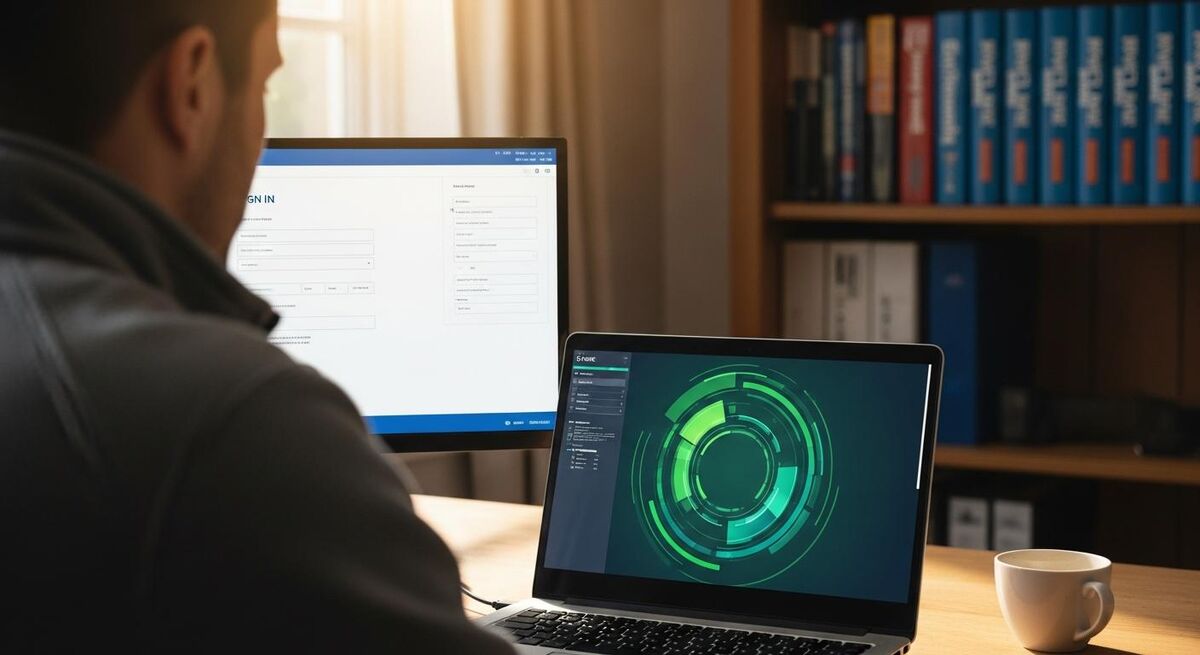
Once you've picked a tool, set up the account in this order. Get this wrong and you'll spend a quarter fixing it.
- Sign up to the software using the email address you want for your tax correspondence. Use your business email, not your personal one.
- Enter your UTR and National Insurance number in the tax settings. These come from your existing Self Assessment record. Wrong UTR is the most common reason submissions bounce.
- Choose your accounting basis. Most sole trader trades use cash basis (record income when paid, expenses when paid). Accruals basis records when invoiced or billed. Cash basis is simpler and is the default for most under £300,000 trades.
- Connect to HMRC by signing in to your Government Gateway from within the software. You'll authorise the software to talk to HMRC on your behalf. This authorisation lasts 18 months before it needs renewing.
- Sign up to MTD for Income Tax on GOV.UK once HMRC has issued you a sign-up window. Most in-scope sole traders will be invited from late 2025 onwards. You can't submit through MTD until you're signed up, regardless of what the software says.
HMRC writes to you when you're in scope
HMRC has started sending letters to sole traders and landlords whose 2024/25 Self Assessment shows gross income over £50,000. If you've had one, you're in scope from April 2026 and the clock has started. If you haven't but your turnover is close, prepare anyway, the letters lag the numbers.
Step 3: Connect your business bank feed
This is the single biggest time saver in any MTD setup. A live bank feed pulls every transaction into your software automatically. You categorise once, the software remembers, and the next time the same supplier appears it categorises itself.
All four major packages support Open Banking feeds from every UK high-street bank. The connection sits inside the software's bank tab. You sign in through your bank's authentication, approve the link, and transactions start flowing within minutes. Most banks require the link to be re-authorised every 90 days. Put a calendar reminder in your phone.
If you mix business and personal spending on the same account, sort that out first. Open a dedicated business account, even a free Mettle or Tide one, and run everything through it. Trying to filter personal items out of a mixed account every quarter is the surest way to send HMRC something wrong.
The 30-minute weekly rhythm
The point of a bank feed isn't to remove the work entirely. It's to break it down into something you can do in half an hour a week, instead of two days at the end of each quarter.
- Friday afternoon, every week: open the software, hit the bank reconciliation screen, and confirm the transactions the software has auto-categorised.
- Anything new or unusual: assign a category and add a memo (for example "Materials, 14 Acacia Avenue job"). The software will remember the rule.
- Receipts captured this week: match them to bank lines or to outstanding invoices.
- Outstanding invoices: chase the ones over 14 days. The software flags them; you act on them.
Do that consistently, and your quarterly submission becomes a five-minute job: open the software, confirm the period figures, hit submit.
Step 4: Build a trades chart of accounts
Out of the box, every accounting tool ships with a generic chart of accounts. You don't need 80 expense categories; you need the ones that map to MTD's quarterly summary fields. Strip it back to the essentials and you'll categorise faster, every week.
For a working trade, the minimum useful set is around 12 categories. Income split into labour and materials charged-on. Expenses split into materials, subcontractor costs, vehicle and fuel, tools and equipment, insurance and licences, subscriptions, accountancy, phone and internet, training, and use of home. Add CIS and VAT if relevant. That's it.
Every account package lets you rename, add and delete categories. Do it on day one, before transactions land. Otherwise you'll spend longer reorganising than booking new entries.
What HMRC wants in the quarterly update
The quarterly submission isn't a tax return. It's a short summary in standard categories: turnover, cost of goods, employee costs, premises costs, repairs, general admin, motor expenses, travel, advertising, interest, bad debts, depreciation and other. Your chart of accounts needs to map cleanly to those buckets. Software with a built-in MTD mapping (Xero, QuickBooks, FreeAgent and Sage all have one) does that translation for you.
Step 5: Switch on receipt capture and CIS handling
Every recognised package has a mobile app that lets you photograph a receipt, extracts the supplier name and total, and attaches the image to a transaction. Hubdoc inside Xero, the QuickBooks mobile app, FreeAgent's snap-and-store, Sage Capture. Pick yours and put the app on your phone before you do anything else.
The rule is simple: take the photo when the receipt is in your hand. The petrol station, the merchant counter, the trade desk. Don't drop it in the van and tell yourself you'll deal with it later. Photographing on the spot is the difference between a tidy quarter and a panic at filing time.
If you work under CIS
Construction Industry Scheme deductions are a separate problem MTD doesn't solve for you. CIS-deducted contractor work still needs CIS300 monthly returns and CIS verification. The major accounting platforms handle the bookkeeping side, but the CIS scheme runs alongside MTD, not inside it.
The advantage of working in one platform is that your CIS deductions appear as a line item in your software's income view, and feed naturally into the quarterly MTD summary. If you're switching software, make sure CIS is supported on the plan you've chosen. Xero Simple doesn't include CIS at the cheap end; you'd need Ignite or above. QuickBooks Sole Trader includes basic CIS handling.
If you're juggling job management software with accounting, look at integration first. Many trades-focused tools push invoices and expenses straight into Xero or QuickBooks. See our guide to connecting Powered Now to Xero for an example of two-way sync done well.
Step 6: Run a dry-run quarterly update

The first MTD quarter for the 2026/27 tax year runs from 6 April to 5 July 2026. Your first submission is due by 7 August 2026. You'll then have four windows a year:
| Quarter | Period covered | Submission deadline |
|---|---|---|
| Q1 | 6 April to 5 July | 7 August |
| Q2 | 6 July to 5 October | 7 November |
| Q3 | 6 October to 5 January | 7 February |
| Q4 | 6 January to 5 April | 7 May |
Run a dry run now, even if you're not in scope until April 2026. HMRC's MTD for IT public beta is open. You can submit a test quarterly update through your software, see the figures land in HMRC's system, and confirm everything is wired correctly. Doing this in 2026 calmly is much better than doing it in August 2026 under deadline pressure.
Penalties for missed updates
MTD operates a points system for late quarterly updates. Each missed deadline scores one point. Hit four points in a 12-month period and you get a £200 fixed penalty. Continued failures attract further £200 fines. The Final Declaration carries the existing late filing penalty (£100) plus daily penalties after three months. Don't let it stack up.
Common mistakes to avoid
Most setup problems come from rushing the early decisions. A few things worth getting right first time:
- Don't mix personal and business on one bank account. Open a dedicated business account, even a free one, and run everything through it.
- Don't pick software based on price alone. The £3 to £10 a month difference between FreeAgent (free with NatWest) and Xero Simple is irrelevant if the chosen tool doesn't fit how you actually work. Try a free trial before committing.
- Don't leave receipts for the end of the quarter. Photograph on the spot, every time. The software does the rest.
- Don't assume HMRC has signed you up. You have to actively register for MTD for IT on GOV.UK once HMRC has invited you. The software won't submit until that registration is confirmed.
- Don't bridge from Excel if you can avoid it. Spreadsheets plus bridging tools are allowed, but they're more brittle than a proper accounting package. If your data lives in Excel, it's because you haven't moved yet, not because Excel is the right tool.
- Don't skip the dry run. A failed first submission with HMRC is a stressful way to discover your chart of accounts doesn't map to MTD categories. Test now.
For working trades, the bigger digital shift is connecting accounting to job management. If you're already using a field service tool, see our walkthrough on setting up Tradify in a weekend for how the two systems hand off to each other.
What tradespeople are saying
Recommended videos

The NEW Tax System Coming in 2026 for Sole Traders and Landlords
Kiran Kaur

Two Things You MUST Do Before 6 April 2026 (Making Tax Digital)
UK Property Accountants

What Software Do You Need for MTD for Income Tax? (2026 Guide)
SelfTax

Sage Accounting (UK): How to sign up for the MTD for Income Tax public beta
Sage Customer Support and Training

Sole traders: get Making Tax Digital done with FreeAgent
FreeAgent

Making Tax Digital for Income Tax Explained: What Sole Traders and Landlords Need to Know
Coconut
Frequently asked questions
If your combined gross income from self-employment and any UK property exceeds £50,000 in tax year 2024/25, yes. HMRC uses your 2024/25 Self Assessment to decide who's in scope from April 2026, and writes to you in advance. The £30,000 threshold catches a second wave in April 2027, and £20,000 in April 2028.
Yes, but only if you pair it with HMRC-recognised bridging software that submits to the API for you. Tools like Excel Income Tax Filer (£40 a year) or My Tax Digital handle that. It works, but it's more fragile than a proper accounting package, and you still need digital records for every transaction.
No. The rates and thresholds don't change. The reporting frequency changes. You'll see real-time tax estimates in your software, which is genuinely useful for planning, but the final amount owed is the same as it would be under annual Self Assessment.
You stay on annual Self Assessment for now. But the £30,000 threshold lands in April 2027 and £20,000 in April 2028, so most self-employed trades will be in scope within three years. Start the habit now and you won't be scrambling later.
No. The Final Declaration through your MTD software replaces the SA100 return. It covers the same ground (totals, adjustments, other income) but flows through the software, due 31 January after the tax year. You also have until 31 January to make any accounting adjustments to the quarterly figures.
MTD for VAT has been mandatory since 2019 for VAT-registered businesses. If you're already on MTD for VAT, you're using compatible software, but the IT side is a separate sign-up. You'll have two MTD enrolments running in parallel.
Yes. An accountant with agent authorisation can run the quarterly submissions from their side, using their own software. You still keep the digital records, but the submission process is delegated. For trades who already use an accountant, this is the path of least resistance.
Each missed quarterly update earns one penalty point. Four points in a rolling 12-month period triggers a £200 fixed fine. Continued lateness adds further £200 charges. Late Final Declarations carry the existing £100 fine plus daily penalties after three months. The points reset to zero after a clean 24 months.
The verdict
Pick the software, run a dry run, then forget about MTD until quarter end
MTD for IT isn't a bigger tax bill or a harder regime. It's a different rhythm. The trades businesses that come out of this unscathed are the ones that set up a system in early 2026, do a test submission against the public beta, and then leave the software to do the work week by week. Pick the package that fits your bank and how you actually work, get the bank feed in, switch on receipt capture, and the quarterly summary turns into a five-minute job. The ones who get caught are the ones who wait until July 2026 to think about it.