
Quick Answer
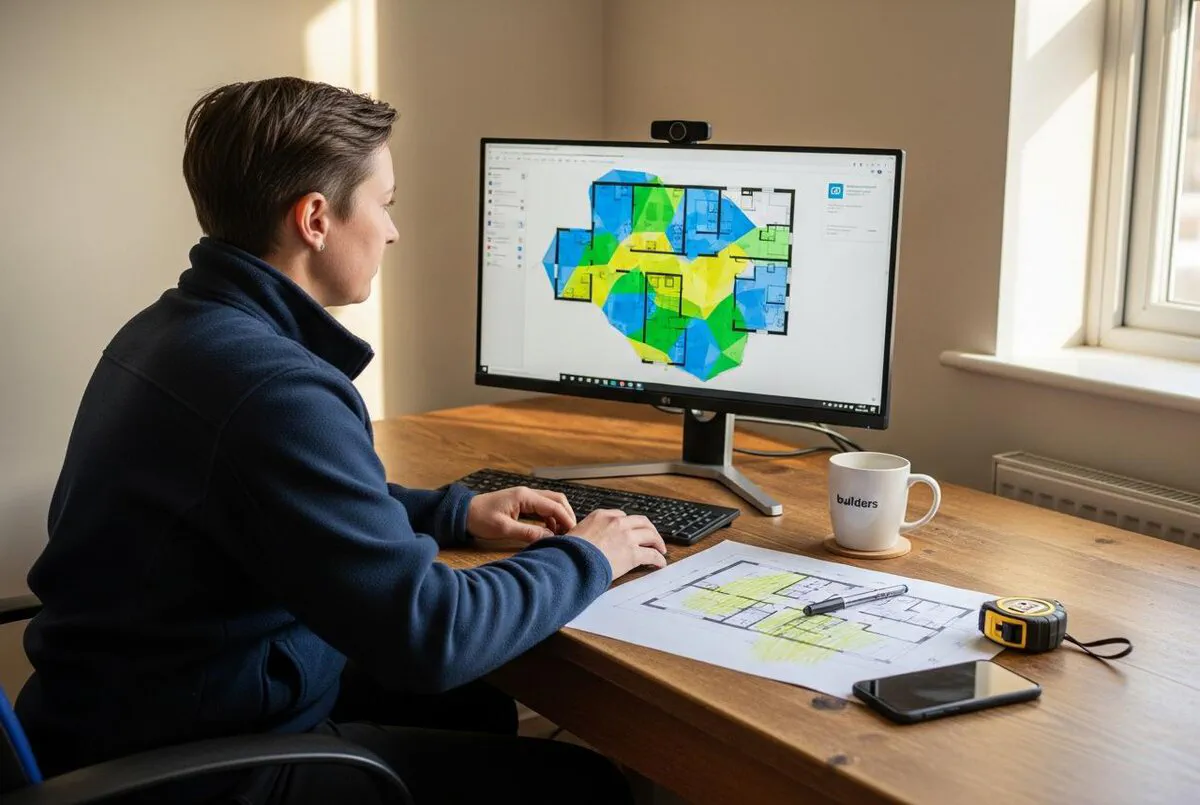
AI takeoff software reads a PDF drawing, counts every socket, door, length of pipe, and square metre of wall, and spits out a materials list in minutes. For a UK trades business in 2026, the sensible starting point is a tool like Kreo, Countfire (electrical), or Togal.AI, paired with a clean drawing set and a verification pass by a human. Expect to pay between £35 and £300 per user per month, and budget a week to learn how the tool wants you to work. Done properly, you will cut quoting time by 70 to 90 percent and stop losing jobs to under-counting.
Table of Contents
- What an AI takeoff actually is
- What you will need before you start
- Choose your tool: the four worth your time
- Step-by-step: from PDF to material list
- The human verification pass
- Pricing reality for UK trades
- Mistakes to avoid
- What tradespeople are saying
- Videos worth watching
- Frequently asked questions
- My verdict
What an AI takeoff actually is

For decades, taking off a job meant printing a drawing, getting a highlighter, and counting. Every socket. Every metre of conduit. Every door, every roll of underlay, every brick. Then you transferred it all to a spreadsheet and prayed you had not missed a sheet.
AI takeoff software does the counting for you. You upload a PDF or DWG file, the tool runs computer vision over it, recognises symbols and lines, and produces a structured list of quantities. Length of cable. Number of luminaires. Square metres of plasterboard. Cubic metres of concrete.
It is not magic. It is pattern recognition trained on millions of construction drawings, and it works best on clean, well-layered architectural and MEP drawings. Give it a scanned site survey covered in coffee stains, and it will struggle. Give it a fresh PDF set from an architect, and it will save you most of a day.
One thing to be clear about: a takeoff is not a quote. The tool tells you what is on the drawing. You still decide your labour rates, your margin, your supplier prices, and whether the job is worth doing in the first place. We covered the full quoting workflow in the AI quoting guide. This article is about the layer underneath that.
What you will need before you start
The setup is light. You need:
- A laptop with a modern browser. Most of these tools are cloud-based.
- Drawings as PDFs, ideally vector PDFs from Revit, AutoCAD, or ArchiCAD. Scanned paper drawings will work but with reduced accuracy.
- A trial account on one of the tools below. All of them offer 7 to 14 days free.
- An hour of quiet time for the first run. Two hours for a fair test.
- A reference job you have already quoted manually, so you have a number to verify against.
Run the AI over a job you have already priced manually. Compare the quantities. If they match within 5 percent, you trust the tool on this drawing type. If they are off by 20 percent, you have learnt something important before any money is on the line.
Choose your tool: the four worth your time

There are now over 20 AI takeoff platforms competing for your money. Most are American, most charge in dollars, and most are pitched at large general contractors. Four are worth considering if you run a UK trades business.
Kreo
UK origin, now expanded internationally. Cloud-based, with pricing that starts around £30 per month at the low end and runs to roughly £160 per month per user for the full AI tier. The shape recognition is good. The auto-measure flags walls, doors, and windows reliably on architectural plans. It handles BIM models, which most competitors do not. For a small builder or main contractor, this is the most accessible entry point.
Where it falls short: the AI is assistive, not fully automatic. You still drive the takeoff. The interface has a learning curve, and the cost calculator side of the product is less polished than the takeoff side.
Countfire
Electrical only. London-based. Designed by an electrical estimator who got fed up counting symbols by hand. Countfire does not publish public pricing, but UK contractors I have spoken to are paying roughly £200 to £400 per user per month. It pays for itself if you are bidding on more than two or three jobs a month.
Countfire's pitch is that it saves an average of five working days a month per estimator. At a UK day rate of £300, that is £1,500 a month back. The automation across multiple drawings at once is the standout feature. Other tools make you process plans one at a time.
Togal.AI
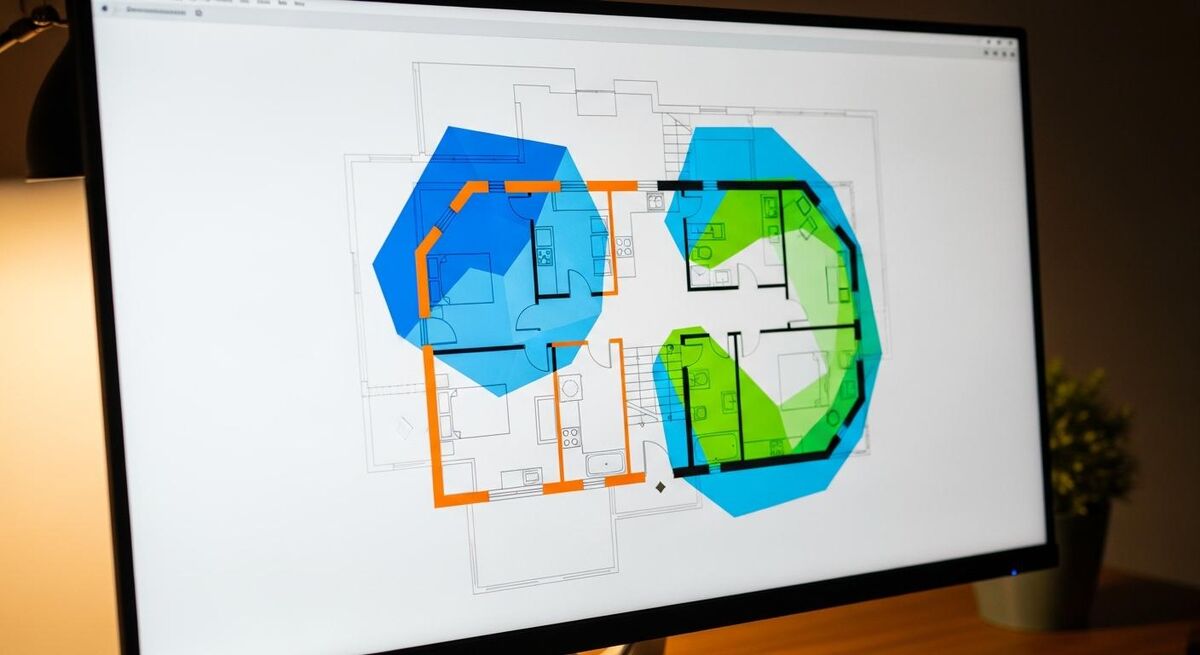
American, US-dollar pricing, but available to UK users via the cloud platform. Entry plan is around 199 USD per user per month, growth plan around 299 USD. There is a 7-day free trial. Togal is the AI takeoff tool everyone in the industry talks about. Its independent benchmark at the University of Kansas in 2025 found it was 76 percent faster than the next leading tool.
The strength is residential and multi-family architectural plans. A 200-unit apartment scheme that used to take a day of takeoff is done in under two hours. The weakness is anything outside that scope, especially electrical and complex structural drawings. If you are a domestic builder or running an extension business, Togal is excellent. If you are an electrical contractor, look elsewhere.
Beam AI
The new entrant, with the most ambitious pitch: upload your drawings and specifications, get a fully QA-checked takeoff back within 24 to 72 hours. It is more of a service than a software tool. Beam does not publish pricing. You contact them, they price the job, you receive the deliverable. For one-off large bids where you do not want to learn another piece of software, this is a sensible route.
I would not build a business around Beam AI yet. The model is new, the supply chain is opaque, and turnaround times of three days do not work for fast-paced tendering. Use it as a second opinion on big jobs, not as your day-to-day workflow.
Bluebeam Revu is excellent PDF software, but the takeoff side is manual digitiser work, not AI. PlanSwift sits in the same camp. Both have tens of thousands of UK users and both work. They are not AI takeoff tools in the modern sense, however, and if you are reading this article, you are looking for the leap, not the gentle iteration.
Step-by-step: from PDF to material list
The workflow is broadly the same across all four tools. I will use Kreo as the example because it has the most generous free trial and the lowest entry price.
- Open a trial account and create your first project. Sign up at kreo.net. Verify your email, log in, and click "New project". Name it after the job, not after the tool. You will thank yourself later when you have 40 of these.
- Upload the drawing set. Drag and drop the PDF. For a domestic extension, this is usually three to six sheets: site plan, ground floor, first floor, elevations, sections. The system will process each sheet and prompt you to set the scale.
- Set the scale on the first sheet. This is the step everyone tries to skip and everyone regrets. Click "Calibrate scale", then click two points on a known dimension on the drawing. Usually a wall labelled 4,000mm or similar. Type the length in. Now the AI knows how big everything is.
- Run auto-detect on rooms and walls. In Kreo, this is the "Smart" toolbar. The tool will highlight every closed room boundary, every wall, every door, every window. Hover over any element to see what it has identified. Wrong identifications click to delete or reclassify.
- Build your assemblies. An assembly is a real-world unit: "stud wall, 100mm, plasterboard both sides, with mineral wool insulation". You define it once, and the tool calculates plasterboard sheets, screws, jointing tape, and insulation for every wall it identifies as that type. Get this right on job one, and job two takes ten minutes.
- Export to Excel. Every tool here exports to .xlsx. Hand this to your supplier for pricing, or paste it into your quoting software. The structure is column-by-column: item, quantity, unit, location. Tidy and ready to work with.
Drawings from architects are often at different scales on different sheets. The elevation might be 1:50 while the site plan is 1:500. If you only calibrate the first sheet, the AI will tell you the front door is six metres tall. Catch this in setup, not in the materials order.
The human verification pass
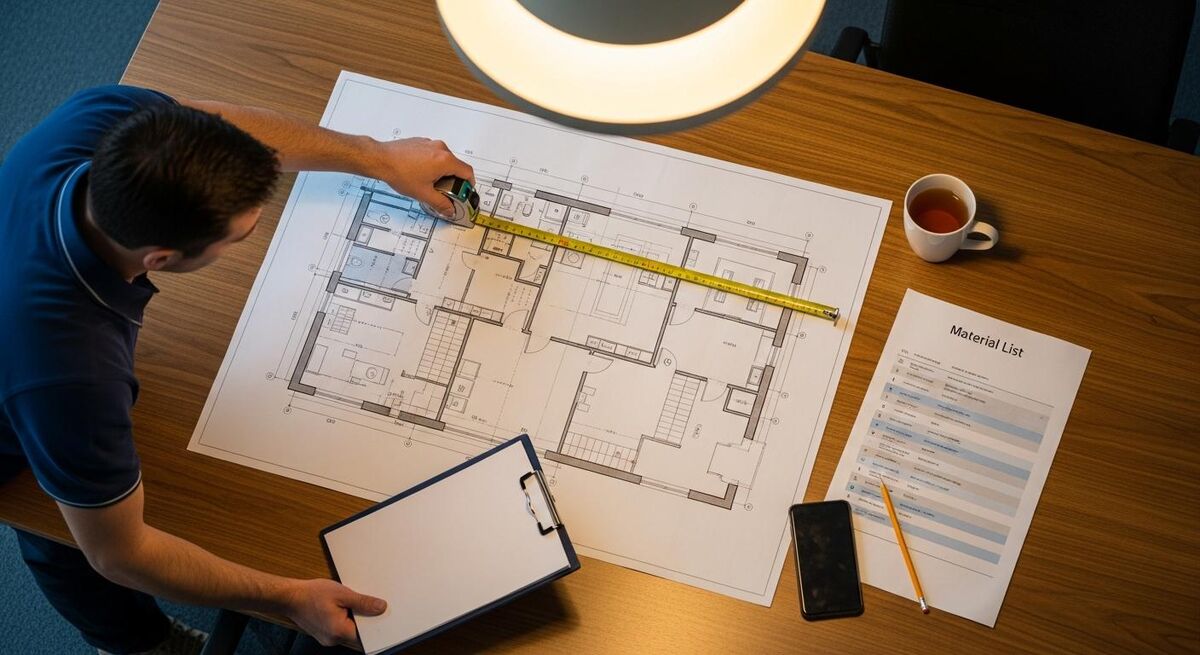
I have not met anyone running these tools at scale who skips the verification pass. The AI is right most of the time, and wrong in predictable places. Doors in unusual orientations. Windows on rendered elevations. Plasterboard counts on rooms with sloping ceilings.
The verification pass takes 15 to 30 minutes for a domestic job. Print the AI output. Open the drawings on a second screen. Walk through it room by room and tick each line. Anywhere you suspect the count is off, manually verify against the drawing.
Two checks I do every time:
- Spot-check three rooms at random. Count manually. If the AI matches you within one unit per room, the file is clean.
- Compare total floor area against the architect's stated total. They are almost always within 2 percent. If you are seeing a 10 percent gap, the scale calibration is wrong somewhere.
This is not optional. The whole point of AI is that it gives you back time. Spending 20 minutes verifying so you can confidently send a £40,000 quote is the best use of that time.
Pricing reality for UK trades
Public pricing is patchy. Some tools publish their entry plans, most hide behind a sales call. Here is what UK contractors are actually paying in 2026, based on quotes I have seen and conversations with users.
| Tool | Entry price | Realistic working tier | Best for |
|---|---|---|---|
| Kreo | From £30/mo | £150 to £200/mo per user | Builders, small main contractors |
| Countfire | Not published | £200 to £400/mo per user | Electrical contractors |
| Togal.AI | ~£160/mo (199 USD) | ~£240/mo (299 USD) | Residential and multi-family |
| Beam AI | Project-based | Custom quote per bid | Occasional large tenders |
| Bluebeam Revu (manual) | £190/yr | £360/yr | PDF markup, not AI takeoff |
| PlanSwift (manual) | ~£1,400/yr | ~£1,400/yr | Trade-specific manual takeoff |
The maths is straightforward. If you bid on three jobs a month, and each takeoff currently takes you four hours, you spend 12 hours a month counting. At £40 an hour, that is £480 of your time, every month. Pay £200 for an AI tool and a one-hour verification per job, and you have given yourself eight hours back and £280 of margin.
Budget one full working day to set up your first job properly, then half a day on the second and third. By job four, you will be faster than manual. Most users I speak to write off the first two weeks as learning and start seeing the time savings in week three. Account for that lost time when you plan the rollout.
Mistakes to avoid
I have seen the same handful of mistakes from contractors trying these tools for the first time.
- Buying the most expensive tool first. Start with the free trial of the cheapest credible option. If Kreo solves your problem at £30 a month, you do not need Togal at £240.
- Skipping the assembly setup. Plasterboard, insulation, screws, tape, paint. If you set assemblies up properly on job one, the tool earns its keep instantly. Skip this and you are still building spreadsheets manually.
- Using AI on scanned drawings. If the drawing is a phone photo, or a 1990s scan, the AI will fail. Ask the architect for the vector PDF every time. Most will send it without complaint.
- Trusting the AI without verifying. This is the cardinal sin. The tool is fast, not infallible. A single missed door costs you the hinges, the frame, the architrave, the handle, and the painter's time. Multiply by 12 doors and you are paying out of pocket.
- Buying it for the wrong trade. Togal will not give you a useful electrical takeoff. Countfire will not handle bricks and mortar. Pick the tool that matches the work you actually do.
- Not budgeting for retraining. Software updates, new features, new symbol libraries. Block out half a day every quarter to stay current. Otherwise you are using last year's capability while paying this year's subscription.
What tradespeople are saying
Videos worth watching
Full length live demo of Togal.AI doing a construction takeoff
Togal.AI
Kreo 2D Takeoff: cloud construction takeoff software
Kreo Software
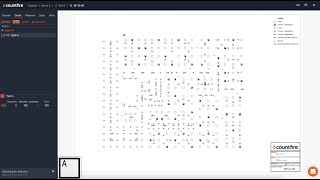
Get started with Countfire takeoff software
Countfire
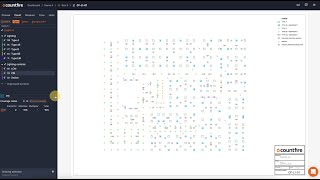
How to use automated takeoff software for your electrical project
Countfire

Bluebeam vs PlanSwift: best construction takeoff tool
Construction comparison channel

STACK Software tutorial: takeoff, estimating and construction management demo
STACK Construction Technologies
Frequently asked questions
For domestic and small commercial work, no. The tool handles the counting and you handle the pricing. For larger commercial tenders where contract risk is in the millions, you still want a QS on the team. The AI gives them a head start, not a replacement.
On clean vector PDFs, 95 to 98 percent accuracy is realistic. On scanned drawings, it drops to 70 to 80 percent, which is not good enough. The 2 to 5 percent error you should expect on clean drawings is why the verification pass exists.
No, and this is the honest limit of the tool. AI takeoff needs a drawing as input. For refurb work, you are still measuring on site with a laser distance tool and recording it in a spreadsheet. The tool earns its keep on new build, extensions, and design-and-build.
Indirectly. The takeoff exports as Excel, which most accounting platforms accept on import. For a smoother flow, the tools that integrate with quoting platforms like Buildxact or Xero Practice Manager are worth investigating. We covered the accounting side of the workflow in the CIS QuickBooks guide.
Just ask. They are produced from Revit or AutoCAD as a matter of routine, and most architects send them on request. If they send a flattened or scanned PDF, ask politely for the original export. It is a 30-second job at their end and it makes your job possible.
Some trades are still poorly served. Roofing, scaffold, and groundworks all sit on the edge of current AI capability. Specialist tools are emerging for these, often built by ex-contractors who got fed up waiting. Talk to your peers in the trade. The right tool for groundworks is rarely the right tool for roofing.
If you are bidding more than one job a month, yes. Two hours saved per quote pays back the £150 monthly fee almost immediately. If you are bidding once a quarter, save your money and stick to manual takeoff. The tool needs volume to be worth the subscription.
My verdict
AI takeoff software is one of the few new tools in the trade that actually delivers what the marketing says. Not because the AI is brilliant, but because counting symbols on a drawing was always the most mechanical, soul-destroying part of estimating. Handing it to a machine is the obvious move.
The route in is clear. Pick the lowest-cost credible tool that matches your trade. Run it on a job you have already quoted manually. Spend 20 minutes verifying. If the numbers match within 5 percent, you have your new workflow. If they do not, try a different tool, or a different drawing, before you write the technology off.
The trades have always rewarded the people who learn the new tool first. This is the next one. It will be normal in three years and a competitive advantage today. The full AI tools landscape covers where this fits in the wider stack, and the customer service bot piece is the natural next step once the takeoff side is sorted.