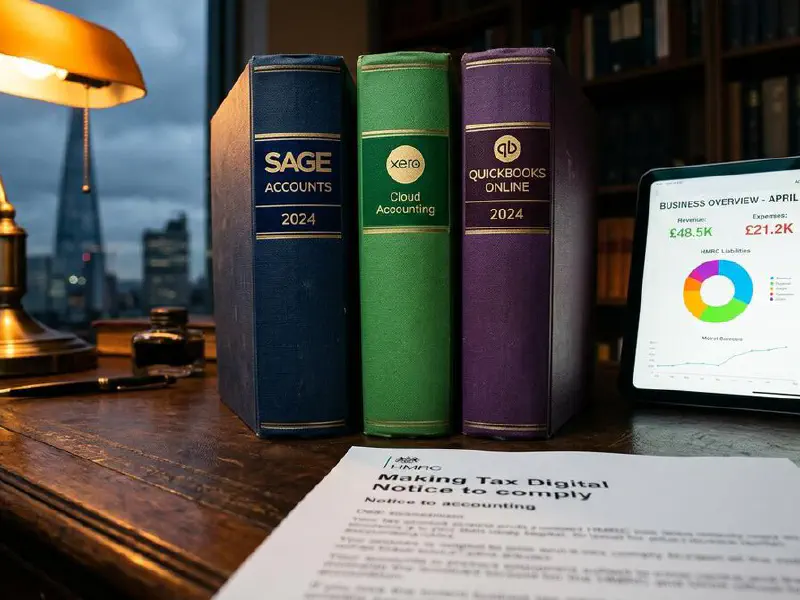

Quick Answer
From 6 April 2026, every sole trader with qualifying income over £50,000 must keep digital records and file four quarterly updates to HMRC, plus a Final Declaration. Miss four deadlines and you get a £200 fixed penalty, then another £200 for every late filing after that. The fix is not better discipline. The fix is automation. Wire Xero (or QuickBooks) to your bank, run a Make.com flow that auto-categorises every transaction with AI, photograph receipts into the same software, and your accountant submits the quarterly update with one click. Set it up once. It runs forever.
Table of Contents
- What MTD Phase 2 actually means for trades
- Thresholds, deadlines, and the penalty system
- The trades automation stack at a glance
- Step 1: Pick your MTD-compliant accounting software
- Step 2: Connect bank feeds and stop manual entry
- Step 3: AI-powered transaction categorisation
- Step 4: Receipt OCR and digital record keeping
- Step 5: Automate the quarterly submission
- Step 6: Make.com flows for the awkward bits
- Cost breakdown: what this stack actually costs
- Common mistakes that will cost you the £200
- What tradespeople are saying about MTD
- Recommended videos
- Frequently asked questions
- My verdict
 HMRC
HMRC Xero
Xero QuickBooks
 Sage
Sage Make.com
What MTD Phase 2 actually means for trades

I started my career as a Gas and Heating engineer. I ran Elite Heating and Plumbing for nearly a decade before I moved into software. So when I say MTD Phase 2 is going to land harder on small trades businesses than HMRC is letting on, I mean it from both sides of the fence.
Here is what is actually changing. Today, if you are a sole trader, you file one Self Assessment a year. You can do that with a shoebox of receipts in January if you really want to. From 6 April 2026, that is gone for anyone with qualifying income over £50,000. You will keep digital records, send HMRC four quarterly updates of your business income and expenses, and then file a Final Declaration that settles the year. Five touchpoints with HMRC instead of one.
Qualifying income is gross income, not profit. So if you turned over £55,000 last year and had £15,000 in materials, you are in. If you have a small rental and a self-employment side, HMRC adds them together. That trips up a lot of trades. The threshold drops to £30,000 in April 2027 and £20,000 in April 2028, so even if you are under this year, you will be in soon enough.
Thresholds, deadlines, and the penalty system
The quarterly update deadlines are the bit that catches people out. Quarters run from 6 April to 5 July, 6 July to 5 October, 6 October to 5 January, and 6 January to 5 April. Each update is due by the 7th of the month after the quarter ends. So your first ever update covers April through early July 2026 and lands on HMRC by 7 August 2026.
HMRC is using a points-based penalty system. Every late quarterly update gets you one point. Once you hit four points, you trigger a £200 fixed penalty. After that, every further late submission lands another £200. To clear the slate, you need 24 months of perfect compliance. Miss one in that window and the clock resets.
There is a soft landing for the 2026/27 tax year. HMRC has said it will not issue penalty points for late quarterly updates during the first year. That sounds generous. It is not. Your Final Declaration for 2026/27 is still due by 31 January 2028 under the normal Self Assessment penalty rules, and late payment penalties still apply. The soft landing buys you grace on the quarterly rhythm only.

The shape of the year matters for cash flow too. Your tax bill arrives at the same point as before, on 31 January, but you are reporting income four times a year. That changes what your accountant can see. It means an accountant who is on top of your numbers can flag a problem in August, not next March. That is genuinely useful if you are willing to use it.
The trades automation stack at a glance
Every MTD guide on the internet tells you to "use compliant software". That is not a stack. That is half the answer. A real automation stack has five layers, and most trades guides skip three of them.
- Accounting software: Xero, QuickBooks, Sage, or Powered Now. The MTD bridge to HMRC.
- Bank feeds: live connection from your business bank to the accounting software. Every transaction lands automatically.
- AI categorisation: the software (or a Make.com flow on top of it) learns what is "materials", what is "fuel", what is "subcontractor labour". You stop coding transactions yourself.
- Receipt capture: your phone reads paper receipts with OCR and attaches the image to the digital record. No more shoebox.
- Quarterly submission: one button. Either you press it, or your accountant presses it after a five-minute review.
Set those five layers up once. Then your job becomes ten minutes a week of looking at the AI's guesses and saying yes or no. Not three days of catching up in January.
Step 1: Pick your MTD-compliant accounting software

HMRC publishes a list of recognised software. As of early 2026, there are over forty options, but for trades, four are doing the heavy lifting.
Xero Simple is £7 a month plus VAT. It is the cheapest entry point from a major provider and handles MTD for Income Tax, digital records, bank feeds, and quarterly updates. The catch is that it caps you at ten invoices a month, so if you bill more than that, you go up to Xero Ignite at around £16 a month. For most sole-trader sparkies and plumbers, Ignite is the right plan.
QuickBooks Sole Trader is £10 a month and is purpose-built for MTD ITSA. From 6 April 2026, every paid QuickBooks Online plan in the UK supports MTD for Income Tax. The mobile app is genuinely good for snapping receipts on a job. Worth noting: Intuit pushed QuickBooks Plus from £34 to £50 in January 2026, a 47 percent hike. The Sole Trader tier has not moved as much, but watch the pricing emails.
Sage Accounting Start is £18 a month plus VAT (£21.60 with VAT). The Standard tier at £39 a month adds VAT submission and quotes. Sage is the safest choice if your accountant already uses Sage Practice Cloud. There is also a free tier called Sage Individual, but it strips out automation, so for most trades businesses, Start is the floor.
Powered Now is the only one of the four that was built from scratch for trades. Business at £28 a month, Professional at £32 a month, Premium at £40 a month, all per user, plus VAT. Quotes, invoices, gas certificates, job sheets, MTD-ready, and Xero integration on the Professional tier. If your business runs on certificates and job sheets, this is the one that does not feel like force-fitting a generic accounting tool to your work.
Step 2: Connect bank feeds and stop manual entry
Bank feeds are the difference between MTD being a few minutes a week and being a few hours a month. Every UK business bank account now supports Open Banking feeds into Xero, QuickBooks, Sage, and FreeAgent. Set this up first, before you do anything else.
In Xero, it is Accounting > Bank accounts > Add bank account. Search for your bank, log in via your bank's website, give the feed permission, and within a few hours your last 90 days of transactions are in your accounting software. New transactions appear on a one to two day delay after that, automatically. You never log in to download a CSV again.
QuickBooks works the same. Banking > Connect account. Same with Sage and FreeAgent. The Open Banking process refreshes the connection every 90 days, so you will get a prompt to re-authenticate four times a year. Put that in your calendar.
Step 3: AI-powered transaction categorisation
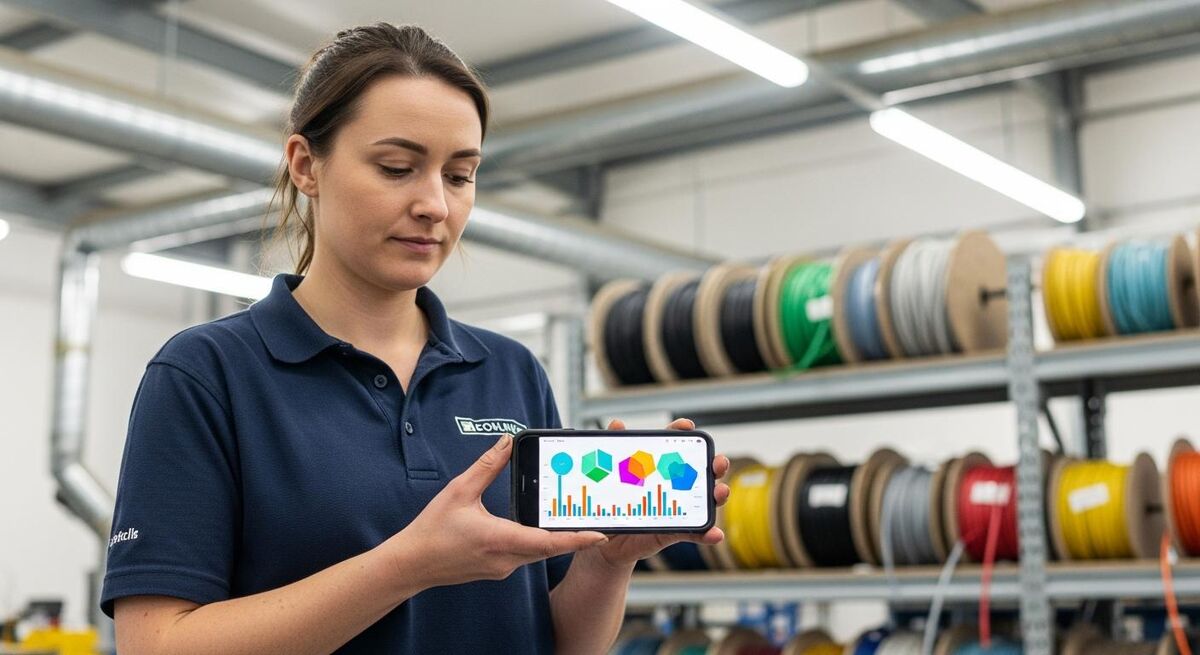
This is the bit that turns MTD from a chore into something you barely think about. Every major accounting platform now uses machine learning to suggest the category for each bank transaction. Xero calls it "bank rules" plus "Find & Match". QuickBooks has "Smart Categorisation". Sage uses "AutoEntry" for the same job. They all do roughly the same thing.
The mechanics are simple. The first time you see a transaction from "Plumb Center", you tag it as "Materials". The second time it appears, the software pre-fills the category. By the tenth time, it just stops asking. Within a month, ninety percent of your transactions are auto-categorised before you even look at them.
Where it gets clever is the Generative AI layer some providers are now adding. Xero's Just Ask Xero and QuickBooks Intuit Assist will read the description text of a transaction and propose a category even on first contact. "ESSO PETROL S/STN" gets tagged as "Motor expenses" without you ever training it. For trades with a lot of one-off suppliers, that is real time saved.
You still need to spot-check. AI categorisation gets you to ninety percent, not one hundred. The ten percent it fluffs are the costly ones: a personal Amazon order tagged as office supplies, a kitchen install supplier mistaken for personal grocery shopping, a CIS deduction misread as a fee. Block out ten minutes every Friday afternoon to review. Coffee, phone, done.
Step 4: Receipt OCR and digital record keeping
HMRC's digital record rule is the bit most tradespeople do not realise applies to them. It is not just "use software". You also need to capture every income and expense item digitally, including the receipts. A bank statement on its own is not a digital record. You need the back-up.
The good news: every major accounting platform now has a phone app with receipt OCR. Snap a photo of a receipt at the trade counter, the app reads the supplier name, date, amount, VAT, and creates a draft transaction. You match it to the bank feed in the software a few days later when the card payment arrives. The image is attached forever.
Xero has Hubdoc bundled into Starter and above. QuickBooks has its own receipt capture on every plan. Sage has AutoEntry (which costs extra above the Standard plan). Dext and Receipt Bank also exist as third-party tools that plug into all four, often with better OCR for crumpled, oil-stained trade receipts.

The discipline that matters is doing it on the day. A receipt photographed at the counter on Monday is a thirty-second job. A receipt found in a van footwell in February is a forty-minute hunt. Build it into your routine: pay, snap, bin the paper.
One thing to watch with mileage. HMRC wants a digital record of business mileage. The major apps will not capture this from your bank feed because mileage is not a card transaction. Use a tool like MileIQ or Driversnote on your phone. Both auto-detect driving and let you swipe each trip as business or personal at the end of the day. Five seconds per trip.
Step 5: Automate the quarterly submission
With everything above in place, the quarterly submission itself is genuinely a single click. In Xero, you go to Reports > MTD for Income Tax, review the quarterly summary, and press Submit. Same in QuickBooks, same in Sage, same in FreeAgent. The data goes straight to HMRC, you get a confirmation, the points clock does not move.
The bit you need to set up first is the HMRC connection. You authorise your accounting software through your Government Gateway login, granting it permission to file on your behalf for MTD ITSA. Each piece of software walks you through it the first time, and it usually takes ten minutes.
If you have an accountant, do not press submit yourself. Give your accountant access to your software (Xero, QuickBooks, and Sage all have free "advisor" accounts). They review the quarterly numbers, ask you about anything unusual, and submit on your behalf. The cost is usually built into your monthly retainer or comes in around £30 to £75 a quarter as a standalone bookkeeping bolt-on.
Step 6: Make.com flows for the awkward bits

Accounting software does most of the job. Make.com (formerly Integromat) handles the awkward bits. It is a visual automation platform, like a more powerful Zapier. The free tier gives you 1,000 operations a month, which is plenty for a sole trader. The paid Core plan is £9 a month and is enough for most trades businesses.
Three Make.com flows are worth setting up on day one.
Flow 1: WhatsApp receipts into Xero. Half my engineers used to send photos of receipts to me on WhatsApp. Make.com can watch a WhatsApp Business number, pull every image, run it through an OCR step (Dext, Veryfi, or Google Cloud Vision), and create a draft expense in Xero with the image attached. Cost: free, on the Make starter tier. Time saved: about three hours a week.
Flow 2: Stripe payouts into QuickBooks. If you take card payments through Stripe, the platform takes its fee out of each transaction before depositing the net amount to your bank. Reconciling that manually is a nightmare. A Make.com flow watches Stripe for new payouts, splits the gross sale and the Stripe fee into two transactions in QuickBooks, and matches them to the bank feed. One-off setup, runs forever.
Flow 3: Monthly summary to your accountant. A Make.com scenario triggered on the 1st of each month pulls a P&L from Xero, formats it, attaches the last month's receipts, and emails the lot to your accountant. They get a heads-up before the quarterly review. You never have to think about it again.
Cost breakdown: what this stack actually costs
Realistic 2026 numbers for a sole trader sparky, plumber, or builder turning over £60,000 to £120,000:
| Layer | Tool | Monthly cost | Annual |
|---|---|---|---|
| Accounting software | Xero Ignite | £16 | £192 |
| Bank feeds | Open Banking via Xero | £0 | £0 |
| Receipt OCR | Hubdoc (included) | £0 | £0 |
| Mileage tracking | MileIQ | £6 | £72 |
| Automation | Make.com Core | £9 | £108 |
| Accountant quarterly review | Local accountant | £40 | £480 |
| Total | £71 | £852 |
About seventeen quid a week. That is one decent breakfast roll a week to never miss a deadline, never lose a receipt, and have your accountant on top of your numbers four times a year instead of once. Compare it to the cost of a single £200 penalty, a half-day stuck doing year-end paperwork, or a tax mistake your accountant cannot fix because the records are not there.
You can shave this down. Skip Make.com if you do not have WhatsApp receipts. Use FreeAgent for free if you bank with NatWest. Take the quarterly review on yourself if you are confident. Realistic minimum is about £25 a month. Realistic maximum, with Powered Now Premium and a full bookkeeping service, is £200 a month.
Common mistakes that will cost you the £200
The penalty system is mechanical. It does not care why you missed a deadline. So the goal is to make it impossible to miss one. The five mistakes I see again and again:
1. Treating the quarterly update like a Self Assessment. The quarterly update is a summary of your income and expenses for that quarter, not a polished annual return. You do not need to perfect every transaction. You need to submit on time. Tidy up at the year end.
2. Waiting until the seventh of the month. Bank feeds can lag, software can have outages, your accountant can be away. Aim to have the quarterly update ready three working days before the deadline. That is the 4th of the month, not the 7th.
3. Mixing personal and business spend. Every personal transaction on a business card is a transaction you have to manually exclude or recategorise every quarter. Multiply by four quarters and you have hours of unnecessary work.
4. Not capturing receipts on the day. A receipt found in February for a purchase made in May is missing rebate evidence, missing VAT receipt, and you cannot remember what the job was. Snap on the day, every time.
5. Trying to do it without an accountant. A good local accountant who knows MTD will save you their fee in tax efficiency. The ones who said in 2024 they would not learn MTD have largely retired or sold up. The ones still standing know what they are doing.
What tradespeople are saying about MTD
Recommended videos

Making Tax Digital for Income Tax: What Every Sole Trader and Landlord Needs to Do From April 2026
MeaningfulMoney

Making Tax Digital explained with Mark Millar | What sole traders need to know for 2026
Sage

The NEW Tax System Coming in 2026 for Sole Traders and Landlords: Making Tax Digital
Kiran Kaur

Making Tax Digital Sole Trader Survival Guide 1
No Worries Accounting

Making Tax Digital: Everything You Need to Know Before April 2026
Abbas Gulamhusein

Your Sole Trader Tax Just Got Harder - Making Tax Digital
Your Accountant
Frequently asked questions
Not yet. The £50,000 threshold is for April 2026. It drops to £30,000 in April 2027 and £20,000 in April 2028. But the threshold is gross income from self-employment and property combined, not profit. If you have a small rental on top of your trade, add them together.
Only with bridging software that submits the data to HMRC in the required format, and only if the spreadsheet is the digital record (not transcribed from receipts). Most trades will find this more painful than just using Xero or QuickBooks. The spreadsheet shortcut works in theory and is brutal in practice.
One penalty point per late quarterly update. Four points triggers a £200 fixed penalty. Every late submission after that is another £200. The 2026/27 tax year has a soft landing where points are not issued for late quarterly updates, but late payment penalties and the late Final Declaration penalty still apply.
Strictly, no. The software can submit on your behalf. In practice, yes, especially in year one. An accountant who knows MTD will catch errors that cost you money in tax, spot allowances you have missed, and submit the Final Declaration cleanly. Budget £30 to £75 a quarter if you do not already have one.
FreeAgent is free for NatWest, RBS, Ulster Bank, and Mettle business banking customers. That is the only major no-cost route. Some accountants bundle MTD-compliant software into their fees. Otherwise budget £7 to £28 a month.
CIS reporting is separate to MTD ITSA. You still file monthly CIS returns to HMRC if you are a contractor, and as a subcontractor your gross or 20 percent deductions still appear on your invoices. Your accounting software needs to handle CIS properly so the deductions feed into your MTD quarterly updates correctly. Xero needs a CIS add-on; QuickBooks and Sage Standard have CIS built in.
Yes. MTD for VAT has been in force since 2019 and continues. If your turnover is over £90,000 you are also doing MTD for VAT. MTD for Income Tax is the new layer on top. Same software, separate submissions.
You need to sign up. HMRC will write to you in spring 2026 if your 2024/25 Self Assessment shows you over the threshold, but the responsibility to register is yours. Sign up via gov.uk through your Government Gateway account, then authorise your chosen software.
My verdict
MTD Phase 2 is a bigger change than most trades realise, but the fix is genuinely once-and-done. Pick your software in March. Connect your bank feeds. Snap a few receipts. Sign up with HMRC. Get an accountant to look at the first quarterly update before you press submit. Then you stop thinking about it.
The trades that suffer here are the ones who wait until July hoping it gets postponed. It will not. The trades that thrive are the ones who treat this like any other tool change in the business: learn it properly once, build it into the routine, move on.
For deeper reading, the Xero vs QuickBooks vs Sage MTD comparison walks through which platform fits which trade. The 90-day cash flow forecast guide uses the same data you are now generating quarterly. And Claude Cowork for monthly management accounts turns those quarterly numbers into a Monday-morning report your team can actually use.