

Quick Answer
ServiceM8's AI has quietly crossed the line from gimmick to useful, and job notes are where you feel it first. You check out of a job by talking to the app, it transcribes what you say into a tidy diary note, and the same job card can then draft your quote or invoice description for you. To set it up you need any current ServiceM8 plan, the AI features switched on in your account, and about twenty minutes to practise the voice commands. The free plan gives you ten AI uses a day to trial it; every paid plan makes them unlimited. My advice is simple: let the AI clear the admin, but always read what it writes before it reaches a customer. The technology is there to bridge the gap between the digital and the personal, not to speak for you.
Table of Contents
- Why job notes used to be the weak point
- What ServiceM8's AI actually does now
- Before you start: plan, permissions and AI uses
- The setup walkthrough, step by step
- How to dictate a job note on site
- Turning notes into quotes and invoices
- Keeping your voice: how I actually use it
- Where it still falls short
- What tradespeople are saying
- Recommended videos
- Frequently asked questions
- My verdict
 ServiceM8
 Xero
Xero QuickBooks
 Stripe
Why job notes used to be the weak point
Ask any tradesperson what part of the job they resent most and very few will say the actual work. It is the paperwork after it. The note you meant to write up and never did, the quote that sat in your head until the detail went fuzzy, the invoice description you cobbled together three days late from a photo and a vague memory. Notes are the foundation the rest of the admin sits on, and for years they were the bit most likely to get skipped.
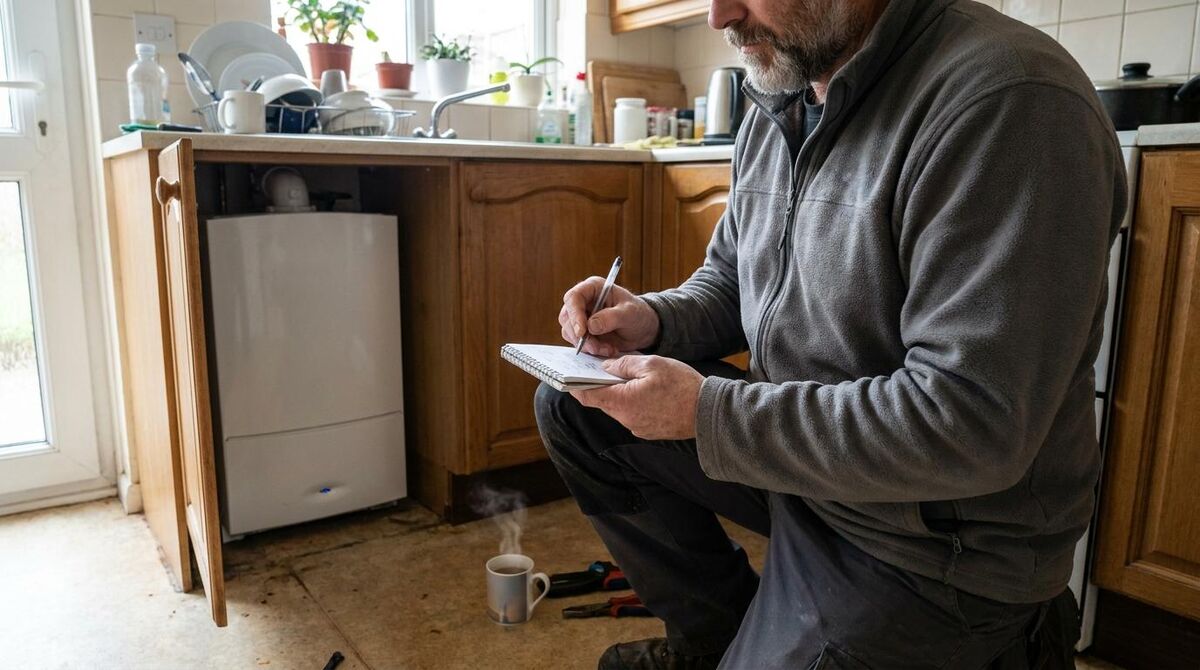
When a note is thin, the damage shows up later. The office cannot see what you actually did, so the quote goes out light and you leave money on the table. The customer rings with a question and nobody can answer it without calling you on a roof. The next visit repeats work you have already done because there is no record of it. None of that is dramatic on any single job. Across a year it quietly costs you thousands.
Early attempts at fixing this with software mostly made it worse. Typing a proper note on a phone screen with cold hands is a miserable task, so people wrote less, not more. What has changed is that the note-taking now happens by voice, and the transcription is good enough to trust. That is the shift worth understanding before you touch a single setting.
New to the platform?
This guide assumes you already have ServiceM8 running. If you are starting from scratch, work through my weekend setup guide for sole traders first, then come back and switch the AI features on.
What ServiceM8's AI actually does now
There are three AI features that matter for notes, and it helps to keep them separate in your head because they do different jobs.
The first is ServiceM8 Chat, the voice assistant. You start it on your phone and talk to it in plain language. Say something like "add a note to the job saying the old flue was corroded and needs replacing before recommission" and it transcribes that into a formatted note in the job diary. You can also ask it to summarise the job card, tell you what materials are on the job, or check you out when you leave. There is no list of commands to memorise. You talk, it acts.
The second is the Smart Writing Helper. This is the assist button that appears wherever you write in the app: work-completed descriptions, emails, texts, quote and invoice lines. It has four actions. Auto-Write drafts a passage from a few dot points or from nothing at all. Improve Writing tidies the spelling, grammar and flow of something you have already typed. Shorten and Lengthen do exactly what they say. You can highlight a single sentence and improve just that, or draft a whole message from a subject line and three bullets.

The third is auto-quoting and auto-invoicing. Once a job card has notes, photos and materials on it, the AI drafts a professional description and suggests the billable lines. ServiceM8 is clear that this works best once you have a hundred or so completed jobs behind you, because it learns from your own history rather than from a generic template. It is a first draft, not autopilot. You are editing instead of staring at a blank screen, which is a meaningful difference when it is nine at night and you still have three invoices to send.
ServiceM8 reports that the average small business now uses the writing helper more than 1,200 times a month and saves something in the region of thirteen hours of writing admin a week. Treat vendor figures with a pinch of salt, as I always do. But even if the real number for your business is half that, half of thirteen hours is still most of an evening back every week.
What it costs
The AI is included in the plan you already pay for, not a separate add-on. The free plan gives you ten AI uses a day, which is enough to test whether the notes and writing tools suit how you work. Every paid plan, from £25 a month upward, makes AI uses unlimited. See the current ServiceM8 UK pricing for the tier that matches your job volume.
Before you start: plan, permissions and AI uses
Three things need to be true before the AI will behave itself. Sort these first and the rest of the setup takes minutes.
- A current plan with AI enabled: the AI features ship on all current plans. If your account is very old, open Settings and confirm the AI add-on is switched on. On the free plan you have ten uses a day; on any paid plan they are unlimited.
- The right permissions for your operators: if you run a team, each operator needs access to the jobs they work on and permission to edit them. An operator who cannot edit a job cannot add a note to it, by voice or otherwise.
- A phone that can run the assistant: the voice assistant runs through the ServiceM8 app on iPhone, and you trigger it hands-free with "Hey Siri, start ServiceM8 Chat". The Android app is deliberately stripped back, so if your team is Android-only, plan to use the writing helper on the dashboard rather than the on-site voice assistant.
Check the Android gap before you commit the team
This is the one that catches people. The full mobile experience, voice assistant included, lives on the iPhone app. The Android app is a lighter version. If half your operators are on Android, test with their exact handsets before you build a workflow around dictated notes.
The setup walkthrough, step by step
Here is the order I take clients through. Do it once on a real job rather than a test one, because you learn the phrasing faster when it matters.
- Confirm AI is on: open Settings, find the AI or add-ons area, and make sure the AI features are active on your account.
- Set up the voice trigger: on iPhone, add the ServiceM8 shortcut so "Hey Siri, start ServiceM8 Chat" opens the assistant on the job you are checked in to.
- Check into a live job: the assistant works against the job you are currently on, so check in first. That is what gives your dictated note somewhere to land.
- Dictate your first note: say "add a note to the job saying" and then describe what you found in plain words. Read the transcription back before you move on.
- Try the writing helper: open the work-completed description, tap the assist button, choose Auto-Write, and give it three dot points. Review the draft and edit it to sound like you.
- Let it draft an invoice line: on a job with notes and materials, ask the AI to draft the invoice description. Correct anything that is wrong, then send.
That is the whole loop. Note on site, description at the van, invoice before you are home. The point is not that the AI does it for you. The point is that each step now starts from a draft instead of a blank box, and drafts get finished.
Say what you would tell a mate, not what you would type
The transcription is far better when you talk naturally. "Found the isolator painted over, freed it off, tested fine, flagged it to the customer" works better than clipped keywords. Speak in whole thoughts and it formats them properly.
How to dictate a job note on site
The habit worth building is a thirty-second note at the moment you finish, not at the end of the day. Memory fades fast on a busy round, and a note written in the moment carries detail the office would otherwise have to ring you for.
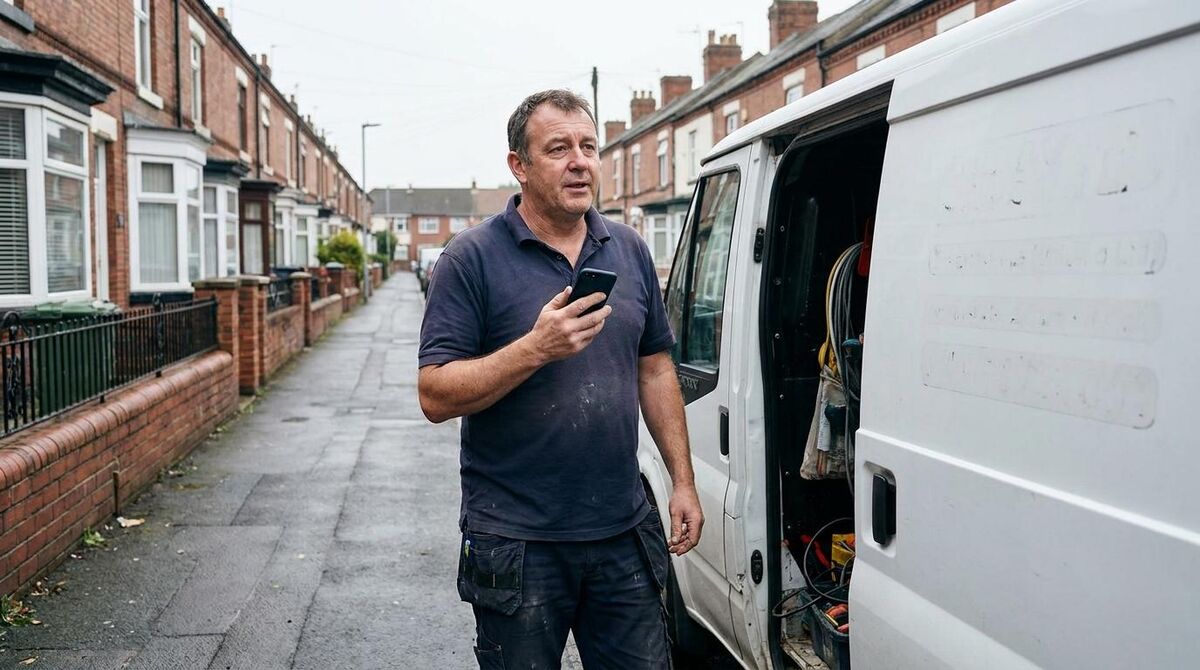
Get into a rhythm. What did you find, what did you do, what needs doing next. Those three lines cover almost every job and give the office everything it needs to quote follow-up work or answer a customer without troubling you. You can tag a colleague in a note as well, so if the next visit needs a second pair of hands, the right person gets notified there and then.
Where dictated notes really pay off is on the jobs you would rather forget. The awkward find behind a panel, the thing the customer was warned about and waved away. Say it into the diary and it is timestamped and searchable. Six months later when that exact fault comes back, you have the record. I pair this with a simple checklist so nothing gets missed in the first place; if you want a starting point, my free pre and post-job checklist templates drop straight into ServiceM8.
Read it back before you trust it
Voice transcription is good, not perfect, and it can mishear a part number, a postcode or a pressure reading. On anything safety-related or anything a customer will act on, glance at the transcription before you leave the job. Ten seconds of checking beats a wrong figure sitting in the record.
Turning notes into quotes and invoices
A good note is not just a record. It is the raw material for the money side of the job, and this is where the payback compounds. The AI reads the job card, the notes and the photos, and drafts a quote or invoice description along with suggested lines. Your job shrinks to checking and pricing rather than writing from nothing.
The better your notes and site information, the better the draft. That is the quiet lesson here: the AI does not invent quality, it amplifies what you feed it. If your first visit captures the detail properly, the quote almost writes itself. This is exactly why I push clients to build a proper first-visit process; my guide on building a digital site survey feeds the same job card the AI later drafts from.

The commercial win most owners underestimate is speed. Getting an invoice out the same day rather than three to five days later is not a minor tidiness point. It is working capital back in your account sooner, every single job, and it changes how your cash flow feels by the end of the month. Once the invoice is out, you may as well let the payment collect itself too; setting up Direct Debit collection in ServiceM8 means the money arrives without anyone chasing it.
| Step | The old way | With AI notes |
|---|---|---|
| Capturing the job | Typed later from memory, if at all | Dictated on site in thirty seconds |
| Writing the description | Blank box at nine at night | Edit a first draft in a minute |
| Sending the invoice | Three to five days later | Same day, before you are home |
| Answering customer queries | Ring the engineer on a roof | The note is in the diary already |
Keeping your voice: how I actually use it
Here is where I part company with the breathless take on all of this. The AI is a drafting tool, not a replacement for judgement, and the businesses that get the most from it treat it that way.
I use it to remove friction, never to remove myself. A dictated note saves me typing, but the words are still mine and the detail is still what I actually found. An auto-drafted invoice line saves me a blank screen, but I read every one before it goes, because a description that is subtly wrong is worse than no description at all. The moment a customer feels they are being handled by a machine, you have lost the very thing that wins the next job.
That is not nostalgia, it is what the numbers keep showing. I have written before about how the human touch still converts better than automation on trades websites, and the same principle holds inside your job management. Automate the admin, the typing, the chasing, the formatting. Keep the human on the parts a customer notices: the explanation, the reassurance, the phone call when something changes. Customer service is how you show you care, and no amount of clever drafting replaces it.
Used this way, the AI gives you back the one thing that is truly scarce on a trades business: attention. Every hour it clears from the paperwork is an hour you can spend on the customer in front of you or the quote that wins the bigger job. That is the trade worth making.
Where it still falls short
I would be doing you a disservice if I only sold the upside. There are real limits, and knowing them stops you being disappointed.
The Android app is the big one, as I flagged earlier. If your operators live on Android handsets, the on-site voice experience is not there for them yet, and that shapes what you can realistically roll out. Transcription accuracy, while good, still trips on part numbers, unusual surnames and anything said over a running compressor; on the details that matter you have to check. The auto-quoting needs history to be any good, so a brand-new account will get bland drafts until you have completed enough jobs to give it something to learn from.
And it will occasionally write something that reads well and is quietly wrong. That is the nature of the tool. It is confident by design, which is exactly why the human check is not optional. None of this makes it a bad investment. It makes it a tool with a shape, and the businesses that win with it are the ones that work with the grain rather than expecting magic.
What tradespeople are saying
Recommended videos

ServiceM8 Overview: The App for Field Service Businesses
ServiceM8
Master ServiceM8 Forms, Then Automate Them With AI
David List

Demo of ServiceM8: The App for Trade & Service Businesses
ServiceM8

The ServiceM8 Setup 90% of Tradies Never Do
David List

How to Automate Staff Notifications in ServiceM8
Mart Hustle

ServiceM8 Lite for Android: A Game Changer for Tradies
Tradies Rescue
Frequently asked questions
No. The free plan includes ten AI uses a day, which is plenty to trial dictated notes and the writing helper. If you find yourself relying on it, any paid plan makes AI uses unlimited. Start free, upgrade when the habit sticks.
The full on-site voice experience lives on the iPhone app. The Android app is a lighter version, so Android-only teams should lean on the writing helper in the dashboard instead. Test with your actual handsets before you build a workflow around it.
Trust it to save you typing, not to be flawless. It can mishear a part number or a reading. On anything a customer will act on, or anything safety-related, read the transcription back before you leave. Ten seconds of checking is the whole discipline.
It gives you a strong first draft from the job card, not a finished document you send blind. You still check the description, set the price and approve it. The value is starting from a draft instead of a blank screen, which is what actually gets invoices out the same day.
It learns from your own completed jobs, so a new account gets bland suggestions at first. ServiceM8 suggests it hits its stride around a hundred completed jobs. Keep your notes and materials tidy from day one and it sharpens up faster.
My verdict
ServiceM8's AI job notes have earned their place. The voice assistant removes the friction that stopped notes getting written, and once the notes are there, the quotes and invoices draft themselves from your own history. It is the setup I now recommend to almost every client on the platform. But hold the line on the human parts. Let the AI clear the typing, the chasing and the formatting, and keep yourself on the explanation, the reassurance and the call when something changes. Used like that, it does exactly what good technology should: it bridges the gap between the digital and the personal, and hands you back the time to give the essential human touch that wins the next job.