
Quick Answer
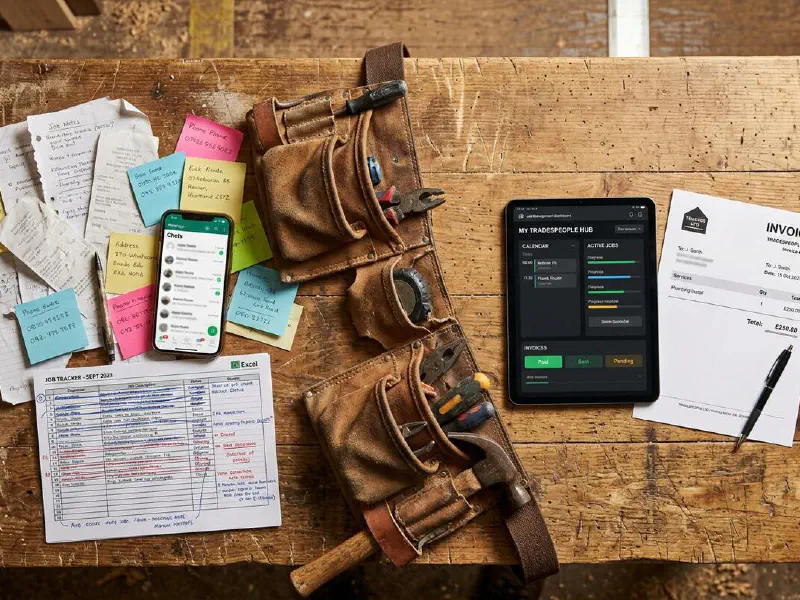
Most subcontractor no-shows trace back to one thing: messy communication. A structured WhatsApp Business workflow, using labels, broadcast lists, quick replies, and a 24-hour confirmation rule, will cut your no-show rate sharply within a fortnight. You do not need new software to fix this. You need a system everyone follows, written down once, and used every day.
Table of Contents
- The real cost of poor subcontractor coordination
- Why subcontractor comms break down
- The structured WhatsApp Business workflow
- Step 1: Set up labels for your subbies
- Step 2: Use broadcast lists for daily coordination
- Step 3: Build quick replies for the questions you answer every week
- Step 4: The 24-hour confirmation rule
- Where AI fits in
- When WhatsApp stops being enough
- What tradespeople and the industry are saying
- Recommended videos
- Frequently asked questions
- My verdict
 WhatsApp Business
 ChatGPT
 Google Calendar
 Google Sheets
The real cost of poor subcontractor coordination

A subbie no-show costs you more than a lost morning. It costs the next subbie, who turns up to find first fix is not done. It costs the customer, who watches your van drive away again. And it costs the relationship with the contractor you actually want on the next job, because now they are dragged into the mess.
Most trades businesses scaling past one or two engineers hit this wall. Information lives in heads, in text threads, in scribbled diary pages. When a sub goes quiet for two days you find out too late, and the day collapses around it.
The fix is not another piece of software. The fix is a structured communication workflow on the tool everyone already has open: WhatsApp Business. Used properly, it does what most small operators need a CRM for. Used badly, which is how most use it, it is the source of half their no-shows.
Why subcontractor comms break down
Three patterns cause most of the trouble I see when I sit down with trades businesses.
One: one giant group chat for everything. Twelve subs, three projects, holiday photos, memes, and the one message that actually mattered scrolling past at 11pm. Important instructions disappear inside the noise. Caroline Watkins and Chris Kirby-Turner, construction lawyers at Thomson Snell & Passmore, put it well in Construction Management in 2024: "A poorly thought-out communication could creep into the territory of constituting a formal contractual notice." A change instruction buried in chat is a dispute waiting to happen.
Two: assuming silence is agreement. You send the job sheet on Sunday evening. Three subs react with a thumbs-up. Two go quiet. You assume they are in. They assume you will follow up. Monday morning, you have two no-shows and no one to blame but the system you did not build.
Three: no separation between informal banter and operational instruction. "Bring the 2.5mm" sits in the same thread as "good weekend lads". One is critical, the other is filler. If both look the same on screen, the critical one gets missed.
What follows is the workflow I have helped dozens of trades businesses install. The principles come from how I ran Elite Heating and Plumbing before founding Help me Fix. The mechanics use only the free WhatsApp Business app.
The structured WhatsApp Business workflow
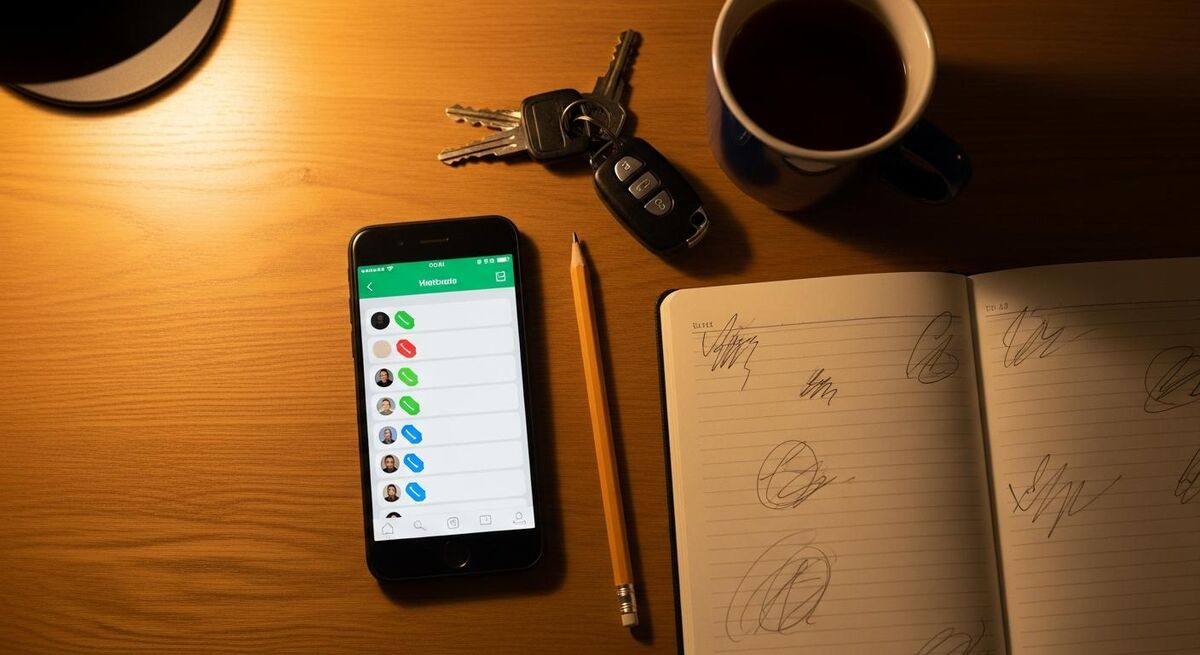
The workflow has four moving parts. None of them require a paid plan. You will need the WhatsApp Business app, free on the App Store and Google Play, on a phone you use for business. If you currently use personal WhatsApp for work, separate them. That alone saves you an evening of confusion every week.
Here is the shape:
- Labels tag every subcontractor by trade and reliability tier. Five colours, five categories, no more.
- Broadcast lists push the same message to many subs without creating a group. They reply privately. You see clean threads.
- Quick replies turn the eight or nine messages you send every week into two-tap responses. Site address, what-to-bring lists, payment terms.
- The 24-hour confirmation rule is the discipline that holds it together. No confirmation by 24 hours before the start, the job moves to someone else.
I will walk through each one, with the specific settings, the wording I use, and the tradeoffs.
Step 1: Set up labels for your subbies
WhatsApp Business labels are coloured tags you assign to chats. They sit at the top of each conversation and let you filter your inbox in seconds. There are five label slots out of the box. Do not try to squeeze in fifteen. Five is the point.
Here are the five I use. Steal them or change them. The principle is what matters.
- Tier 1 (green): subs who turn up, on time, every time. You build the diary around these names.
- Tier 2 (blue): solid skills, occasional reliability wobble. Use, but always have backup.
- Tier 3 (yellow): emergency cover only. Skill is fine, comms or reliability is not.
- Trade-specific (orange): electrician, plumber, gas, plasterer, whoever you use most. Pick one trade for this label.
- Active job (red): currently working on a live project. Cleared the day the job completes.
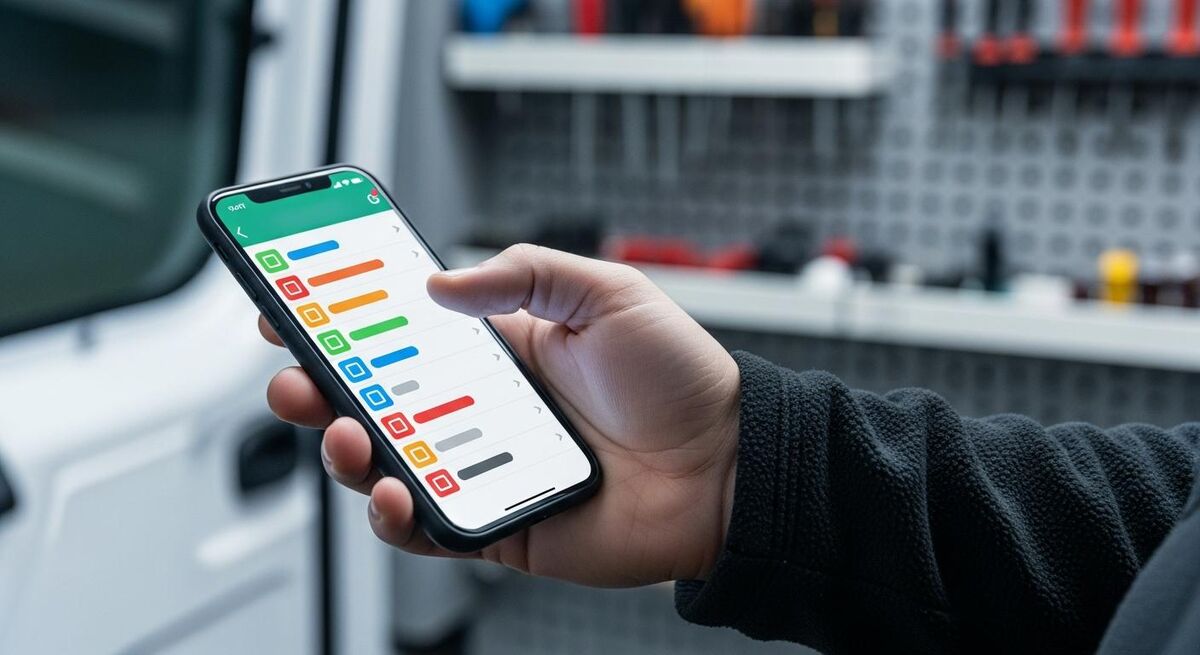
To create a label, open WhatsApp Business, tap the three-dot menu, choose Labels, then New label. Name it, pick the colour, save. To assign one, long-press a chat, tap the label icon at the top, tick the label. Whole thing takes ninety seconds per contact the first time, then you forget about it.
The reason tiers matter: when you have a last-minute slot to fill, you open Tier 1 first, not your full contact list. You stop wasting fifteen minutes scrolling. And when you are setting a quote-winning team for a bigger job, Tier 1 plus relevant trade labels gives you the shortlist in two taps.
Step 2: Use broadcast lists for daily coordination
Broadcast lists are the most underused feature in WhatsApp Business. A broadcast list lets you send the same message to up to 256 contacts at once. Each recipient sees it as a private message from you. When they reply, they reply just to you. There is no group chat. No one sees anyone else's response. No one mutes the thread because Dave is sending dog photos again.
For trades, this is exactly the shape you want. Morning briefs go out clean. Replies come back personal. Confirmations are between you and the sub, with no group dynamics getting in the way.
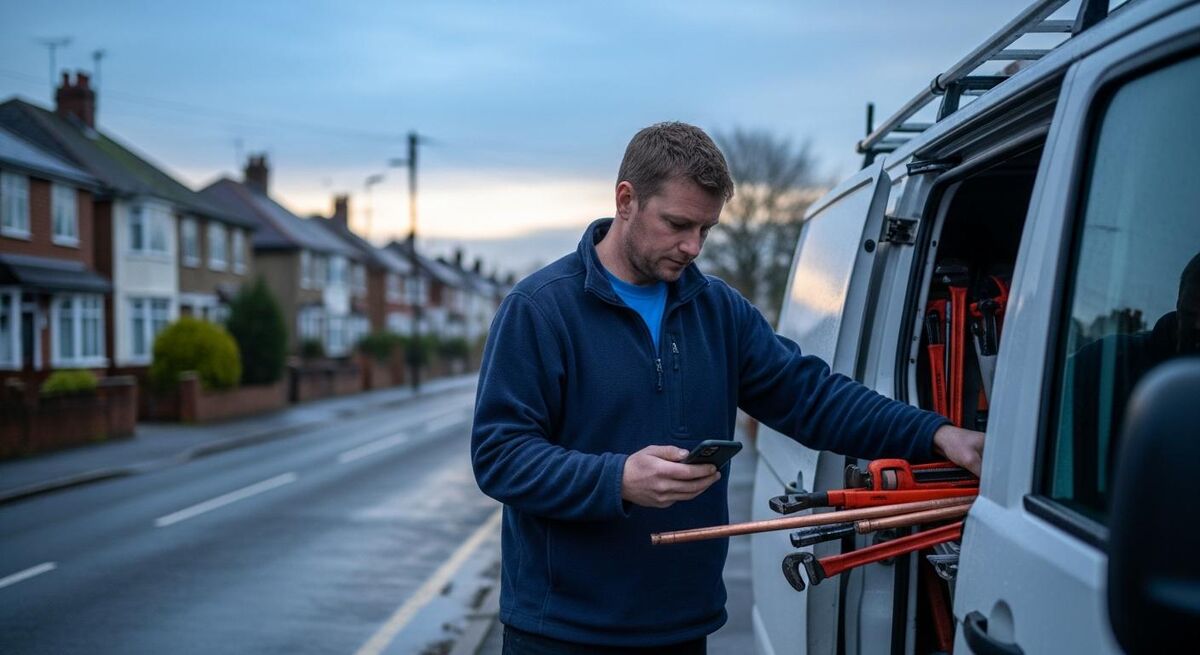
To create one, tap New chat, then New broadcast. Add the contacts. You can build a broadcast list from a label, which is where the Step 1 work pays off.
I use three standing broadcast lists:
- Tomorrow's crew. Built fresh every afternoon for the next day's jobs. Send the brief by 4pm. Cleared down each evening.
- This week's site. One list per active project. Used for materials updates and schedule shifts.
- Emergency cover. Tier 1 subs across the main trades you use. Only fires when something falls through.
The wording of the daily brief matters. A weak brief, "you good for tomorrow?", invites a weak reply. A structured brief gets a structured reply.
Here is the format I use, every time:
- Job: 12 Acacia Avenue, second fix electrics
- Start: 7:30am Wednesday 28 May
- On site: Plasterer (Tom), apprentice (Jay)
- Bring: 2.5mm T&E, downlights x12, RCBO board (in van already)
- Parking: driveway, code 1142
- Confirm by 7:30am tomorrow with a thumbs-up or "in"
Six lines. Specific. The confirmation ask is at the end, in bold for the sub's eye. This is the format that drives the 24-hour rule.
Step 3: Build quick replies for the questions you answer every week
Quick replies are keyboard shortcuts for full messages. You type a slash and a keyword, the message appears, you tap send. WhatsApp Business gives you fifty slots. Most trades businesses use four.
Open WhatsApp Business, tap the three-dot menu, choose Business tools, then Quick replies. Tap the plus to add one. Each quick reply needs a shortcut (the slash word), a message (the full text), and optional keywords.
Here are the ones I would set up first:
- /brief: the daily site brief template from the section above, with placeholders ready to fill in. Saves five minutes per brief.
- /payment: your payment terms. Sub asks "when do I get paid?", you tap /payment, they get the same answer they would have got two weeks ago.
- /welcome: the onboarding message for a new sub. Insurance docs, CIS status, contact for emergencies, your reliability tier rules. Sent once, never forgotten.
- /postpone: the polite message when a customer pushes a date. Explains the move, asks the sub to confirm new availability, sets the next confirmation deadline.
Step 4: The 24-hour confirmation rule
This is the discipline that does the heavy lifting. Without it, the rest of the workflow is decoration.
The rule is short. Every subbie must confirm attendance no later than 24 hours before the job start. If they have not confirmed by then, the slot is offered to someone else. No texts back. No second chances on the same job. Politely move on.
You explain this once, in the /welcome quick reply, when you onboard a new sub. You enforce it from day one. The subs who turn up reliably love this rule, because the freeloaders get screened out and there is more work for the people who actually deliver.
Two things make the rule stick.
First, automatic afternoon reminders. Set a recurring calendar alert for 3pm the day before any job. The alert prompts you to check the broadcast list replies. Anyone not confirmed gets a follow-up nudge then, not at 6am the next morning. By 4:30pm you know who is in and who is out, and you still have the rest of the working day to find cover.
Second, document the confirmations. Screenshot the broadcast replies the night before, drop them in a Google Sheets attendance log or a Google Drive folder named by date. Six months of that, and you have hard data on which subs confirm late, which never confirm, and which are quietly your most reliable people. The data tells you which tier each name belongs in. No more gut-feel decisions.
Where AI fits in

The AI angle here is not automation. It is assistance. The decisions, who works which job, which sub gets bumped, when to chase, stay with you. AI just removes the friction.
Three specific uses worth knowing about.
Drafting briefs and replies. Open ChatGPT or Claude on your phone. Paste the previous day's brief, the change for tomorrow, and ask for a rewrite that keeps the format and updates the details. Thirty seconds. The output is cleaner than what most of us write at 4pm on a Tuesday.
Generating the week's quick replies. Ask the AI to write a /welcome message that covers CIS registration, public liability insurance, payment terms, your tier system, and how the 24-hour rule works. Give it the tone you want: blunt, professional, short. Edit it, paste it into the quick reply slot, done.
For the AI tools side, a separate guide goes into WhatsApp and spreadsheets versus job management software in depth, including where AI plus WhatsApp stops scaling and a proper FSM platform earns its keep.
Summarising the week. Friday afternoon, copy the week's broadcast replies into the AI, ask for a list of who confirmed late, who no-showed, who delivered. Two minutes of work that surfaces the patterns you would otherwise miss. The same exercise once a quarter feeds the tier label review.
When WhatsApp stops being enough
This workflow scales to about fifteen to twenty subcontractors and a handful of live jobs at a time. Past that, the seams start to show.
Three signals tell you it is time to move up:
- You are spending more than an hour a day on WhatsApp admin. At that point the time cost of the manual workflow exceeds the subscription cost of a proper job management platform.
- You cannot answer "where are we on job X" without scrolling. Status lives in your head, in chat threads, and in a spreadsheet. That is the cue for proper project tracking.
- You are getting compliance asks from larger contractors for a documented audit trail of communications and change instructions. WhatsApp screenshots will not cut it.
The right next step is a job management platform like ServiceM8, Commusoft, Joblogic, or Tradify, integrated with your existing accounting and a separate AI tool for drafting. The comparison piece on benchmarking your trades business covers the operational metrics that flag the timing of the move. Most businesses overshoot, holding on to the WhatsApp-only approach six months past the right transition point.
Before that point, the structured WhatsApp Business workflow is genuinely good enough. After it, it is a brake on the business.
What tradespeople and the industry are saying
Recommended videos

The Complete WhatsApp Business Tutorial (2025 updated)
Practical Solution

How to create and use labels on WhatsApp Business
Howfinity
How to send broadcasts on WhatsApp Business
WhatsApp Business tutorial

How to manage subcontractors in construction
Construction management guidance

How to start a plumbing and heating business (UK)
Todd Glister, Glister Services

7 lessons I learned running a plumbing business for 10 years
Roger Wakefield, plumbing industry voice
Frequently asked questions
You need WhatsApp Business. Labels, broadcast lists tied to labels, and quick replies are all Business-only features. The app is free, takes ten minutes to set up, and runs alongside personal WhatsApp on the same phone if you use a second number, or on a dedicated work phone.
No. Broadcast messages only land if the recipient has your number saved as a contact. This catches plenty of trades businesses out. Always run a test broadcast with a new sub on day one. If they get it, you are clear. If not, they save your number and you re-test before the first live brief.
256 contacts per list. For most trades businesses that is well past the point you need it. If you are pushing past 256, you have outgrown WhatsApp and need a proper job management platform with notification tooling built in.
The opposite. Good subs love it because it stops you over-booking and bumping them last minute. The rule protects their time too. Explain it once at onboarding, apply it consistently, and the reliable people stay. The unreliable ones self-select out.
One group per active site is reasonable, kept tight, with the site team only. Broadcast lists handle the wider sub pool and the daily briefs. The mistake is putting everything in one giant group. Two channels, two purposes. When the site finishes, archive the group.
Even at five subs, AI saves you the time of drafting briefs and writing onboarding messages. Free tools like ChatGPT or Claude on a phone handle this fine. You do not need an enterprise AI platform. The point is removing typing friction, not automating decisions.
No. Change instructions, variations, and anything affecting price or programme belong on email or a formal change order log. Construction lawyers have repeatedly flagged this. WhatsApp is for day-to-day coordination. The moment money or scope is at stake, switch channel.
Tell them once, at onboarding, that the tier system exists and how it works. From then on, the rules speak for themselves. Two no-shows in a quarter, drop to Tier 2. The sub knows the system. Most will improve. Some will leave. Either outcome is better than holding on to unreliable people.
My verdict
Most trades businesses I speak to assume the answer to subcontractor chaos is a paid platform. It is not, at least not yet. Five labels, three broadcast lists, four quick replies, and the 24-hour confirmation rule will fix the bulk of the problem inside a fortnight. Layer in AI for drafts, keep formal instructions on email, and you have a workflow that scales to fifteen or twenty subs. When you cross that line, move to a proper job management platform with eyes open. Until then, the tool you already pay nothing for, used with discipline, is better than the tool you have not learnt to use yet.