
Quick Answer
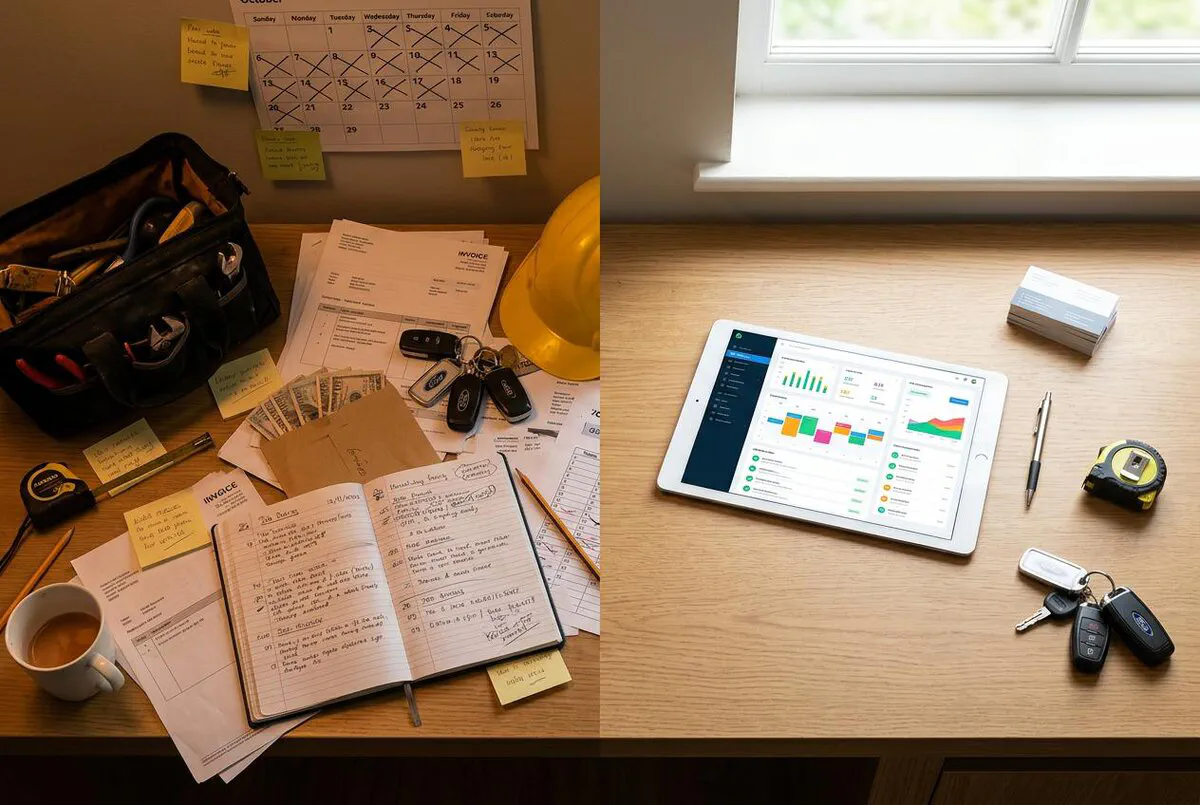
If you had told me 10 years ago that I would go from fitting boilers to building Help Me Fix and TrainAR, I would have laughed in your face. But the trades gave me everything: the discipline, the work ethic, the problem-solving mindset. Technology just gave me a new way to apply it. A trade is a craft, and digital tools are the new power tools. There are five stages of digital maturity for trades businesses: Paper-Based, Basic Digital, Connected, Automated, and AI-Powered. Most UK tradespeople are stuck at Stage 2 or 3. Businesses that reach Stage 4 or 5 grow 23% faster. Through RAFT, I see this transformation happening every day. This guide maps out where you are now, what moves you forward, and what the realistic timeline looks like through to 2028.
Table of Contents
The Five Stages of Digital Maturity
When I started Elite Heating and Plumbing in 2016, I was running everything on paper. Job sheets, handwritten invoices, a diary that only I could read. I know what Stage 1 looks like because I lived there. And I know what it takes to move through each stage because I have done it, first with my own trades business and then by building technology platforms that help others do the same.
The trades industry is changing. And it is changing fast. According to UK government data, 40% of trades businesses still rely on paper-based systems for at least some core operations. At the same time, digital-first businesses in construction and field services are growing 23% faster. That gap is widening every year, and so the question is not whether to adopt technology but when.
This guide maps the journey from paper invoices to AI-powered operations in five stages. Each stage has clear characteristics, specific tool recommendations, and realistic timelines. By the end, you will know exactly where your business sits today and what to do next.
Stage 1: Paper-Based
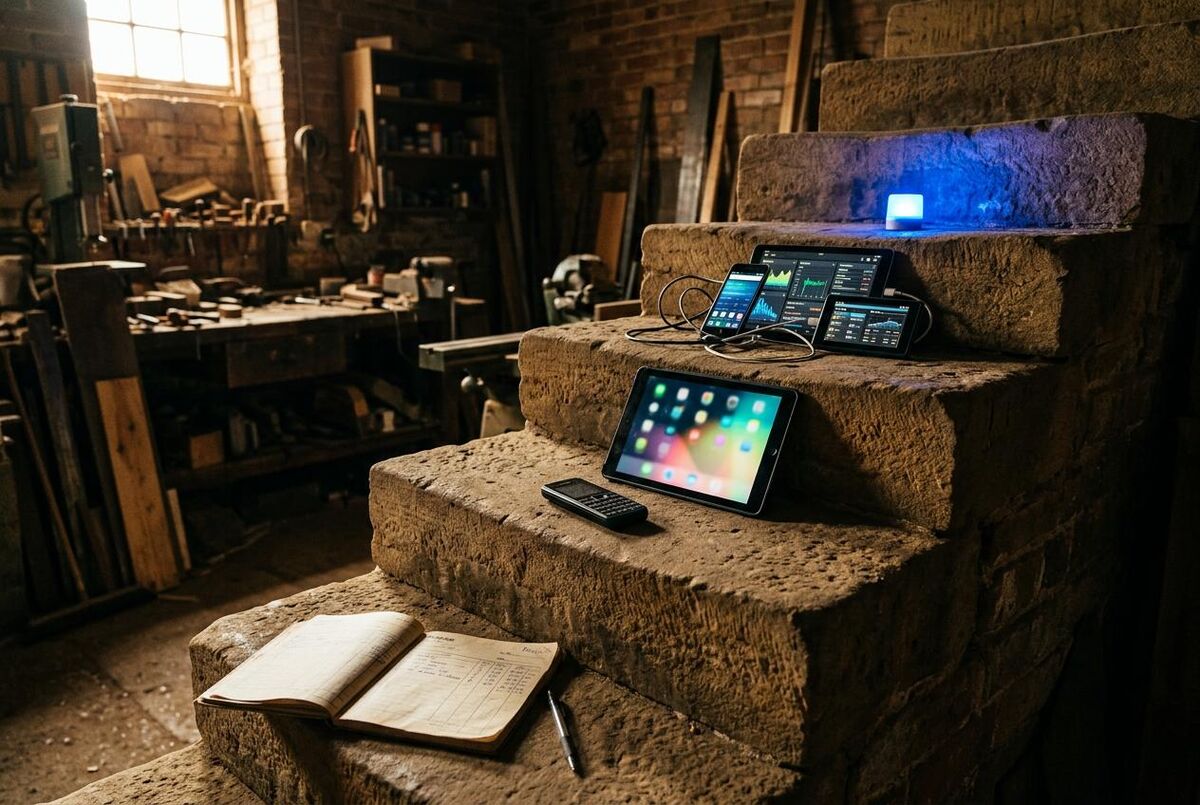
If you are at Stage 1, your business runs on paper job sheets, handwritten invoices, a physical diary, and your phone contacts list. I have been there. Quotes going out as handwritten notes. Chasing payments means sending letters or making awkward phone calls. Scheduling is a whiteboard that only you can read. It works until it does not, and when it breaks, it breaks fast.
This is not a criticism. A lot of profitable trades businesses still operate this way, especially sole traders who built their client base on relationships and reputation. But there are real costs that are easy to miss.
A missed call means a missed lead. A lost invoice means chasing a customer for something they might dispute. A paper diary cannot send automatic reminders to customers. And when you are on site and your partner needs to find a job detail, they cannot just look it up on a shared system.
Signs you are at Stage 1
- Job records live in a paper file or a pile on your desk
- You write invoices by hand or use a basic Word/Excel template
- Your schedule is a physical diary or your head
- Customer details are saved only in your phone contacts
- You chase late payments by calling or texting individually
- You cannot tell someone the status of a job without looking at a physical document
What it costs you to stay here
The costs of Stage 1 are real but invisible. Research from the Federation of Small Businesses suggests trades businesses lose an average of 7 hours per week on admin that could be automated. At £35 per hour, that is £245 per week, £12,740 per year, in lost time. And that is before you factor in the jobs you lose because your response time is slow or your follow-up is inconsistent.
The Paper Trap
The biggest problem with Stage 1 is that it hides its own costs. You cannot see the quotes that never got followed up, the invoices that were paid late because nobody chased them, or the jobs you lost to a faster competitor. Moving to Stage 2 is not expensive. It just requires making a decision.
Your move: Paper to Basic Digital
The first move is not about buying expensive software. It is about getting your business data out of your head and onto a screen that other people can access. Start with one tool: an invoicing app. FreeAgent, QuickBooks, or even a free tier of a job management app. Get your invoices digital first. Everything else follows.
Stage 2: Basic Digital
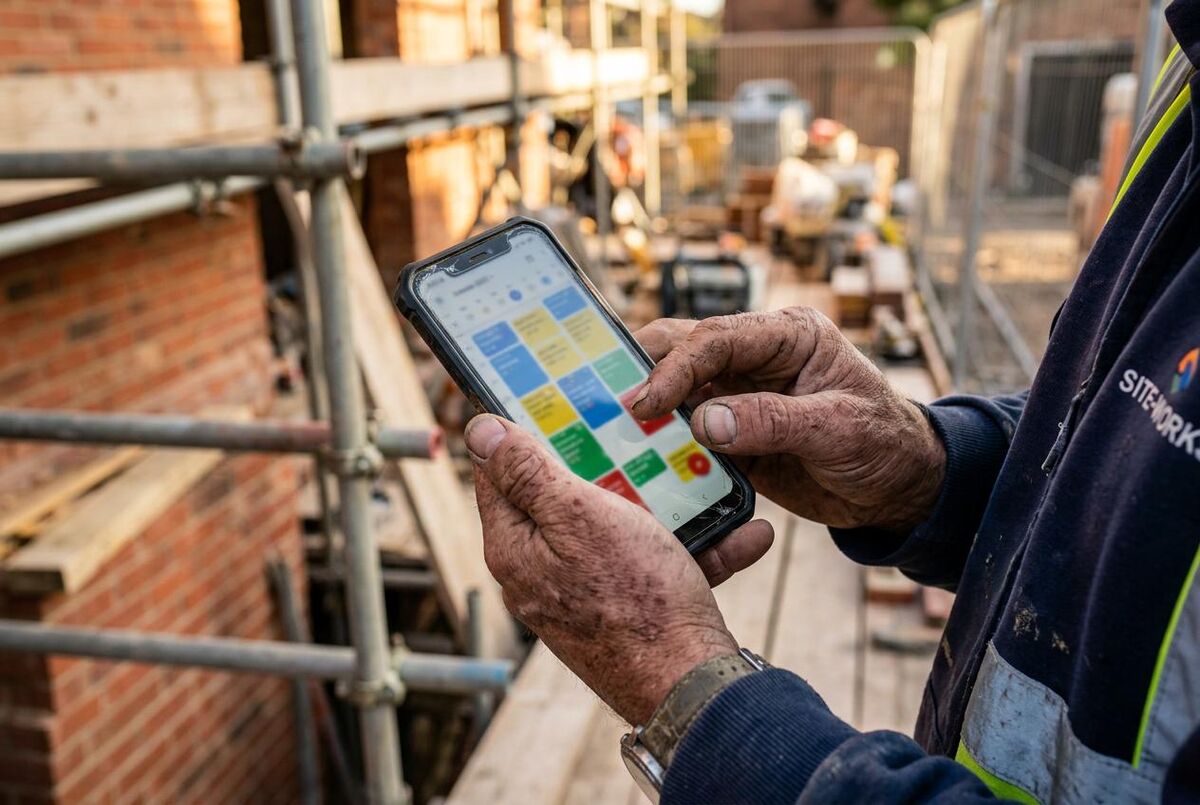
Stage 2 businesses have moved some things to a screen but not everything. The classic Stage 2 business uses Excel for job tracking, an email template for quotes, a free accounting tool like FreeAgent or Wave for invoices, and WhatsApp to communicate with clients. If that sounds familiar, our comparison of WhatsApp and spreadsheets vs job management software breaks down exactly what this approach is costing you. It is better than paper, but it is not joined up.
The key problem at Stage 2 is data duplication. You enter a customer's details in three different places: your phone, your spreadsheet, and your accounting app. When you raise an invoice, you copy information across manually. When a customer rings to ask about their booking, you have to open two or three apps to find the answer.
Signs you are at Stage 2
- You use Excel or Google Sheets to track jobs
- Your invoicing is digital but separate from your job tracking
- Quotes are sent as PDFs or Word documents
- You use WhatsApp or text to communicate with clients
- Customer payment history requires checking multiple tools
- You have separate systems that do not talk to each other
The tools at Stage 2
Stage 2 tools are typically free or low cost. FreeAgent and Wave for invoicing. Google Workspace for documents and email. A free CRM like HubSpot to store customer details. These are useful tools and there is no shame in using them. But they do not connect, and that disconnection is what limits your growth.
Your move: Basic Digital to Connected
The jump from Stage 2 to Stage 3 is the most impactful transition in the whole roadmap. This is where you replace three or four disconnected tools with one platform that does jobs, scheduling, quoting, and invoicing in the same place. The productivity gains are immediate and measurable.
The ROI of Stage 3
Most trades businesses that move from disconnected tools to an integrated job management platform report saving 5-10 hours of admin per week within the first month. At any reasonable billing rate, that pays for the software many times over.
Stage 3: Connected
Stage 3 is where most forward-thinking trades businesses in the UK are in 2026. The defining characteristic of Stage 3 is an integrated job management platform: one system that handles jobs, customers, scheduling, quoting, and invoicing, all connected together.
When a new enquiry comes in, you create it in the system. When you quote, the quote links to the customer and the job. When the job is accepted, it goes into the schedule. When the work is done, an invoice is raised in seconds because all the data is already there. When the customer pays, it syncs with your accounting software.
This is a fundamentally different way of working. And once you have experienced it, you cannot go back.
The Stage 3 platforms
The UK market has several strong job management platforms that suit different trades and business sizes. Here are three that are built for UK tradespeople:
 ServiceM8
 BigChange
 Xero
XeroServiceM8 is popular with sole traders and small teams (up to around 20 staff). It is clean, easy to learn, and excellent for service trades like plumbing, electrical, and HVAC. Jobs, quotes, invoices, and a mobile app are all included.
BigChange is built for larger operations and field service teams. It adds vehicle tracking, route planning, and CRM features on top of job management. If you run 5 or more vans, BigChange gives you visibility that smaller platforms cannot match. For a deeper look at fleet tools, see our van management comparison.
Xero is the accounting backbone that most Stage 3 businesses connect their job management platform to. It handles VAT returns, payroll, bank reconciliation, and integrates with almost every job management platform on the market. If you are not already on Xero or QuickBooks, Stage 3 is the time to get there.
Signs you are at Stage 3
- You use one platform for jobs, quoting, and scheduling
- Invoices are raised automatically from completed jobs
- Your accounting software syncs with your job management platform
- Customers receive automated booking confirmations and reminders
- Your team can access job information without calling you
- You can see live job status and schedule from anywhere
Your move: Connected to Automated
Stage 3 is comfortable. Many businesses will be happy here for years. But the next stage, automation, is where the leverage starts to compound. When your follow-up emails send themselves, your reminders fire automatically, and your quotes chase themselves, you are gaining hours every week without any additional effort.
Stage 4: Automated
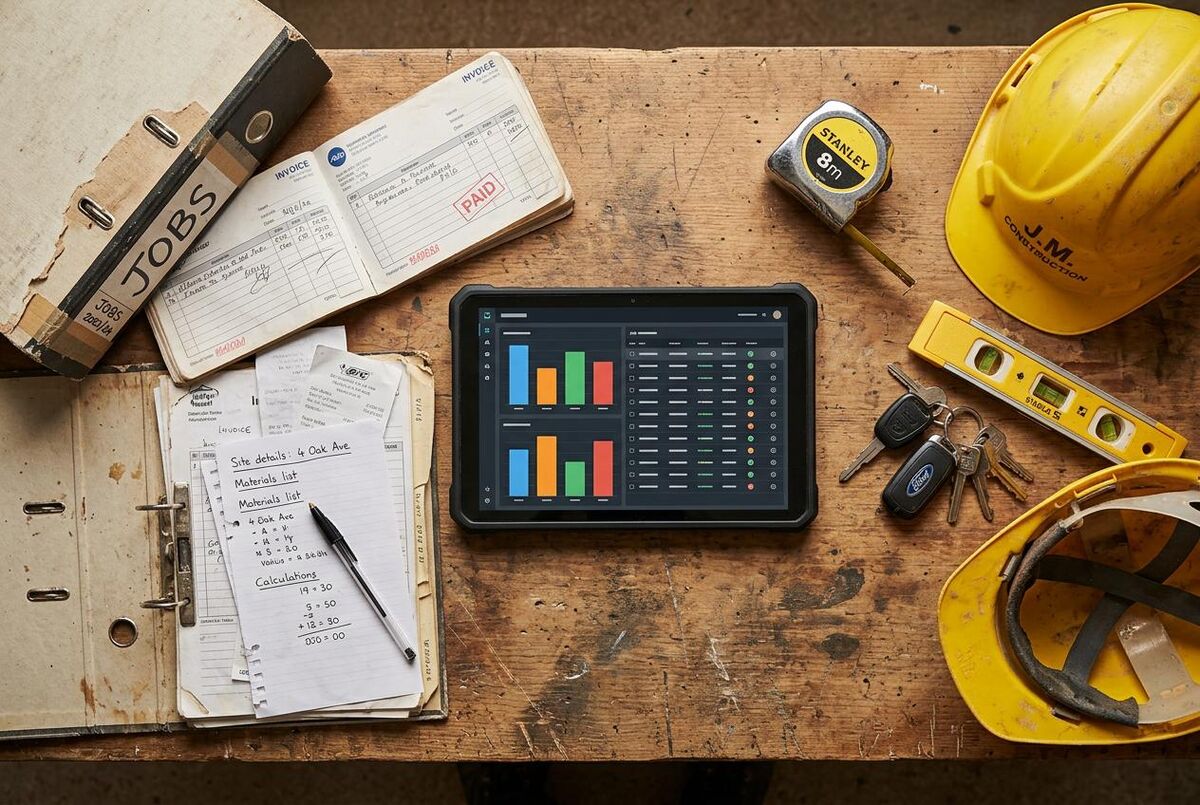
Stage 4 businesses have taken their connected systems and added automation on top. The key distinction between Stage 3 and Stage 4 is that in Stage 3, a human still triggers most processes. In Stage 4, the system does it.
When a quote is sent, a follow-up is automatically scheduled for 48 hours later. When a job is completed, the invoice fires within minutes and a review request goes out to the customer. When a payment becomes overdue, the system sends a polite reminder without anyone having to do anything. When a new enquiry arrives via the website, an automated response goes back within two minutes.
This is not science fiction. These are tools available right now, at reasonable cost, that UK tradespeople are already using. One HVAC company documented their entire journey in our case study on going from paper diaries to AI scheduling.
The tools of Stage 4 automation
Automation at Stage 4 typically uses one of two approaches. The first is using the built-in automation features of your existing job management platform. ServiceM8, Tradify, BigChange, and Commusoft all have workflow automation built in, which handles follow-ups, reminders, and status-triggered communications.
The second approach, and the more powerful one, is using an automation platform like n8n or Make.com to connect your tools in custom ways. For example: a new enquiry comes through your website form, which triggers a webhook in n8n, which creates a job in ServiceM8, sends a WhatsApp message to the customer, and adds them to your CRM. This whole process takes under 30 seconds and involves no human input. Our AI-powered lead response guide walks through a ready-made version of this workflow.
Signs you are at Stage 4
- Quote follow-ups are automated and do not rely on you remembering
- Invoices are raised and payment reminders sent automatically
- New enquiries receive an immediate automated response
- Customer review requests go out automatically after job completion
- Routine communications (booking confirmations, reminders) require no manual action
- You have built at least one multi-step workflow connecting two or more tools
Where to Start with Automation
Do not try to automate everything at once. Pick the single highest-frequency repetitive task in your business and automate that first. For most trades businesses it is either quote follow-ups or invoice reminders. Get that working reliably, then move to the next one.
The real impact of Stage 4
A trades business that has reached Stage 4 can respond to enquiries faster, follow up more consistently, and get paid faster than competitors who are doing everything manually. None of these things require hiring extra staff. They require setting up the right systems once and letting them run.
Stage 5: AI-Powered
This is where I spend most of my time now, through TrainAR and Bazil Consultancy. Stage 5 is not as distant as it sounds, and it is not as complicated as the technology press makes it seem. AI-powered trades businesses are not running autonomous robots. They are using AI tools to handle specific tasks that used to require a person: writing quotes, responding to customer enquiries, analysing job profitability, and generating reports. At Help Me Fix, we built an AI assistant called Aidenn that handles intelligent triage across social housing and the private rented sector. The technology works. The question is whether you are ready to adopt it.
The most accessible AI tools for trades businesses right now are:
- ChatGPT or Claude for writing: quotes, emails to customers, social media posts, job descriptions for hiring, complaint responses. Our guide to writing quotes with ChatGPT covers the exact prompts and workflow.
- AI scheduling assistants that plan your daily route and job order based on location, job duration, and engineer availability
- AI-powered call handling that answers enquiries 24/7, qualifies leads, and books appointments directly into your calendar
- AI cost estimation tools that analyse past jobs and suggest pricing based on job type, location, and materials
- Predictive maintenance alerts that flag which service contract customers are likely to need a call-out before they contact you
The AI maturity model within Stage 5
Even within Stage 5, there is a spectrum. At the entry level, you are using AI as a writing assistant, saving 30-60 minutes per day on routine text tasks. At the advanced level, you have AI agents that handle entire workflows: receiving an enquiry, generating a quote, sending it to the customer, and booking the job when they accept, all without you touching it.
Most UK trades businesses will reach the entry level of Stage 5 in 2026. The advanced tier is realistic by 2027-2028 for businesses that invest the time in setting it up correctly. The people coming through now are different. They are more tech-savvy, more business-minded, and more ambitious than ever before. The good news is that the tools are ready for them.

Signs you are at Stage 5
- You use AI writing tools for at least some of your customer communications
- AI handles first-response to new enquiries (chatbot or AI receptionist)
- Scheduling is handled by AI based on multiple variables
- Pricing decisions are informed by AI cost analysis of past jobs
- You have at least one AI agent handling a multi-step business process
Tools by Stage: The Full Comparison
Here is a clear breakdown of which tools are appropriate at each stage, so you can see exactly what changes as you move up the maturity model.
| Function | Stage 1-2 (Paper/Basic) | Stage 3 (Connected) | Stage 4-5 (Automated/AI) |
|---|---|---|---|
| Jobs | Paper sheets, Excel | ServiceM8, Tradify, BigChange | Same + automated job creation from enquiries |
| Quoting | Word template, handwritten | Built-in quote builder in job management app | AI-assisted quote generation from job details |
| Scheduling | Paper diary, memory | In-app calendar, drag-and-drop scheduling | AI-driven scheduling with route planning |
| Invoicing | Word/Excel, handwritten | Auto-invoice from completed job | Auto-invoice + chased automatically until paid |
| Accounting | Spreadsheet or manual ledger | Xero or QuickBooks synced to job management | Same + AI cash flow forecasting |
| Customer comms | Phone, WhatsApp, text | Automated booking confirmation, reminders | AI handles first contact, qualifies leads, books |
| Payment collection | Bank transfer, manual chase | Online payment link with automated reminder | Auto-escalating payment sequence until paid |
| Reporting | None or manual spreadsheet | Built-in job/revenue reports | AI-generated profitability analysis by job type |
Your Roadmap: 2026-2028
Here is a realistic implementation timeline based on where most UK trades businesses are starting from in early 2026.
If you are at Stage 1-2 right now
- Q1-Q2 2026: Choose one job management platform and migrate your active jobs and customer records into it. Focus on getting invoicing, scheduling, and quoting working in one place. Do not customise everything at once, just get the basics working.
- Q3 2026: Connect your job management platform to your accounting software. Set up automated invoice creation from completed jobs. Set up automated payment reminders.
- Q4 2026: Start using AI writing tools for quotes and customer emails. This is low-risk and immediately saves time. Aim to spend 30 minutes setting up 3-4 AI prompt templates for your most common scenarios.
- 2027: Add one automation workflow. Start with quote follow-ups or new enquiry responses. Use n8n or Make.com, or the built-in automation features of your job management platform.
- 2028: Evaluate AI scheduling and AI-powered call handling. By 2028, these tools will be mature enough and cheap enough that most trades businesses will be adopting them.
If you are at Stage 3 right now
- Q1 2026: Audit your current automation. Our automation audit playbook walks you through the process step by step. What follow-ups are still manual? What reminders still require a human to send? Make a list and prioritise the highest-frequency tasks.
- Q2 2026: Build your first external automation workflow. Connect your job management platform to WhatsApp or email using n8n or Make.com. Automate quote follow-ups first.
- Q3-Q4 2026: Integrate AI writing assistance into your daily workflow. Set up ChatGPT or Claude with custom prompts for your business. Train yourself to use it for quotes, complaints, and customer communications.
- 2027: Explore AI call handling or AI chat for your website. These tools have matured rapidly and the cost has dropped sharply. A realistic AI receptionist for a trades business now costs £50-100 per month.
- 2028: Full AI integration: AI-assisted scheduling, predictive job costing, and AI agents handling entire inquiry-to-booking workflows.
Do Not Let Perfect Be the Enemy of Good
Every digital maturity model like this one risks making people feel they need to do everything at once. You do not. One tool working well beats five tools half-configured. Pick your next stage, implement one thing properly, and move on. Momentum matters more than comprehensiveness.
My Verdict
The gap between paper-based and digitally mature trades businesses is widening every year. By 2028, the difference in profitability, growth rate, and capacity between a Stage 1 business and a Stage 4 business will be large enough to affect who can compete for contracts and who cannot.
The good news is that the move from Stage 1 to Stage 3 is cheap, fast, and immediately rewarding. Most trades businesses that make the jump see time savings within weeks. The move from Stage 3 to Stage 4 requires some setup but pays back in hours saved every single week. Stage 5 is real and coming, but you have time to get there incrementally.
The worst thing you can do is wait for the perfect moment. Pick your next stage, pick one tool, and start this week.
Immediate priority: Get off paper and into a job management platform. This is the single highest-impact change most trades businesses can make.
2026 target: Stage 3 (connected systems) with automated invoicing and payment reminders. This alone saves 5-7 hours per week.
2027 target: Stage 4 (automated workflows). Quote follow-ups, enquiry responses, and review requests running without any manual intervention.
2028 target: Stage 5 entry (AI writing and AI call handling). Feasible for most businesses with some investment in setup time.
What the Trades Are Saying
Tradespeople across Reddit, TikTok, and Instagram are already talking about this shift. Here is what they are saying in their own words.
Learn From Other Tradespeople
These videos show real tradespeople and businesses using the tools and strategies at each stage of the maturity model. Watch them to understand what the transition looks like in practice.
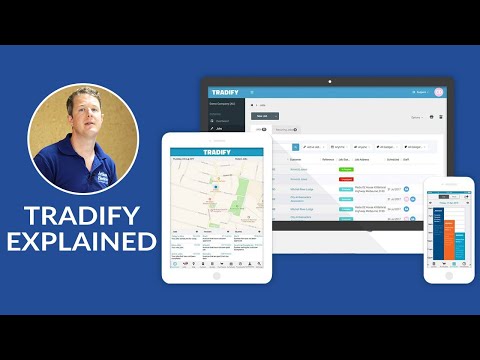
Tradify Job Management Software Explained
Artisan Electrics · 29,257 views
BigChange: The All-in-One Job Management System
BigChange · 67,374 views
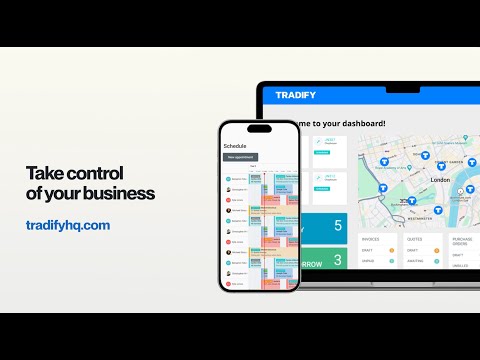
How Tradify Works
Tradify · 22,609 views
OfficeOn: Simple Software for Office and Site
Bosch Professional Power Tools UK · 23,046 views
Demo of ServiceM8: The App for Trade & Service Businesses
ServiceM8 · 4,096 views
How ServiceM8 Works
ServiceM8 · 6,108 views

Contractor Hacks for ChatGPT That 10x Your Productivity
Successful Contractor · 24,186 views

How To Build an AI Receptionist for a Trades Business
Brendan Jowett · 31,602 views
Build Your Digital Transformation Plan
TrainAR Academy has practical guides for every stage of the journey. Learn how to use ChatGPT for winning quotes, or explore our AI-powered lead response workflow to automate your first enquiry pipeline.
Explore TrainAR AcademyDigital Transformation FAQ for UK Trades
For most sole traders and small teams, the move from paper to a connected job management platform takes 4-8 weeks. The first week is setup and data migration. The second week is learning the tool. Weeks 3-8 are building good habits and configuring the remaining features. Most businesses see meaningful time savings within the first month.
The biggest barrier is not the software, it is making the decision to start. Once you have committed and spent the first afternoon setting things up, momentum builds quickly.
Start with the automation features already built into your job management platform. ServiceM8, Tradify, and BigChange all include automation for booking confirmations, reminders, and follow-ups at no extra cost beyond the platform subscription.
If you want to go further, n8n has a free self-hosted tier and Make.com offers 1,000 credits per month free. Either platform lets you build multi-step workflows connecting your job management app to WhatsApp, email, or Google Sheets without writing any code.
It depends on which AI tools you are talking about. AI writing assistants (ChatGPT, Claude) are useful right now for saving time on quotes, customer emails, and social media. Our complete guide to AI tools for tradespeople covers exactly which ones are worth your time. Any tradesperson who writes more than five emails a week will save time with these tools.
AI scheduling and AI call handling are real and working, but they require more setup and cost more. These are realistic for 2027-2028 for most trades businesses. The hype comes from people overstating how ready everything is right now. The reality is: some AI tools are excellent today, others need another year or two to mature.
Use a ready-made platform first. Building your own anything is always more complex and expensive than it looks. Start with the automation built into your job management software. If that is not enough, use n8n or Make.com to connect your existing tools.
Custom builds only make sense if you have a very specific process that no existing tool can handle, or if you are at a scale where the savings from a custom solution justify the development cost. For 95% of trades businesses, this is not the case.
Most job management platforms allow you to export your data as CSV files. Your customer list, job history, and invoice records can typically be exported and imported into a new platform. The process is not always smooth, and there will be some manual cleanup, but it is manageable.
Your accounting data in Xero or QuickBooks is separate and stays put regardless of which job management platform you use. For a full breakdown of migration costs and timelines, see our data-driven guide to switching FSM platforms. This is one reason why keeping your accounting in a dedicated tool (rather than relying on a job management platform for accounting) is good practice.
Show them what is in it for them, not what is in it for you. If a new tool means they spend less time on paperwork and more time on the tools, say that. If it means fewer phone calls chasing job details, say that. If it means getting paid faster, say that.
Start with a single person as a champion, ideally someone who is open to new technology. Get them using it confidently, then have them show the others. Peer-to-peer adoption is almost always more effective than top-down mandates. Budget for a proper training afternoon and do not expect everyone to just figure it out.