
Quick Answer
Zoho FSM handles scheduling and dispatch. QuickBooks handles your books. WhatsApp Business keeps your customers in the loop. Total cost for a 10-person team sits under £45 per user per month. That is enterprise-grade field service at SMB prices, and the three tools connect without writing a single line of code.

Table of Contents
- Why this stack works for growing trades businesses
- What Zoho FSM brings to the table
- QuickBooks as your financial backbone
- WhatsApp Business for customer communication
- Connecting the three: the integration walkthrough
- What it actually costs
- This stack vs the competition
- What tradespeople are saying
- Recommended videos
- Frequently asked questions
- My verdict
 Zoho FSM
 QuickBooks
 WhatsApp Business
Why this stack works for growing trades businesses
Most field service platforms sell you the dream of an all-in-one system. Then you see the price tag. ServiceTitan starts at several hundred pounds per month. Simpro charges per user and racks up fast once you pass five engineers. BigChange bundles everything but the monthly bill still lands north of £100 per head.
This stack takes a different approach. Three focused tools, each best in class at one job, connected through native integrations. Zoho FSM runs your field operations. QuickBooks manages your money. WhatsApp keeps customers informed without your office team spending half the day on the phone.
The sweet spot is businesses with 5 to 20 people. Sole traders can manage with simpler tools. Large enterprises need more customisation. But if you are in that growth zone where spreadsheets have stopped working and the enterprise platforms are out of reach, this stack fills the gap.
Trades businesses with 5 to 20 staff who need scheduling, invoicing, and customer comms without paying enterprise prices. Especially strong for HVAC, plumbing, electrical, and multi-trade operations running 100 to 300 jobs per month.
What Zoho FSM brings to the table

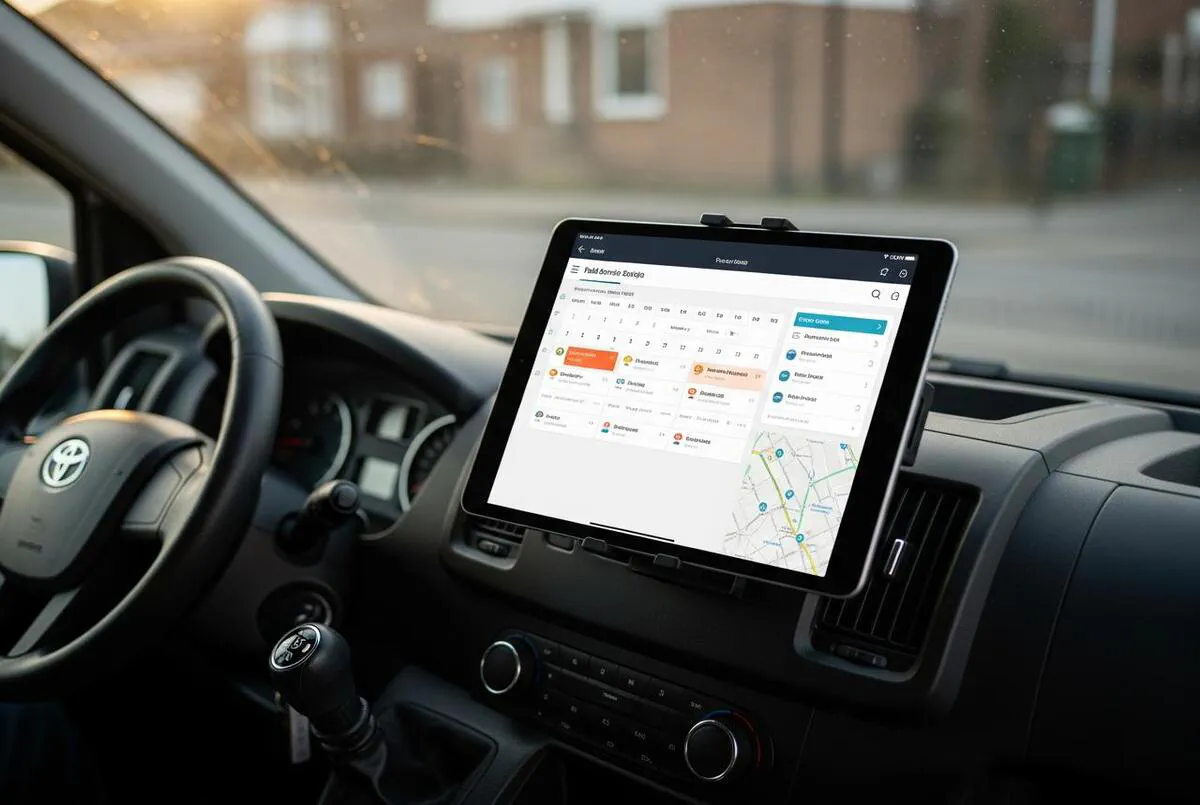
Zoho FSM is the field service arm of the wider Zoho ecosystem. It handles the operational core: scheduling appointments, dispatching engineers, tracking job progress, generating work orders, and collecting service reports. The mobile app gives your field team everything they need without calling the office.
Three pricing tiers keep things flexible. The free plan covers up to 30 appointments per month with 20 users, which is enough for a sole trader testing the water. The Standard plan at around $25 per month (roughly £20) unlocks location tracking, custom fields, map views, and web forms. The Professional plan at $45 per month (roughly £36) adds WhatsApp integration, multi-day appointments, maintenance plans, and resource management.
The pricing model is appointment-based rather than per-user. That is a real advantage for trades businesses. You pick a monthly appointment slab and your entire team uses it. A 10-person team running 150 jobs a month pays the same as a 3-person team running 150 jobs.
Free: 30 appointments/month, 20 users. Standard: from $25/month (~£20), 200 users, location tracking and custom fields. Professional: from $45/month (~£36), adds WhatsApp, maintenance plans, and resource management. All prices are appointment-based, not per user.
Zoho's AI scheduling assist is worth mentioning. It analyses technician availability, skills, and travel distance to suggest optimal dispatch patterns. It is not magic, but it removes the guesswork from dispatch decisions and saves your coordinator 20 to 30 minutes per day on a busy schedule.
The main limitation is reporting. Several users note that out-of-the-box reports are basic compared to premium FSM tools. You can build custom reports, but it takes time. If you need granular job profitability reporting from day one, pair it with QuickBooks reporting or a Google Sheets export.
QuickBooks as your financial backbone
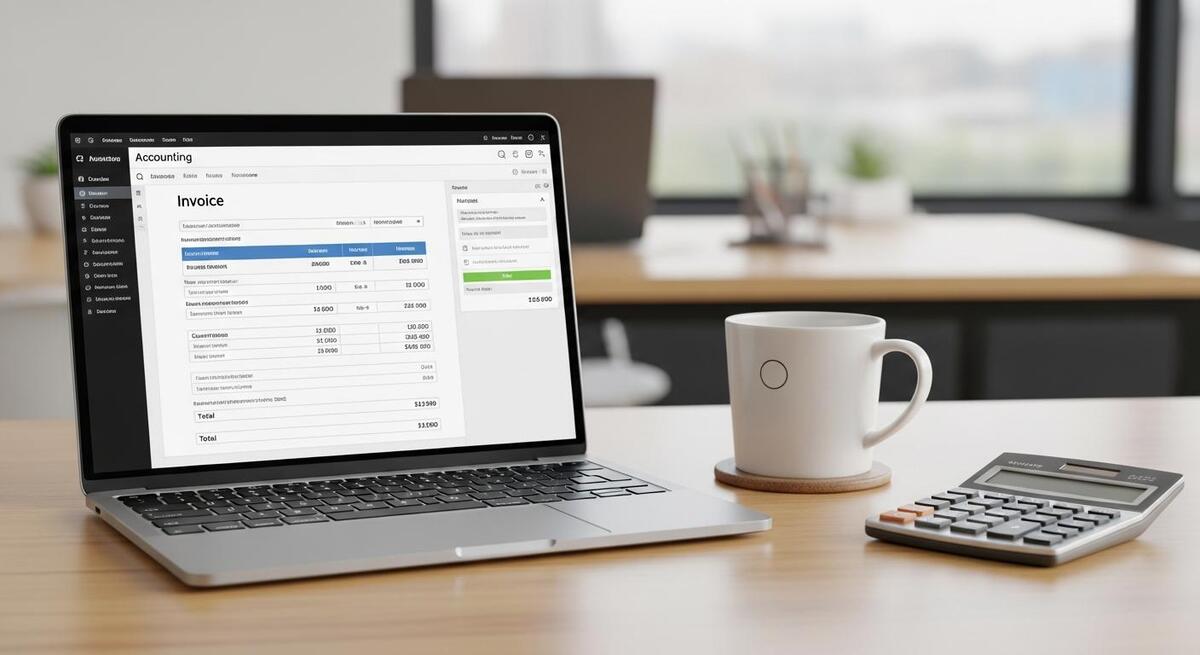
QuickBooks Online is the most widely used accounting platform for UK small businesses. It handles VAT returns, Making Tax Digital submissions, bank reconciliation, invoicing, expense tracking, and payroll. For trades businesses, CIS (Construction Industry Scheme) support is built into every plan at no extra cost.
UK pricing starts at £16 plus VAT per month for Simple Start, which covers one user with basic invoicing and expense tracking. Essentials at £38 plus VAT adds bill management and up to three users. Plus at £56 plus VAT handles inventory tracking and project profitability with up to five users. Advanced at £123 plus VAT adds batch invoicing, custom user roles, and up to 25 users.
For most trades businesses in the 5 to 20 range, Plus is the practical choice. It gives you project-level costing, which matters when you need to know whether that boiler installation actually made money after materials, labour, and travel. Essentials works if you just need basic bookkeeping and your accountant handles the rest.
QuickBooks integrates with over 700 apps. The connection to Zoho FSM runs through Zoho Flow or Zapier, syncing invoices, customer records, and billable time logs between the two platforms. More on that in the integration walkthrough below.
The honest downside: QuickBooks has raised prices steadily over the past three years, and customer support has drawn criticism from UK users. Several reviews on Startups.co.uk and Trustpilot mention slow response times and difficulty reaching a human. The software itself works well. Getting help when something goes wrong can be frustrating.
WhatsApp Business for customer communication
WhatsApp is already on your customers' phones. Over 2 billion people use it globally, and UK penetration sits above 75%. Most of your customers already message their plumber, electrician, or builder on WhatsApp. The Business version formalises that.
The free WhatsApp Business app gives you a business profile, automated greeting messages, away messages, quick replies for common questions, and labels to organise conversations by status (new enquiry, booked, completed, awaiting payment). That alone replaces half of what trades businesses use a receptionist for.
For larger operations, the WhatsApp Business API opens up programmable messaging. Appointment reminders, job completion notifications, and payment links can be triggered automatically when job status changes in Zoho FSM. API message costs are per-message: utility messages (confirmations, reminders) run at roughly £0.016 each, and service replies within 24 hours are free.
The free app works for teams under 10. You get automated replies, business profiles, and labels. The API (via Zoho FSM Professional plan or a provider like Twilio) adds programmable triggers, template messages, and multi-agent access. Most 5 to 15 person businesses start with the free app and move to the API when call volumes justify it.
Zoho FSM's Professional plan includes native WhatsApp integration. That means job status updates, appointment reminders, and customer notifications flow directly from your dispatch board to the customer's WhatsApp. No third-party connector needed. This alone justifies the Professional plan for customer-facing businesses.
Connecting the three: the integration walkthrough
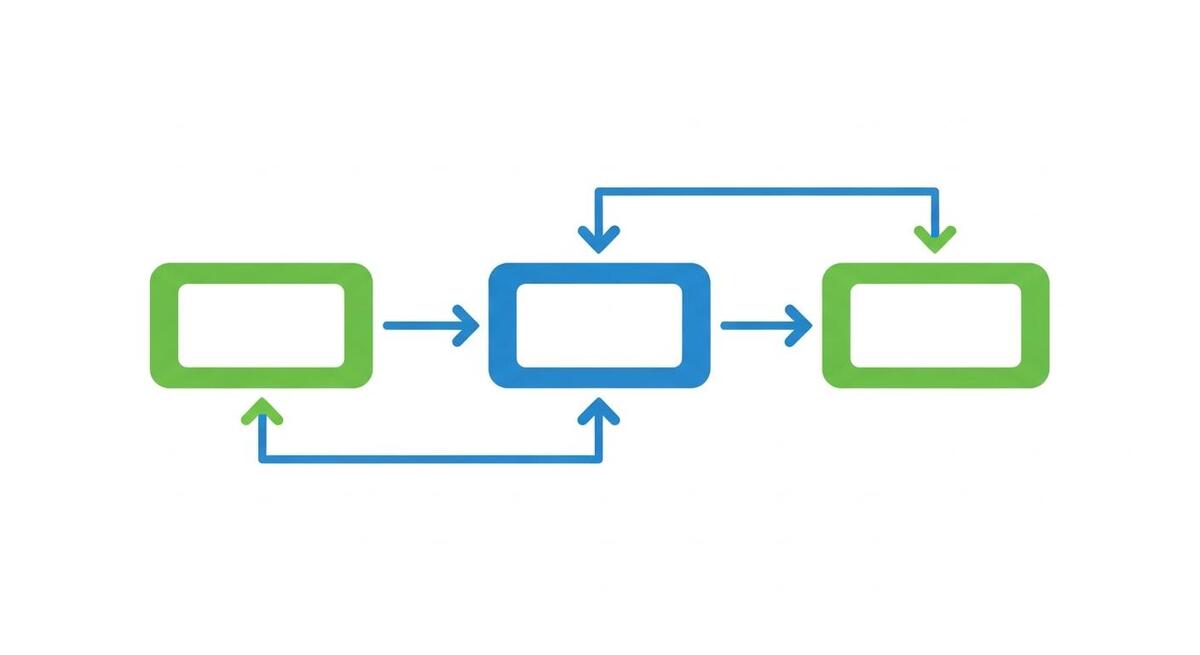
The three-tool connection has two main data paths. Zoho FSM talks to QuickBooks for financial data. Zoho FSM talks to WhatsApp for customer communication. QuickBooks and WhatsApp do not need to talk to each other directly.
Zoho FSM to QuickBooks: Three options exist. The native Zoho connector is built into FSM's settings panel. You authorise the connection, map your fields, and approved time logs transfer as billable hours while Zoho-generated invoices become QuickBooks invoices. Zoho Flow offers a no-code alternative with drag-and-drop workflow builders. Zapier provides a third option if you already use it for other automations.
Zoho FSM to WhatsApp: The Professional plan includes a direct WhatsApp integration. You connect your WhatsApp Business account in Zoho FSM settings, set up message templates for appointment confirmations, en-route notifications, job completion updates, and payment requests. These trigger automatically based on job status changes.
Setup time for the full stack is realistic at half a day. QuickBooks to Zoho FSM sync takes about 30 minutes to authorise and map fields. WhatsApp connection takes another 20 minutes if your WhatsApp Business account is already verified. The rest goes to configuring message templates, setting up your service categories, and importing your customer list.
The QuickBooks sync transfers customer names, invoice amounts, and line items. Custom fields in Zoho FSM do not automatically map to QuickBooks. If you track things like boiler model numbers or certificate references in custom fields, you will need to either add them to invoice descriptions manually or build a Zoho Flow automation to include them.
For businesses already using WhatsApp with Make.com for lead response, the Zoho FSM WhatsApp integration complements rather than replaces that workflow. Make.com handles inbound lead qualification. Zoho FSM handles operational customer updates once the job is booked.
What it actually costs

Here is a realistic breakdown for three team sizes. All figures assume annual billing where available and exclude VAT.
| Component | 5-person team | 10-person team | 15-person team |
|---|---|---|---|
| Zoho FSM (Standard) | ~£20/month | ~£20/month | ~£30/month |
| QuickBooks (Essentials) | £38/month | £38/month | £56/month (Plus) |
| WhatsApp Business | Free | Free | ~£15/month (API) |
| Total monthly | ~£58 | ~£58 | ~£101 |
| Per user/month | ~£12 | ~£6 | ~£7 |
The per-user cost drops as you grow because Zoho FSM charges by appointment volume, not headcount. A 5-person team and a 10-person team doing the same number of jobs pay the same Zoho FSM fee. That is unusual in this market and genuinely useful for businesses that are hiring.
Compare that to alternatives. BigChange starts at £30 per user per month for the base plan. ServiceTitan does not publish pricing but users report £150 to £300 per month minimum. Simpro charges per user and adds up fast. Even Tradify at £25 per user costs more per head than this full three-tool stack once you pass five users.
This stack vs the competition
| Feature | Zoho FSM + QB + WhatsApp | ServiceTitan | BigChange | Jobber + Xero |
|---|---|---|---|---|
| Monthly cost (10 users) | ~£58 | £200+ | £300+ | £175+ |
| Scheduling and dispatch | Yes | Yes | Yes | Yes |
| AI-assisted scheduling | Yes | Yes | No | No |
| Native WhatsApp | Yes | No | No | No |
| UK accounting (MTD/CIS) | Yes (QuickBooks) | Yes | Yes (via Xero) | Yes (Xero) |
| Mobile app | Yes | Yes | Yes | Yes |
| GPS tracking | Yes | Yes | Yes | No |
| Setup complexity | Low | High | Medium | Low |
| Free tier available | Yes | No | No | No |
The trade-off is clear. This stack costs a fraction of the enterprise options and covers 80% of what most 5 to 20 person businesses need. What you give up is deep reporting, built-in fleet tracking, and single-vendor support. If you need job profitability down to the penny from day one, something like Commusoft with Sage and n8n offers more granular financial insight, but at a higher price point.
What tradespeople are saying
Recommended videos

Zoho FSM Demo, Review and Tutorial (2026)
Full walkthrough of Zoho FSM features and interface

Zoho FSM Review 2026: Is This the Best FSM Tool?
Independent review covering pricing, features, and limitations

Automate Your B2C Business with Zoho FSM and WhatsApp
How to connect Zoho FSM with WhatsApp for customer updates
Integrate Zoho CRM, FSM, and Books for Better Field Operations
Connecting the Zoho ecosystem for end-to-end job management

QuickBooks Sole Trader: The Ultimate CIS App Walkthrough
CIS setup and management for UK trades in QuickBooks

Learn 80% of QuickBooks UK Online in 15 Minutes
Quick-start guide covering the essentials for UK businesses

WhatsApp Business API Setup 2026 (Step-by-Step)
Complete setup including permanent access token and n8n integration

Zoho FSM Mobile App: Transform Your Field Service Management
Mobile app walkthrough for field technicians and dispatchers
Frequently asked questions
Yes. The free plan gives you 30 appointments per month with up to 20 users. Your data carries over when you upgrade. Start free, prove it works, then move to Standard when you hit the appointment ceiling.
CIS is built into every QuickBooks Online plan at no extra cost. You can verify subcontractors, apply the correct deduction rate, and file monthly CIS returns to HMRC directly from QuickBooks. It handles the 20% and 30% deduction rates automatically.
Most teams under 10 get by with the free app. It gives you automated greetings, quick replies, and labels. The API becomes worthwhile when you want automated job status updates triggered from Zoho FSM. The Professional plan includes that integration natively.
The native connector and Zoho Flow both have error logging. If a sync fails, you get a notification and can manually push the record. In practice, sync issues are rare, but they tend to happen with custom fields that are not mapped. Keep your field mapping simple and you will avoid most problems.
Yes, provided you follow the basics. WhatsApp Business messages require customer opt-in. Zoho FSM stores customer data on EU servers if you select the EU data centre. QuickBooks uses AWS data centres in the EU for UK accounts. Document your opt-in process and you are covered.
My verdict
This three-tool stack does 80% of what the enterprise platforms offer at 20% of the cost. Zoho FSM's appointment-based pricing means your costs stay flat as you hire, which is exactly what growing businesses need. QuickBooks is the safest accounting choice for UK trades. WhatsApp is where your customers already are. The connections between them work without needing a developer. If you are running 5 to 20 people and the all-in-one platforms are pricing you out, this is the stack I would start with. Get the free Zoho FSM plan running this week, connect it to your existing QuickBooks account, and see how it fits before committing to a paid plan.
The stack is not for everyone. If you need GPS fleet tracking out of the box, Fergus with Xero or BigChange handles that natively. If you need deep job costing with automatic P&L breakdowns, Commusoft or Simpro is a better fit. But for the majority of trades businesses in that 5 to 20 person sweet spot, this stack covers the essentials without the enterprise price tag.